# @builder\.io/react 中文文档
规范地址:https://npmcn.com/package/%40builder.io/react/
版本:9\.4\.11
npm 元数据更新时间:2026-11-05T12:29:30.315Z
中文译文更新时间:2026-11-08T19:00:31.305Z
软件包许可:MIT
本文由上游 README 翻译,可能存在偏差,请结合原文核对 API、命令与配置。版权与许可归原作者所有。
原始 npm 页面:https://www.npmjs.com/package/%40builder.io/react
原文对照:https://npmcn.com/package/%40builder.io/react/?lang=original
项目主页:https://github.com/BuilderIO/builder#readme
源码仓库:https://github.com/BuilderIO/builder
## 关键信息(来自 npm 元数据)
- 包体积(解压后):5.6 MB,344 个文件
- 模块格式:ESM + CJS
- TypeScript 类型:包内自带
- Node.js 要求:\>=6\.0\.0
- 运行依赖:5 个
- peer 依赖:react \>=16\.8\.0 \|\| ^19\.0\.0-rc,react-dom \>=16\.8\.0 \|\| ^19\.0\.0-rc
- 首次发布:2018-08-29T23:21:22.951Z
- 最新版本发布:2026-11-05T12:29:29.958Z
- 近 30 天下载量:294446(2026-10-09 至 2026-11-07,npm 官方下载统计)
- 已发布版本数:1305(近 12 个月 23 个)
## 中文简介
注意: 如果您想要将您的 React 服务器组件注册为自定义组件, 您需要使用我们的实验性 NextJS SDK [这里](https://github.com/BuilderIO/builder/tree/main/packages/sdks/output/nextjs)。 。 。 .
## 安装
```sh
npm install @builder.io/react
```
也可以使用:`pnpm add @builder.io/react`、`yarn add @builder.io/react`、`bun add @builder.io/react`
## README
# Builder.io 反应 SDK
注意: 如果您想要将您的 React 服务器组件注册为自定义组件, 您需要使用我们的实验性 NextJS SDK [这里](https://github.com/BuilderIO/builder/tree/main/packages/sdks/output/nextjs)。 。 。 .
## 最低限度支持的版本
这个 [`peerDependencies`](https://npmcn.com/package/%40builder.io/react/package.json) 许可 **反应和反应 DOM QQ16.8.0** (和回放19号). 这是一个安装范围,而不是对反应16的积极支持的保证. E2E测试的最小值是: **反应和反应 DOM 18.2.0**; 见 [框架版本矩阵](https://npmcn.com/package/%40builder.io/sdks/README.md#framework-version-guidance)。 。 。 .
## 一体化
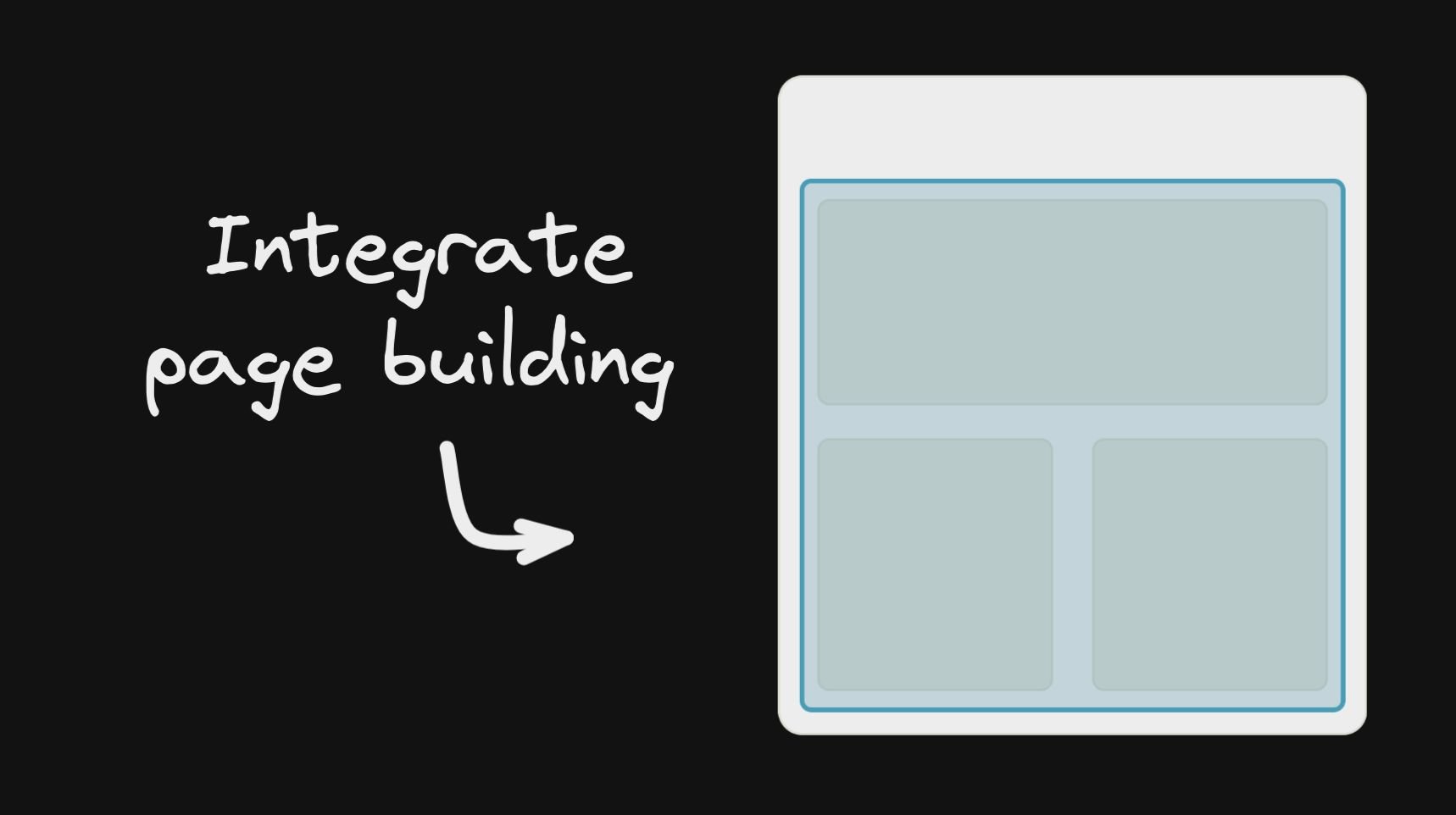
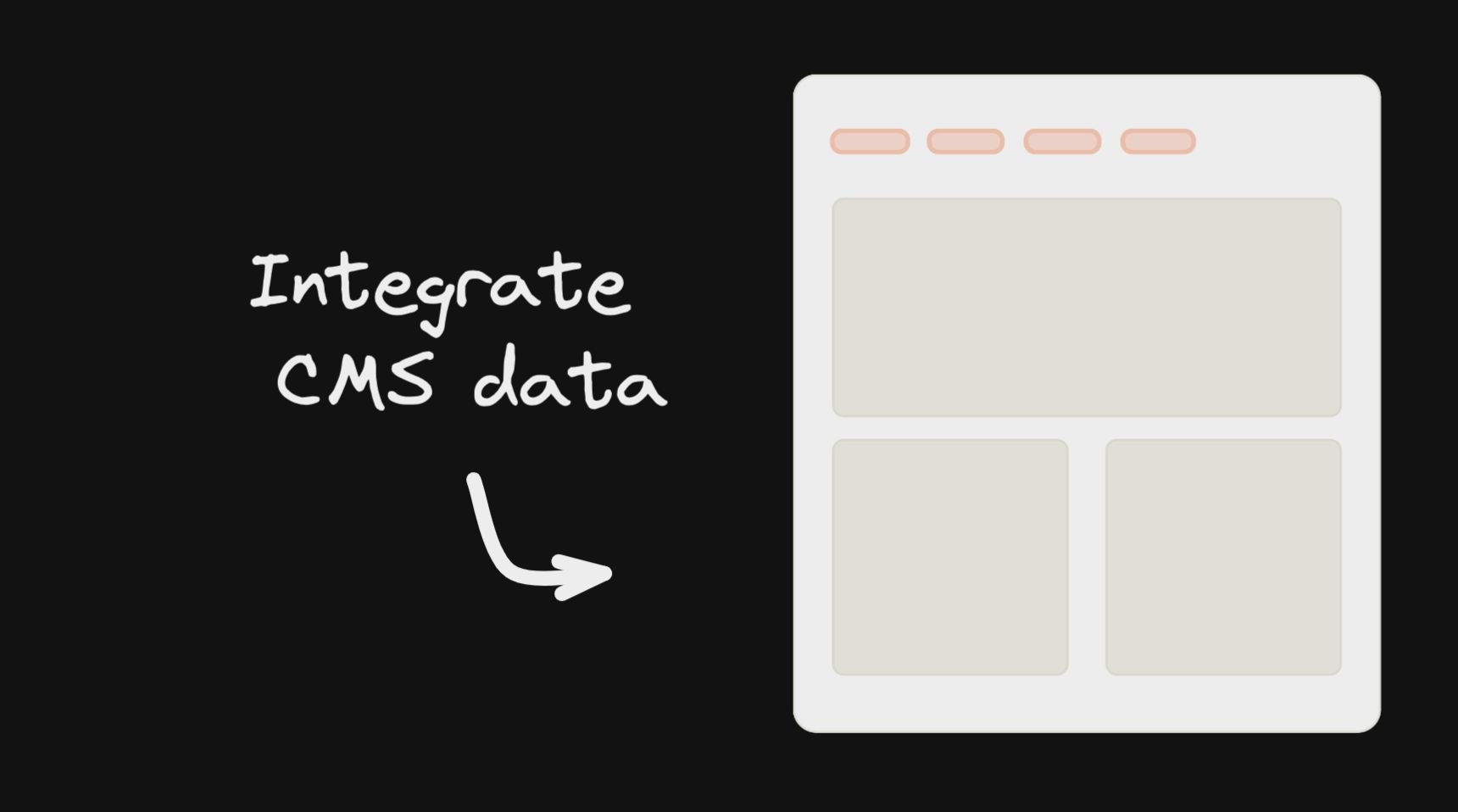
看我们的满分 [正在启动文件](https://www.builder.io/c/docs/developers),或跳入整合。 我们一般建议从网页构建开始,作为你的初步整合:
## 反应 API
### 简单示例
使用 Builder 的要旨是获取内容( 使用查询在 [自定义字段](https://www.builder.io/c/docs/custom-fields) 财务报告和审定财务报表 [目标](https://www.builder.io/c/docs/targeting-with-builder)。构建器的结构就像一个传统的无头CMS,你可以有不同的内容类型,叫做 [模型](https://www.builder.io/c/docs/guides/getting-started-with-models)。默认情况下,每个构建器空间都有一个 `"page"` 型号.
```tsx
import { builder } from '@builder.io/react'
const API_KEY = '...' // Your Builder public API key
const MODEL_NAME = 'page';
const content = await builder
.get(MODEL_NAME, {
// Optional custom query
query: {
'data.customField.$gt': 100,
},
// Optional custom targeting
userAttributes: {
urlPath: '/' // Most Builder content is targeted at least by the URL path
}
})
.promise()
// Later, pass the fetched content to the BuilderComponent
```
构建者的内容只是Json,你传递给一个 `` 来制作. [在这里多学点](https://www.builder.io/c/docs/how-builder-works-technical)
您可以查看所有选项 `builder.get` 用于获取内容 [我们在此充分提及](https://github.com/BuilderIO/builder/blob/main/packages/core/docs/interfaces/GetContentOptions.md)
例如,用 Next.js 将 Builder 作为您的主页:
```tsx
export const getStaticProps = async () => {
return {
props: {
builderContent: await builder
.get('page', {
userAttributes: {
urlPath: '/', // Fetch content targeted to the homepage ("/" url)
},
})
.promise(),
},
};
};
export default function MyHomePage({ builderContent }) {
return (
<>
);
}
```
也可以允许动态页面构建(在新的URL上动态创建新页面的能力). 例如,见 [本指南](https://www.builder.io/c/docs/integrating-builder-pages) 如何做到这一点
### 注册组件
Builder最强大的功能之一是将自己的组件注册,用于拖放编辑器中. 您可以选择使用这些内置组件, 或是允许使用的唯一组件 (例如通过) [仅限组件模式](https://www.builder.io/c/docs/guides/components-only-mode)(中文(简体) )
```tsx
import { Builder } from '@builder.io/sdk-react';
function MyHero(props) {
/* Your own hero component in your codebase */
}
Builder.registerComponent(MyHero, {
name: 'Hero',
inputs: [
{ name: 'title', type: 'string' }, // Gets passed as the `title` prop to the Hero
],
});
```
学习更多关于 [在构建器中注册组件](https://www.builder.io/c/docs/custom-react-components)
### 构建组件
你可以找到满分 [这里的构建器组件道具的参考文件](https://npmcn.com/package/%40builder.io/react/docs/interfaces/builder_component_component.BuilderComponentProps.md)
```tsx
const MODEL_NAME = 'page';
// Render
;
```
见我们的指南 [盖茨比](https://github.com/BuilderIO/builder/tree/main/examples/gatsby) 财务报告和审定财务报表 [下一个.js](https://github.com/BuilderIO/builder/tree/main/examples/next-js) 使用这些框架的指南
#### 将数据和函数向下传递
也可以通过 [数据](https://www.builder.io/c/docs/guides/connecting-api-data) 财务报告和审定财务报表 [函数](https://www.builder.io/c/docs/react/custom-actions) 下至用于UI的构建器组件(例如绑定) 数据值为UI, 例如, 用于文本值或列表上显示的值, 以及触发例如单击按钮的行动 )
所有通过的数据都可用Builder 提供 [行动和约束](https://www.builder.io/c/docs/guides/custom-code) 作为 `state.*`,例如以下例子 `state.products`等将可用
```tsx
```
您也可以传递函数、自定义对象等复杂数据以及您可以使用的库 `context`. 与React上下文相类似,上下文一路下行(例如通过符号等). 此数据没有观察到变化和突变
```tsx
myService.addToCart(currentProduct),
lodash: lodash,
}}
content={builderJson}
/>
```
背景情况见 [行动和约束](https://www.builder.io/c/docs/guides/custom-code) 作为 `context.*`,例如 `context.lodash` 或者说 `context.myFunction()` 实例
#### 传递复杂数据
所有传下来的东西都可以在 `state` 数据和动作中的对象 - 例如. `state.products[0].name`
更多关于使用传递的数据 [这里](https://www.builder.io/c/docs/react/custom-actions)
### 构建器
全球 `Builder` 单通有多种用途. 最重要的是登记自定义组件.
```tsx
import * as React from 'react';
import SyntaxHighlighter from 'react-syntax-highlighter';
import { Builder } from '@builder.io/react';
class CodeBlockComponent extends React.Component {
render() {
return {this.props.code};
}
}
Builder.registerComponent(CodeBlockComponent, {
name: 'Code Block',
inputs: [
{
name: 'code',
type: 'string',
defaultValue: 'const incr = num => num + 1',
},
{
name: 'language',
type: 'string',
defaultValue: 'javascript',
},
],
});
```
见我们的完整指南 [在此注册自定义组件](https://www.builder.io/c/docs/custom-react-components)。 。 。 .
见 [用于注册的完整参考文件](https://github.com/BuilderIO/builder/blob/main/packages/core/docs/interfaces/Component.md)。 。 。 .
### 构建器关联
#### 使用数据模型
尽管您已经可以直接从我们的内容 API 中获取数据模型, 并像任何其他 API 资源一样使用它, 带有构建器组件, 您可以使用活版编辑 / 预览 / [A/B测试](https://forum.builder.io/t/a-b-testing-data-models/158) 中的数据模型.
##### 示例,设置可编辑的主题:
```tsx
{ (data, loading) => {
If (loading) {
return
}
return <>
/*pass values down to an example ThemeProvider, used as a wrapper in your application*/
{props.children}
}}
```
或从服务器侧取到并使用 `content` 道具,例如Next.js中
```tsx
export const getStaticProps = async () => {
return {
props: {
builderDataContent: await builder.get('site-settings', /* other options like queries and targeting */).promise()
}
}
}
export default function MyPage({ builderDataContent }) {
return {data =>
{/* ... more content ... */}
}
```
#### 使用页/节自定义字段
构建器中的页面和段落模型可用 [自定义字段](https://www.builder.io/c/docs/custom-fields)。为了允许对使用这些自定义字段的组件进行活版编辑/预览,您可以使用 BuilderContent 将输入数据从模型传递到显示内容以外的组件
##### 示例,通过自定义字段输入:
```tsx
{data => {
/*use your data here within your custom component*/
return (
<>
);
}}
```
#### 手动传递内容
这对进行服务器侧式渲染很有用, 例如: [盖茨比](https://github.com/BuilderIO/builder/tree/main/examples/gatsby) 财务报告和审定财务报表 [下一个.js](https://github.com/BuilderIO/builder/tree/main/examples/next-js) 或经由 装入我们默认的 API 以外的数据源, 例如您自己的数据库中保存的数据 [网络用户](https://www.builder.io/c/docs/webhooks)
```tsx
const content = await builder.get(‘your-data-model’, { ...options });
if (content) {
/*use your data here*/
return
}
```
#### 高级查询
使用自定义时 [模型](https://www.builder.io/c/docs/guides/getting-started-with-models) 财务报告和审定财务报表 [字段](https://www.builder.io/c/docs/custom-fields) 您可以对您的内容进行更高级的过滤 [查询](https://npmcn.com/package/%40builder.io/react/\(https://www.builder.io/c/docs/custom-fields\)) 财务报告和审定财务报表 [目标](https://www.builder.io/c/docs/guides/targeting-and-scheduling)
```tsx
import { BuilderContent, builder } from '@builder.io/react';
builder.setUserAttributes({ isLoggedIn: false })
export default () =>
```
### 构建器
反应 SDK 输出 SDK 的核心 [构建对象](https://github.com/BuilderIO/builder/tree/main/packages/core),用于设置类似 您的 API 密钥和用户属性
```tsx
import { builder } from '@builder.io/react';
builder.init(YOUR_KEY);
// Optional custom targeting
builder.setUserAttributes({
userIsLoggedIn: true,
whateverKey: 'whatever value',
});
```
#### 字节版本
注:如果您想要一个零依赖,快速而小型的构建器SDK用于React,我们强烈鼓励您尝试我们的Gen 2 React SDK. 你能找到的,我帮你找 [这里](https://github.com/BuilderIO/builder/tree/main/packages/sdks/output/react)。 。 。 .
这个SDK有一个lide版本,它只提供实现您构建器内容所需的最低限度的组件,它不会有任何默认注册的内置组件,这个选项应该与自定义组件一起工作. 主要区别在于您需要特别添加您想要使用的任何内置组件, 否则它们不会出现 . 要使用 lide 套件, 您将更改您从 `@builder/react` 改为 `@builder/react/lite` 然后只导入要使用的内置组件 :
```ts
// Change all imports from '@builder.io/react' to '@builder.io/react/lite'
import { BuilderComponent } from '@builder.io/react/lite';
// Import only what built-in components you like to use
import '@builder.io/react/dist/lib/src/blocks/Button';
import '@builder.io/react/dist/lib/src/blocks/Columns';
```
### 使用 API 版本 v3 查询内容指南
用于使用 API 版本 `v3`,您需要通过 apiVersion 作为 init 函数中的 “ v3 ” 。 例如:
```js
import { builder } from '@builder.io/react';
// First, initialize the SDK with your API key
builder.init('YOUR_API_KEY_GOES_HERE');
// Then, set the API version to v3
builder.apiVersion = 'v3';
```
#### 切换到 API 版本 v3 的原因
- 更好,更可扩展的以下内容: 查询 v3 建在全球规模的基础设施上,以确保快速响应时间和高可用性
- 有能力运送更多地物,速度更快:查询V3将使我们能够不断将最新地物运送给客户,而不会中断基本流量. 这些将只被运至查询 V3 而不是查询 API 的旧版本
_马上就来了..._
- 更好地支持本地化:基于本地化和查询的一些较新的特性将在查询V3中得到更好的支持
- 支持多层嵌入式引用:查询V3将允许您查询,解析,并返回已经嵌入了其他内容和符号的嵌入式引用内容.
## 节点 v20 + M1 Macs (苹果硅) 支持
SDKs的依赖 `isolated-vm`,用于在节点服务器上安全执行代码的库. 在节点v20和M1 Macs上运行时,该库有一个相容性问题. 要解决这个问题,你必须提供 `NODE_OPTIONS=--no-node-snapshot` 到运行您服务器的命令.
如果您不提供此旗帜, SDK 会跳过使用 `isolated-vm`。这只发生在运行节点v20的苹果硅机上.
更多信息见 [这个问题](https://github.com/laverdet/isolated-vm/issues/424#issuecomment-1864629126)。 。 。 .
## 常见问题
### @builder\.io/react 是什么?
注意: 如果您想要将您的 React 服务器组件注册为自定义组件, 您需要使用我们的实验性 NextJS SDK 这里。 。 。 \.
### 如何安装 @builder\.io/react?
在项目目录运行 npm install @builder\.io/react,或使用 pnpm add / yarn add / bun add。它还需要宿主项目提供 peer 依赖:react(\>=16\.8\.0 \|\| ^19\.0\.0-rc)、react-dom(\>=16\.8\.0 \|\| ^19\.0\.0-rc)。npm 7 及以上与 pnpm 8 及以上默认会自动安装必需的 peer 依赖,Yarn 需要手动安装。
### @builder\.io/react 支持 TypeScript 吗?
支持。包内自带 TypeScript 类型声明(package\.json 声明了 types 入口),安装后即可获得类型提示,无需再安装 @types 包。
### @builder\.io/react 支持 ESM 还是 CommonJS?
同时提供 ES Module 与 CommonJS 入口,import 和 require\(\) 都可以使用,打包工具会自动选择合适的版本。
### @builder\.io/react 需要什么版本的 Node\.js?
package\.json 的 engines 字段要求 Node\.js \>=6\.0\.0。版本不符时 npm 默认只给出警告,开启 engine-strict 后会拒绝安装。
### @builder\.io/react 可以商用吗?
@builder\.io/react 使用 MIT 许可。宽松许可:允许商业使用、修改和再分发,通常只需在分发时保留原版权与许可声明。以上为概括,不构成法律意见,请以许可原文为准。
### @builder\.io/react 的下载量有多少?
根据 npm 官方下载统计,@builder\.io/react 在 2026/10/09 – 2026/11/07 这 30 天内被下载 294,446 次,日均约 9,815 次。下载量会把 CI 构建、镜像同步和作为其他包依赖的安装一并计入,适合横向比较热度,不能直接等同于使用人数。
### @builder\.io/react 还在维护吗?
最新版本 9\.4\.11 发布于 2026/11/05(3 天前);至今共发布 1305 个版本,其中过去 12 个月发布了 23 个;首次发布于 2018/08/30。发布频率只是参考信号:功能稳定的工具可能很少需要更新,建议结合源码仓库的 issue 和提交记录判断。