# @datalayer/icons-all 中文文档
规范地址:https://npmcn.com/package/%40datalayer/icons-all/
版本:0\.0\.1
npm 元数据更新时间:2026-08-16T18:21:09.913Z
中文译文更新时间:2026-11-11T14:55:16.878Z
软件包许可:未声明
本文由上游 README 翻译,可能存在偏差,请结合原文核对 API、命令与配置。版权与许可归原作者所有。
原始 npm 页面:https://www.npmjs.com/package/%40datalayer/icons-all
原文对照:https://npmcn.com/package/%40datalayer/icons-all/?lang=original
项目主页:https://datalayer.design/
源码仓库:https://github.com/datalayer/icons
## 关键信息(来自 npm 元数据)
- 包体积(解压后):36.5 kB,14 个文件
- 模块格式:CommonJS
- TypeScript 类型:包内自带
- 运行依赖:9 个
- 首次发布:2026-08-16T18:21:09.217Z
- 最新版本发布:2026-08-16T18:21:09.608Z
- 近 30 天下载量:6010(2026-10-12 至 2026-11-10,npm 官方下载统计)
- 已发布版本数:1(近 12 个月 1 个)
## 中文简介
[](https://datalayer.io/)
## 安装
```sh
npm install @datalayer/icons-all
```
也可以使用:`pnpm add @datalayer/icons-all`、`yarn add @datalayer/icons-all`、`bun add @datalayer/icons-all`
## README
[](https://datalayer.io/)
[](https://github.com/sponsors/datalayer)
# 数据层图标
> React.js和用于数据产品的JupyterLab图标.
此寄存器包含一个收藏 [反应.js](https://react.dev/) 图标 [数据层](https://datalayer.tech/),覆盖 [朱比特语Name](https://jupyter.org/), (中文(简体) ), [库伯涅斯](https://kubernetes.io/) 以及其他生态系统.
图标也作为 [实验室](https://github.com/jupyterlab/jupyterlab/blob/main/packages/ui-components/README.md#labicon---set-up-and-render-icons) 对象,在 [朱皮特拉布](https://github.com/jupyterlab/jupyterlab)。 。 。 .
欢迎您在自己的数据产品中使用这些图标。 可在 [https://datalayer.design (英语)](https://datalayer.design/),给我们 [一颗恒星](https://github.com/datalayer/icons/stargazers) 如果你喜欢的话.
软件包发布于 [国家防范机制.js @datalayer/icons-resact](https://www.npmjs.com/package/@datalayer/icons-react) 并可以添加为对任何JavaScript或TypeScript项目的依赖.
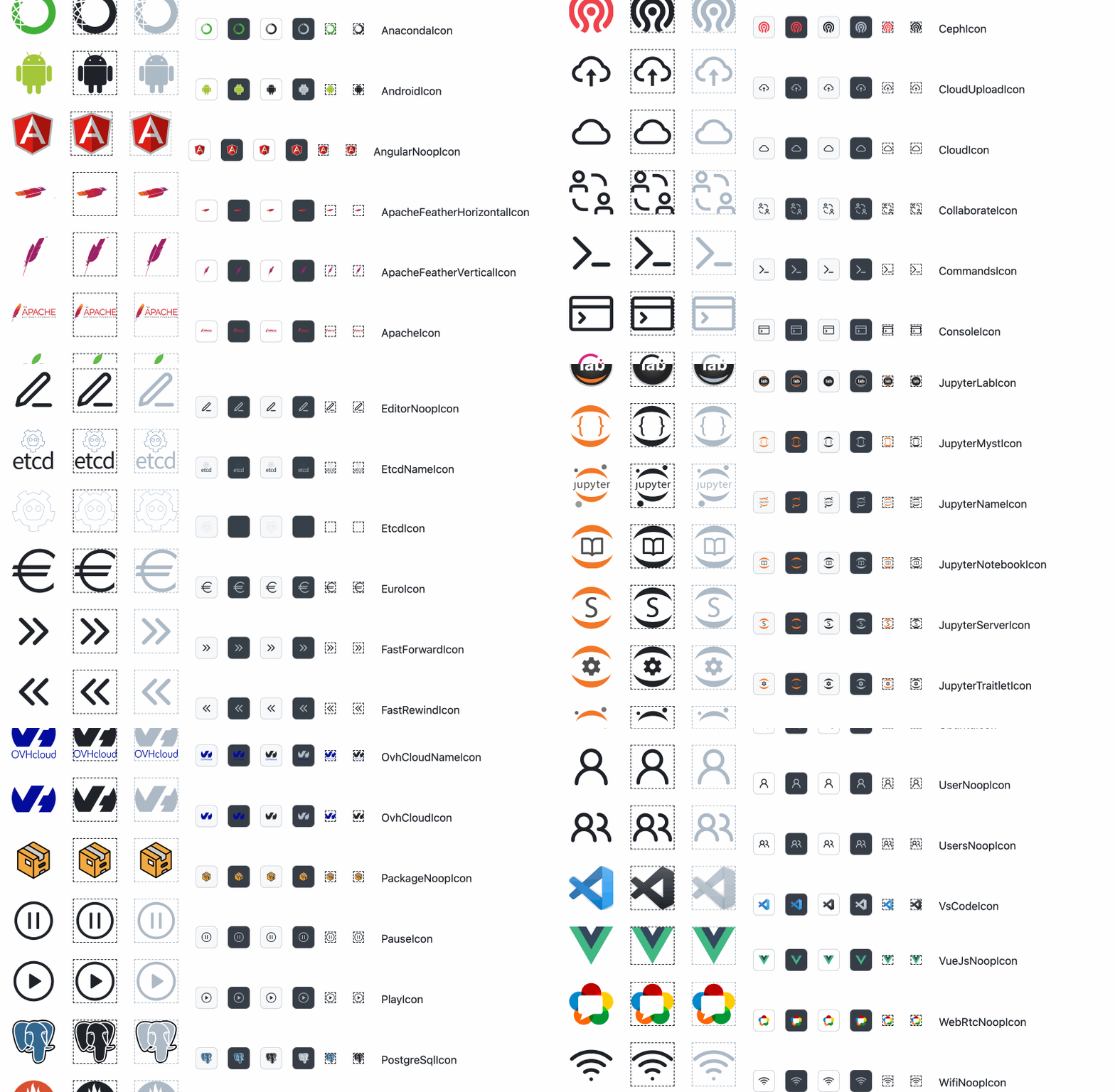
请打开一个 [问题](https://github.com/datalayer/icons/issues) 或一个 [拉动请求](https://github.com/datalayer/icons/pulls) 来更新,添加... 您的图标或任何建议, 关于此寄存器内容的问题.
我们正在寻找与现有数据开发者社区的联系,比如 [Jupyter社区](https://github.com/datalayer/icons/issues/31)。 。 。 .
## 用于 react.js 开发者
添加 `@datalayer/icons-react` 作为依赖,导入一个图标并渲染它.
```typescript
import { DatalayerGreenIcon } from "@datalayer/icons-react";
render(
)
```
示例 `AiAgentIcon` 和具有主题意识的颜色.
```tsx
import React from 'react';
import { AiAgentIcon } from '@datalayer/icons-react';
import {
ThemedProvider,
AppearanceControlsWithStore,
useThemeStore,
useColorPalette,
} from '@datalayer/primer-addons';
const AiAgentIconExample = () => {
const palette = useColorPalette();
return (
);
};
export const App = () => (
);
```
## 用于 JupyterLab 开发者
[朱皮特拉布](https://github.com/jupyterlab/jupyterlab) 图标 [实验室](https://github.com/jupyterlab/jupyterlab/blob/main/packages/ui-components/README.md#labicon---set-up-and-render-icons) 课。 JupyterLab 机械技术是一些限制,因为无法创建 `LabIcon` 从 React.js 组件(虽然能够从 LabIcon 中导出 React.js 组件),或无法从远程位置(像 HTTP 或 S3 服务器)装入 SVG ).
为了方便使用,我们把所有图标都暴露为 `LabIcon` 可以导入和直接使用.
```ts
import { scientistIconLabIcon } from '@datalayer/icons-react/data2/ScientistIconLabIcon';
```
如果您需要从 SVG 创建自己的 React 组件,只需导入优化的 SVG 文物,并在您的应用程序中重新使用.
```ts
import satelliteIconSvg from '@datalayer/icons-react/data2/SatelliteIcon.svg';
```
要从 TypeScript 装入 SVG, 您需要创建类型声明文件 .
```ts
// svg.d.ts
declare module "*.svg" {
const value: any;
export default value;
}
```
## 数据产品设计师
数据产品设计师可能会添加或更新现有的图标.
为此,初始步骤是克隆这个寄存器并安装依赖性.
```bash
git clone https://github.com/datalayer/icons
cd icons
npm install
```
设计者将创建 SVG 并将其添加到其中之一 `svg` 此寄存器的子文件夹.
要在此寄存器中添加图标, 请添加 SVG( 最好是视图框) `0 0 20 20`图标之一 `svg` 子文件夹。 然后执行以下命令.
TODO: 描述差异 `data1` 财务报告和审定财务报表 `data2`。 。 。 .
```bash
npm run build-icons
```
您可以预览运行以下命令的图标( 有时由于显示许多图标, 颜色不对应) .
```bash
npm start
```
## 组合
我们将努力 [为绘图工具创建stencils](https://github.com/datalayer/icons/issues/2)。 。 。 .
## 他们
我们的目标是支持 [初级反应](https://primer.style/react/theming), (中文(简体) ), [朱皮特拉布](https://github.com/jupyterlab/jupyterlab/blob/main/packages/ui-components/README.md#labicon---set-up-and-render-icons) 作为 [多龙](https://docusaurus.io/) 主题.
## 用户
您可以下载 `PNG` 或者说 `SVG` 图标的版本来自 [https://datalayer.design (英语)](https://datalayer.design/)。 。 。 .
## 图标图片库
要查看可用图标的相册, 请运行以下命令 .
```bash
npm install
npm run build
npm run dev
```
## 图标属性
- `colored` - 显示图标的彩色版本(如果可用).
- `size`数字 : `"small"` | `"medium"` | `"large"` | `number` - 指定图标的大小 - `"small"` 默认.
```typescript
// For example.
```
## SVG 开源
这些是开源SVG的有用地.
- 靴子陷阱图标 [https://github.com/twbs/icons (英语)](https://github.com/twbs/icons) [https://icons.getbootstrap.com 互联网档案馆的存檔,存档日期2013-12-04](https://icons.getbootstrap.com/)
- 羽毛图标 [https://github.com/feathericons/feather 页面存档备份,存于互联网档案馆](https://github.com/feathericons/feather) [https://feathericons.com (中文(简体) )](https://feathericons.com/)
- 英雄们 [https://github.com/tailwindlabs/heroicons (中文(简体) )](https://github.com/tailwindlabs/heroicons) [https://heroicons.com (中文(简体) )](https://heroicons.com/)
- 图标 [https://github.com/iconify/iconify 页面存档备份,存于互联网档案馆](https://github.com/iconify/iconify) [https://icon-sets.iconify.design (英语)](https://icon-sets.iconify.design/)
- 图标门斯特 [https://iconmonstr.com (中文(简体) )](https://iconmonstr.com/)
- 图标.js [https://github.com/antfu/icones (中文(简体) )](https://github.com/antfu/icones) [页:1](https://icones.js.org/)
- Lobe 图标 [https://github.com/lobehub/lobe-icons (英语)](https://github.com/lobehub/lobe-icons) [https://icons.lobehub.com (中文(简体) )](https://icons.lobehub.com/)
- 卢西德 [https://github.com/lucide-icons/lucide (英语)](https://github.com/lucide-icons/lucide) [https://lucide.dev (英语)](https://lucide.dev/)
- 打开Moji [https://github.com/hfg-gmuend/openmoji 页面存档备份,存于互联网档案馆](https://github.com/hfg-gmuend/openmoji) [https://openmoji.org (英语)](https://openmoji.org/)
- 初级八进制 [https://github.com/primer/octicons (英语)](https://github.com/primer/octicons) [https://primer.style/foundations/icons (英语)](https://primer.style/foundations/icons)
- Radix UI 图标 [https://github.com/radex-ui/icons (中文(简体) )](https://github.com/radix-ui/icons) [https://icons.radex-ui.com (中文(简体) )](https://icons.radix-ui.com/)
- 反应图标 [https://github.com/resact-icons/resact-icons 页面存档备份,存于互联网档案馆](https://github.com/react-icons/react-icons) [https://react-icons.github.io/react-icons (英语)](https://react-icons.github.io/react-icons)
- SVG 重播 [https://www.svgrepo.com (中文(简体) )](https://www.svgrepo.com/)
- 科学图标 [https://github.com/curverote/ scienceicons (中文(简体) )](https://github.com/curvenote/scienceicons)
- 简单图标 [https://github.com/simple-icons/simple-icons (中文(简体) )](https://github.com/simple-icons/simple-icons) [https://simpleicons.org (英语)](https://simpleicons.org/)
- 样式图标 [https://github.com/styled-icons/styled-icons 页面存档备份,存于互联网档案馆](https://github.com/styled-icons/styled-icons) [https://styled-icons.dev (英语)](https://styled-icons.dev/)
## 释放
数据层图标在 [国家](https://www.npmjs.com/package/@datalayer/icons-react)。 。 。 .
## 许可证
版权 (c)2022 Datalayer, Inc.
图标根据麻省理工学院许可条款发布(参见: [自由主义](https://npmcn.com/package/%40datalayer/icons-all/LICENSE)) (中文(简体) ).
三会偶像根据各自许可证进行再分配以方便.
## 常见问题
### 如何安装 @datalayer/icons-all?
在项目目录运行 npm install @datalayer/icons-all,或使用 pnpm add / yarn add / bun add。
### @datalayer/icons-all 支持 TypeScript 吗?
支持。包内自带 TypeScript 类型声明(package\.json 声明了 types 入口),安装后即可获得类型提示,无需再安装 @types 包。
### @datalayer/icons-all 支持 ESM 还是 CommonJS?
以 CommonJS 形式发布,可以直接 require\(\);在 ES Module 项目中也可以用 import 引入(Node\.js 会把 module\.exports 作为默认导出)。
### @datalayer/icons-all 可以商用吗?
@datalayer/icons-all 使用 未声明 许可。package\.json 没有声明许可证。没有许可证的代码默认保留全部权利,商用前请联系作者或查看仓库中的 LICENSE 文件。以上为概括,不构成法律意见,请以许可原文为准。
### @datalayer/icons-all 的下载量有多少?
根据 npm 官方下载统计,@datalayer/icons-all 在 2026/10/12 – 2026/11/10 这 30 天内被下载 6,010 次,日均约 200 次。下载量会把 CI 构建、镜像同步和作为其他包依赖的安装一并计入,适合横向比较热度,不能直接等同于使用人数。
### @datalayer/icons-all 还在维护吗?
最新版本 0\.0\.1 发布于 2026/08/17(2 个月前);至今共发布 1 个版本,其中过去 12 个月发布了 1 个;首次发布于 2026/08/17。发布频率只是参考信号:功能稳定的工具可能很少需要更新,建议结合源码仓库的 issue 和提交记录判断。