# @geoapify/geocoder-autocomplete 中文文档
规范地址:https://npmcn.com/package/%40geoapify/geocoder-autocomplete/
版本:3\.1\.0
npm 元数据更新时间:2026-07-28T09:57:21.252Z
中文译文更新时间:2026-11-16T04:15:05.868Z
软件包许可:MIT
本文由上游 README 翻译,可能存在偏差,请结合原文核对 API、命令与配置。版权与许可归原作者所有。
原始 npm 页面:https://www.npmjs.com/package/%40geoapify/geocoder-autocomplete
原文对照:https://npmcn.com/package/%40geoapify/geocoder-autocomplete/?lang=original
项目主页:https://geoapify.github.io/geocoder-autocomplete/
## 关键信息(来自 npm 元数据)
- 包体积(解压后):1.1 MB,49 个文件
- 模块格式:ESM + CJS
- TypeScript 类型:包内自带
- 运行依赖:0 个
- 首次发布:2020-04-13T07:30:52.365Z
- 最新版本发布:2026-07-28T09:57:21.088Z
- 近 30 天下载量:48449(2026-10-16 至 2026-11-14,npm 官方下载统计)
- 已发布版本数:36(近 12 个月 1 个)
## 中文简介
一个JavaScript地址自动完成输入,兼容Leaflet,MapLibre,OpenLayers等地图库,用于高效的位置搜索和地理编码.
## 安装
```sh
npm install @geoapify/geocoder-autocomplete
```
也可以使用:`pnpm add @geoapify/geocoder-autocomplete`、`yarn add @geoapify/geocoder-autocomplete`、`bun add @geoapify/geocoder-autocomplete`
## README
# 地理编码自动完成
[](https://geoapify.github.io/geocoder-autocomplete/)
轻量级 TypeScript/ JavaScript 库 **地址自动补全** 用于构建 **地址自动填充** 工作流程. 它的动力来自 [地理化地址自动完成 API](https://www.geoapify.com/address-autocomplete/) 并支持过滤器、偏差、类别搜索和自定义请求功能.
## 目录
- [特征](https://npmcn.com/package/%40geoapify/geocoder-autocomplete/#readme-features)
- [快速启动](https://npmcn.com/package/%40geoapify/geocoder-autocomplete/#readme-quick-start)
- [文档](https://npmcn.com/package/%40geoapify/geocoder-autocomplete/#readme-documentation)
- [试试现在](https://npmcn.com/package/%40geoapify/geocoder-autocomplete/#readme-try-it-now)
- [捐款和支助](https://npmcn.com/package/%40geoapify/geocoder-autocomplete/#readme-contributions-and-support)
## 特征
- **自定义地址输入** ——易地嵌入地址自动完成字段在您网络应用程序的任何地方. 将它们附入任何 HTML 容器(例如 a) `DIV`自由地对待他们.
- **由Geoapify APIs提供动力** - 连接到 [地理化地址自动完成 API](https://www.geoapify.com/address-autocomplete/) 用于实时地址建议。 自定义请求函数可以连接一个代理或另一个相容的数据源.
- **高级搜索自定义** ——精细调整自动完成行为,具有灵活的滤波器和偏差设置(国,圆,矩,相近),用于高度相关和本地化的结果.
- **结构化地址表** - 使用 `type` 参数用于构建结构化输入字段(例如:国家、城市、邮政编码、街道或便利),用于报到或登记表格.
- **类别 & POI 搜索** ——启用餐馆,酒店,加油站等基于类别的查询. 当活动时,分类建议与处理结果一起出现,以便进行更丰富、更了解上下文的搜索.
- **内建地点列表** —— 直接在界面中显示分类位置与来自 [地理化地点 API](https://www.geoapify.com/places-api/)。清单包括名称、地址和开放时间,加上人工或滚动加载,以获得更多结果.
- **地点细节集成** - 选择性地从秘书处获取补充资料和地理图 [地理化地点细节 API](https://www.geoapify.com/place-details-api/) ——用于显示边界,多边形,或丰富地上下文的理想.
- **自定义外观和感觉** ——从四个内置的光/暗主题中选择,或覆盖所记录的CSS类.
- **无依赖** ——不需要外部图书馆. 清洁,轻量级, 和框架的不可知性通过设计.
## 快速启动
### 1\. 获取地理化 API 密钥
访问 [Geoapify.com (英语)](https://www.geoapify.com/) 报名并获得你的 **免费 API 密钥**。 。 。 .
地理化提供 **免费计划** 包括最多 **每天3 000个地址查询请求**,使其成为测试,原型,和小项目的理想.
你可以探索所有可用的计划和使用限制 [地理化定价页面](https://www.geoapify.com/pricing/)。 。 。 .
### 2\. 选择安装方法
使用包管理设置或CDN设置.
#### npm 或 Yarn 数据
安装软件包 :
```bash
npm install @geoapify/geocoder-autocomplete
# or
yarn add @geoapify/geocoder-autocomplete
```
添加容器 :
```html
```
然后导入构造器和被包装的主题之一:
```javascript
import { GeocoderAutocomplete } from '@geoapify/geocoder-autocomplete';
import '@geoapify/geocoder-autocomplete/styles/minimal.css';
const addressAutocomplete = new GeocoderAutocomplete(
document.getElementById('autocomplete'),
'YOUR_API_KEY',
{
placeholder: 'Enter address...',
lang: 'en',
limit: 5
}
);
```
#### 光盘N
对于没有构建步骤的页面,请使用此完整的 HTML 设置 :
```html
```
这创造了一个交互输入,可以实时获取地址建议. 您可以通过 [构造器](https://geoapify.github.io/geocoder-autocomplete/api-reference/geocoder-autocomplete/#constructor) 和可用 [选项](https://geoapify.github.io/geocoder-autocomplete/api-reference/geocoder-autocomplete-options/)。 。 。 .
### 3\. 聆听活动
订阅事件以响应用户选择或 API 更新 :
```javascript
addressAutocomplete.on('select', (feature) => {
console.log('Selected location:', feature);
});
addressAutocomplete.on('suggestions', (suggestions) => {
console.log('Address suggestions:', suggestions);
});
addressAutocomplete.on('open', () => console.log('Dropdown opened'));
addressAutocomplete.on('close', () => console.log('Dropdown closed'));
```
参见本报告所列现有事件的完整清单 [参考文献](https://geoapify.github.io/geocoder-autocomplete/api-reference/geocoder-autocomplete/#listening-for-events)。 。 。 .
### 4\. 清理
打电话 `destroy()` 删除主机页面或框架组件之前:
```javascript
addressAutocomplete.destroy();
```
这将取消活动请求生命周期,并删除控件拥有的DOM收听器和标记. 如果视图再次挂起, 则创建新实例 .
## 文档
探索集成、配置和维护自动完成的指南:
- **[API 参考](https://geoapify.github.io/geocoder-autocomplete/api-reference/geocoder-autocomplete/)** - 方法、选择和活动的全部清单
- **[样式指南](https://geoapify.github.io/geocoder-autocomplete/styling/)** - 主题、CSS课程和定制提示
- **[寿命周期和错误](https://geoapify.github.io/geocoder-autocomplete/lifecycle-and-errors/)** - 取消、失败、授标和清理
- **[生产指导](https://geoapify.github.io/geocoder-autocomplete/production/)** - API钥匙限制和排除故障
## 试试现在
### 地址 自动完整游戏场
尝试在游戏场中自动完成地址 。 实验用不同的选择,如地理编码,偏差结果,以及更多,来观察自动完成行为如何适应:
- [游戏场](https://apidocs.geoapify.com/playground/geocoding/#autocomplete)
### 现场演示收藏
本寄存器中可提供一套完整的即时运行演示.
这些例子说明如何将 **地理编码自动完成** 从简单的地址表到先进的基于地图的应用程序.
| 预览 | 说明 | 演示 | 来源 |
| --- | --- | --- | --- |
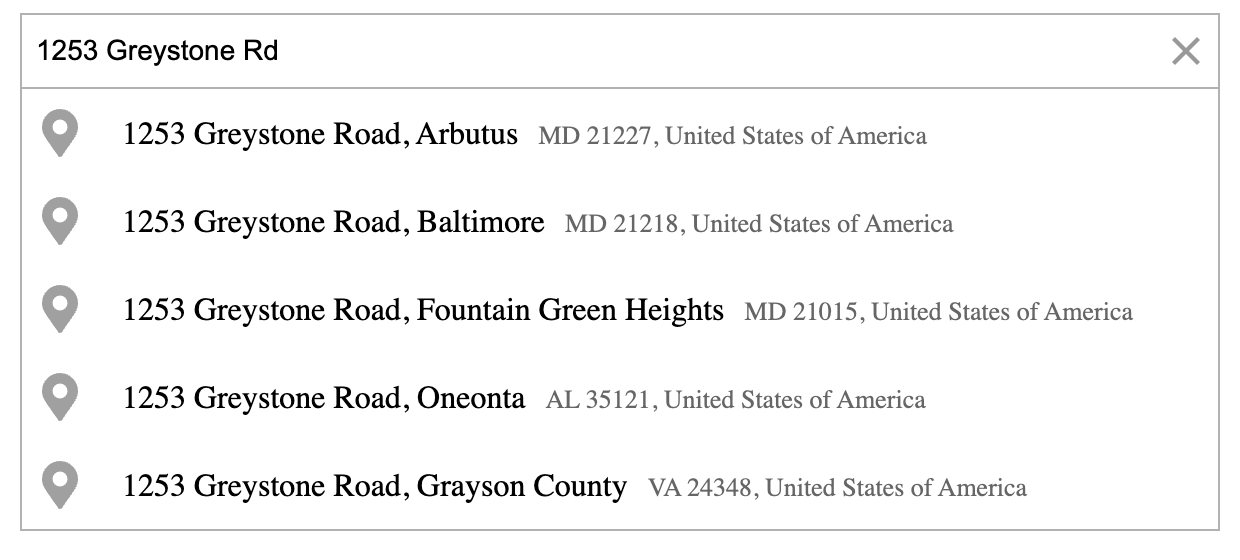
| [](https://geoapify.github.io/geocoder-autocomplete/demo/address-form-one-field/index.html) | **一个字段地址表** ——单场自动完成输入 | [打开](https://geoapify.github.io/geocoder-autocomplete/demo/address-form-one-field/index.html) | [来源](https://github.com/geoapify/geocoder-autocomplete/tree/master/demo/address-form-one-field) |
| [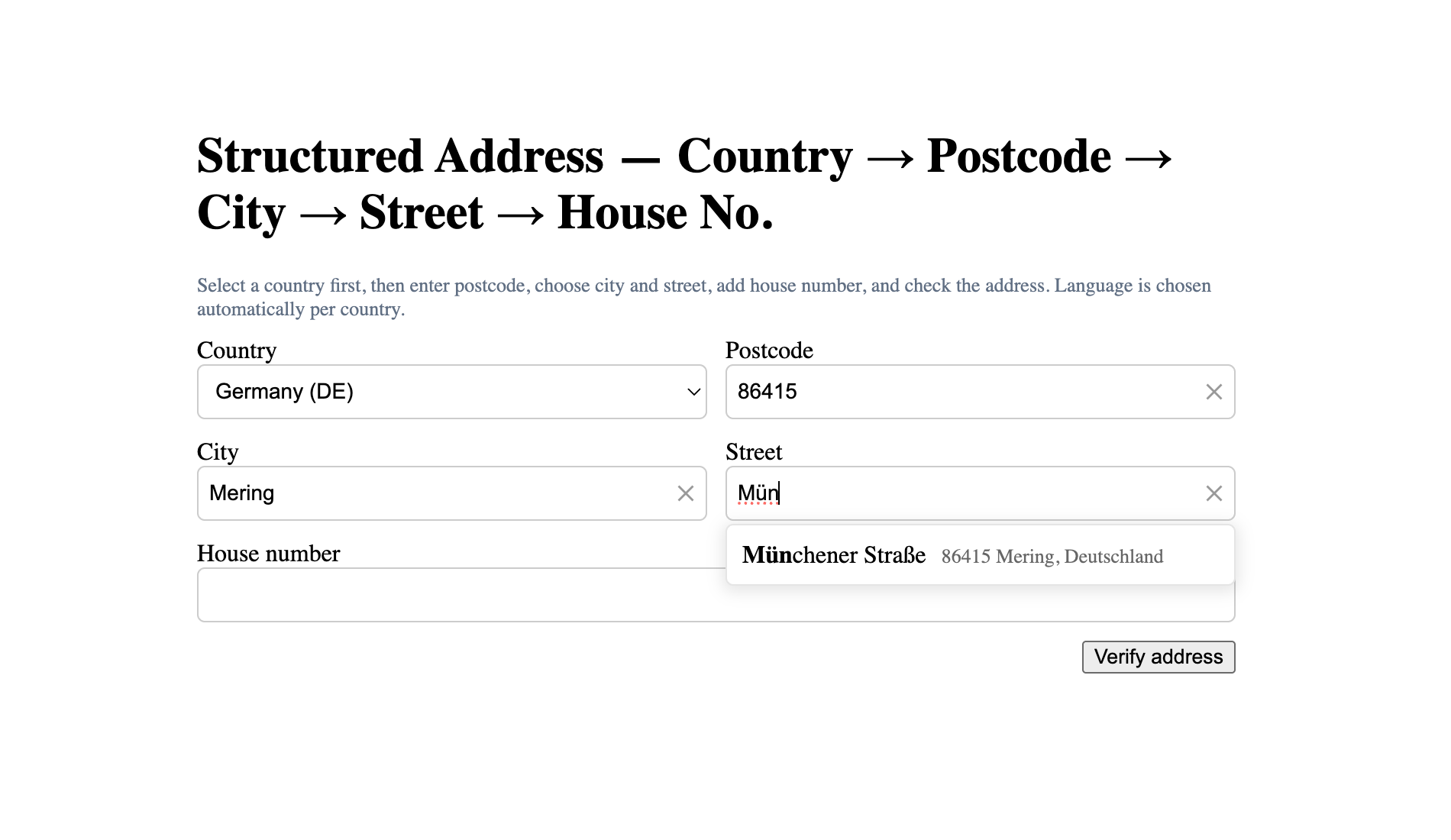](https://geoapify.github.io/geocoder-autocomplete/demo/address-form-from-country-to-housenumber/index.html) | **多字段地址表单** ——分步骤结构化地址输入 | [打开](https://geoapify.github.io/geocoder-autocomplete/demo/address-form-from-country-to-housenumber/index.html) | [来源](https://github.com/geoapify/geocoder-autocomplete/tree/master/demo/address-form-from-country-to-housenumber) |
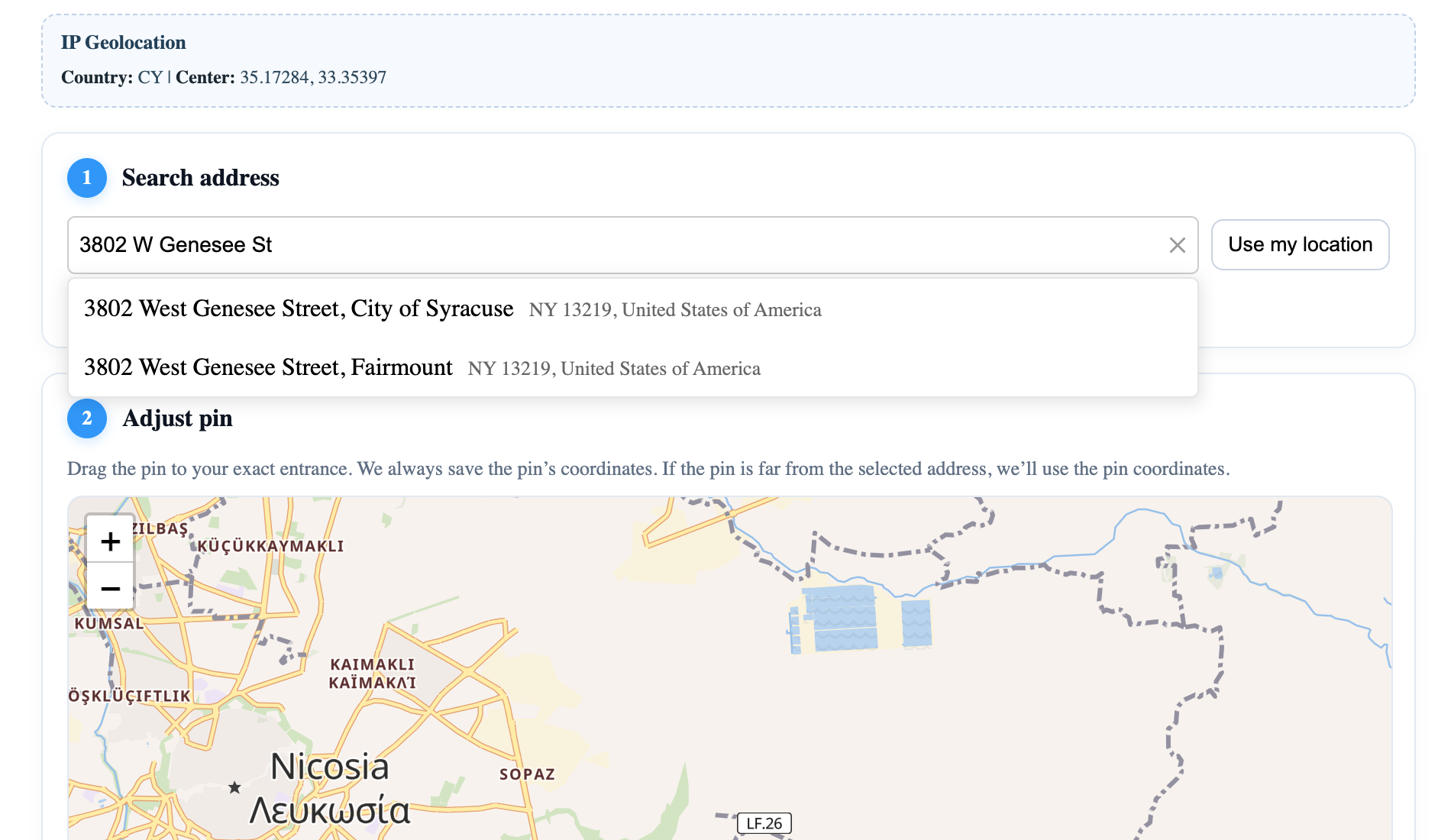
| [](https://geoapify.github.io/geocoder-autocomplete/demo/address-form-search-plus-map/index.html) | **地址表+地图** ——地址搜索与交互式地图相结合 | [打开](https://geoapify.github.io/geocoder-autocomplete/demo/address-form-search-plus-map/index.html) | [来源](https://github.com/geoapify/geocoder-autocomplete/tree/master/demo/address-form-search-plus-map) |
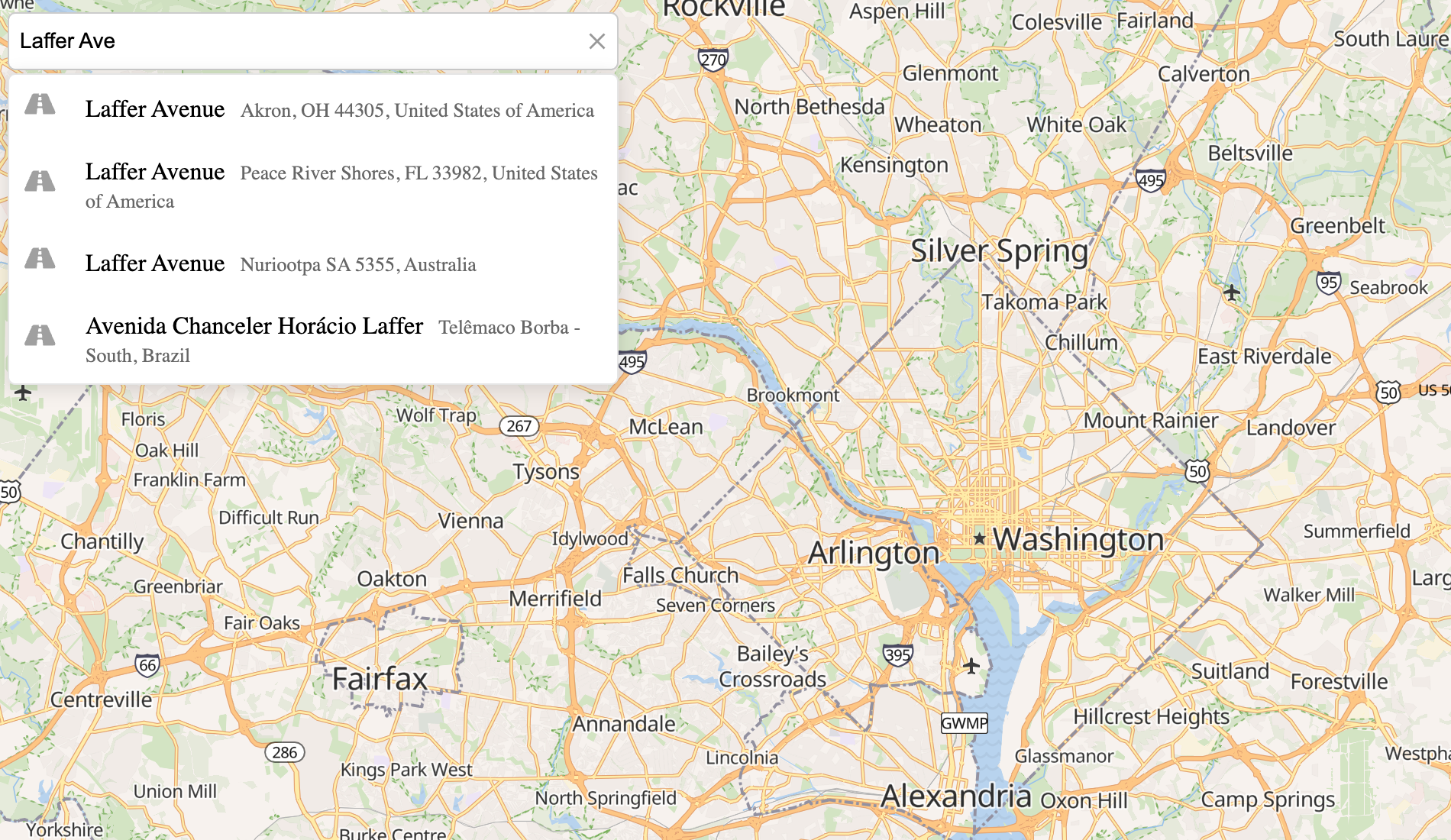
| [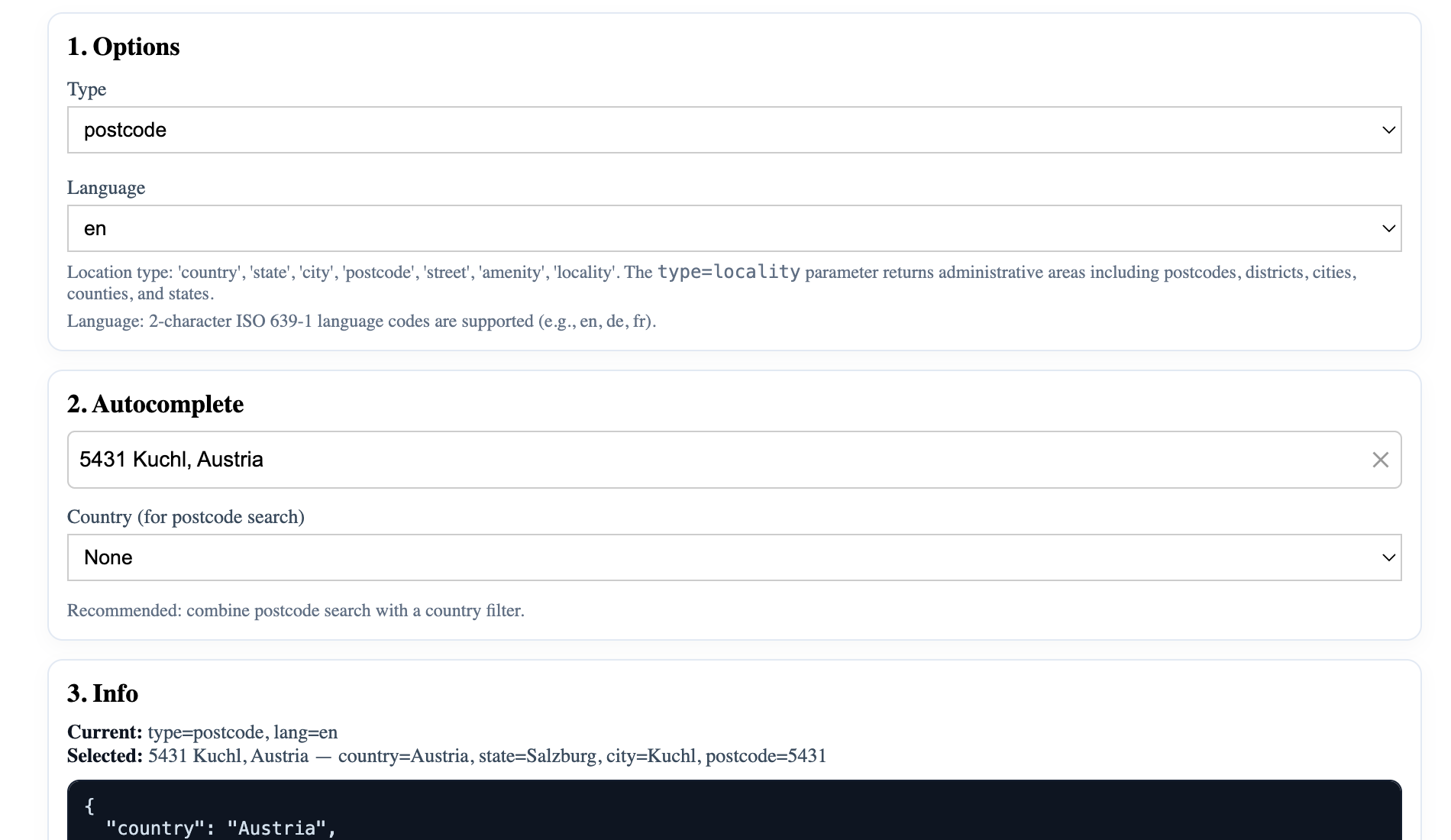](https://geoapify.github.io/geocoder-autocomplete/demo/autocomplete-features-types/index.html) | **自动完整类型** ——按位置类型筛选结果 | [打开](https://geoapify.github.io/geocoder-autocomplete/demo/autocomplete-features-types/index.html) | [来源](https://github.com/geoapify/geocoder-autocomplete/tree/master/demo/autocomplete-features-types) |
| [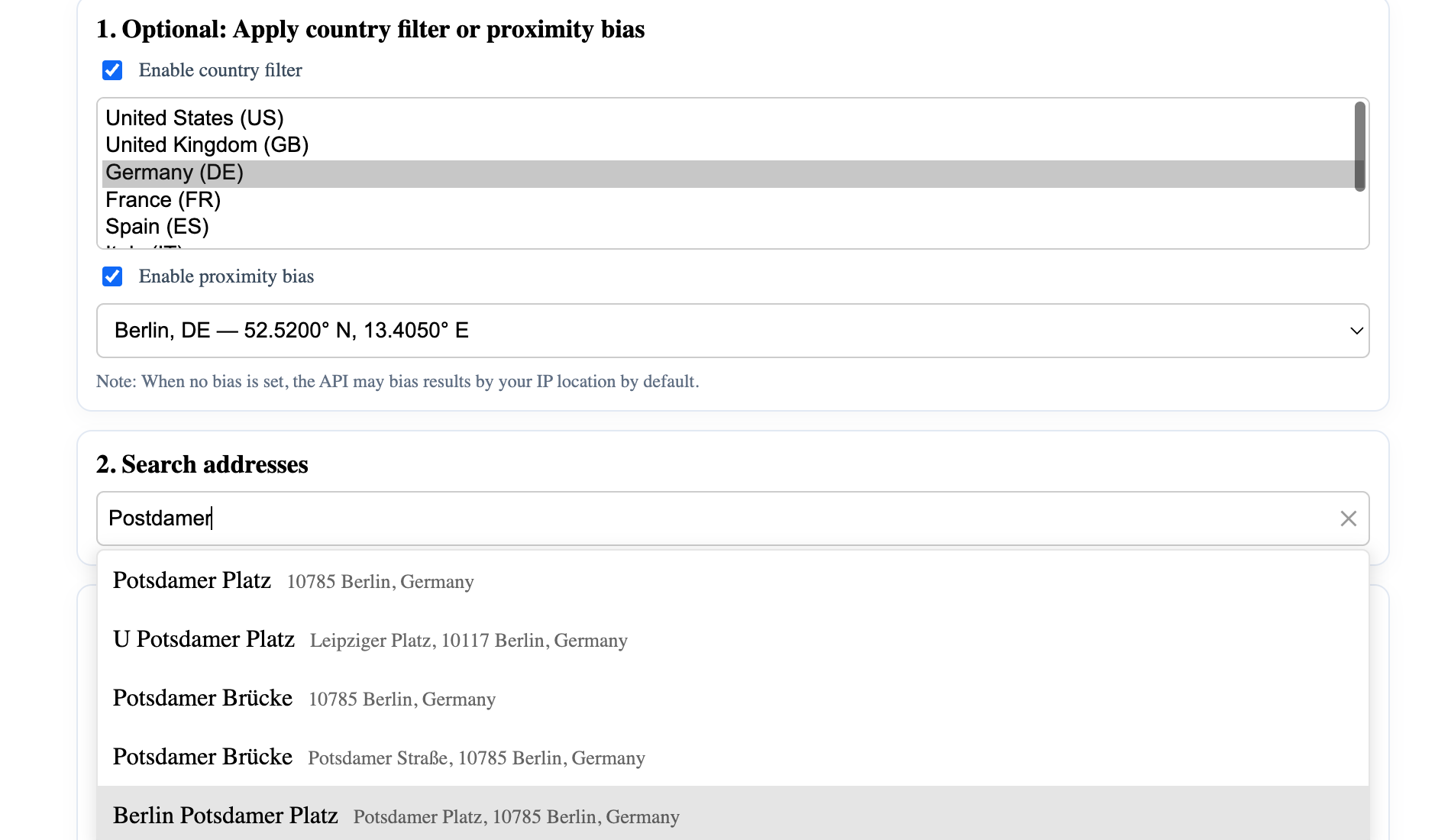](https://geoapify.github.io/geocoder-autocomplete/demo/autocomplete-features-filters-and-bias/index.html) | **过滤( B)** - 演示过滤和偏见定制 | [打开](https://geoapify.github.io/geocoder-autocomplete/demo/autocomplete-features-filters-and-bias/index.html) | [来源](https://github.com/geoapify/geocoder-autocomplete/tree/master/demo/autocomplete-features-filters-and-bias) |
| [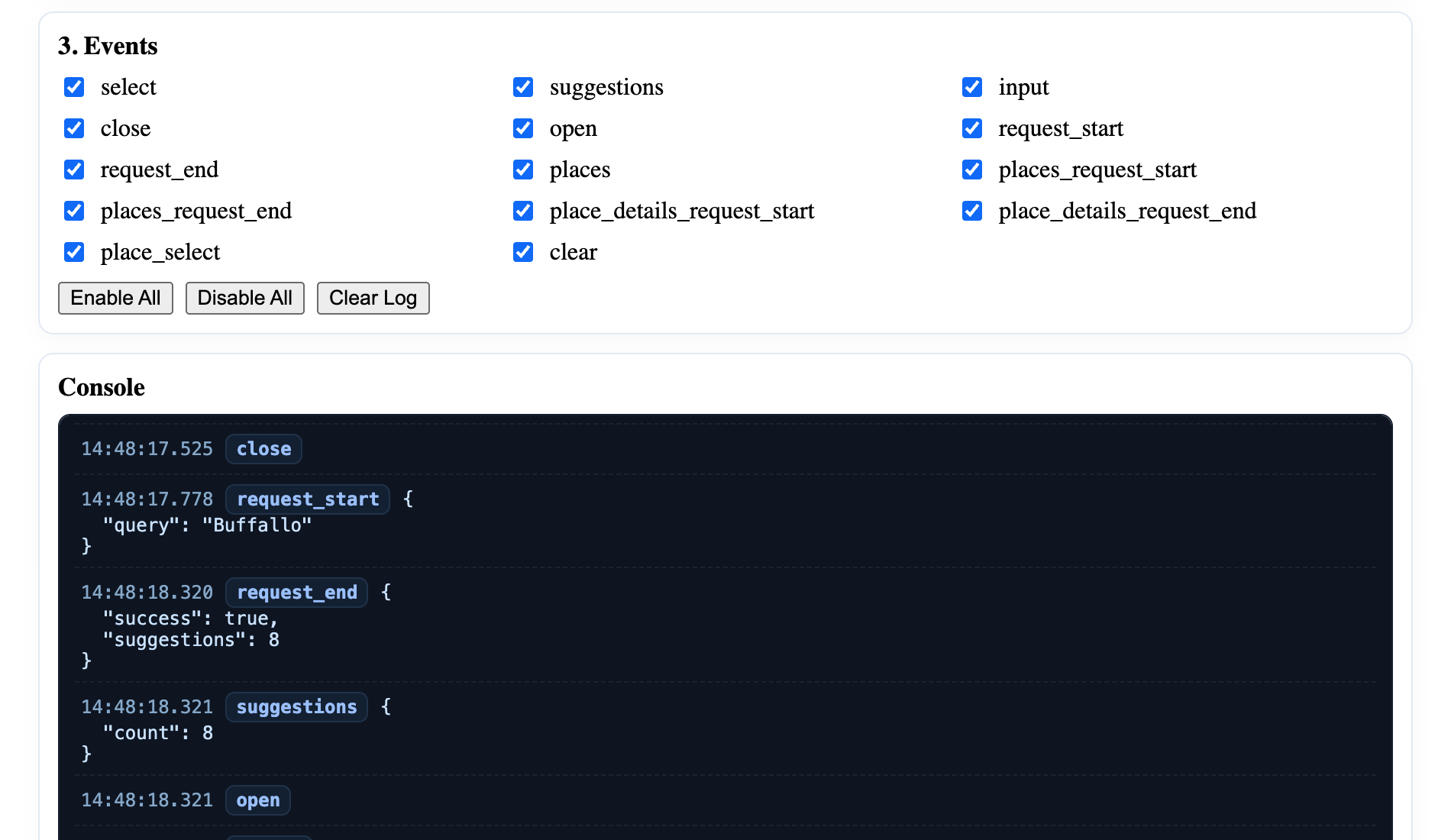](https://geoapify.github.io/geocoder-autocomplete/demo/autocomplete-features-events/index.html) | **事件显示大小写** - 展示现有事件和召回 | [打开](https://geoapify.github.io/geocoder-autocomplete/demo/autocomplete-features-events/index.html) | [来源](https://github.com/geoapify/geocoder-autocomplete/tree/master/demo/autocomplete-features-events) |
| [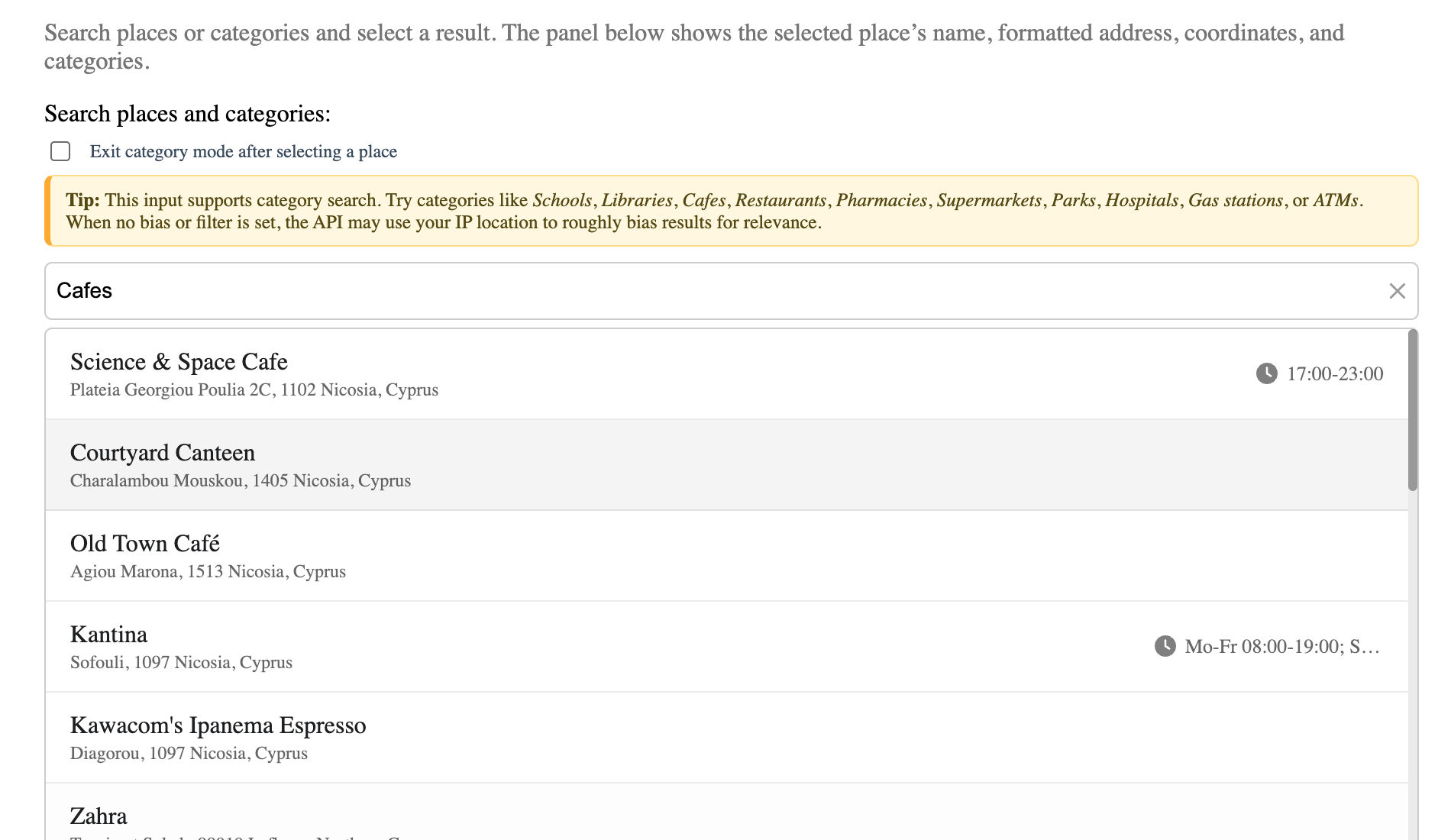](https://geoapify.github.io/geocoder-autocomplete/demo/places-seach-no-map-built-in-list/index.html) | **地点搜索( 无地图)** ——带有内置列表的类别搜索 | [打开](https://geoapify.github.io/geocoder-autocomplete/demo/places-seach-no-map-built-in-list/index.html) | [来源](https://github.com/geoapify/geocoder-autocomplete/tree/master/demo/places-seach-no-map-built-in-list) |
| [](https://geoapify.github.io/geocoder-autocomplete/demo/integration-with-leaflet/index.html) | **叶片整合** — 交互式地图上的地址搜索和标记 | [打开](https://geoapify.github.io/geocoder-autocomplete/demo/integration-with-leaflet/index.html) | [来源](https://github.com/geoapify/geocoder-autocomplete/tree/master/demo/integration-with-leaflet) |
| [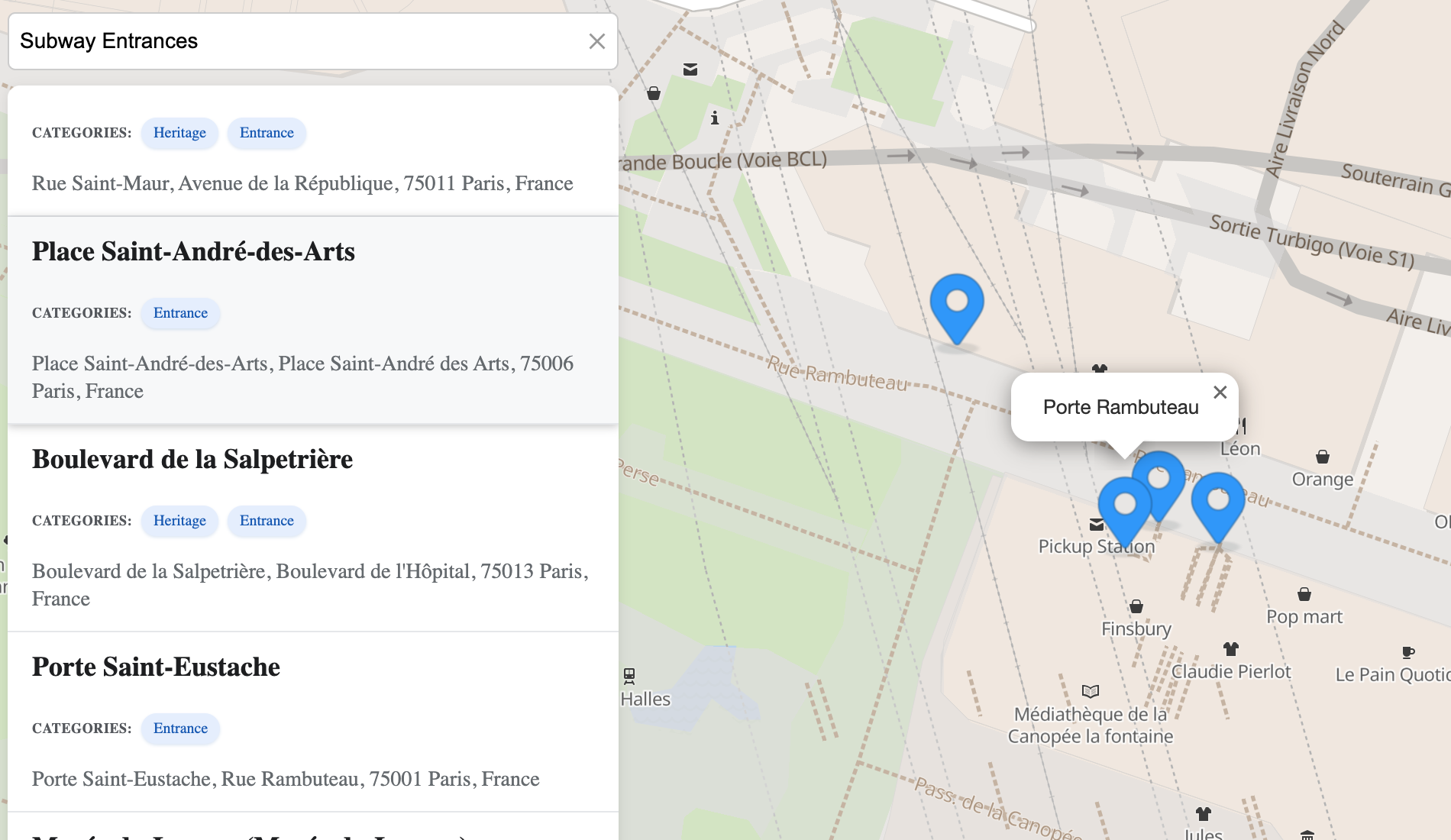](https://geoapify.github.io/geocoder-autocomplete/demo/places-search-leaflet-custom-list/index.html) | **传单 + 自定义位置列表** ——按位结果自定义 UI | [打开](https://geoapify.github.io/geocoder-autocomplete/demo/places-search-leaflet-custom-list/index.html) | [来源](https://github.com/geoapify/geocoder-autocomplete/tree/master/demo/places-search-leaflet-custom-list) |
| [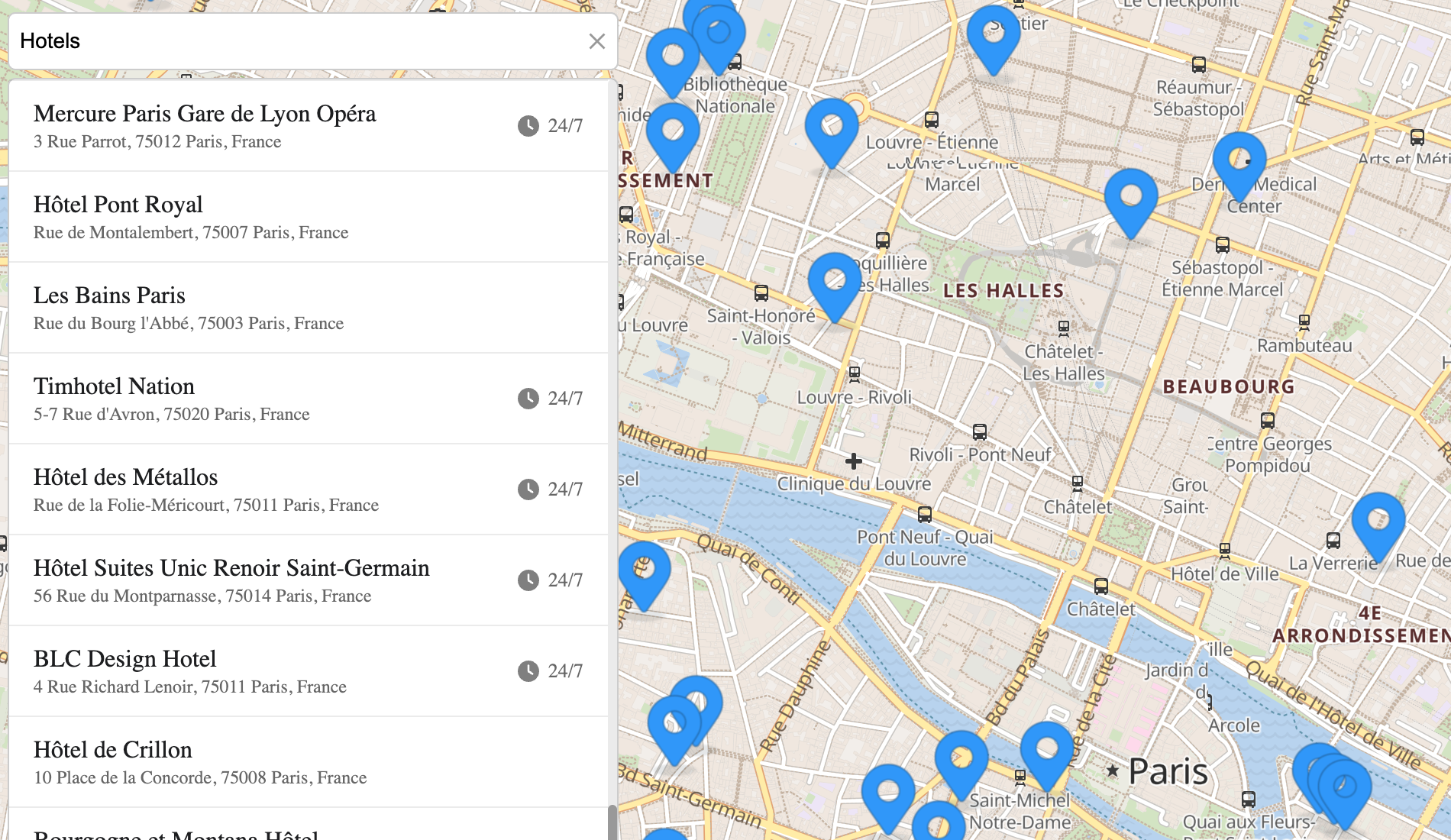](https://geoapify.github.io/geocoder-autocomplete/demo/places-search-leaflet-built-in-list/index.html) | **传单+已建站点列表** —— 以默认 UI 进行分类搜索 | [打开](https://geoapify.github.io/geocoder-autocomplete/demo/places-search-leaflet-built-in-list/index.html) | [来源](https://github.com/geoapify/geocoder-autocomplete/tree/master/demo/places-search-leaflet-built-in-list) |
| [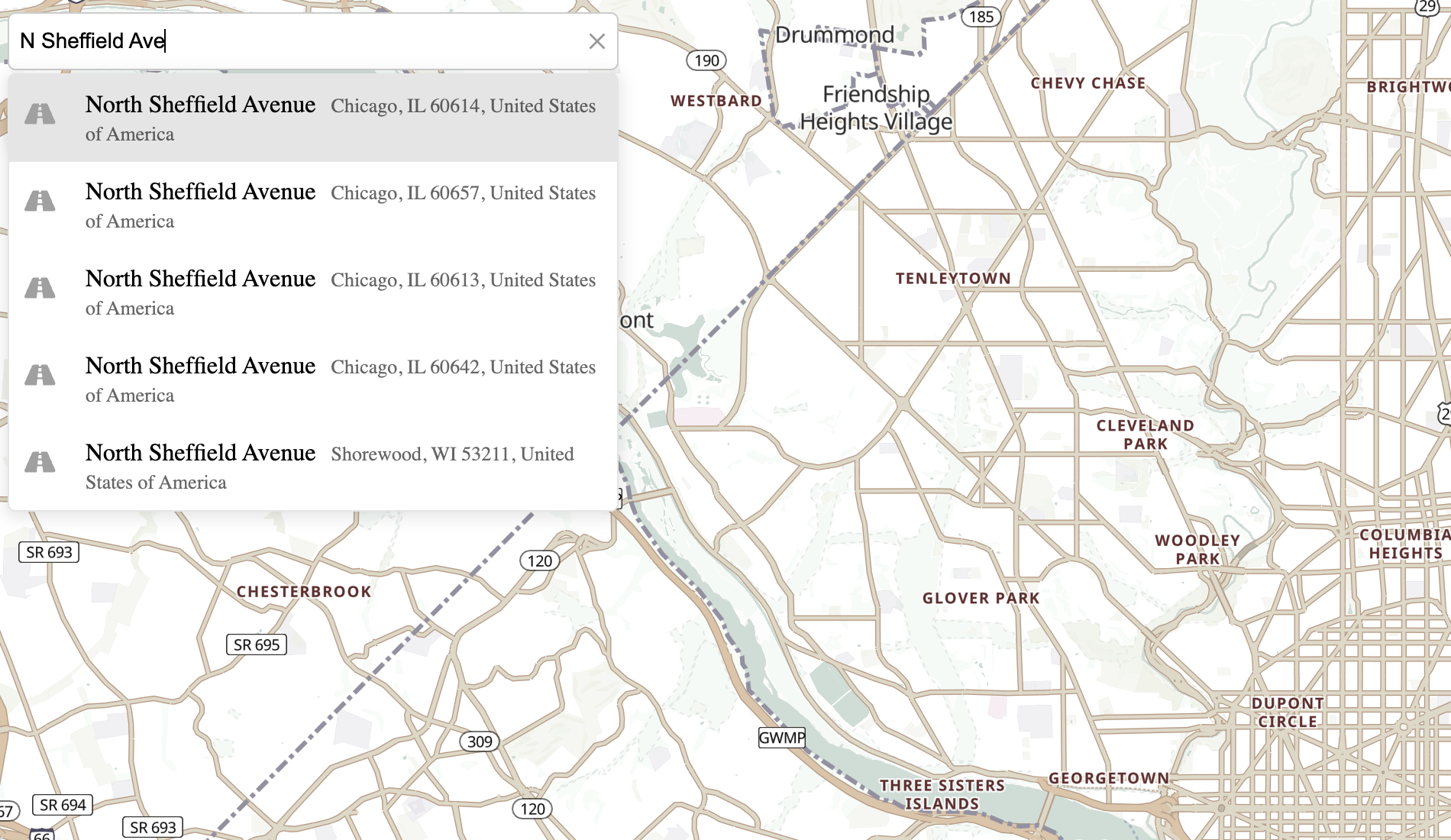](https://geoapify.github.io/geocoder-autocomplete/demo/integration-with-maplibre-gl/index.html) | **MapLibre GL 整合** ——矢量地图并点击反向地理编码 | [打开](https://geoapify.github.io/geocoder-autocomplete/demo/integration-with-maplibre-gl/index.html) | [来源](https://github.com/geoapify/geocoder-autocomplete/tree/master/demo/integration-with-maplibre-gl) |
### JS小调节奏
探索显示如何使用的实际实例 **地理编码自动完成** 包含各种地图库和输入方案.
| 演示 | 说明 | 链接 |
| --- | --- | --- |
| **地址字段 + 传单地图** | 将自动完成字段与叶片映射集成,用于交互式地址搜索. | [打开 JSFidle](https://jsfiddle.net/Geoapify/jsgw53z8/) |
| **地址字段 + MapLibre GL 地图** | 显示如何用 MapLibre GL 映射连接自动完成 . | [打开 JSFidle](https://jsfiddle.net/Geoapify/sf3hp2a6/) |
| **地址表 1** | 显示地址搜索和自动填充的简单地址表 . | [打开 JSFidle](https://jsfiddle.net/Geoapify/t0eg541k/) |
| **地址表 2** | 另一个包含多个字段的地址形式示例 . | [打开 JSFidle](https://jsfiddle.net/Geoapify/stgek5wf/) |
| **航运地点审查** | 显示如何审查和确认选定交付地点. | [打开 JSFidle](https://jsfiddle.net/Geoapify/g9xhcye0/) |
| **自定义地理编码函数** | 使用 Geoapify 地址自动完成 API 的自定义自动完成逻辑示例 . | [打开 JSFidle](https://jsfiddle.net/Geoapify/916oxfja/) |
> ⚠️ **说明:** 地址自动完成可以加速用户输入,但没有任何服务保证100%的精度或全局覆盖.
> 对于装运或交付等关键用途,在地图上显示所选点并请求用户确认. 反向地理编码可以帮助将一个地址与所选坐标进行比较,但并不能独立地证明送出或进入的准确性.
## 捐款和支助
我们欢迎捐款! 这就是你能帮助:
1. **未决问题**:如果遇到任何错误或有特性请求,请打开一个问题 [GitHub 问题](https://github.com/geoapify/geocoder-autocomplete/issues)。 。 。 .
2. **提交拉动请求**:叉出寄存器,进行修改,并提交拉出请求复核.
3. **文件最新情况**:通过提交更正或改进帮助改进本文件.
如果你需要帮助或有任何问题,请随意联系我们的支援团队 [信息库@geoapify.com](mailto:info@geoapify.com)。 。 。 .
## 常见问题
### @geoapify/geocoder-autocomplete 是什么?
一个JavaScript地址自动完成输入,兼容Leaflet,MapLibre,OpenLayers等地图库,用于高效的位置搜索和地理编码\.
### 如何安装 @geoapify/geocoder-autocomplete?
在项目目录运行 npm install @geoapify/geocoder-autocomplete,或使用 pnpm add / yarn add / bun add。
### @geoapify/geocoder-autocomplete 支持 TypeScript 吗?
支持。包内自带 TypeScript 类型声明(package\.json 声明了 types 入口),安装后即可获得类型提示,无需再安装 @types 包。
### @geoapify/geocoder-autocomplete 支持 ESM 还是 CommonJS?
同时提供 ES Module 与 CommonJS 入口,import 和 require\(\) 都可以使用,打包工具会自动选择合适的版本。
### @geoapify/geocoder-autocomplete 可以商用吗?
@geoapify/geocoder-autocomplete 使用 MIT 许可。宽松许可:允许商业使用、修改和再分发,通常只需在分发时保留原版权与许可声明。以上为概括,不构成法律意见,请以许可原文为准。
### @geoapify/geocoder-autocomplete 的下载量有多少?
根据 npm 官方下载统计,@geoapify/geocoder-autocomplete 在 2026/10/16 – 2026/11/14 这 30 天内被下载 48,449 次,日均约 1,615 次。下载量会把 CI 构建、镜像同步和作为其他包依赖的安装一并计入,适合横向比较热度,不能直接等同于使用人数。
### @geoapify/geocoder-autocomplete 还在维护吗?
最新版本 3\.1\.0 发布于 2026/07/28(3 个月前);至今共发布 36 个版本,其中过去 12 个月发布了 1 个;首次发布于 2020/04/13。发布频率只是参考信号:功能稳定的工具可能很少需要更新,建议结合源码仓库的 issue 和提交记录判断。