Abacus AI CLI is a coding agent for your terminal that works with any model: one Abacus.AI plan with every frontier model, the ChatGPT subscription you already have, your own API keys, or local models. It reads your project, plans, edits files and runs commands, and you decide how much it does on its own.
Install
macOS, Linux and WSL:
curl -fsSL https://static.abacus.ai/cli/install.sh | bash
Windows (PowerShell):
irm https://static.abacus.ai/cli/install.ps1 | iex
Or with npm (Node 18 or later), for package-managed or mirrored environments:
npm install -g @abacus-ai/cli
Then start it in your project and sign in with /login:
cd your-project && abacusai
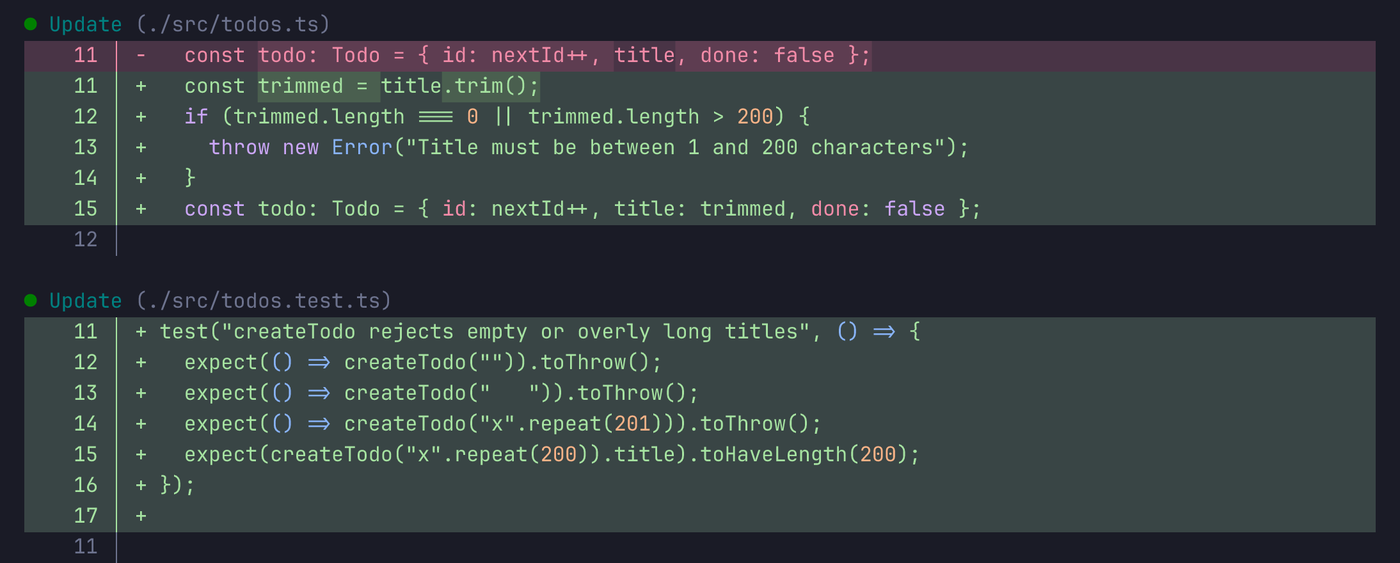
Bring your own models
- One Abacus.AI plan. Claude, GPT and Gemini families plus open models such as Kimi, Qwen, DeepSeek and GLM in one picker. RouteLLM can pick a model for each turn.
- Your ChatGPT subscription. If Codex is signed in with ChatGPT, the CLI detects it and offers those models. Nothing to configure, no credentials copied, no Abacus.AI credits spent.
- Your API keys. OpenAI, Anthropic and Google keys from
OPENAI_API_KEY,ANTHROPIC_API_KEYandGEMINI_API_KEY, or saved with/providersto the encrypted credential file the CLI and the extension share. - Local and OpenAI-compatible models. Ollama, LM Studio, vLLM, Groq, Together, OpenRouter, DeepSeek or any OpenAI-compatible endpoint.
- Local mode. With a local provider, the agent loop runs on your machine and nothing about the turn reaches Abacus.AI. A local-only setting hides the hosted catalogue entirely.
Switch models mid-conversation with /model, even across providers.
Why developers pick it
- Permission modes for every task. Auto (default), Supervise, Accept edits, Plan and Unsupervised. Switch with Shift+Tab or
/mode, and fine-tune with allow, ask and deny rules. - Command-safety analysis. Shell commands are parsed across bash, zsh, fish, PowerShell and cmd. Read-only ones run straight away, risky ones come with a reason.
- Real undo. Checkpoints snapshot your working tree apart from your own git history.
/rewindtakes the conversation and the code back to any earlier message. - Steer while it works. Queue a follow-up with Enter, or steer the current turn with Ctrl+Enter.
- VS Code bridge. In VS Code's integrated terminal it follows your active file and selection, reads language-server diagnostics and opens edits awaiting your approval in the native diff viewer.
- Skills and MCP. MCP servers over stdio, HTTP or SSE with OAuth, plus reusable skills.
/importbrings a Claude Code setup across: CLAUDE.md, MCP servers, permission rules, skills and commands. - Reads real files. PDFs, Word, PowerPoint, Excel and images, plus fast search on very large repos.
- Runs where you work. macOS, Linux (glibc and Alpine), Windows x64 and ARM64, WSL, SSH and containers. Windows gets a bundled POSIX shell, so bash commands work without WSL.
- Updates that do not break. The native binary updates itself with an atomic swap and rolls back if a new version fails to start.
- Keyboard first. Vim mode,
@file mentions,!for shell commands, and an optional fullscreen view.
Scripting and CI
Print mode runs the same agent without the interface:
abacusai -p "update the changelog for this release" --output-format json
git diff | abacusai -p "review this change"
Use --output-format stream-json with --input-format stream-json for a streaming protocol, --json-schema for structured answers, and -r to resume a conversation. Set ABACUS_API_KEY to sign in from CI. Run abacusai --help for every flag.
Useful commands
| Command | What it does |
|---|---|
/model | Switch models |
/providers | Add API keys and local or OpenAI-compatible models |
/permissions | Edit allow, ask and deny rules |
/rewind | Go back to an earlier message |
/resume | Pick up a past conversation |
/mcp | Manage MCP servers |
/skills | Search, install and manage skills |
/import | Bring over a Claude Code setup |
/usage | See usage and plan limits |
Docs and support
Data and privacy
Your code is not used for training. Abacus.AI has zero data retention agreements with model providers, and data is encrypted in transit. With a local provider, nothing about the turn reaches Abacus.AI. See the privacy policy and terms of service.