Appduct for Web
Call functions inside your running web page from a terminal, a test runner or an AI agent. Register tools with @appduct/web; only the tools you register are reachable. Works with any framework or plain JavaScript.
Requirements
- A browser on the same computer as the Appduct CLI.
- A local development page, such as
http://localhost:5173/. For HTTPS pages, check the browser and transport guide. - The
appductCLI:npm install -g appduct(Node 20 or newer).
Getting started
Install the SDK:
npm install @appduct/web
Register a tool in your page's startup code:
import { registerTool } from "@appduct/web";

registerTool({
  name: "seed_cart",
  description: "Fill the cart with test items.",
  inputSchema: {
    type: "object",
    properties: { items: { type: "number" } },
    required: ["items"],
  },
  handler: async ({ items }) => ({ added: items }),
});
Run your development server, then connect the page using its URL:
appduct sessions link --open web http://localhost:5173/
Open the URL the CLI prints in your browser, then:
appduct tools ls
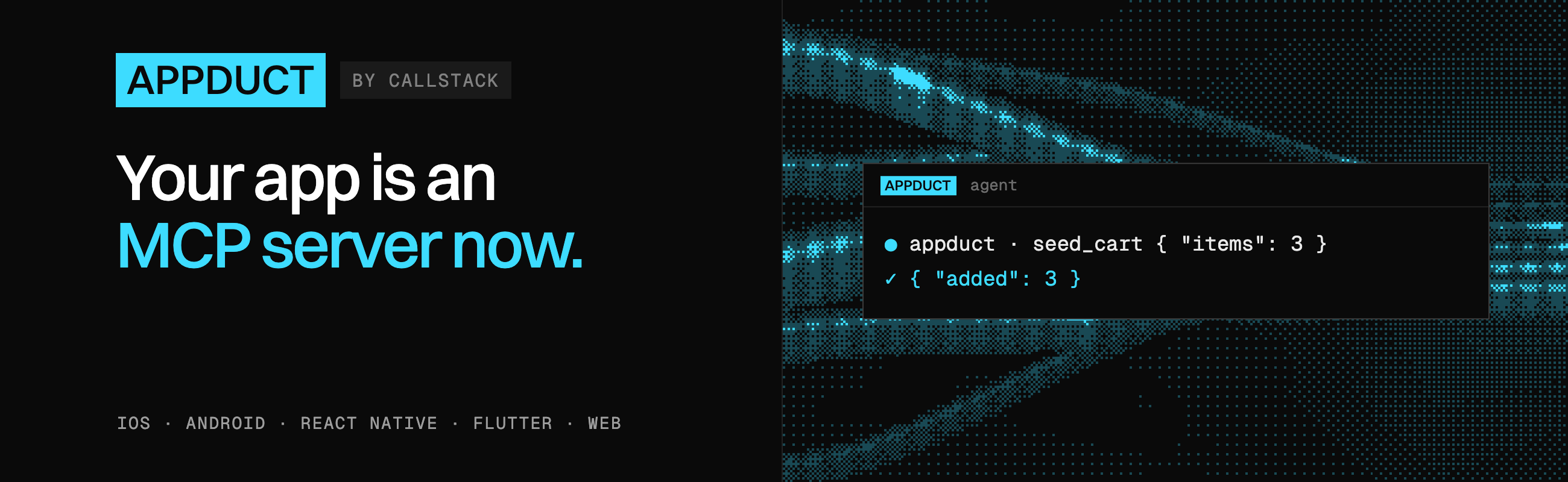
appduct tools call seed_cart --input '{"items":3}'
The tool returns {"added":3}.
Things to know
- Reloads resume the session; new tabs don't. The page removes the connection link from its address bar after claiming it.
- Raw schemas don't validate arguments. Check inputs in the handler, or use a supported schema library.
- React has a hook entry. Import
useAppductToolfrom@appduct/web/reactto register a tool while a component is mounted. - An agent can connect without reloading.
appduct_connectreturns a script it can run in the page. DevTools and Playwright connections are covered in Drive a web page. - Check the build if nothing connects. The default import needs your bundler's
developmentcondition. Otherwise it uses an inert entry; see Web setup.
Release builds
The default entry is inert outside the development export condition: it registers nothing, opens no connection and doesn't define window.__APPDUCT__. To include Appduct in a staging build, import the enabled entry:
import { registerTool } from "@appduct/web/enabled";
Use it only in builds you control. Web pages don't pin the daemon's key; review Web security, including allowed origins, before enabling a hosted page. See Build variants.
Learn more
- Web setup
- Drive a web page: browser support, DevTools and Playwright
- Write tools: schemas, timeouts, groups and events
- Connect an agent over MCP
- Web playground: a runnable example
Made with ❤️ at Callstack
appduct is an open source project and will always remain free to use. If you think it's cool, please star it 🌟. Callstack is a group of React and React Native geeks, contact us at [email protected] if you need any help with these or just want to say hi!
Like the project? ⚛️ Join the team who does amazing stuff for clients and drives React Native Open Source! 🔥