darkmodejs


Utility package for managing Dark Mode on the web.
Dark Mode is a feature in modern Operating Systems which allows you to change your default UI from a light to dark theme. On the web we can take advantage of this to control the theme of our website.
Utilises the matchMedia API and its listeners, in combination with the prefers-color-scheme media query, in order to fire functions whenever you're in Dark Mode.
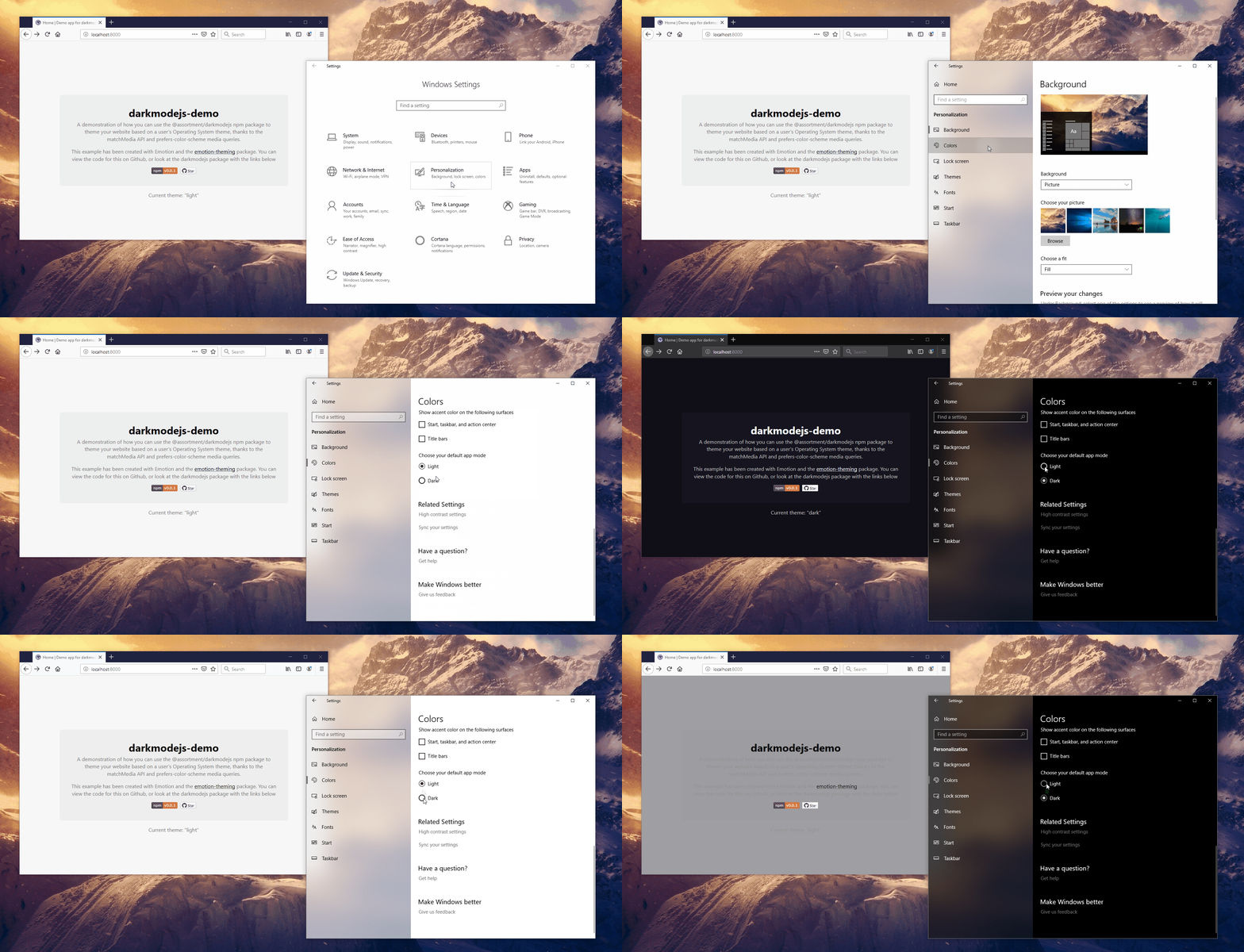 Example application using darkmodejs in Windows 10 Firefox
📝 Prerequisites
Requires an Operating System which supports Dark Mode:
- macOS 10.14
- iOS 13.0
- iPadOS 13.0
- Windows 10
- ... or greater
Also requires support for the prefers-color-scheme media query. A complete list of supported browsers can be found on caniuse.
⚠️ Breaking change in v2+: whilst the base API exposed by darkmodejs has remained the same, under the hood
MediaQueryList'saddListenerandremoveListenermethods are marked as deprecated in the Web Standard, and have thus been replaced withaddEventListenerandremoveEventListenerrespectfully. There is a slight difference in browser compatibility for very old browsers which were never explicitly supported, but for that reason a major version bump was created.
🏁 Install
$ npm install @assortment/darkmodejs
🎈 Usage
import darkmodejs from '@assortment/darkmodejs';

const config = { onChange: (activeTheme, themes) => {} };

darkmodejs(config);
If you need ES5 support, you can require the package instead.
const darkmodejs = require('@assortment/darkmodejs');
An example could be logging to console when a theme is active:
import darkmodejs from '@assortment/darkmodejs';

const onChange = (activeTheme, themes) => {
  switch (activeTheme) {
    case themes.DARK:
      console.log('darkmode enabled');
      break;
    case themes.LIGHT:
      console.log('lightmode enabled');
      break;
    case themes.NO_PREF:
      console.log('no preference enabled');
      break;
    case themes.NO_SUPP:
      console.log('no support sorry');
      break;
  }
};

darkmodejs({ onChange });
You can also do a spot of cleanup by calling the removeListeners function that is returned from darkmodejs. It removes both DARK and LIGHT query listeners.
const dmjs = darkmodejs({ onChange });

dmjs.removeListeners();
This can be useful when unmounting components or pages that use dynamic routing techniques.
⚙ API
config
darkmodejs accepts a config object, which in turn accepts a single function of onChange.
onChange(activeTheme, themes)
Type: Function. Required: No.
This function is called when darkmodejs is executed to check:
- if there is support for
prefers-color-scheme; - if the
dark,lightorno-preferencetheme is active.
The function is also bound to MediaQueryList.addListener to listen for changes.
activeTheme
Type: String. Required: No.
Returns the current active theme.
themes
Type: Object{String}. Required: No.
Returns all available theme states:
{
  DARK: 'dark',
  LIGHT: 'light',
  NO_PREF: 'no-preference',
  NO_SUPP: 'no-support'
}
returned
Once initiated, you also have access to the removeListeners function for cleanup purposes.
removeListeners
Type: Function.
Removes both DARK and LIGHT query listeners.
🎬 Examples
The following examples are taken from darkmodejs-demo, a demo application created to show how you can use @assortment/darkmodejs in conjunction with Emotion Theming to control your website's theme based on a user's OS preference.
MacOS
Safari (supported)

Firefox (supported)

Windows 10
Firefox (supported)
Chrome (not supported until Chrome 76)

No preference
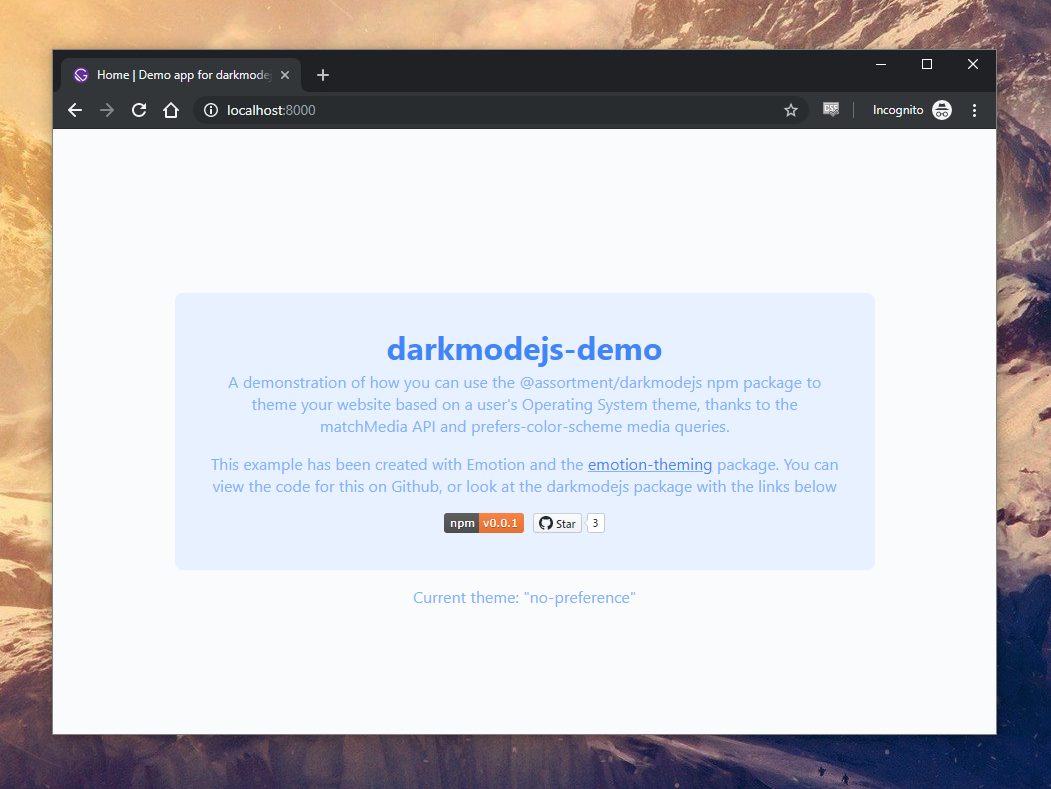
Special mention to no-preference. To my knowledge I don't believe any Operating System currently allows for a no preference option, so there's no current circumstance where this returns true from a prefers-color-scheme media query. That said, as its part of the specification I've included it as an option in the demo app if you ever want to do anything specific.
✍️ License
MIT © Luke Whitehouse