
布林图姆·甘特(审判)
布林图姆 甘特是用于项目管理的全特质甘特图,支持了广泛的特征. 它与React,Vue,Angular,或平地香草JS顺利融合.
关于Bryntum Gantt的更多信息,请访问 布林图姆甘特遗址
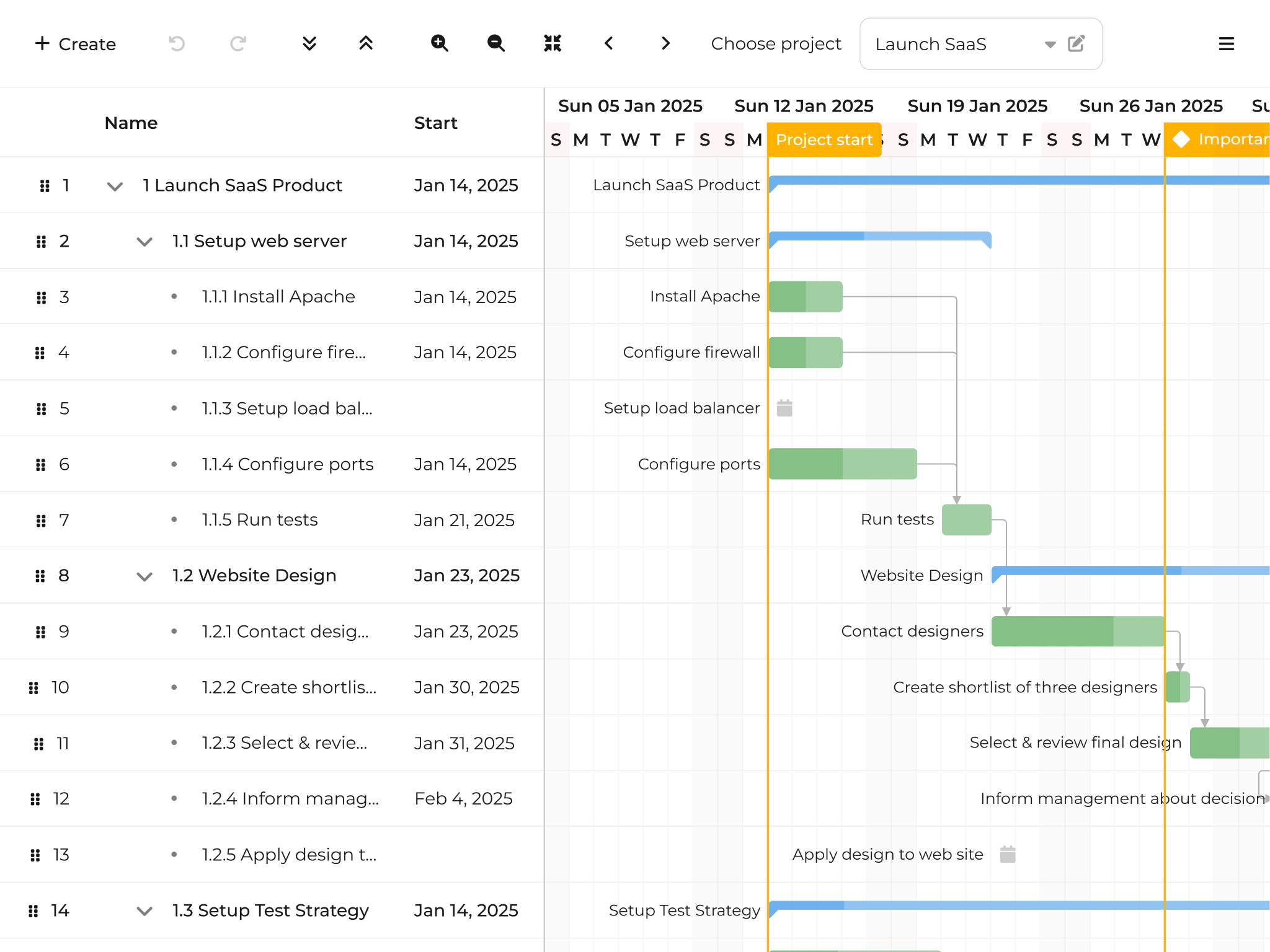
要点
- 最佳级 排程引擎 处理带有依赖性和约束的同步调度 - 在节点.js 上的浏览器或服务器侧运行
- 关键路径分析 财务报告和审定财务报表 解决冲突 维护项目完整性
- 处理 大数据集 包含平滑的虚拟渲染和即时更新
- 基线和进展跟踪 与 S-曲线可视化
- 自定义任务编辑器 带有自定义标签并 资源指派拾取器
- 自定义任务栏渲染 有样式、标签和 工具提示
- 资源直方图 和使用情况跟踪
- 导出为 埃克塞尔, (中文(简体) ), MS 项目, (中文(简体) ), PDF/巴布亚新几内亚,以及 科技中心 日历格式
- 组合规划 有多个项目和WBS编号
- 版本控制 财务报告和审定财务报表 撤销/重做 函数
- PERT图集成 并与其他 Bryntum 组件兼容
- 反应, (中文(简体) ), 阴道,以及 角质 带有本地框架图案的包装
软件包内容
| 路径 | 说明 |
|---|---|
fonts/ | 蒙特塞拉特波平斯和RobotoFlex字体 |
fontawesome/ | FontAsome 图标和 Webfonts |
locales/ | 30+语言本地化文件 |
gantt.module.js, (中文(简体) ), gantt.umd.js | JavaScript 捆绑( ES 模块和 UMD 格式) |
gantt.css | 结构CSS(需要) |
*.d.ts | 类型脚本类型定义 |
*.css | 主题样式表 |
说明: 试件包不包括精密的捆绑,源地图,或源文件.
支持的版本
- 节点JS数字 :
>= 20.0.0 - 类型脚本数字 :
>= 3.6.0 - 角质数字 :
>= 9.0.0 - 反应数字 :
>= 16.0.0 - 阴道数字 :
>= 3.0.0 - 维特数字 :
>= 4.0.0 - 网络软件包数字 :
>= 4.0.0
尝试 Bryntum 在线演示
探索我们综合收集的演示文稿:
安装
这是一个 试验包 功能有限.
为什么用npm异形?
试验包使用 npm 化名安装 @bryntum/gantt-trial 下划线 @bryntum/gantt 名称。 这种办法
提供无缝升级路径 - 当您购买许可证时, 您只需要更新在 package.json
不更改任何应用程序代码.
使用 npm数字 :
npm install @bryntum/gantt@npm:@bryntum/gantt-trial@latest
或者说用 yarn数字 :
yarn add @bryntum/gantt@npm:@bryntum/gantt-trial@latest
或者,添加到 package.json 依赖性 :
"dependencies": {
  "@bryntum/gantt": "npm:@bryntum/gantt-trial@latest"
}
拜访我们 npm 仓库指南 学习更多关于安装和迁移的 尝试到许可的软件包.
利用人工智能探员?
一个AI助手写工作 Brintum Gantt 代码的最快路径:
- MCP服务器. 配置您的代理服务器为 Bryntum MCP 服务器, 以获取禁用、 版本正确的答案 : 设置指南。 。 。 .
- 特工技能。 。 . 安装 布林图姆技能 用于 Claude 代码、光标或 Codex——它将公约捆绑在下面.
特工常用的试验包陷阱:
- 斯道尔训练数据. Bryntum 船打破了变化; 不要信任您记得的 API 形状 。 检查 https://bryntum.com/products/gantt/docs. 互联网档案馆的存檔,存档日期2013-12-12 先说.
- 你是在审判. 软件包安装为
@bryntum/gantt-trial但别名改为@bryntum/gantt—— 说 导入路径必须使用别名(@bryntum/gantt) (中文(简体) ). 要升级到许可证软件包,请将别名改为"npm:@bryntum/gantt@latest"; 不重写导入. - 试验捆绑没有精密化 并包含一个水印;这是预期的,不是错误.
- CSS (英语). 导入字体,
gantt.css(结构),并作主题. - 框架包装 (单位:千美元)
@bryntum/gantt-react, (中文(简体) ),-angular, (中文(简体) ),-vue-3) 需要核心@bryntum/gantt软件包; 运行时只安装包装失败 . - 类型脚本 装入
*.d.ts;不要手卷接口.
快速启动
香草 Java 脚本
import { Gantt } from '@bryntum/gantt';
import './style.css';

const gantt = new Gantt({
    appendTo  : 'app',
    startDate : new Date(2022, 0, 1),
    endDate   : new Date(2022, 0, 10),
    columns   : [
        { type : 'name', width : 160 }
    ],
    project : {

        // Automatically introduces a `startnoearlier` constraint for tasks that (a) have no predecessors,
        // (b) do not use constraints and (c) aren't `manuallyScheduled`
        autoSetConstraints : true,
        tasks              : [
            {
                id       : 1,
                name     : 'Documentation Project',
                expanded : true,
                children : [
                    {
                        id       : 2,
                        name     : 'Preparation',
                        expanded : true,
                        children : [
                            { id : 6, name : 'Proof-read docs', startDate : '2026-01-02', endDate : '2026-01-09' },
                            { id : 3, name : 'Release docs', startDate : '2026-01-09', endDate : '2026-01-10' }
                        ]
                    },
                    {
                        id       : 4,
                        name     : 'Development',
                        expanded : true,
                        children : [
                            { id : 7, name : 'Write API docs', startDate : '2026-01-05', endDate : '2026-01-12' },
                            { id : 8, name : 'Write tutorials', startDate : '2026-01-10', endDate : '2026-01-16' },
                            { id : 9, name : 'Create examples', startDate : '2026-01-12', endDate : '2026-01-18' }
                        ]
                    },
                    {
                        id       : 5,
                        name     : 'Review & Release',
                        expanded : true,
                        children : [
                            { id : 10, name : 'Team review', startDate : '2026-01-18', endDate : '2026-01-20' },
                            { id : 11, name : 'Final approval', startDate : '2026-01-20', endDate : '2026-01-21' },
                            { id : 12, name : 'Public release', startDate : '2026-01-22', endDate : '2026-01-22' }
                        ]
                    }
                ]
            }
        ],
        dependencies : [
            { fromTask : 6, toTask : 3 },
            { fromTask : 7, toTask : 8 },
            { fromTask : 8, toTask : 9 },
            { fromTask : 9, toTask : 10 },
            { fromTask : 10, toTask : 11 },
            { fromTask : 11, toTask : 12 }
        ]
    }
});
在那个 style.css数字 :
/* FontAwesome is used for icons */
@import "@bryntum/gantt/fontawesome/css/fontawesome.css";
@import "@bryntum/gantt/fontawesome/css/solid.css";
/* Structural CSS */
@import "@bryntum/gantt/gantt.css";
/* Bryntum theme of your choice */
@import "@bryntum/gantt/svalbard-light.css";
访问我们的 Java 脚本 快速启动指南 学习更多.
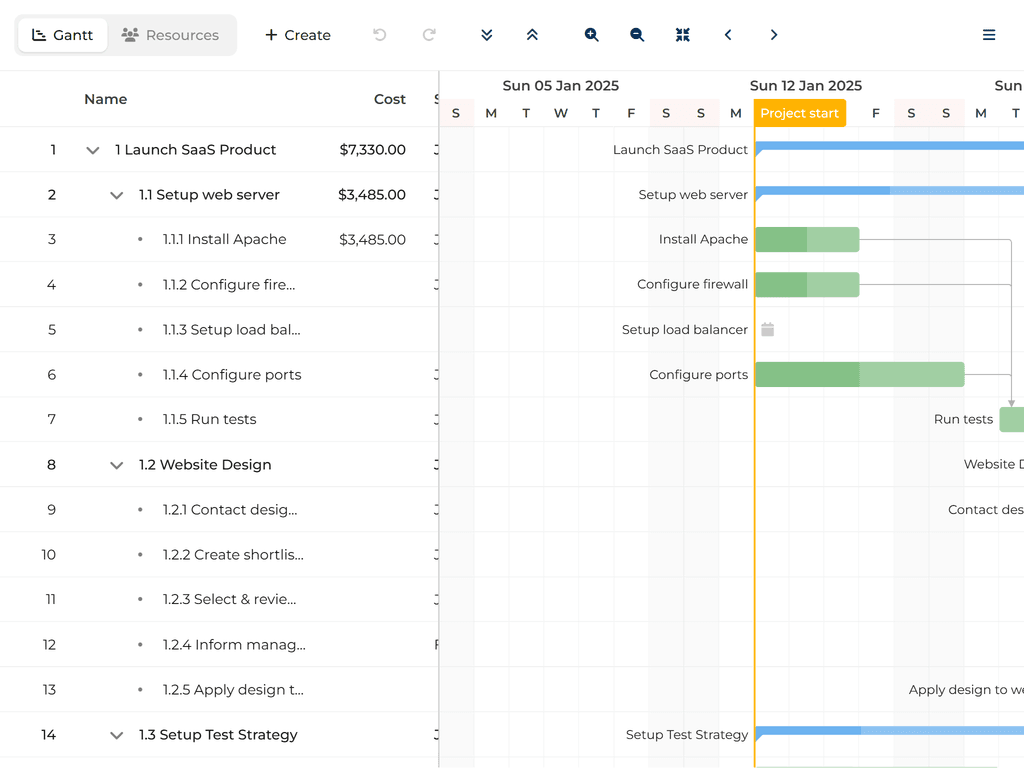
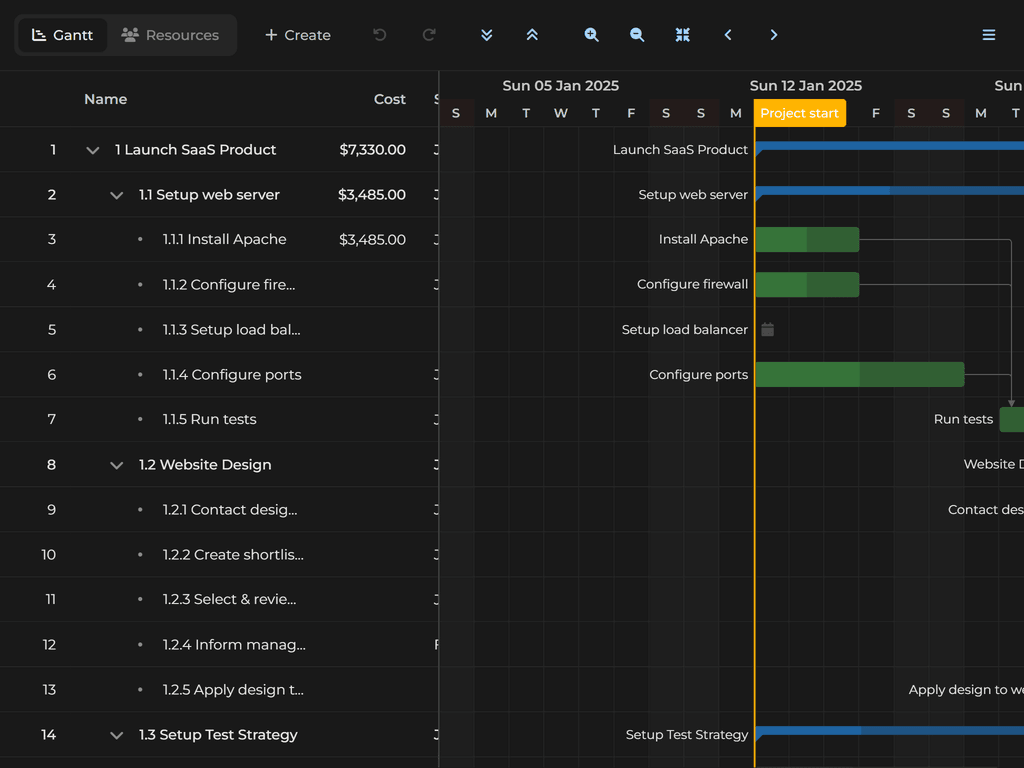
主题
Svalbad( 默认)
| 光线 | 阴暗 |
|---|---|
 |  |
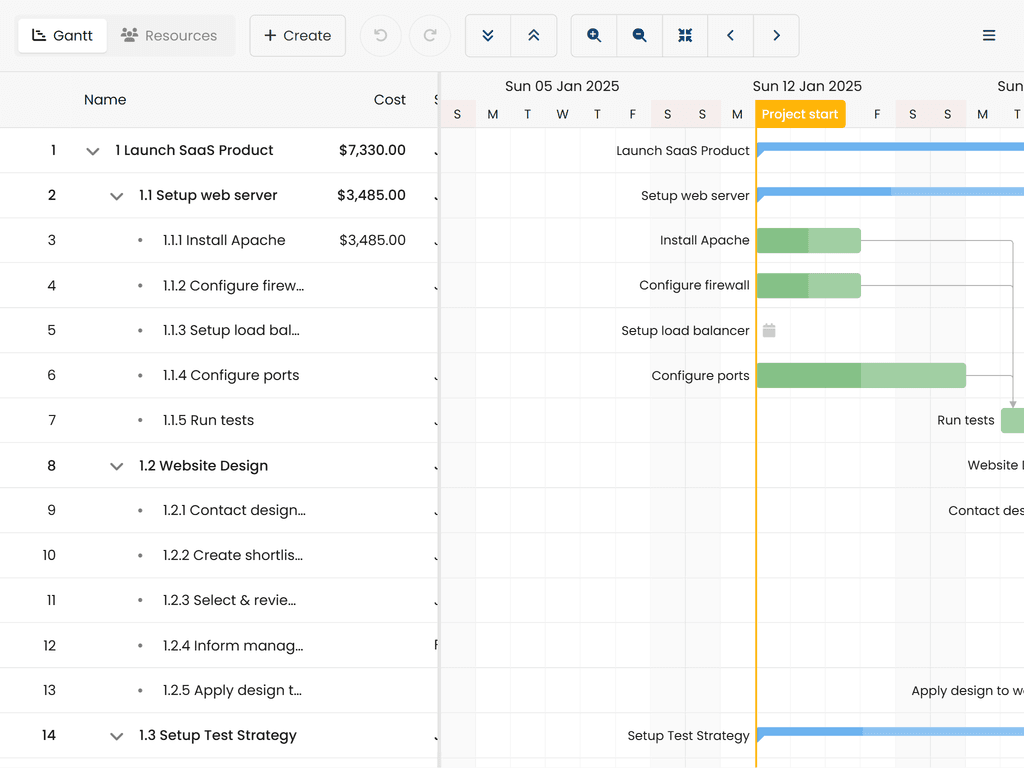
斯德哥尔摩
| 光线 | 阴暗 |
|---|---|
 | 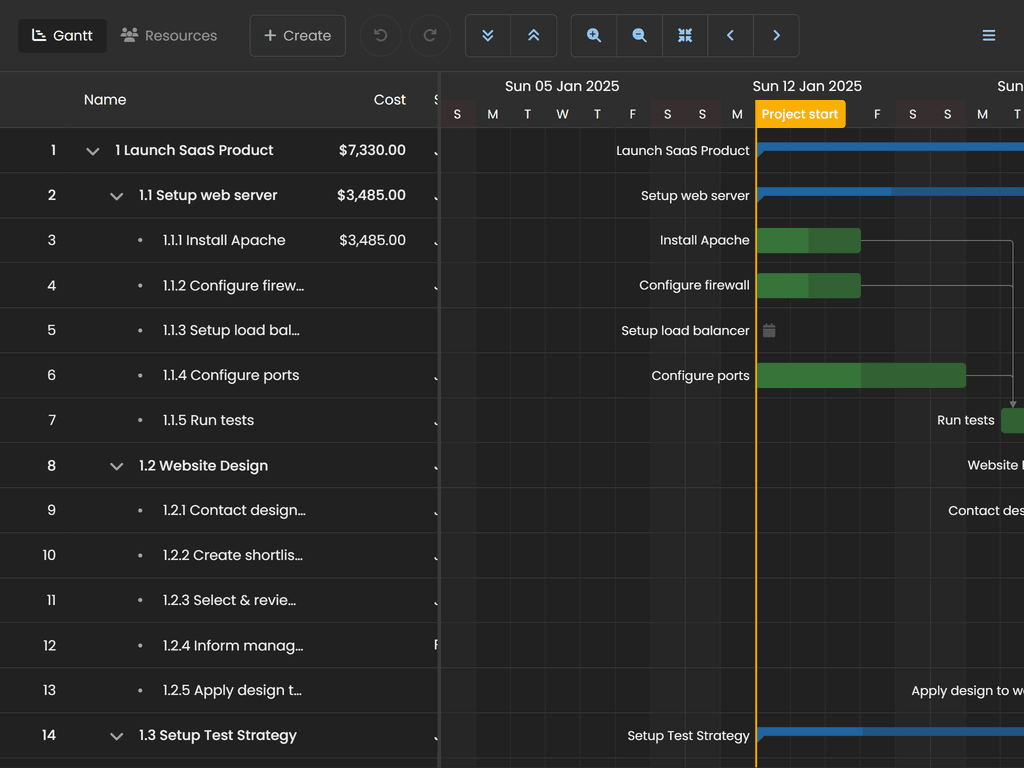 |
维斯比
| 光线 | 阴暗 |
|---|---|
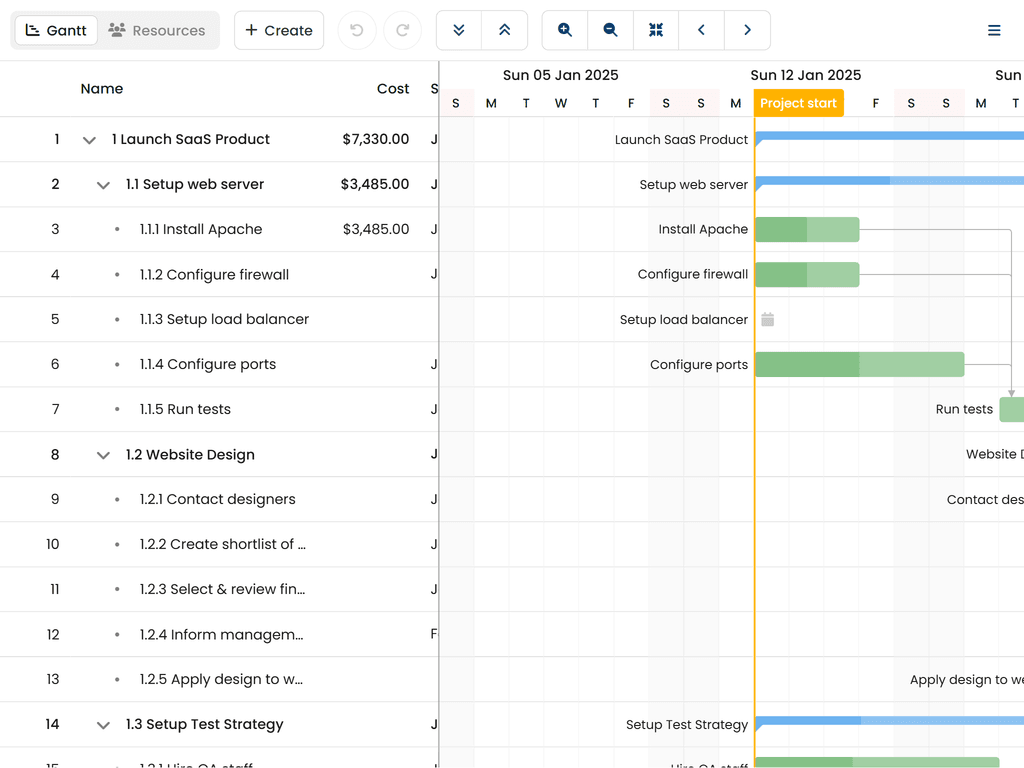 | 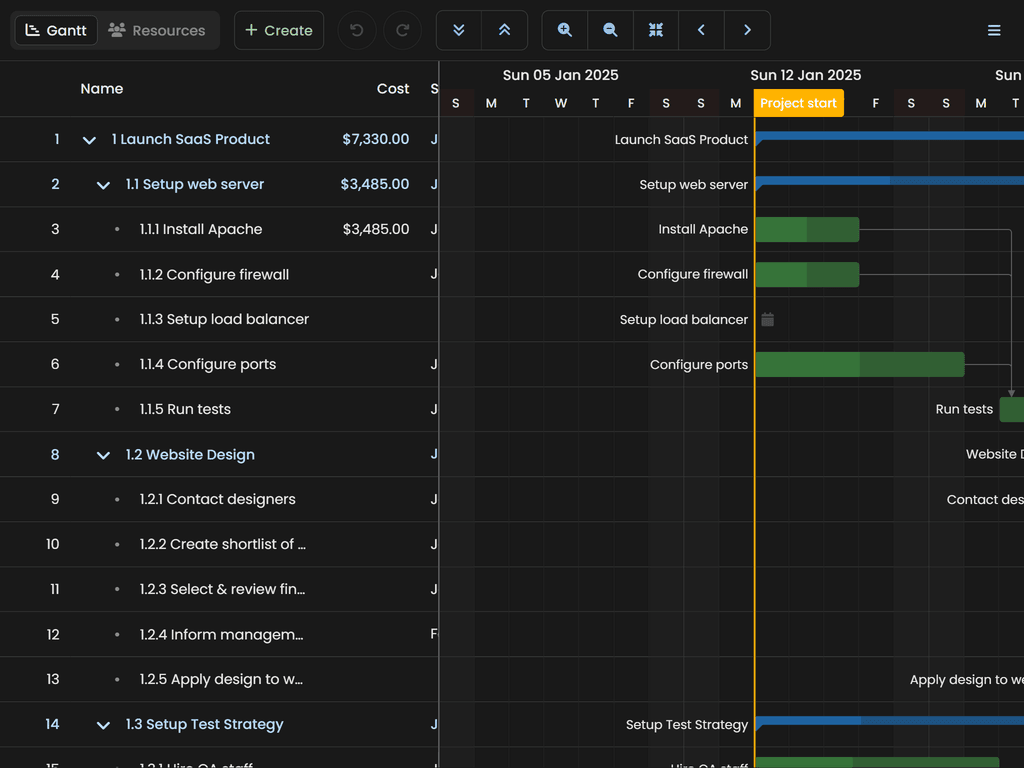 |
材料3
| 光线 | 阴暗 |
|---|---|
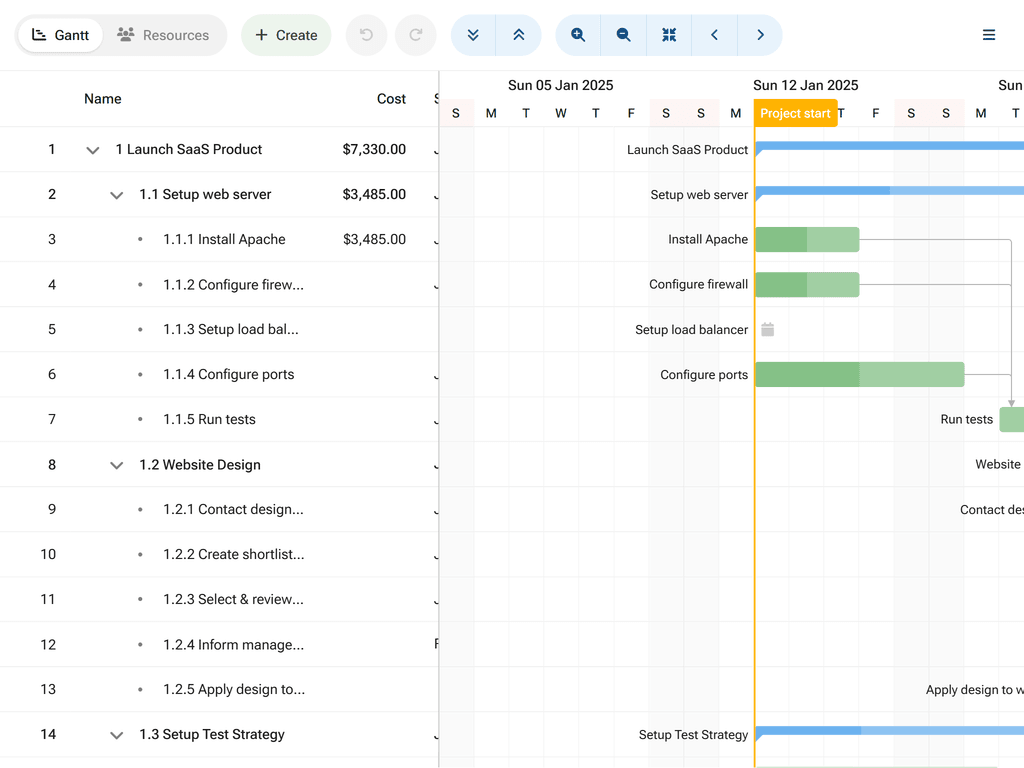 | 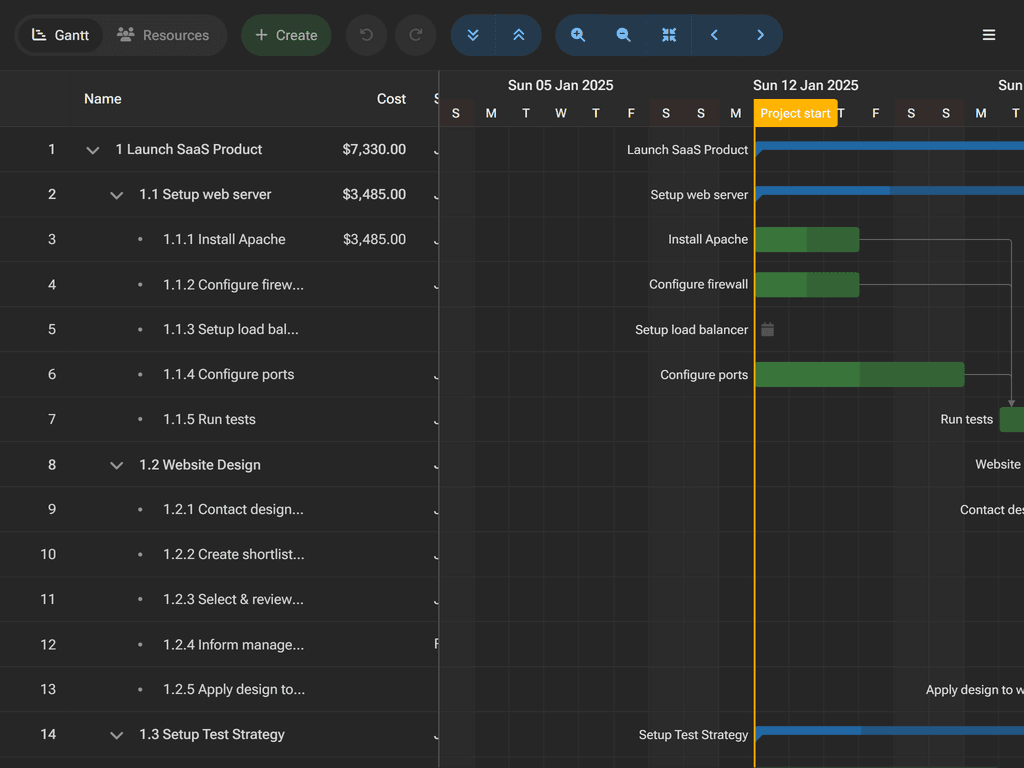 |
高对比度
| 光线 | 阴暗 |
|---|---|
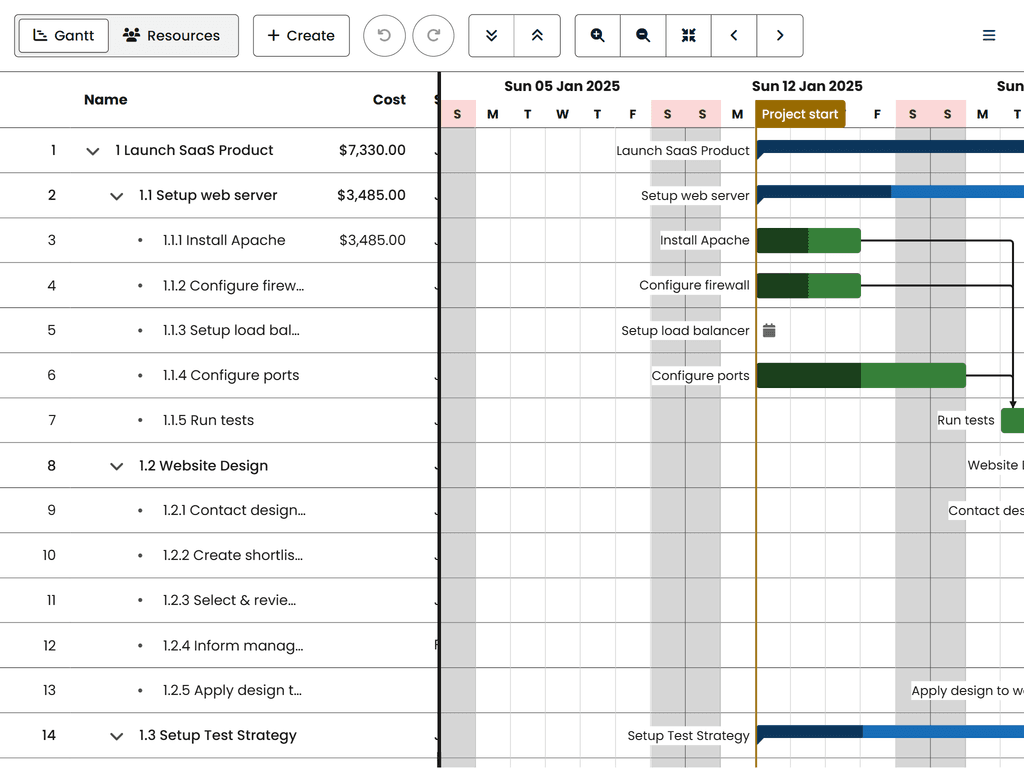 | 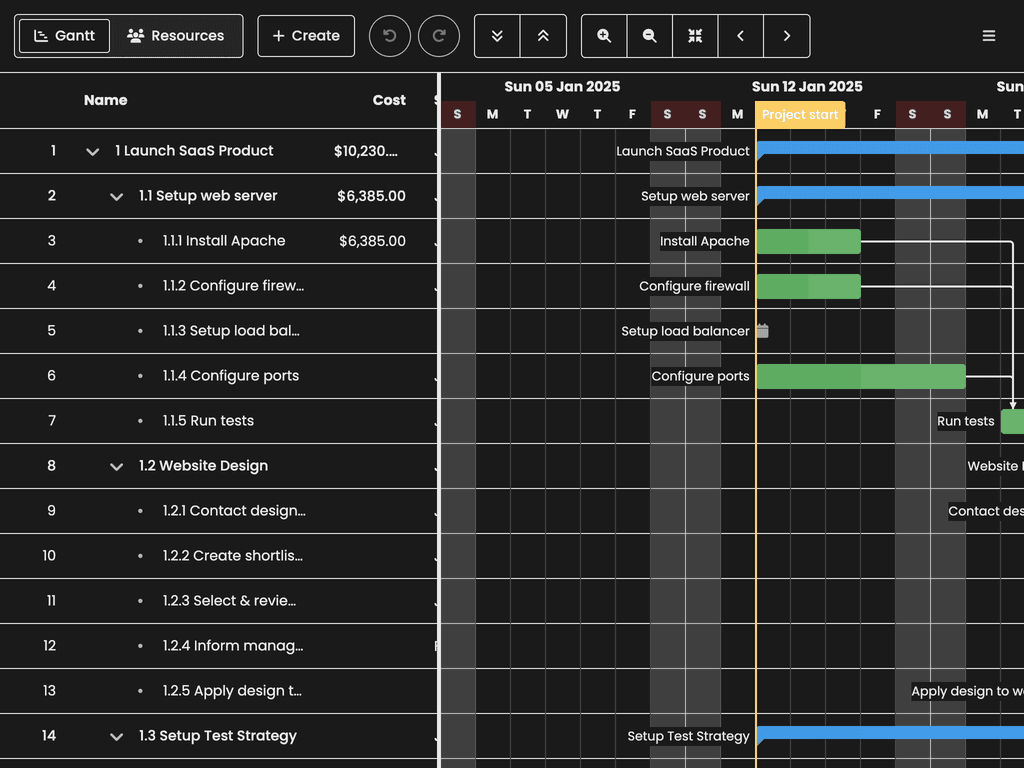 |
流利的 2
| 光线 | 阴暗 |
|---|---|
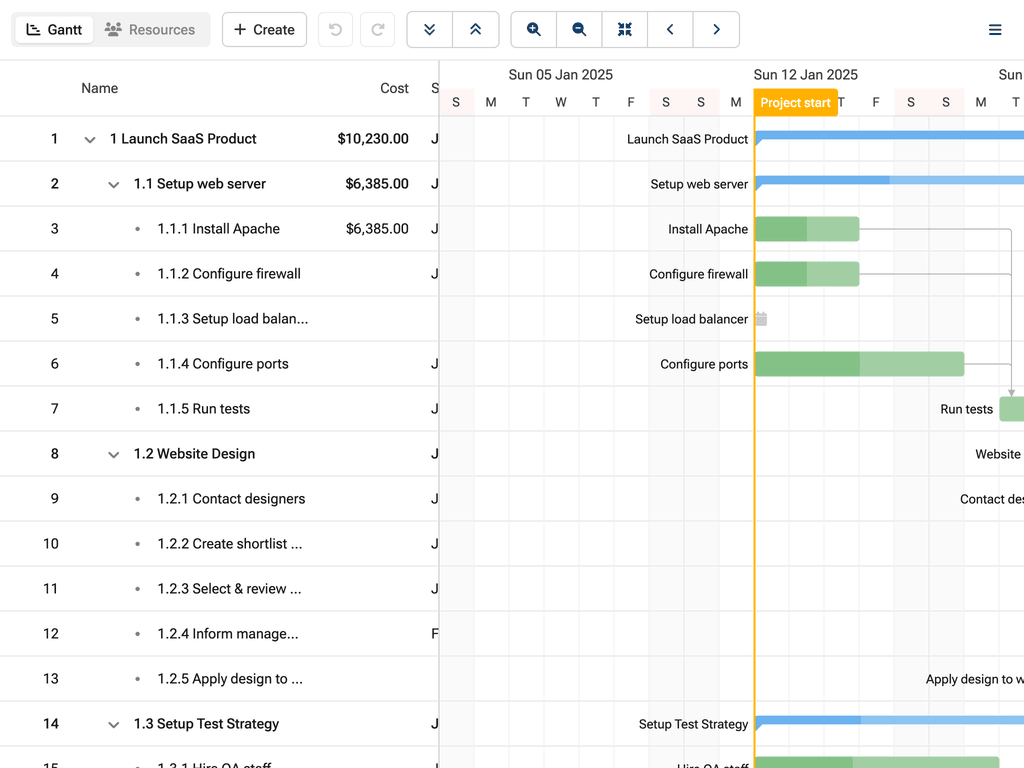 | 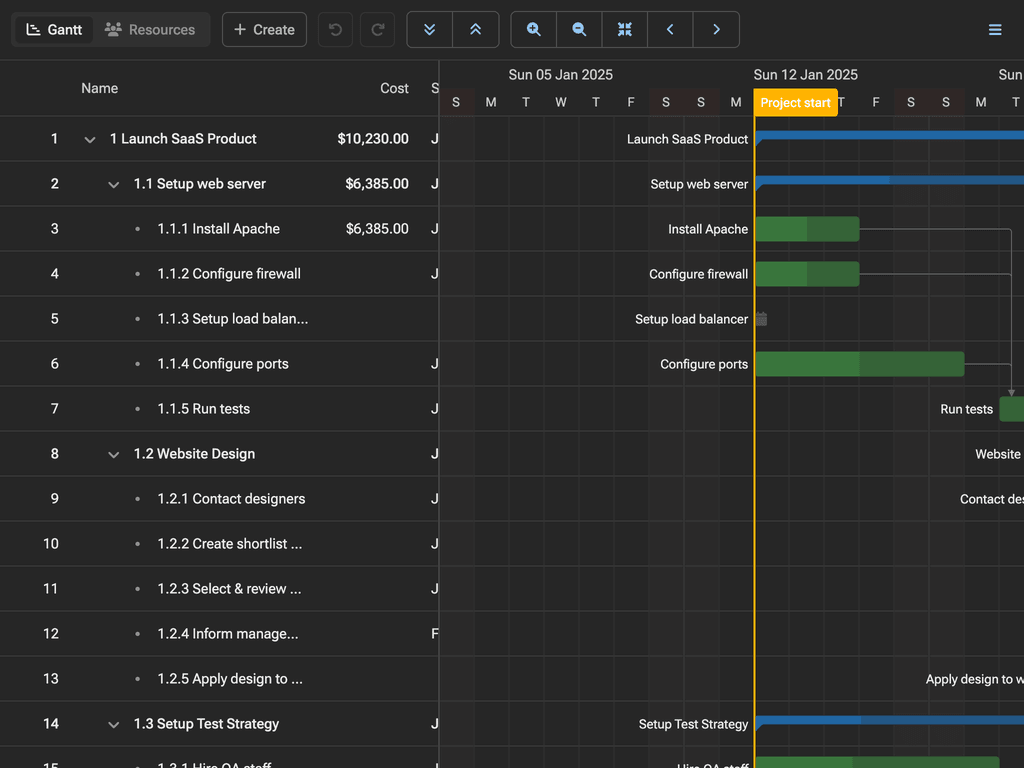 |
关于自定义主题的更多信息,请参见: 样式指南。 。 。 .
框架整合
布林图姆·甘特(Bryntum Gantt)为通俗框架提供一等的包装. 每个包装都遵循本地框架模式 和生命周期管理.
说明: 框架包装是公开的,可以正常安装. 它们要求有核心包.
反应
npm install @bryntum/gantt-react@latest
拜访我们 反应快速启动指南 学习更多.
角质
npm install @bryntum/gantt-angular@latest
拜访我们 角快启动指南 学习更多.
第3组
npm install @bryntum/gantt-vue-3@latest
拜访我们 Vue 快速启动指南 学习更多.
探索所有Bryntum 产品
- Bryntum 网格 - 高性能数据网
- Bryntum 调度器 - 资源调度部分
- Bryntum 调度器 Pro - 有依赖关系的高级排程
- 布林图姆·甘特 - 项目规划和管理
- 布林图姆日历 - 完整的日历组件
- Bryntum 任务板 - 坎班式任务管理
探索我们综合收集的演示文稿:


在线参考资料
许可证和版权
Bryntum Gantt是商业软件,需要付费许可证. 请访问 Bryntum Gantt 结束用户许可证 执照的全文.
版权所有:2009-2026年,Bryntum 版权所有.