
Bryntum Scheduler Pro (Trial)
Bryntum Scheduler Pro is a full-featured resource scheduler supporting a wide range of functionality. It integrates smoothly with React, Vue, Angular, or plain vanilla JS.
For more information about Bryntum Scheduler Pro, visit the Bryntum Scheduler Pro site

Highlights
- Professional scheduling engine runs in browser or server-side on Node.js for complex constraint-based scheduling
- Automatic dependency management with cascading updates through task networks
- Resource histogram visualizes allocation peaks and highlights overloaded resources
- Skill-based assignments match tasks to resources by required capabilities
- Nested event support for parent-child relationships and complex workflows
- Travel time accounting factors in commute between locations for realistic planning
- Conflict resolution detects scheduling conflicts with smart resolution suggestions
- Calendar-aware scheduling with work hours, holidays, and shift constraints
- Constraint handling enforces start-no-earlier-than and other project rules
- Customizable task editor with tabs for events, resources, and dependencies
- Heatmap visualization shows resource utilization intensity in tree summaries
- React, Vue, and Angular wrappers with native framework patterns
Package Contents
| Path | Description |
|---|---|
fonts/ | Poppins, Montserrat, and RobotoFlex fonts |
fontawesome/ | FontAwesome icons and webfonts |
locales/ | Localization files for 30+ languages |
schedulerpro.module.js, schedulerpro.umd.js | JavaScript bundles (ES module and UMD formats) |
schedulerpro.css | Structural CSS (required) |
*.d.ts | TypeScript type definitions |
*.css | Theme stylesheets |
Note: Trial packages do not include minified bundles, source maps, or source files.
Supported Versions
- NodeJS:
>= 20.0.0 - TypeScript:
>= 3.6.0 - Angular:
>= 9.0.0 - React:
>= 16.0.0 - Vue:
>= 3.0.0 - Vite:
>= 4.0.0 - Webpack:
>= 4.0.0
Try Bryntum Online Demos
Explore our comprehensive collection of demos:
Installation
This is a trial package with limited functionality.
Why Use npm Aliasing?
Trial packages use npm aliasing to install @bryntum/schedulerpro-trial under the @bryntum/schedulerpro name. This approach
provides a seamless upgrade path - when you purchase a license, you only need to update the alias in package.json
without changing any application code.
Install using npm:
npm install @bryntum/schedulerpro@npm:@bryntum/schedulerpro-trial@latest
Or using yarn:
yarn add @bryntum/schedulerpro@npm:@bryntum/schedulerpro-trial@latest
Alternatively, add to package.json dependencies:
"dependencies": {
  "@bryntum/schedulerpro": "npm:@bryntum/schedulerpro-trial@latest"
}
Visit our npm repository guide to learn more about installation and migrating from trial to licensed packages.
Using an AI agent?
The fastest path for an AI assistant to write working Bryntum Scheduler Pro code:
- MCP server. Configure your agent with the Bryntum MCP server for grounded, version-correct answers: setup guide.
- Agent skills. Install the Bryntum skill for Claude Code, Cursor, or Codex — it bundles the conventions below.
Common trial-package pitfalls for agents:
- Stale training data. Bryntum ships breaking changes; do not trust API shapes you remember. Check https://bryntum.com/products/schedulerpro/docs first.
- You are on the trial. The package is installed as
@bryntum/schedulerpro-trialbut aliased to@bryntum/schedulerpro— import paths must use the aliased name (@bryntum/schedulerpro). To upgrade to a licensed package, change the alias to"npm:@bryntum/schedulerpro@latest"; do not rewrite imports. - Trial bundles are not minified and contain a watermark; that is expected, not a bug.
- CSS. Import FontAwesome,
schedulerpro.css(structural), and a theme. - Framework wrappers (
@bryntum/schedulerpro-react,-angular,-vue-3) require the core@bryntum/schedulerpropackage; installing only the wrapper fails at runtime. - TypeScript types are bundled in
*.d.tsnext to each entry point; do not hand-roll interfaces.
Quick Start
Vanilla JavaScript
import { SchedulerPro } from '@bryntum/schedulerpro';
import './style.css';

const schedulerPro = new SchedulerPro({
    appendTo   : 'app',
    startDate  : new Date(2026, 0, 1),
    endDate    : new Date(2026, 1, 10),
    rowHeight  : 60,
    barMargin  : 15,
    eventStyle : 'colored',
    viewPreset : 'hourAndDay',
    columns    : [
        { text : 'Name', field : 'name', width : 160 }
    ],
    project : {

        resources : [
            { id : 1, name : 'Dan Stevenson' },
            { id : 2, name : 'Talisha Babin' },
            { id : 3, name : 'Michael Chen' },
            { id : 4, name : 'Sophia Rodriguez' },
            { id : 5, name : 'Arjun Mehta' }
        ],
        events : [
            { id : 1,  startDate : '2026-01-01', duration : 3, durationUnit : 'd', name : 'Project Kickoff' },
            { id : 2,  startDate : '2026-01-04', duration : 4, durationUnit : 'd', name : 'Requirement Gathering' },
            { id : 3,  startDate : '2026-01-08', duration : 5, durationUnit : 'd', name : 'UI/UX Design' },
            { id : 4,  startDate : '2026-01-13', duration : 7, durationUnit : 'd', name : 'Backend Development' },
            { id : 5,  startDate : '2026-01-20', duration : 6, durationUnit : 'd', name : 'Frontend Development' },
            { id : 6,  startDate : '2026-01-26', duration : 4, durationUnit : 'd', name : 'API Integration' },
            { id : 7,  startDate : '2026-01-30', duration : 3, durationUnit : 'd', name : 'Testing & QA' },
            { id : 8,  startDate : '2026-02-02', duration : 2, durationUnit : 'd', name : 'Client Review' },
            { id : 9,  startDate : '2026-02-04', duration : 3, durationUnit : 'd', name : 'Bug Fixing' },
            { id : 10, startDate : '2026-02-07', duration : 2, durationUnit : 'd', name : 'Final Deployment' }
        ],
        assignments : [
            { event : 1,  resource : 1 },
            { event : 2,  resource : 2 },
            { event : 3,  resource : 3 },
            { event : 4,  resource : 4 },
            { event : 5,  resource : 5 },
            { event : 6,  resource : 3 },
            { event : 7,  resource : 2 },
            { event : 8,  resource : 1 },
            { event : 9,  resource : 4 },
            { event : 10, resource : 5 }
        ],
        dependencies : [
            { fromEvent : 1, toEvent : 2 },
            { fromEvent : 2, toEvent : 3 },
            { fromEvent : 3, toEvent : 4 },
            { fromEvent : 4, toEvent : 5 },
            { fromEvent : 5, toEvent : 6 },
            { fromEvent : 6, toEvent : 7 },
            { fromEvent : 7, toEvent : 8 },
            { fromEvent : 8, toEvent : 9 },
            { fromEvent : 9, toEvent : 10 }
        ]
    }
});
In the style.css:
/* FontAwesome is used for icons */
@import "@bryntum/schedulerpro/fontawesome/css/fontawesome.css";
@import "@bryntum/schedulerpro/fontawesome/css/solid.css";
/* Structural CSS */
@import "@bryntum/schedulerpro/schedulerpro.css";
/* Bryntum theme of your choice */
@import "@bryntum/schedulerpro/svalbard-light.css";
Visit our JavaScript Quick Start guide to learn more.
Themes
Svalbard (default)
| Light | Dark |
|---|---|
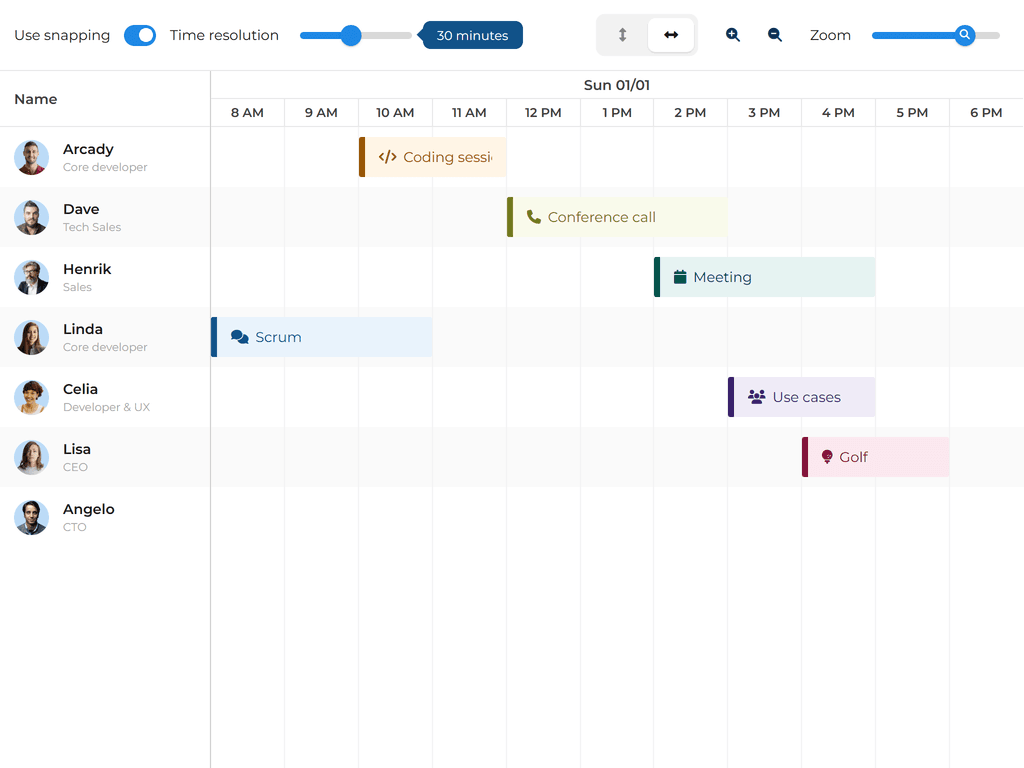 | 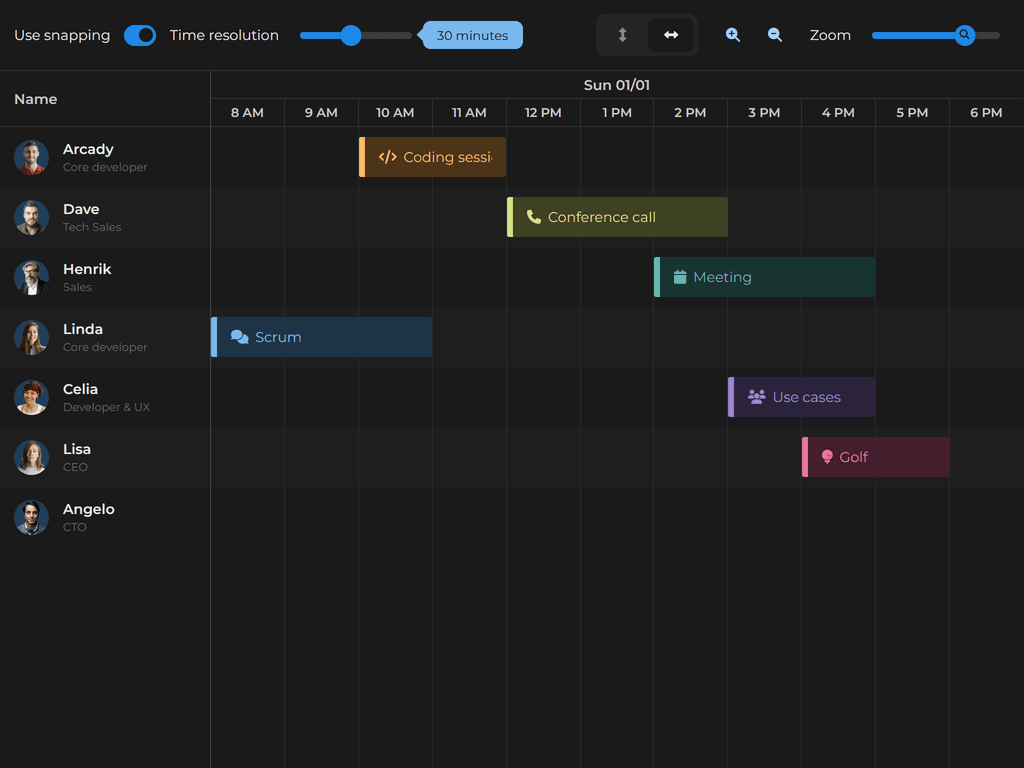 |
Stockholm
| Light | Dark |
|---|---|
 | 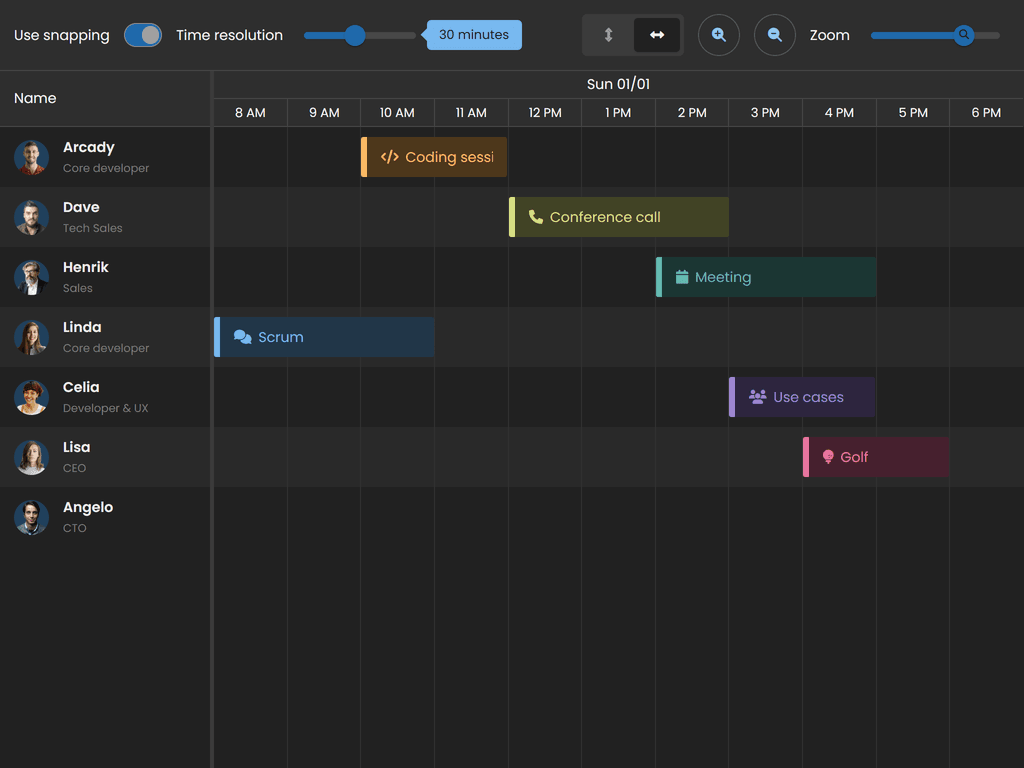 |
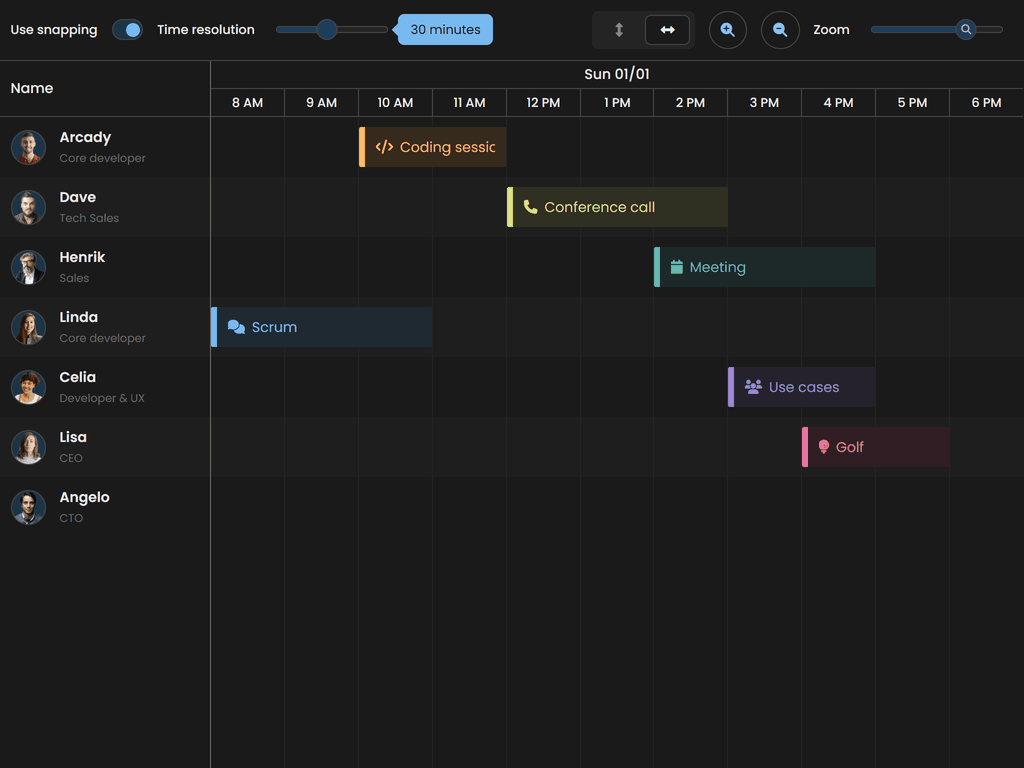
Visby
| Light | Dark |
|---|---|
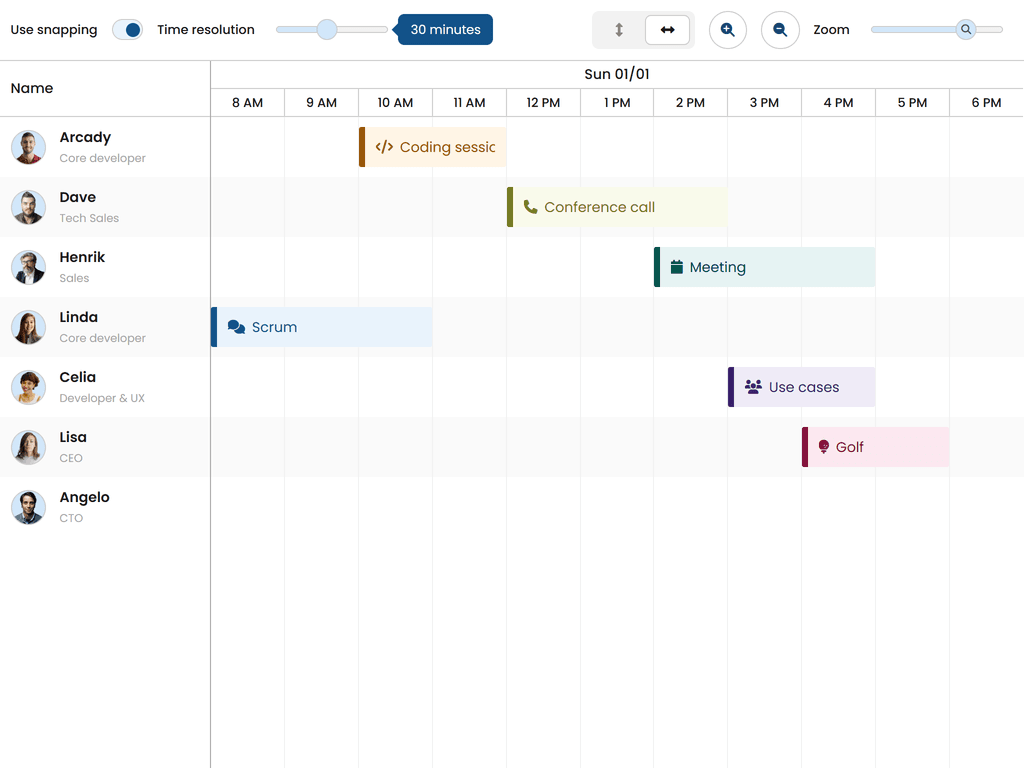 |  |
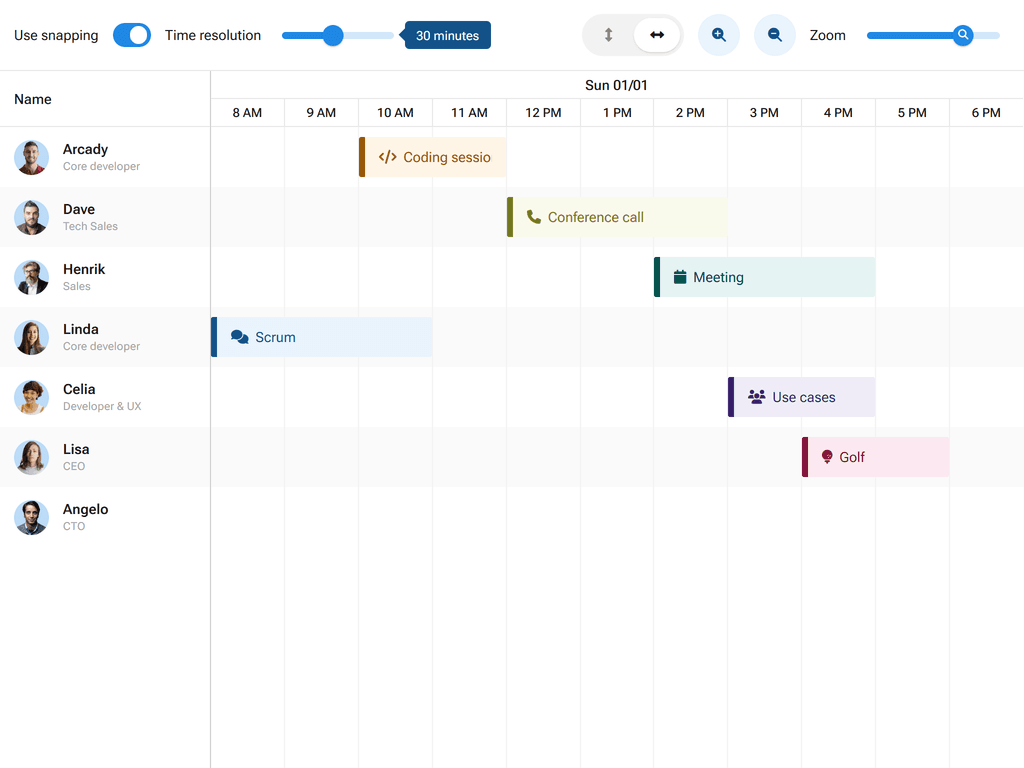
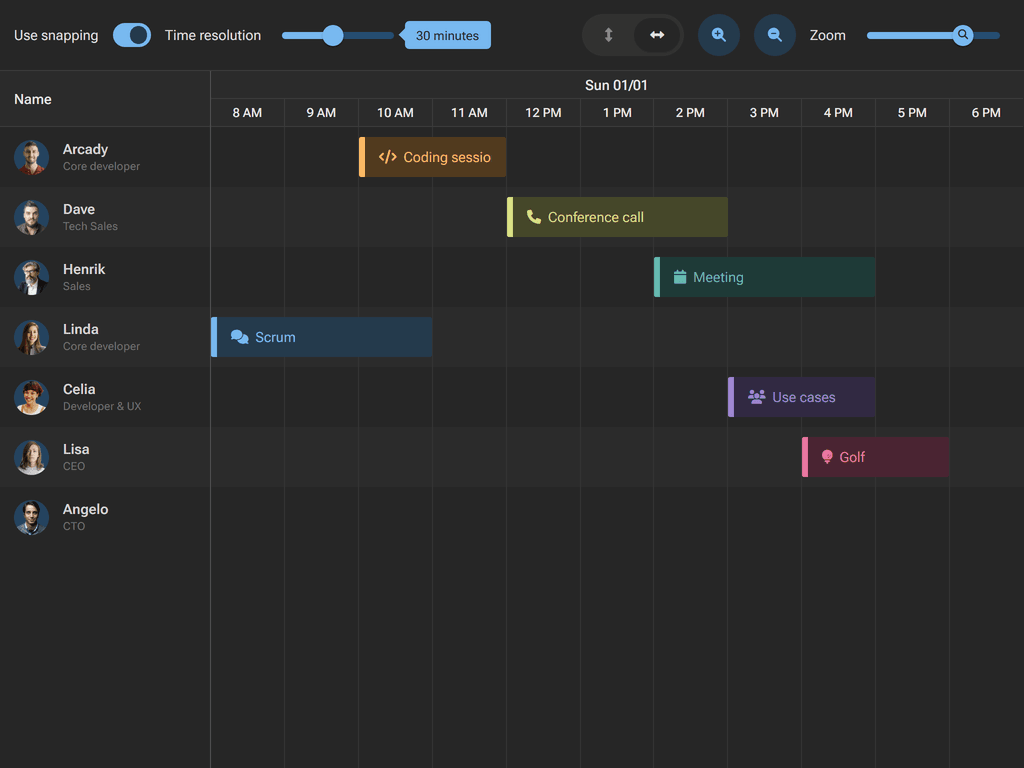
Material 3
| Light | Dark |
|---|---|
 |  |
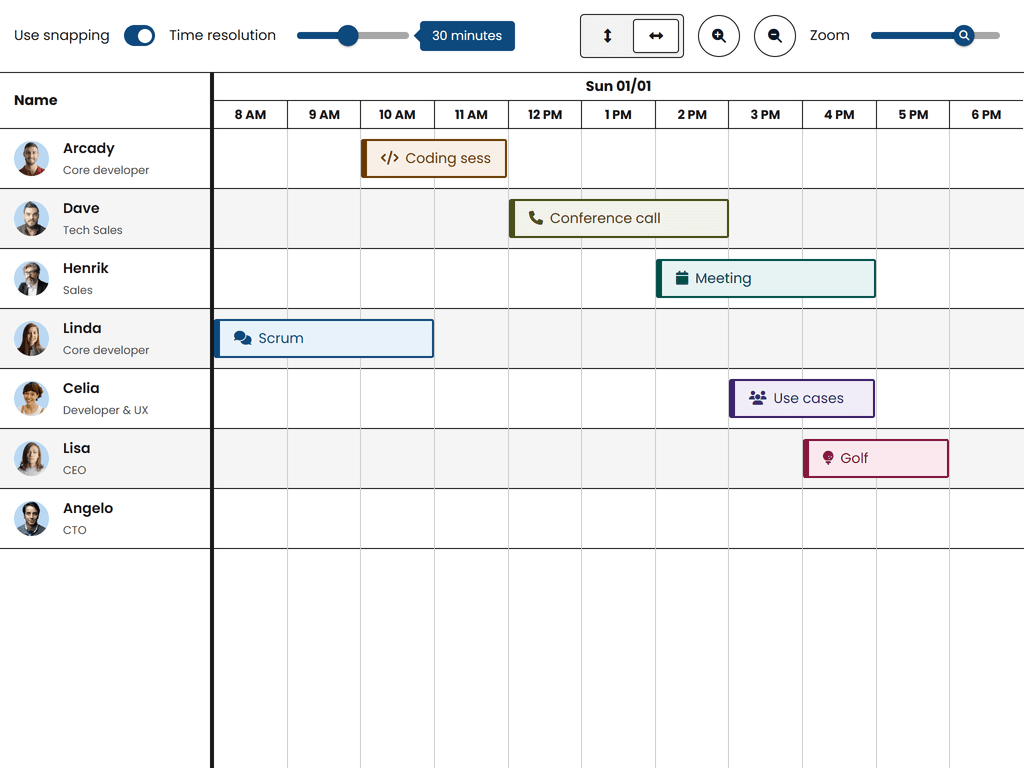
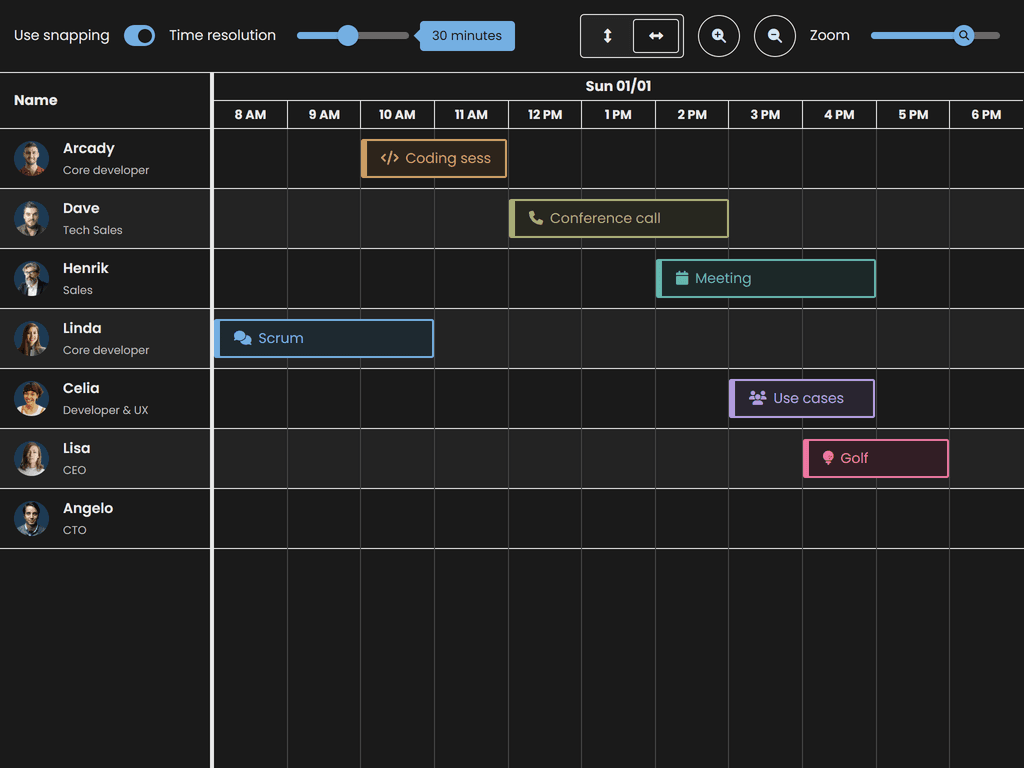
High Contrast
| Light | Dark |
|---|---|
 |  |
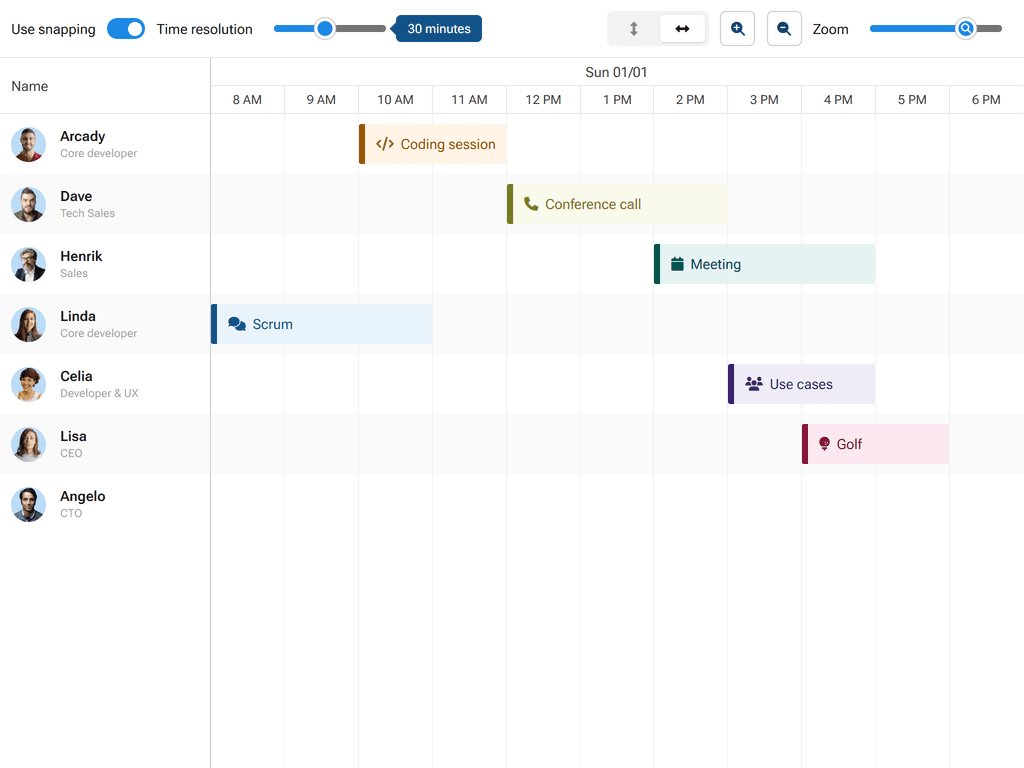
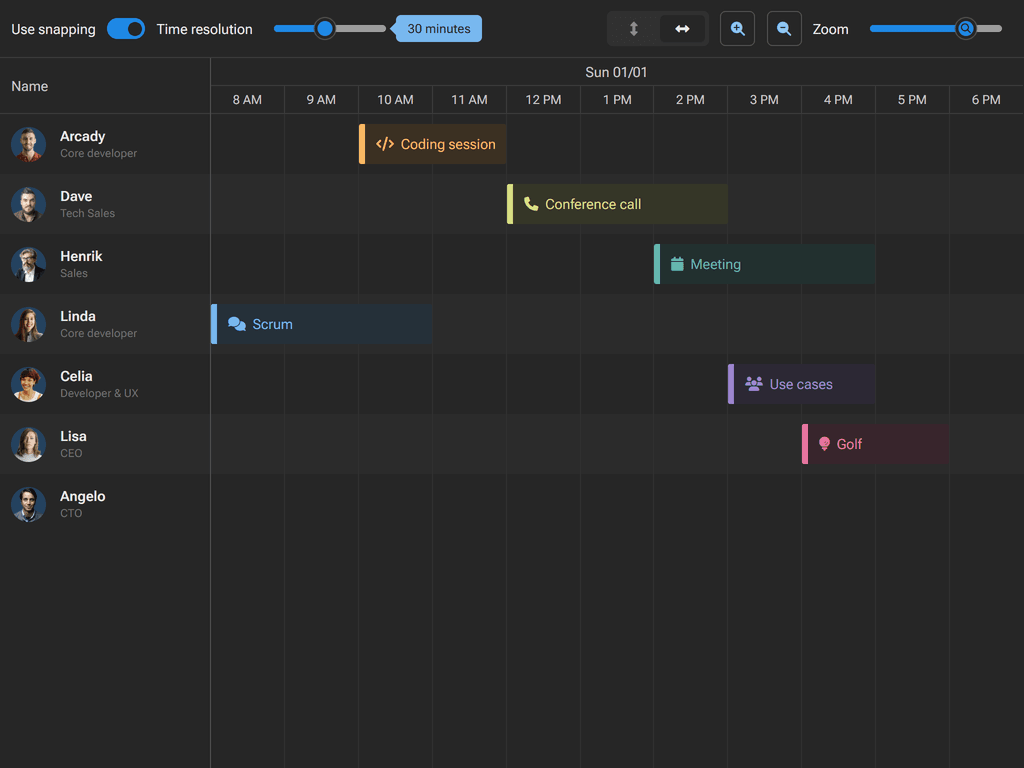
Fluent 2
| Light | Dark |
|---|---|
 |  |
For more information on customizing themes, see the Styling guide.
Framework Integrations
Bryntum Scheduler Pro provides first-class wrappers for popular frameworks. Each wrapper follows native framework patterns and lifecycle management.
Note: The framework wrappers are public and can be installed normally. They require the core package to be present.
React
npm install @bryntum/schedulerpro-react@latest
Visit our React Quick Start guide to learn more.
Angular
npm install @bryntum/schedulerpro-angular@latest
Visit our Angular Quick Start guide to learn more.
Vue 3
npm install @bryntum/schedulerpro-vue-3@latest
Visit our Vue Quick Start guide to learn more.
Explore All Bryntum Products
- Bryntum Grid - High-performance data grid
- Bryntum Scheduler - Resource scheduling component
- Bryntum Scheduler Pro - Advanced scheduling with dependencies
- Bryntum Gantt - Project planning and management
- Bryntum Calendar - Full-featured calendar component
- Bryntum TaskBoard - Kanban-style task management
Explore our comprehensive collection of demos:


Online references
License and copyright
Bryntum Scheduler Pro is commercial software and requires a paid license. Please visit the Bryntum Scheduler Pro End User License for the full text of the license.
Copyright © 2009-2026, Bryntum All rights reserved.