@buoy-gg/mcp
Connect an MCP client to supported Buoy tools in a running app. Read captured state, invoke tool actions, and run configured benchmarks.
MCP guide · buoy.gg · All tools


Install
Sign in first. Run this in your app's folder:
npx --package=@buoy-gg/core buoy login
Your browser opens buoy.gg. Click Allow. This signs in your computer. The MCP uses that sign-in, so it needs no key. As a backup, it reads a key from the env files in the folder it runs in.
Then set up the MCP:
npx -y @buoy-gg/mcp@latest init
Run it from your app's directory. It registers a buoy server in your MCP configs and adds the buoy-optimize skill. Your React Native app also needs @buoy-gg/external-sync. A free account gets the basic tools and Buoy Optimize, and Pro adds the full MCP. Restart your editor, open your app, and start with list_devices.
The MCP guide covers setup, what it captures and its limits. New to Buoy? Start with the Quick start.
Buoy Web
Let your AI use the web in its own Chrome tabs. It's free and needs no account.
npx -y @buoy-gg/mcp@latest init --web
This adds a buoy-web server for all your projects. Then add the Buoy Web Chrome extension and restart your editor. It only uses tabs it opened, and it never types passwords or card numbers. See the Buoy Web guide.
Read screens
Use native_inspect to read a point without a tap.
Pass pointX and pointY in iOS Sim points.
Other hosts use pixels. On a real iPhone, this reads the app view.
The x and y fields still use screen fractions.
Use screenshot_component with compareTo to view a saved PNG
next to the live screen. The saved file comes first.
Use a full path, or start at the project root.
The saved file stays as it is.
Do more in one call
run_flow can tap, type and swipe in one call.
A swipe step with untilEnd: true goes to the end of a list.
Pass real: true to make each tap a real touch.
screen_recording can take steps. It records them, then stops and saves.
Many sims at once
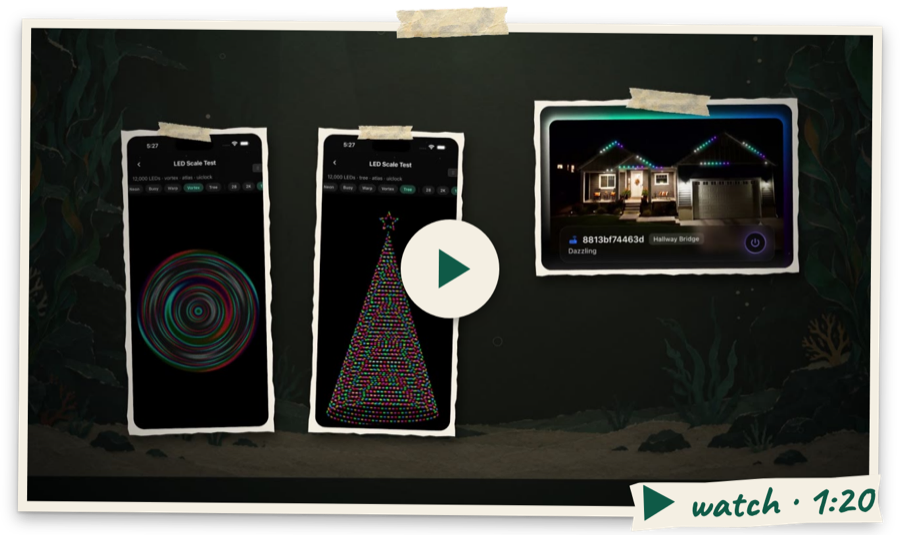
The sim_farm_* tools run many slim iOS sims and Android phones on one Mac. They make Buoy Optimize faster. Ask your agent:
Use buoy optimize and the sim farm on our slow feed screen.
The agent finds as many ideas as it can and tests them all. Each idea gets its own sim. The agent checks how each one looks and how much memory it uses. Each app acts like a real phone (an iPhone SE, or a 3 GB Android phone), so an idea that uses too much memory is out. Then the best ideas are timed on one quiet sim. You can run the farm yourself too:
npx -y @buoy-gg/mcp@latest farm status
npx -y @buoy-gg/mcp@latest farm phone use off
See the Sim Farm guide.
Many Chromes at once
The chrome_farm_* tools run many slim Chromes on one computer. Each one runs your web app with its own storage and its own debugging address. Your tests and your agent can drive them all at once:
npx -y @buoy-gg/mcp@latest farm chrome up 8 --url http://localhost:3000
npx -y @buoy-gg/mcp@latest farm chrome run 8 --url http://localhost:3000 -- node my-test.mjs
See the Chrome Farm guide.
Part of Buoy, developer tools that live inside your app. Proprietary software. © Buoy LLC. Terms
Native Profiler
Use native_profile to start, stop, or take a timed iOS Simulator or Android trace. Use get_native_profile to read it by ID. Start a trace, run a flow, then stop in a finally step. Needs a Buoy Pro app. iOS needs Xcode on macOS. Android needs adb on Mac or Linux. The report shows hot functions, hot threads, and busy spans. Each span names its source. RSS and frame counts stay unknown when absent. Under 30 frames means too few to judge. Samples cannot find sleeping hangs. Read the guide.
Memory checks
memory_check starts or stops a route loop. get_memory_leaks reads its report. Checks need Pro and a native dev build with @buoy-gg/memory-leaks. Clock is optional for timer counts. Routes needs a mounted RouteTracker for loops.
Start returns a runId. Poll for results. The report shows suspects, GC proof and byte growth. A suspect is a clue. An empty list without GC proof does not prove clean. See the Memory Leaks guide.