@capgo/capacitor-light-sensor
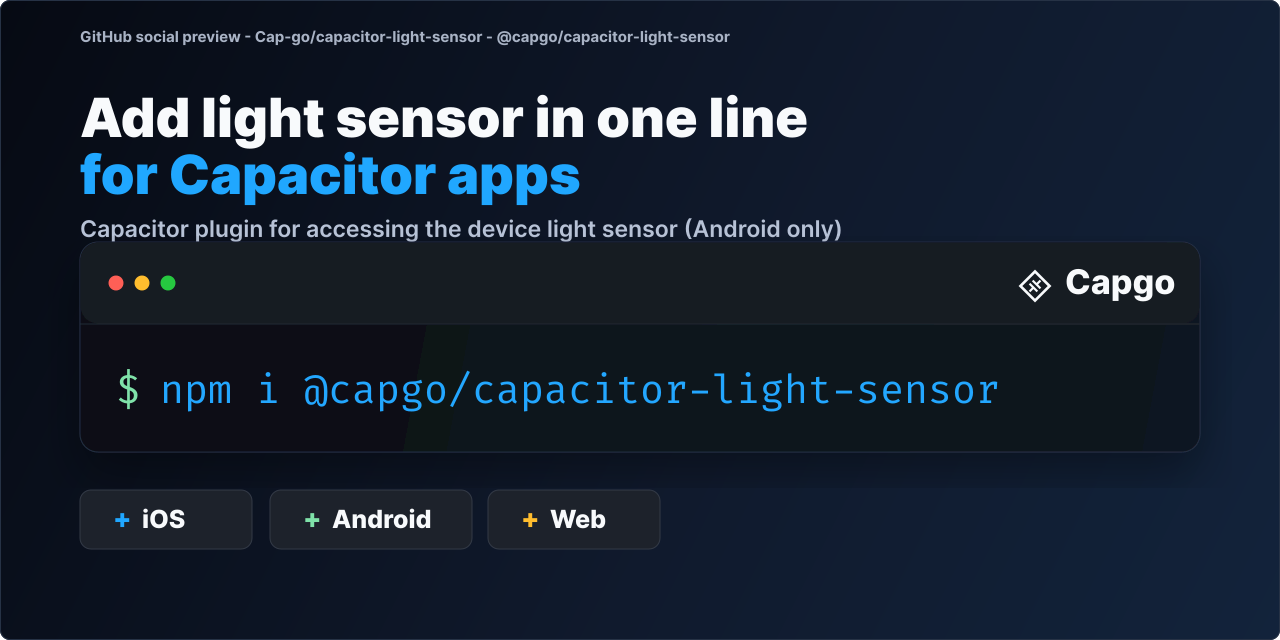
Read the ambient light level from the device sensor in your Capacitor app, to adapt themes, brightness or camera hints to the room.

Capgo: push fixes to your Capacitor users in minutes, build signed iOS and Android apps without a Mac, and roll back in one click.
➡️ Get started for free
14-day unlimited free trial. No credit card required
🤖 Building with an AI coding agent? Install Capgo skills so Claude Code, Codex, Cursor, Copilot, or Gemini CLI know how to install and use
@capgo/capacitor-light-sensorin your Capacitor app:npx skills add Cap-go/capgo-skills. Then ask your agent: "Add @capgo/capacitor-light-sensor to my Capacitor app and wire it up." Agent setup guides · Hosted MCP
Key features
- Live readings:
start()streams lux values through thelightSensorChangeevent. - Sampling control: pass an update interval to
start(). - Availability:
isAvailable()checks for a light sensor first. - Stop:
stop()ends updates to save battery. - Permissions:
checkPermissions()andrequestPermissions()exist for API parity. Both always reporthighSamplingRateas granted. - Platforms: Android. Android only. iOS has no public ambient light sensor API, and web is not available.
Why Capacitor Light Sensor?
- Real Ambient Light Data: Get accurate light level readings in lux
- Efficient Sensor Access: Uses native Android sensor APIs for optimal performance
- Configurable Update Intervals: Control how often you receive sensor updates
- Battery Conscious: Start and stop the sensor as needed to conserve battery
- TypeScript Support: Full type definitions for a great developer experience
Platform Support
| Platform | Support |
|---|---|
| Android | ✅ Full support via TYPE_LIGHT sensor |
| iOS | ❌ Not available (no public API) |
| Web | ❌ Not available |
Compatibility
| Plugin version | Capacitor compatibility | Maintained |
|---|---|---|
| v8.*.* | v8.*.* | ✅ |
| v7.*.* | v7.*.* | On demand |
| v6.*.* | v6.*.* | ❌ |
| v5.*.* | v5.*.* | ❌ |
Note: The major version of this plugin follows the major version of Capacitor. Use the version that matches your Capacitor installation (e.g., plugin v8 for Capacitor 8). Only the latest major version is actively maintained.
Installation
You can use our AI-Assisted Setup to install the plugin. Add the Capgo skills to your AI tool using the following command:
npx skills add https://github.com/cap-go/capacitor-skills --skill capacitor-plugins
Then use the following prompt:
Use the `capacitor-plugins` skill from `cap-go/capacitor-skills` to install the `@capgo/capacitor-light-sensor` plugin in my project.
If you prefer Manual Setup, install the plugin by running the following commands and follow the platform-specific instructions below:
npm install @capgo/capacitor-light-sensor
npx cap sync
Requirements
Android
- Minimum SDK: 24 (Android 7.0)
- Target SDK: 36
- Device must have a light sensor (most Android phones do)
High Sampling Rate (Android 12+)
For update intervals below 200ms on Android 12 and above, add this permission to your AndroidManifest.xml:
<uses-permission android:name="android.permission.HIGH_SAMPLING_RATE_SENSORS" />
Usage
import { LightSensor } from '@capgo/capacitor-light-sensor';

// Check if sensor is available
const { available } = await LightSensor.isAvailable();

if (available) {
  // Start listening with 500ms update interval
  await LightSensor.start({ updateInterval: 500 });

  // Add listener for sensor data
  const handle = await LightSensor.addListener('lightSensorChange', (data) => {
    console.log(`Light level: ${data.illuminance} lux`);
    console.log(`Timestamp: ${data.timestamp}`);
  });

  // Later, stop the sensor
  await LightSensor.stop();
  await handle.remove();
}
Light Level Reference
| Lux Value | Condition |
|---|---|
| 0.0001 | Moonless, overcast night |
| 0.27-1 | Full moon on a clear night |
| 3.4 | Dark limit of civil twilight |
| 50 | Family living room |
| 80 | Office hallway |
| 100 | Very dark overcast day |
| 400 | Sunrise/sunset on clear day |
| 1,000 | Overcast day |
| 10,000-25,000 | Full daylight (indirect) |
| 32,000-100,000 | Direct sunlight |
API
isAvailable()start(...)stop()addListener('lightSensorChange', ...)removeAllListeners()checkPermissions()requestPermissions()getPluginVersion()- Interfaces
- Type Aliases
Capacitor plugin for accessing the device's ambient light sensor.
isAvailable()
isAvailable() => Promise<IsAvailableResult>
Check if the light sensor is available on the current device. You should always check sensor availability before attempting to use it.
Returns: Promise<IsAvailableResult>
Since: 0.0.1
start(...)
start(options?: StartOptions | undefined) => Promise<void>
Start listening to light sensor updates.
This will begin sensor measurements at the specified interval.
Use addListener to receive the sensor data.
| Param | Type | Description |
|---|---|---|
options | StartOptions | - Configuration options for the sensor |
Since: 0.0.1
stop()
stop() => Promise<void>
Stop listening to light sensor updates. This will stop the sensor and conserve battery.
Since: 0.0.1
addListener('lightSensorChange', ...)
addListener(eventName: 'lightSensorChange', listenerFunc: LightSensorCallback) => Promise<PluginListenerHandle>
Add a listener for light sensor change events. The listener will be called whenever new sensor data is available.
| Param | Type | Description |
|---|---|---|
eventName | 'lightSensorChange' | - Must be 'lightSensorChange' |
listenerFunc | LightSensorCallback | - Callback function to receive sensor data |
Returns: Promise<PluginListenerHandle>
Since: 0.0.1
removeAllListeners()
removeAllListeners() => Promise<void>
Remove all listeners for light sensor events.
Since: 0.0.1
checkPermissions()
checkPermissions() => Promise<PermissionStatus>
Check the current permission status for high sampling rate sensors. On Android 12+, the HIGH_SAMPLING_RATE_SENSORS permission is required for sensor update intervals below 200ms.
Returns: Promise<PermissionStatus>
Since: 0.0.1
requestPermissions()
requestPermissions() => Promise<PermissionStatus>
Request permission for high sampling rate sensors. On Android 12+, this requests the HIGH_SAMPLING_RATE_SENSORS permission.
Returns: Promise<PermissionStatus>
Since: 0.0.1
getPluginVersion()
getPluginVersion() => Promise<VersionResult>
Get the current version of the plugin.
Returns: Promise<VersionResult>
Since: 0.0.1
Interfaces
IsAvailableResult
Result indicating whether the sensor is available.
| Prop | Type | Description | Since |
|---|---|---|---|
available | boolean | Whether the light sensor is available on this device. Always false on iOS as the light sensor API is not available. | 0.0.1 |
StartOptions
Options for starting the light sensor listener.
| Prop | Type | Description | Default | Since |
|---|---|---|---|---|
updateInterval | number | The desired interval between sensor updates in milliseconds. On Android 12+, there's a minimum interval of 200ms unless the app has the HIGH_SAMPLING_RATE_SENSORS permission. | 200 | 0.0.1 |
PluginListenerHandle
| Prop | Type |
|---|---|
remove | () => Promise<void> |
LightSensorMeasurement
A single light sensor measurement.
| Prop | Type | Description | Since |
|---|---|---|---|
illuminance | number | Ambient light level in lux (lx). | 0.0.1 |
timestamp | number | Timestamp of the measurement in seconds since epoch. | 0.0.1 |
PermissionStatus
Result of a permission request or check.
| Prop | Type | Description | Since |
|---|---|---|---|
highSamplingRate | 'prompt' | 'prompt-with-rationale' | 'granted' | 'denied' | Whether the high sampling rate sensor permission is granted. On Android 12+, this permission is required for update intervals below 200ms. | 0.0.1 |
VersionResult
Plugin version information.
| Prop | Type | Description | Since |
|---|---|---|---|
version | string | The current version of the plugin. | 0.0.1 |
Type Aliases
LightSensorCallback
Callback function for light sensor updates.
(measurement: LightSensorMeasurement): void
Contributing
See CONTRIBUTING.md for details on how to contribute to this plugin.
License
Credits
This SDK has been inspired by Expo light sensor.