react-native-keyboard-aware-scroll-view


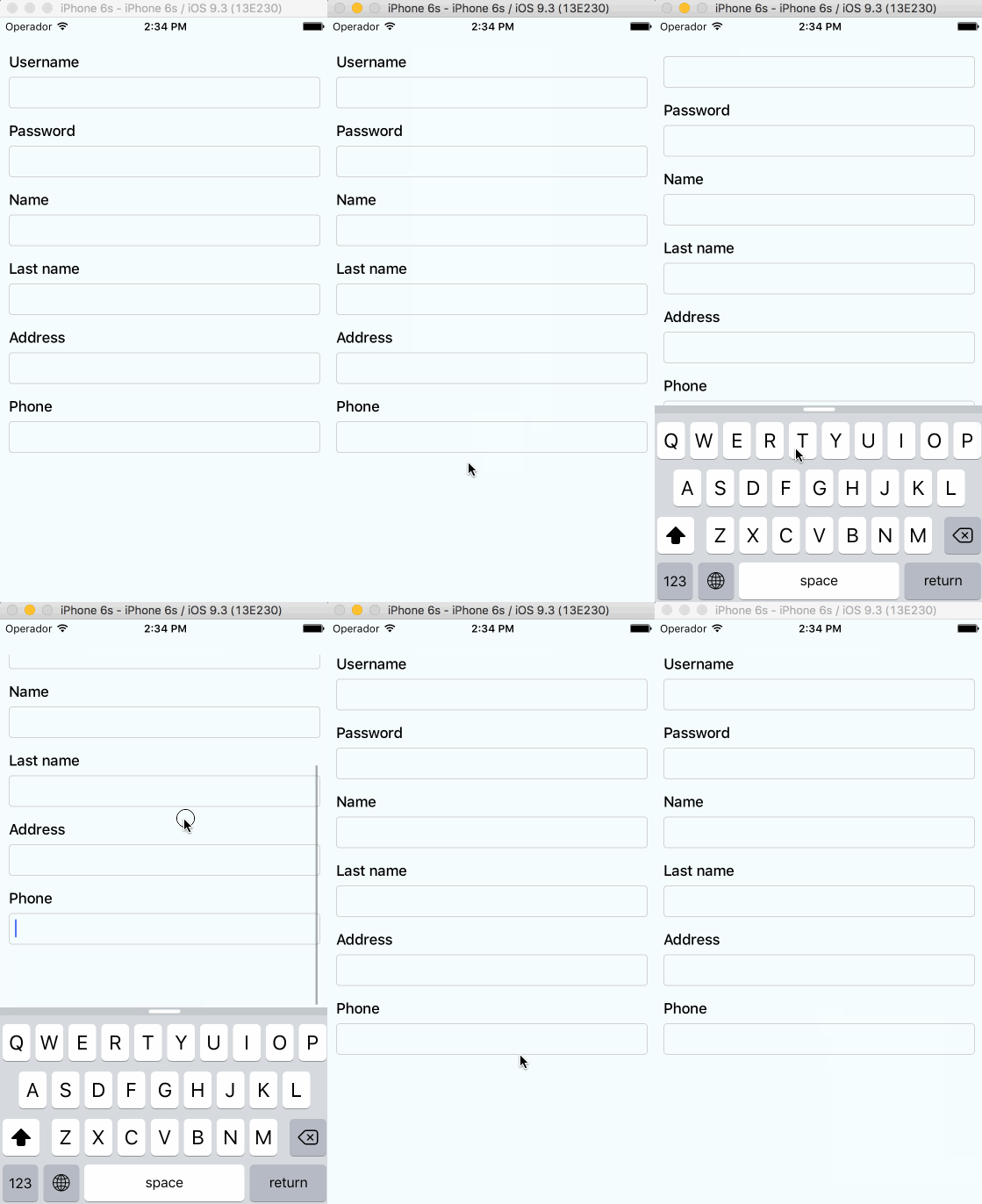
A ScrollView component that handles keyboard appearance and automatically scrolls to focused TextInput.
Supported versions
v2.0.0requiresRN>=0.65.1v1.0.0requiresRN>=0.63.0
Installation
Installation can be done through npm:
npm i @codler/react-native-keyboard-aware-scroll-view --save
Usage
You can use the KeyboardAwareScrollView, KeyboardAwareSectionList or the KeyboardAwareFlatList
components. They accept ScrollView, SectionList and FlatList default props respectively and
implement a custom high order component called KeyboardAwareHOC to handle keyboard appearance.
The high order component is also available if you want to use it in any other component.
Import react-native-keyboard-aware-scroll-view and wrap your content inside
it:
import { KeyboardAwareScrollView } from '@codler/react-native-keyboard-aware-scroll-view'
<KeyboardAwareScrollView>
  <View>
    <TextInput />
  </View>
</KeyboardAwareScrollView>
Auto-scroll in TextInput fields
As of v0.1.0, the component auto scrolls to the focused TextInput 😎. For versions v0.0.7 and older you can do the following.
Programatically scroll to any TextInput
In order to scroll to any TextInput field, you can use the built-in method scrollToFocusedInput. Example:
_scrollToInput (reactNode: any) {
  // Add a 'scroll' ref to your ScrollView
  this.scroll.props.scrollToFocusedInput(reactNode)
}
<KeyboardAwareScrollView
  innerRef={ref => {
    this.scroll = ref
  }}>
  <View>
    <TextInput
      onFocus={(event: Event) => {
        // `bind` the function if you're using ES6 classes
        this._scrollToInput(ReactNative.findNodeHandle(event.target))
      }}
    />
  </View>
</KeyboardAwareScrollView>
Programatically scroll to any position
There's another built-in function that lets you programatically scroll to any position of the scroll view:
this.scroll.props.scrollToPosition(0, 0)
Register to keyboard events
You can register to ScrollViewResponder events onKeyboardWillShow and onKeyboardWillHide:
<KeyboardAwareScrollView
  onKeyboardWillShow={(frames: Object) => {
    console.log('Keyboard event', frames)
  }}>
  <View>
    <TextInput />
  </View>
</KeyboardAwareScrollView>
Android Support
First, Android natively has this feature, you can easily enable it by setting windowSoftInputMode in AndroidManifest.xml. Check here.
But if you want to use feature like extraHeight, you need to enable Android Support with the following steps:
- Make sure you are using react-native
0.46or above. - Set
windowSoftInputModetoadjustPaninAndroidManifest.xml. - Set
enableOnAndroidproperty totrue.
Android Support is not perfect, here is the supported list:
| Prop | Android Support |
|---|---|
viewIsInsideTabBar | Yes |
resetScrollToCoords | Yes |
enableAutomaticScroll | Yes |
extraHeight | Yes |
extraScrollHeight | Yes |
enableResetScrollToCoords | Yes |
keyboardOpeningTime | No |
API
Props
All the ScrollView/FlatList props will be passed.
| Prop | Type | Description |
|---|---|---|
innerRef | Function | Catch the reference of the component. |
viewIsInsideTabBar | boolean | Adds an extra offset that represents the TabBarIOS height. |
resetScrollToCoords | Object: {x: number, y: number} | Coordinates that will be used to reset the scroll when the keyboard hides. |
enableAutomaticScroll | boolean | When focus in TextInput will scroll the position, default is enabled. |
extraHeight | number | Adds an extra offset when focusing the TextInputs. |
extraScrollHeight | number | Adds an extra offset to the keyboard. Useful if you want to stick elements above the keyboard. |
enableResetScrollToCoords | boolean | Lets the user enable or disable automatic resetScrollToCoords. |
keyboardOpeningTime | number | Sets the delay time before scrolling to new position, default is 250 |
enableOnAndroid | boolean | Enable Android Support |
Methods
Use innerRef to get the component reference and use this.scrollRef.props to access these methods.
| Method | Parameter | Description |
|---|---|---|
getScrollResponder | void | Get ScrollResponder |
scrollToPosition | x: number, y: number, animated: bool = true | Scroll to specific position with or without animation. |
scrollToEnd | animated?: bool = true | Scroll to end with or without animation. |
scrollIntoView | element: React.Element<*>, options: { getScrollPosition: ?(parentLayout, childLayout, contentOffset) => { x: number, y: number, animated: boolean } } | Scrolls an element inside a KeyboardAwareScrollView into view. |
Using high order component
Enabling any component to be keyboard-aware is very easy. Take a look at the code of KeyboardAwareFlatList:
/* @flow */

import { FlatList } from 'react-native'
import listenToKeyboardEvents from './KeyboardAwareHOC'

export default listenToKeyboardEvents(FlatList)
The HOC can also be configured. Sometimes it's more convenient to provide a static config than configuring the behavior with props. This HOC config can be overriden with props.
/* @flow */

import { FlatList } from 'react-native'
import listenToKeyboardEvents from './KeyboardAwareHOC'

const config = {
  enableOnAndroid: true,
  enableAutomaticScroll: true
}

export default listenToKeyboardEvents(config)(FlatList)
The available config options are:
{
  enableOnAndroid: boolean,
  contentContainerStyle: ?Object,
  enableAutomaticScroll: boolean,
  extraHeight: number,
  extraScrollHeight: number,
  enableResetScrollToCoords: boolean,
  keyboardOpeningTime: number,
  viewIsInsideTabBar: boolean,
  refPropName: string,
  extractNativeRef: Function
}