
Cordy Minikit
Typed Web3 toolkit for EVM and Stellar wallet access, server-verified sign-in, balances, transfers, swaps, and bridges.
Configuration highlights
EVM networks are declared once under networks. ERC-20 assets are grouped by
chain ID under evm; native currencies such as ETH and BOT come from
networks[].nativeCurrency and should not be repeated in evm.
{
  "networks": [
    {
      "chainId": 11155111,
      "name": "Ethereum Sepolia",
      "nativeCurrency": { "name": "Sepolia Ether", "symbol": "ETH", "decimals": 18 },
      "rpcUrl": "https://rpc.example"
    }
  ],
  "evm": {
    "11155111": [
      { "symbol": "USDC", "contractAddress": "0xToken", "decimals": 6 }
    ]
  }
}
Wallets may connect on another EVM network, but Cordy rejects balance,
transfer, and swap operations until that chain is configured. Bridge wallet
connection can prepare the configured route network and request its token in
wallets that support wallet_addEthereumChain and wallet_watchAsset.
Configuration map
The demo's assets.json keeps wallet, network,
asset, Stellar, and bridge settings in one configuration:
flowchart LR
    config --> project["walletConnectProjectId"]
    config --> networks["networks[]<br/>EVM networks"]
    config --> evm["evm[chainId]<br/>EVM assets"]
    config --> stellarNetwork["stellarNetwork<br/>Stellar connection"]
    config --> stellar["stellar[]<br/>Stellar assets"]
    config --> routes["bridge.routes[]<br/>Bridge routes"]
Native currencies belong to networks[].nativeCurrency; ERC-20 contracts
belong under evm["<chainId>"]; bridge directions and contract details belong
under bridge.routes[].
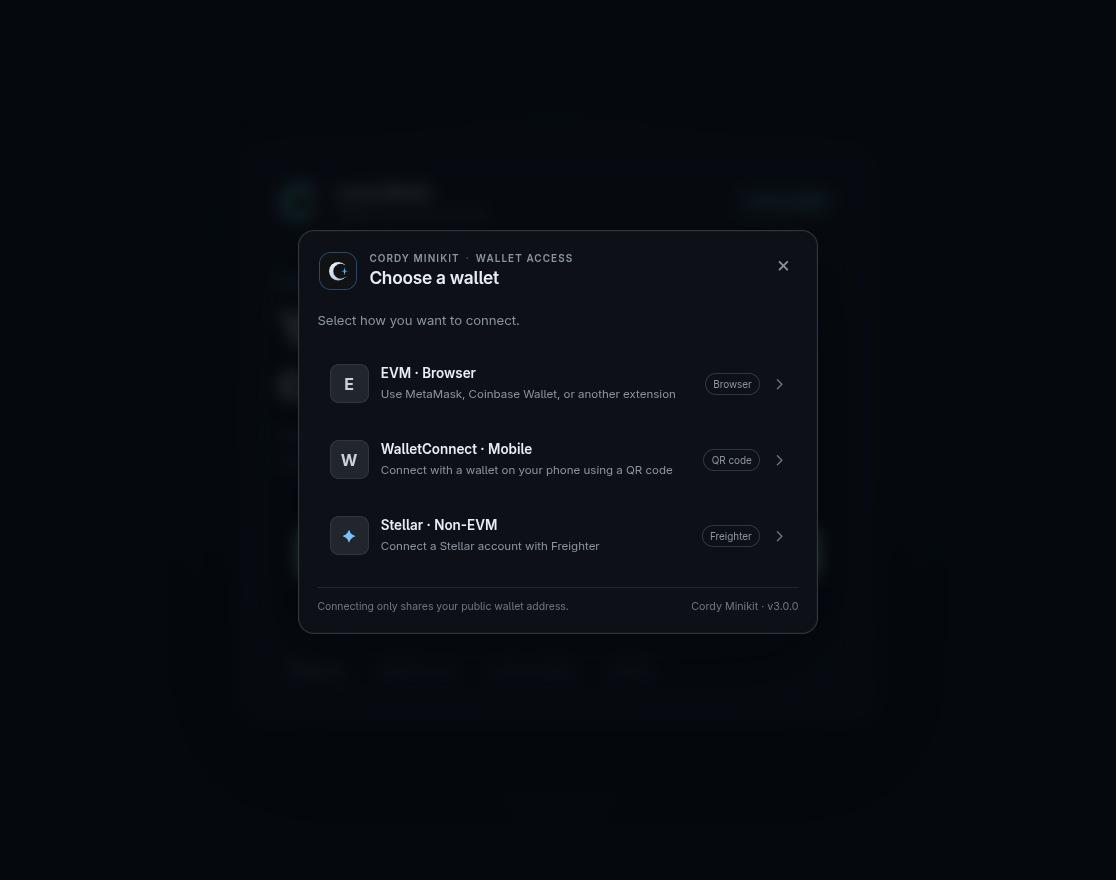
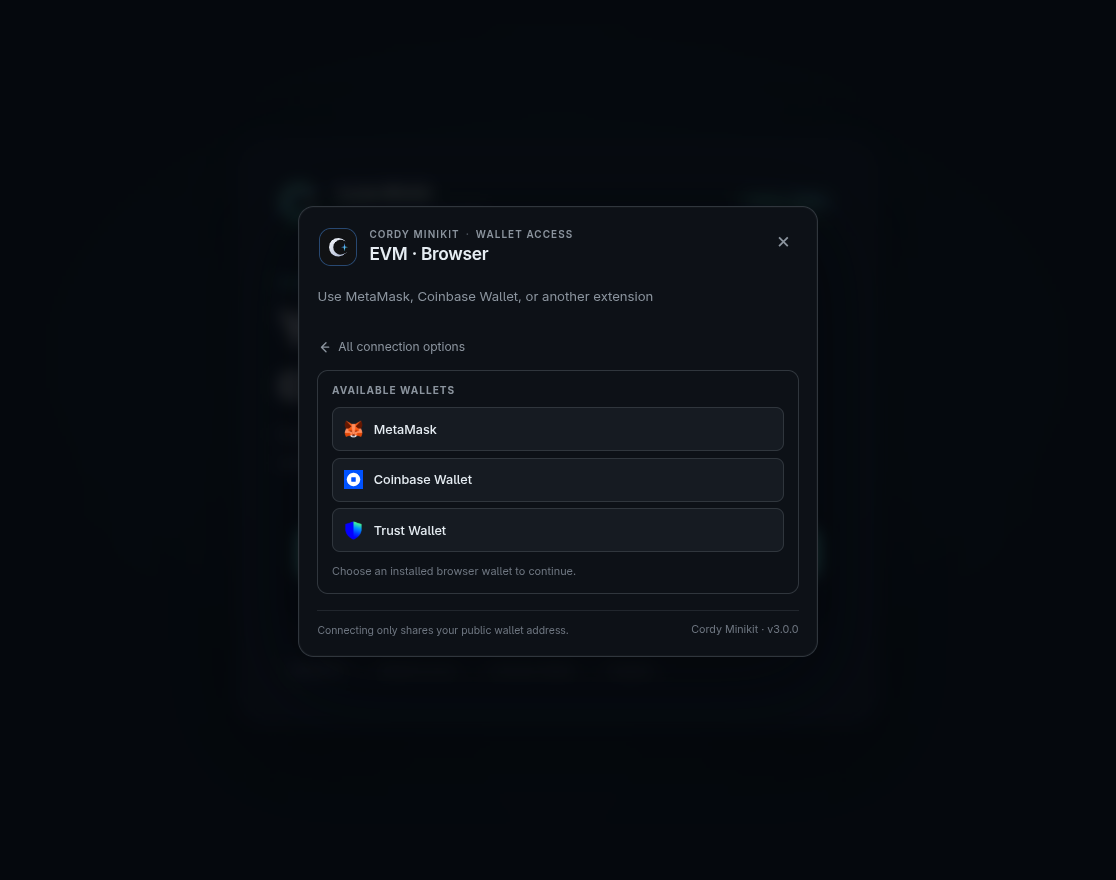
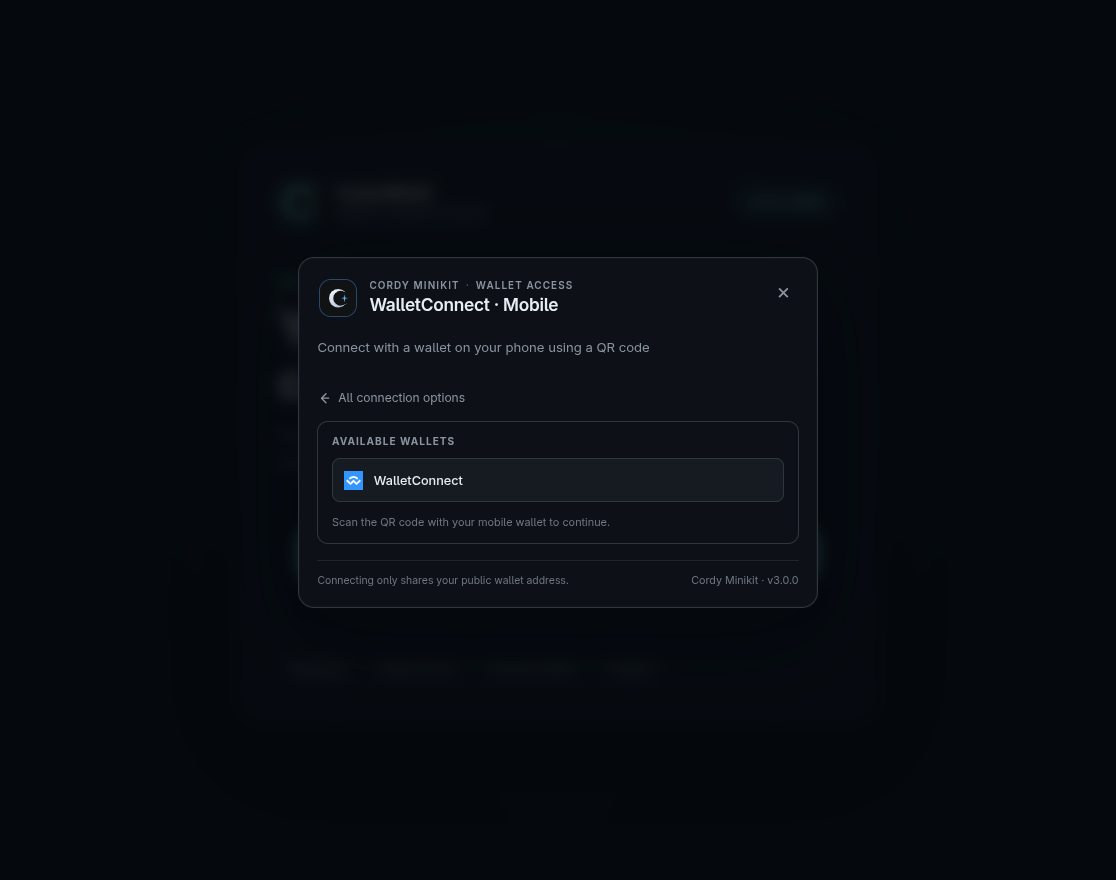
NPM · GitHub · Documentation
© 2025 Cordy StackX (@cordystackx) · Licensed under the MIT License.
Install
npm install @cordystackx/cordy_minikit
# or
pnpm add @cordystackx/cordy_minikit
Version 3.1.1 documentation
Read the complete documentation in the docs/ folder:
- Documentation index
- Environment configuration
- 3.1.1 API reference
- 3.0.0 migration guide
- Provider and wallet UI setup
- Use Cordy functions in your app
Current API
import { cordy } from "@cordystackx/cordy_minikit";

const wallet = await cordy.cons_verify();
const balance = await cordy.balance();
const transfer = await cordy.transfer("1", recipient);
await cordy.cons_disconnect();
The current 3.1.1 API is:
cordy.configure({ assets })cordy.cons_verify()cordy.cons_disconnect()useConsSession()createCordyServer()from@cordystackx/cordy_minikit/servercordy.transfer()cordy.balance()cordy.swap(amount, from, to, tolerancePercent?, options?)cordy.bridge(amount, from, to, recipient, options?)
With cons_session={true}, ConnectWalletBT requests a wallet signature, verifies SIWE (EVM) or SEP-10 (Stellar) through your server, and navigates only after verification succeeds. Mount the SDK server handler and configure it with createCordyServer(); the SDK never reads environment variables. cordy.cons_verify() and useConsSession() read the resulting server session, while cordy.cons_disconnect() clears the session and disconnects wallets. See the authentication guide. Keep signing keys in server-only environment variables and never pass them to client components.
Bridge API
cordy.bridge() is a supported API in 3.1.0. Configure routes in assets.bridge.routes; pass { routeId } when more than one route is configured. The demo includes BOT Chain Testnet ↔ Sepolia and BOT Chain Testnet ↔ BNB Testnet validator routes, plus Stellar Testnet ↔ Sepolia CCTP for USDC. EVM validator delivery is asynchronous; CCTP completes through attestation and destination mint. See the bridge route configuration, API example, and Use Cordy functions in your app.
cordy.swap(amount, from, to, tolerancePercent?, options?) is available for configured EVM and Stellar assets. EVM networks can configure a V2 swapRouterAddress, V3 swapV3 router and QuoterV2, or both. The default auto mode compares configured quotes; use { version: "v2" } or { version: "v3" } to choose explicitly. Pass feeTiers: [500, 3000] in the options to override the configured V3 tiers for one call; with version: "auto", V2 is still compared against only those selected V3 tiers. The tiers 500, 3000, and 10000 correspond to pool fees of 0.05%, 0.30%, and 1.00%. Every network needs compatible deployments, fee tiers, token addresses, and available liquidity. Native EVM swaps also need wrappedNativeTokenAddress. Stellar swaps use Horizon strict-send path payments and require a live liquidity path. The tolerance argument is a percentage: 1 means 1% tolerance, and omission defaults to 1%.