Yet Another React Lightbox
Modern React lightbox component. Performant, easy to use, customizable and extendable.
Overview


- Built for React: works with React 18, 17 and 16.8.0+
- UX: supports keyboard, mouse, touchpad and touchscreen navigation
- Preloading: never displays partially downloaded images
- Performance: preloads limited number of images without compromising performance or UX
- Responsive: responsive images with automatic resolution switching are supported out of the box
- Video: video slides are supported via an optional plugin
- Zoom: image zoom is supported via an optional plugin
- Customization: customize any UI element or add your own custom slides
- No bloat: never bundle rarely used features; add optional features via plugins
- TypeScript: type definitions come built-in in the package
- RTL: compatible with RTL layout
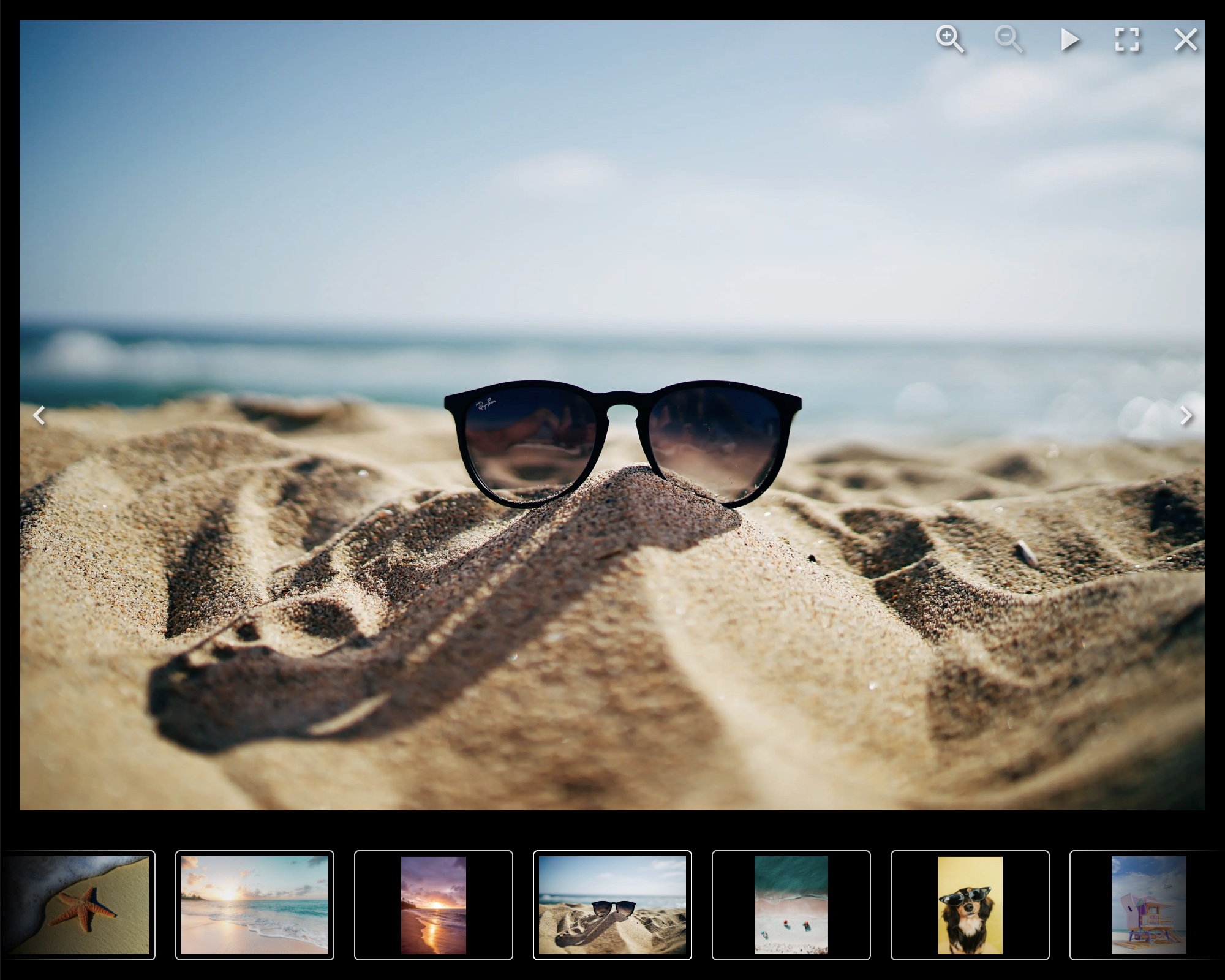
Documentation
https://yet-another-react-lightbox.com/documentation
Examples
https://yet-another-react-lightbox.com/examples
Installation
npm install yet-another-react-lightbox
or
yarn add yet-another-react-lightbox
Minimal Setup Example
import * as React from "react";
import Lightbox from "yet-another-react-lightbox";
import "yet-another-react-lightbox/styles.css";

export default function App() {
    const [open, setOpen] = React.useState(false);

    return (
        <>
            <button type="button" onClick={() => setOpen(true)}>
                Open Lightbox
            </button>

            <Lightbox
                open={open}
                close={() => setOpen(false)}
                slides={[{ src: "/image1.jpg" }, { src: "/image2.jpg" }, { src: "/image3.jpg" }]}
            />
        </>
    );
}
Recommended Setup
Unlike many other lightbox libraries, Yet Another React Lightbox doesn't have a concept of "thumbnail" or "original"
(or "full size") images. We use responsive images instead and recommend you provide multiple files of different
resolutions for each image. Yet Another React Lightbox automatically populates srcset / sizes attributes and lets
the browser decide which image is more appropriate for its viewport size.
import * as React from "react";
import Lightbox from "yet-another-react-lightbox";
import "yet-another-react-lightbox/styles.css";

export default function App() {
    const [open, setOpen] = React.useState(false);

    return (
        <>
            <button type="button" onClick={() => setOpen(true)}>
                Open Lightbox
            </button>

            <Lightbox
                open={open}
                close={() => setOpen(false)}
                slides={[
                    {
                        src: "/image1x3840.jpg",
                        alt: "image 1",
                        width: 3840,
                        height: 2560,
                        srcSet: [
                            { src: "/image1x320.jpg", width: 320, height: 213 },
                            { src: "/image1x640.jpg", width: 640, height: 427 },
                            { src: "/image1x1200.jpg", width: 1200, height: 800 },
                            { src: "/image1x2048.jpg", width: 2048, height: 1365 },
                            { src: "/image1x3840.jpg", width: 3840, height: 2560 },
                        ],
                    },
                    // ...
                ]}
            />
        </>
    );
}
You can also integrate 3rd-party image components (e.g., Next.js Image or Gatsby Image) via a custom render function. See examples on the documentation website.
Plugins
Yet Another React Lightbox allows you to add optional features to your project based on your requirements via plugins.
The following plugins are bundled in the package:
- Captions - adds support for slide title and description
- Counter - adds slides counter
- Download - adds download button
- Fullscreen - adds support for fullscreen mode
- Inline - transforms the lightbox into an image carousel
- Share - adds sharing button
- Slideshow - adds slideshow button
- Thumbnails - adds thumbnails track
- Video - adds support for video slides
- Zoom - adds image zoom feature
License
MIT © 2022 Igor Danchenko