

☰ 🎉 Datalayer Icons
React.js and JupyterLab icons for data products.
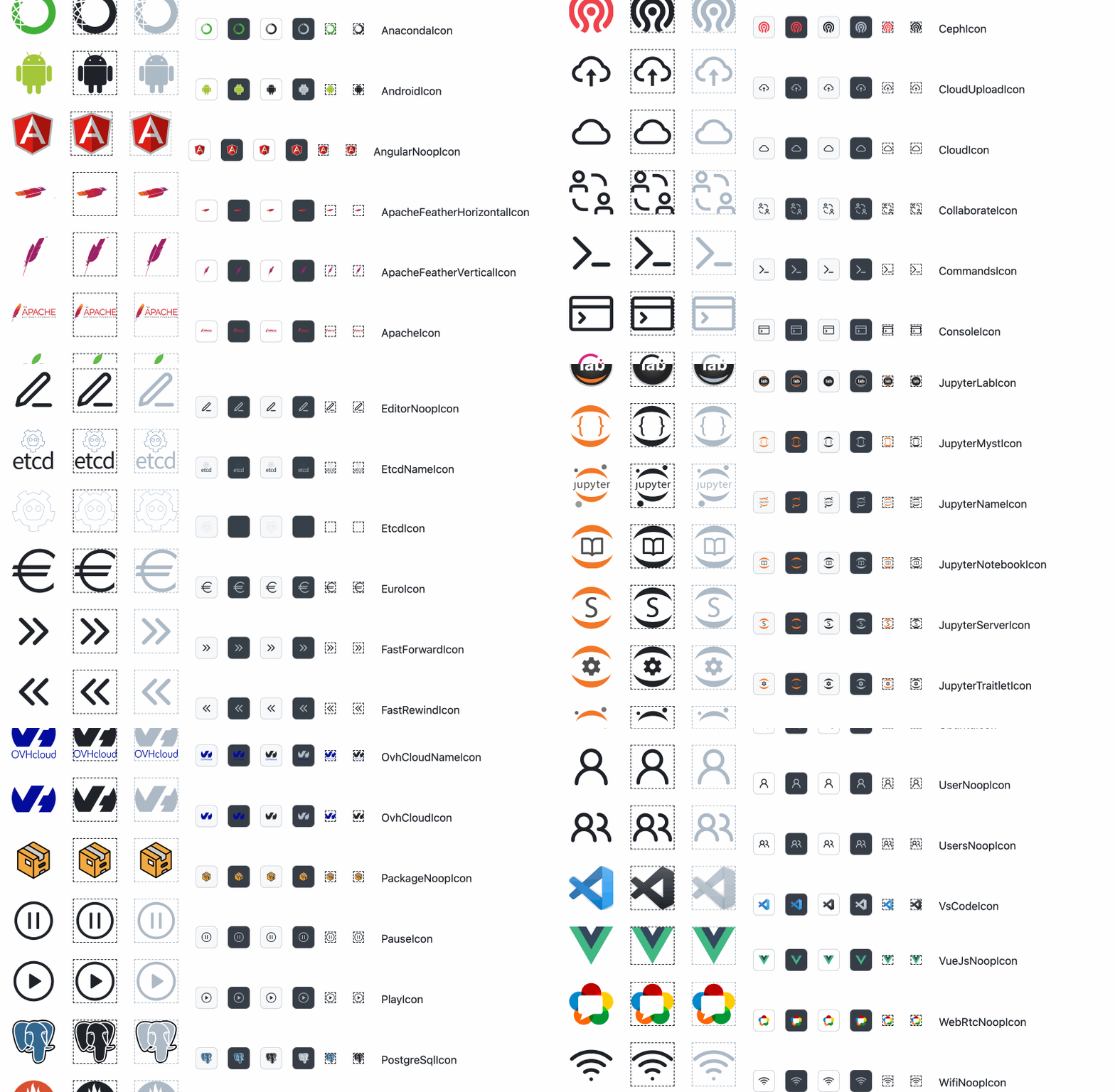
This repository contains a collection of React.js icons useful at Datalayer, covering Jupyter, Kubernetes and other ecosystems.
The icons are also shipped as LabIcon objects, ready-to use icons in JupyterLab.
You are welcome to use those icons in your own data product. A preview is available on https://datalayer.design, give us a star ⭐ if you like it.
The package is published on NPM.js @datalayer/icons-react and can be added as dependency on any JavaScript or TypeScript project.
Please open an issue or a pull request to update, add... your icons or for any suggestion, question about this repository content.
We are looking to connect with existing data developers community, like the Jupyter community.
For React.js developers
Add @datalayer/icons-react as dependency, import an icon and render it.
import { DatalayerGreenIcon } from "@datalayer/icons-react";

render(
  <DatalayerGreenIcon/>
  <DatalayerGreenIcon size="large" colored/>
)
Example with AiAgentIcon and theme-aware color.
import React from 'react';
import { AiAgentIcon } from '@datalayer/icons-react';
import {
  ThemedProvider,
  AppearanceControlsWithStore,
  useThemeStore,
  useColorPalette,
} from '@datalayer/primer-addons';

const AiAgentIconExample = () => {
  const palette = useColorPalette();

  return (
    <div style={{ display: 'flex', alignItems: 'center', gap: 12 }}>
      <AiAgentIcon size="large" colored style={{ color: palette.primary }} />
      <AiAgentIcon size="large" style={{ color: palette.primary }} />
    </div>
  );
};

export const App = () => (
  <ThemedProvider useStore={useThemeStore}>
    <AppearanceControlsWithStore useStore={useThemeStore} />
    <AiAgentIconExample />
  </ThemedProvider>
);
For JupyterLab developers
JupyterLab icons need to be created with the LabIcon class. JupyterLab machinary are some restrictions as not being able to create a LabIcon from a React.js component (though being able to export a React.js component from a LabIcon), or not being able to load a SVG from a remote location (like a HTTP or S3 server).
For ease of use, we expose all the icons as LabIcon you can import and directly use.
import { scientistIconLabIcon } from '@datalayer/icons-react/data2/ScientistIconLabIcon';
If you need to create you own React component from a SVG, just import the optimized SVG artifact and reuse it in your application.
import satelliteIconSvg from '@datalayer/icons-react/data2/SatelliteIcon.svg';
To load SVG from TypeScript, you will need to create a type declaration file.
// svg.d.ts
declare module "*.svg" {
  const value: any;
  export default value;
}
For Data Products Designers
Data Product Designers may add or update the existing icons.
For that, the initial steps is to clone this repository and install the dependencies.
git clone https://github.com/datalayer/icons
cd icons
npm install
Designers will create a SVG and add it in one of the svg subfolder of this repository.
To add an icon to this repository, add the SVG (preferably of viewBox 0 0 20 20) of the icon one of the svg sub-folder. Then run the following commands.
TODO: Describe the difference between data1 and data2.
npm run build-icons
You can preview the icons running the following command (sometimes the colors do not correspond due to many icons being shown).
npm start
Stencils
We will work to create stencils for drawing tools.
Theming
We aim to support Primer React, JupyterLab as Docusaurus themings.
For users
You can download a PNG or SVG version of the icon from https://datalayer.design.
Icons Gallery
To view an gallery of available icons, run the following commands.
npm install
npm run build
npm run dev
Icon Properties
colored- Display a colored version of the Icon (if available).size:"small"|"medium"|"large"|number- Specify the size of your icon -"small"by default.
// For example.
<DatalayerIcon colored size="large"/>
SVG Open Sources
These are useful places for open-source SVGs.
- Bootstrap Icons https://github.com/twbs/icons https://icons.getbootstrap.com
- Feather Icons https://github.com/feathericons/feather https://feathericons.com
- HeroIcons https://github.com/tailwindlabs/heroicons https://heroicons.com
- Iconify https://github.com/iconify/iconify https://icon-sets.iconify.design
- Iconmonstr https://iconmonstr.com
- Icons.js https://github.com/antfu/icones https://icones.js.org
- Lobe Icons https://github.com/lobehub/lobe-icons https://icons.lobehub.com
- Lucide https://github.com/lucide-icons/lucide https://lucide.dev
- OpenMoji https://github.com/hfg-gmuend/openmoji https://openmoji.org
- Primer Octicons https://github.com/primer/octicons https://primer.style/foundations/icons
- Radix UI Icons https://github.com/radix-ui/icons https://icons.radix-ui.com
- React Icons https://github.com/react-icons/react-icons https://react-icons.github.io/react-icons
- SVG Repo https://www.svgrepo.com
- Science Icons https://github.com/curvenote/scienceicons
- Simple Icons https://github.com/simple-icons/simple-icons https://simpleicons.org
- Styled Icons https://github.com/styled-icons/styled-icons https://styled-icons.dev
Releases
Datalayer Icons is released in Npm.js.
⚖️ License
Copyright (c) 2022 Datalayer, Inc.
The icons are released under the terms of the MIT license (see LICENSE).
The 3rd party icons are redistributed for convenience under their respective license.