Super Header Interface
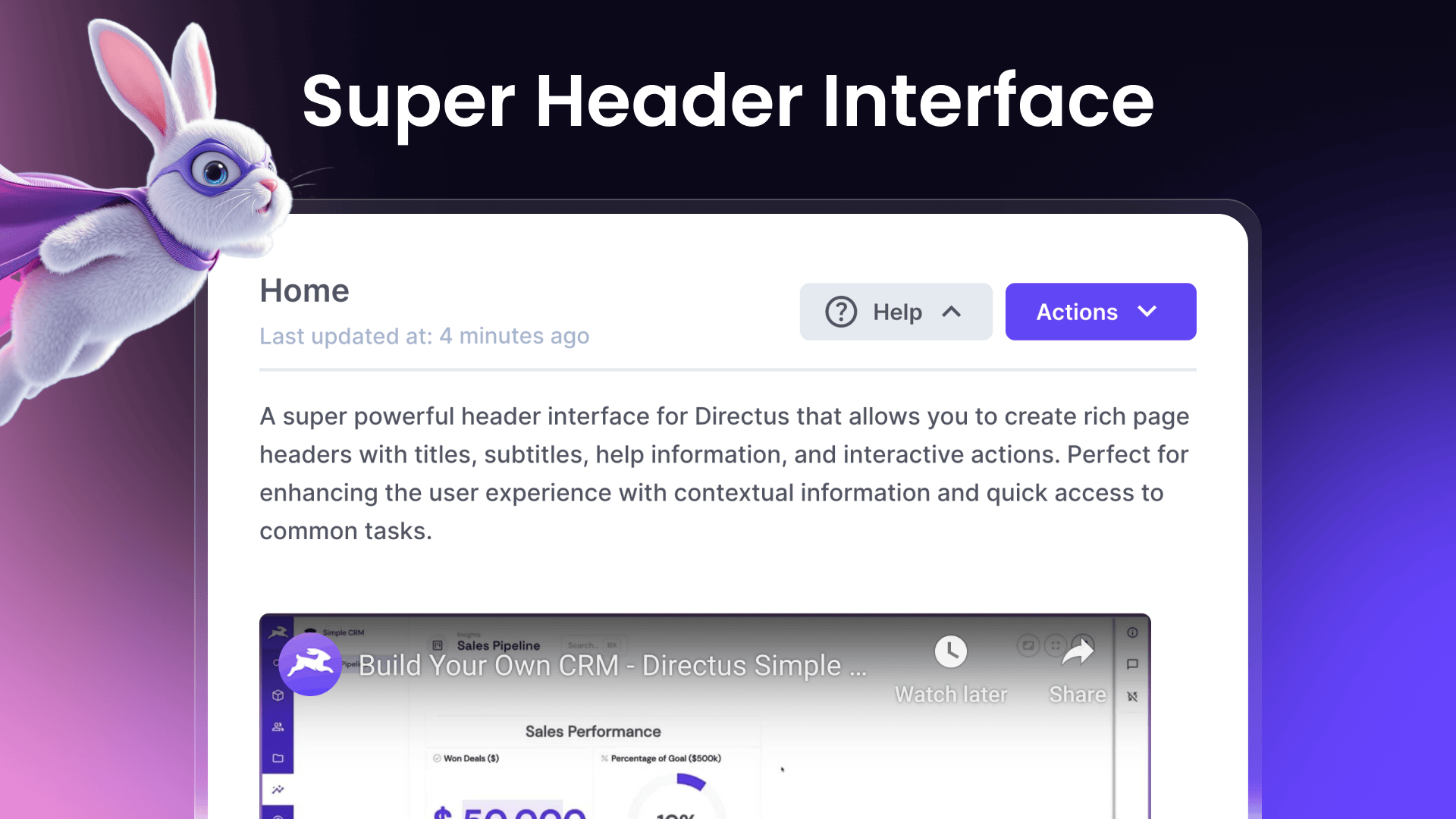
A super powerful header interface for Directus that allows you to create rich page headers with titles, subtitles, help information, and interactive actions. Perfect for enhancing the user experience with contextual information and quick access to common tasks.
Features
- Customizable title and subtitle with dynamic field values
- Optional icon and color theming
- Rich text help content with HTML support
- Configurable action buttons for navigation and DirectusFlow execution
- Support for multiple actions with dropdown menu
- Dynamic URL templates with field value interpolation
- Comprehensive translation support for interface elements and help content
Overview Video
Installation
To install the extension, follow the Official Guide for installing extensions from the Marketplace or manually.
Usage
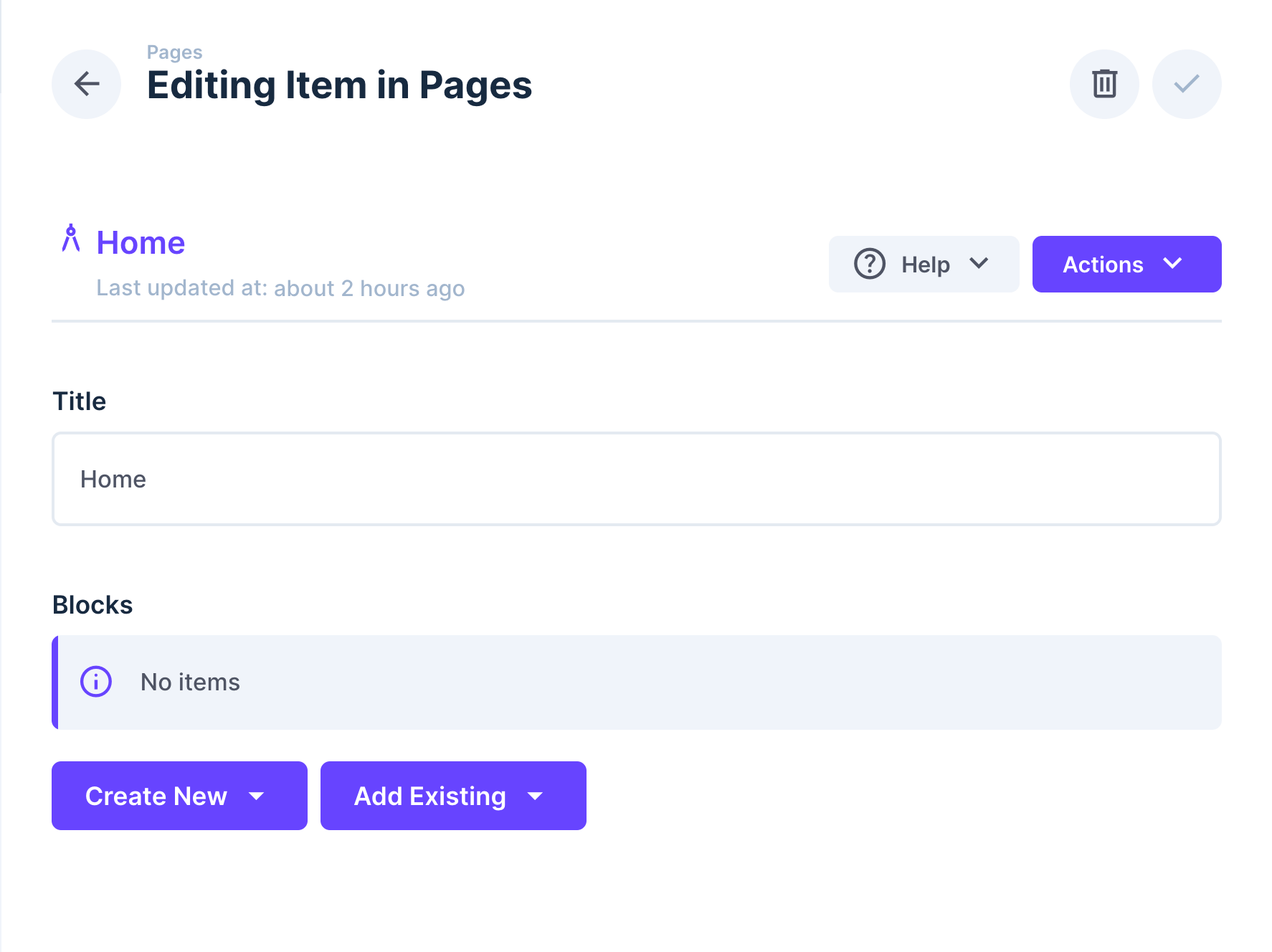
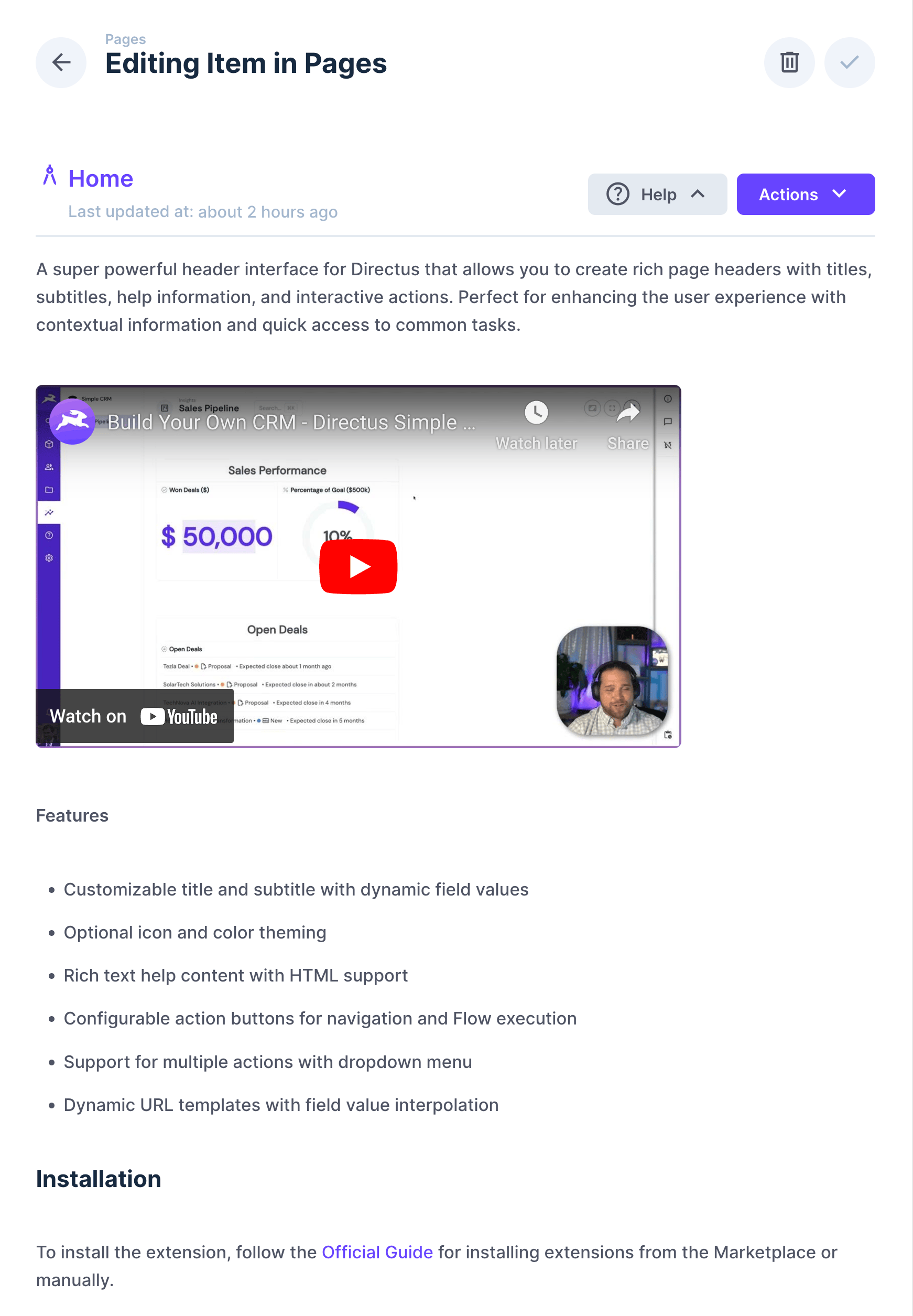
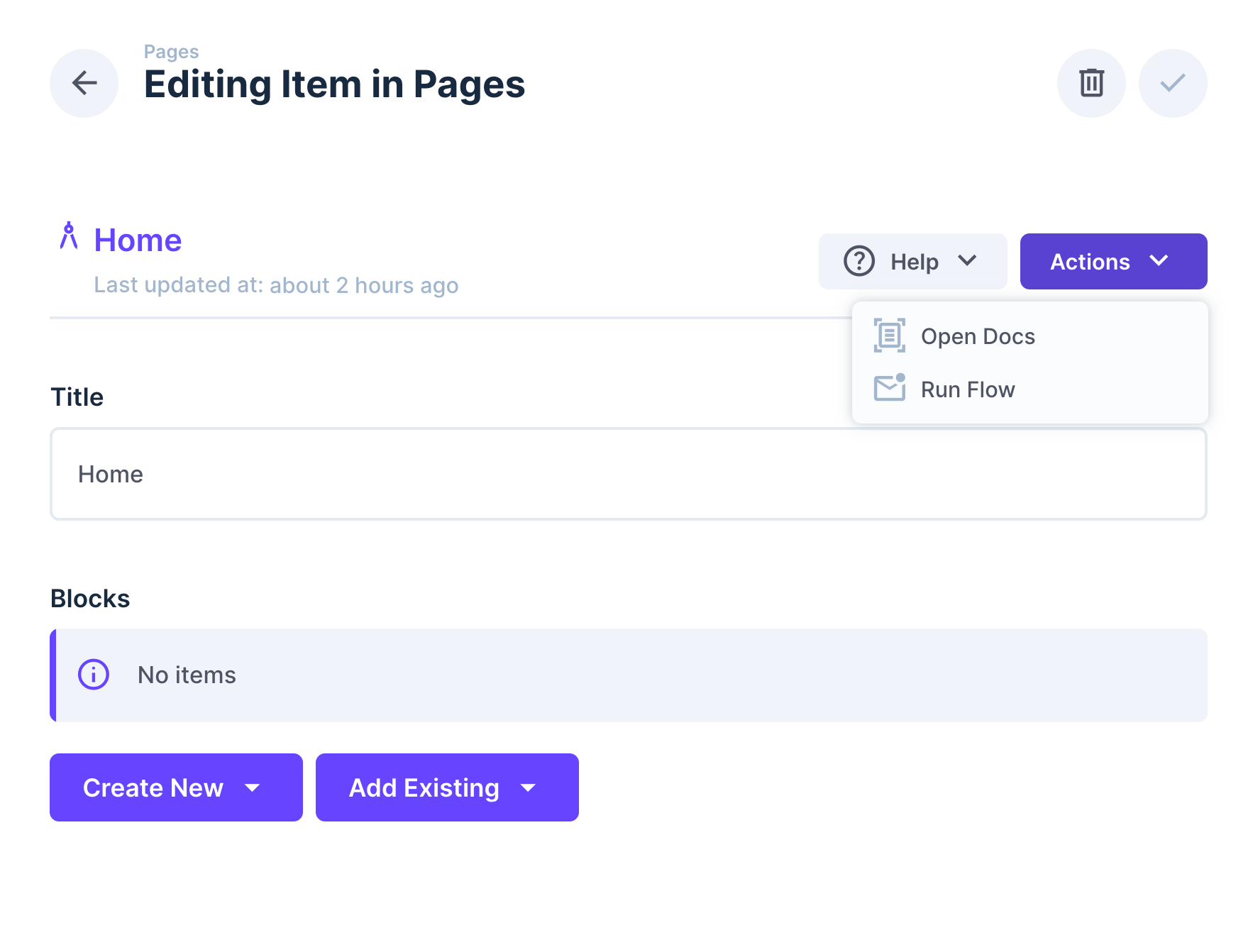
The Super Header interface is designed to be used as a presentation field in your collection. It creates a prominent header section that can include:
- A title with optional icon
- A subtitle for additional context
- Help information that can be toggled
- Action buttons for navigation or running Flows
Configuration Options
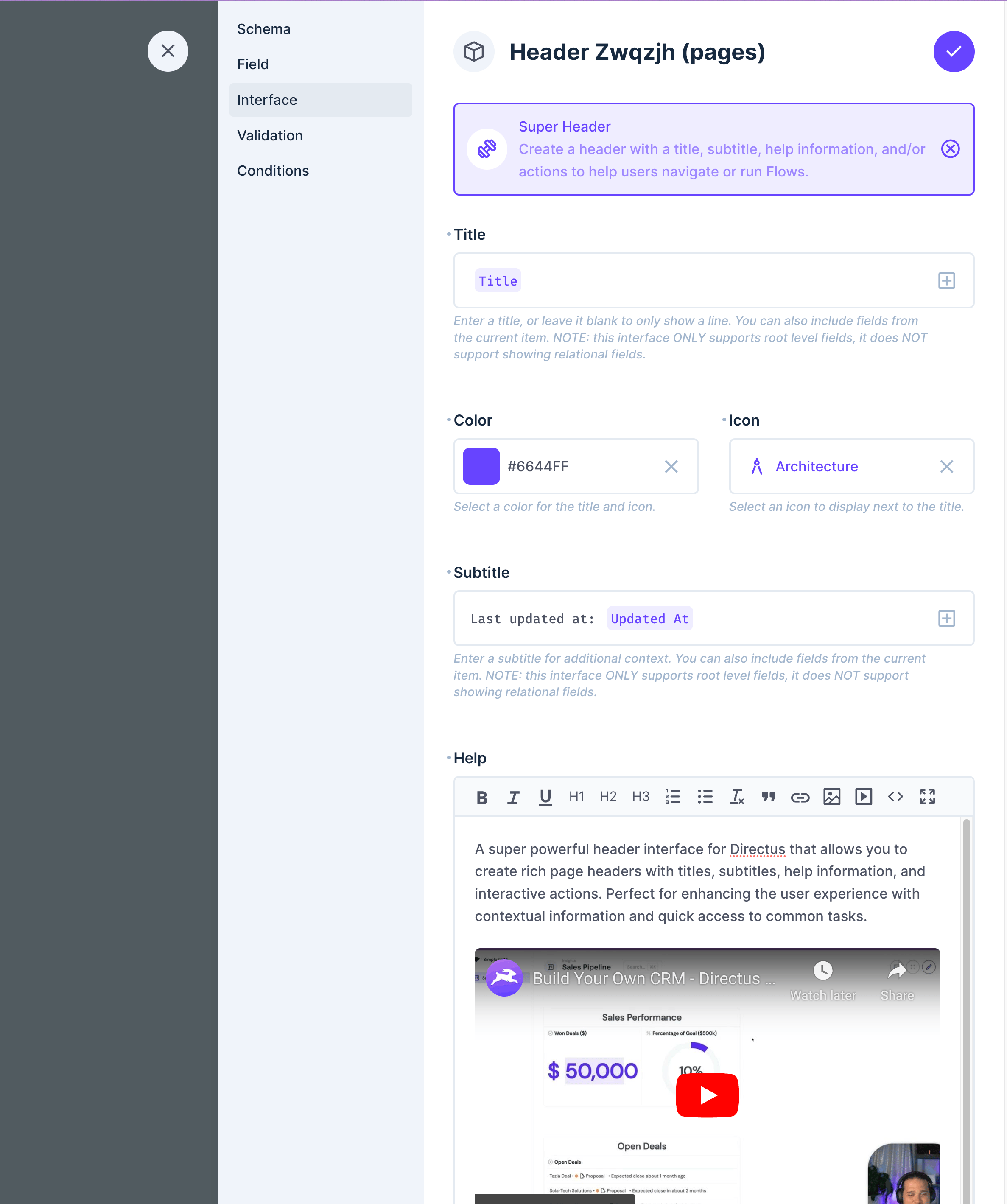
Basic Settings
- Title - Main heading text. Supports field value templates (e.g.,
Item: {{ title }}). Only supports root-level fields. - Color - Choose a color for the title and icon
- Icon - Select an icon to display next to the title
- Subtitle - Secondary text below the title. Supports field value templates. Only supports root-level fields.
- Help - Optional help content that supports HTML formatting
- Help Display Mode - How would you like to display help content. Defaults to inline but you can show help content in a modal.
- Enable Help Translations - Toggle to enable help content translations
- Help Translations String - Define translation keys for help content for multi-language support
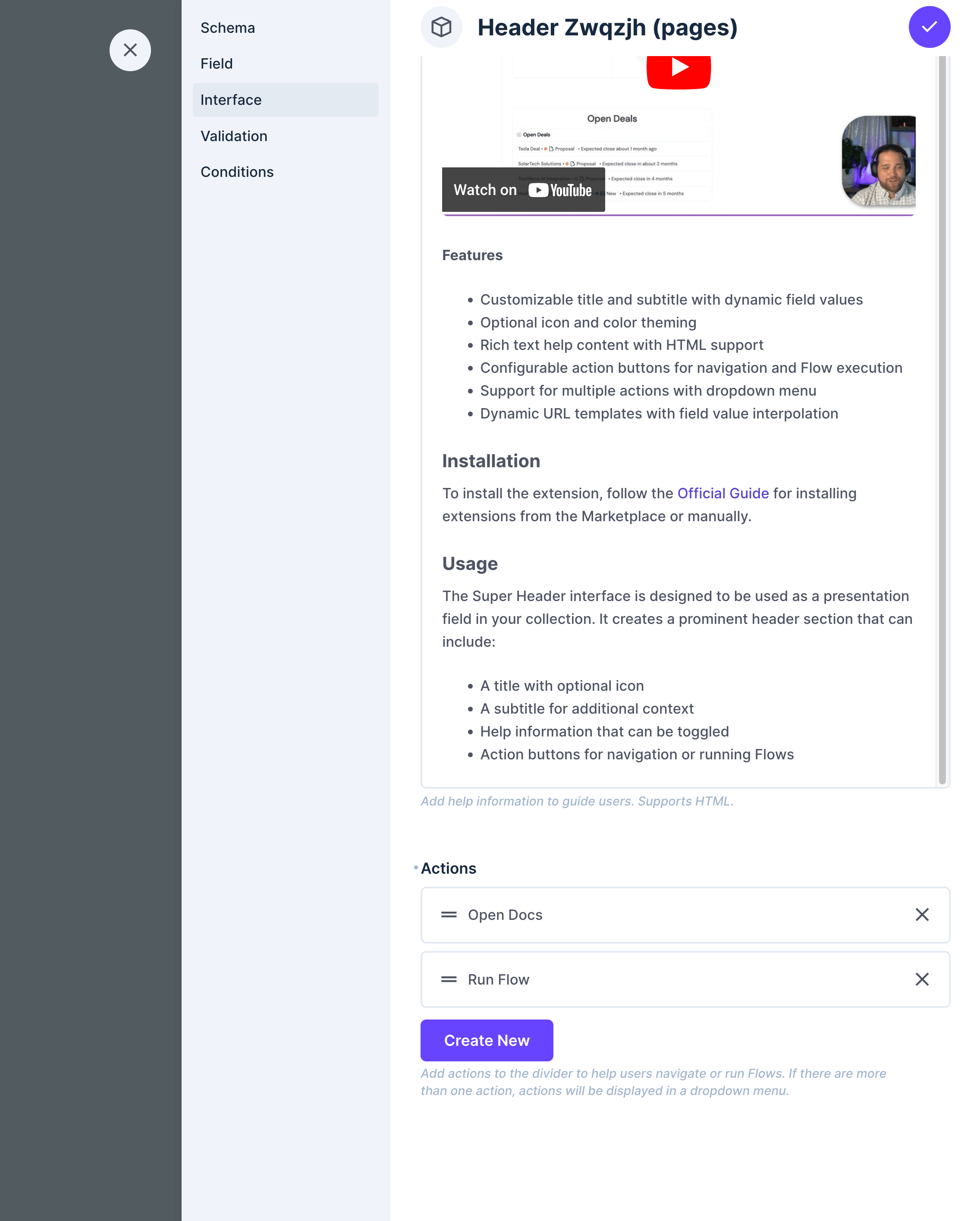
Actions
Configure buttons that appear in the header. Multiple actions will be displayed in a dropdown menu.
Each action can be configured with:
- Label - Button text (supports translations)
- Icon - Optional icon for the button
- Type - Button style:
- Primary
- Secondary
- Info
- Success
- Warning
- Danger
- Action Type - Choose between:
- Link - Navigate to a URL (supports field value templates)
- Flow - Execute a Directus Flow
- URL - For link actions, specify the destination URL. Can be internal to Directus projects for navigation to pages like the Visual Editor - /visual/http://yoursite.com or can be fully external URLs - https://directus.io. You can include field values (e.g.,
https://example.com/items/{{ id }}) by using mustache syntax. - Flow - For flow actions, select the Flow to execute
Field Types
- Type:
alias - Local Types:
presentation - Group:
presentation
Translation Support
The Super Header Interface supports comprehensive translations:
- Interface Elements - All UI elements (buttons, labels, dialogs) support translation via Directus's translation system
- Action Labels - Action button labels can be translated using the system-input-translated-string interface
- Help Content - Help text can be translated by enabling "Enable Help Translations" and using the "Help Translations String" field to define translation keys.
Key Translation Strings
Key translation strings used in the interface that are not part of the Directus core translations:
- help
- actions
- reload_page
You'll want to add these strings to your Translation settings for full support.
Setting Up Help Content Translations
To provide multilingual help content in your Super Header interface, follow these steps:
-
Enable Translation Support:
- In the interface settings, toggle on "Enable Help Translations"
- This will reveal the "Help Translations String" field
- Note: When this is enabled, the regular "Help" field will be ignored
-
Set Up Translation Keys:
- In the "Help Translations String" field, provide a translation key like
super_header_help_content - This key will be used to fetch the appropriate translated content
- In the "Help Translations String" field, provide a translation key like
-
Create HTML Content for Each Language:
- Navigate to Settings → Translations in your Directus project
- Create a new translation entry with the key you specified (e.g.,
super_header_help_content) - For each language you support, create an HTML content block with your help information
-
Example Translation Setup:
Key: super_header_help_content English: <h3>Getting Started</h3> <p>This section allows you to manage your content. Here are some tips:</p> <ul> <li>Use the <strong>action buttons</strong> to perform common tasks</li> <li>Click on items to edit their details</li> </ul> Spanish: <h3>Cómo Empezar</h3> <p>Esta sección le permite gestionar su contenido. Aquí hay algunos consejos:</p> <ul> <li>Utilice los <strong>botones de acción</strong> para realizar tareas comunes</li> <li>Haga clic en los elementos para editar sus detalles</li> </ul> -
Testing Your Translations:
- Switch your Directus interface language to verify that the correct translated help content appears
- The Super Header interface will automatically display the appropriate language based on the user's current Directus language setting
When properly configured, the help content will seamlessly adapt to each user's language preference, providing a truly multilingual experience for your interface.
Notes
- Actions with type "Flow" require appropriate permissions to execute the selected Flow
- URLs in link actions support dynamic values using mustache-style syntax (
{{ field_name }}). Relational fields are now supported.