@ echarts- x/ 习惯字云
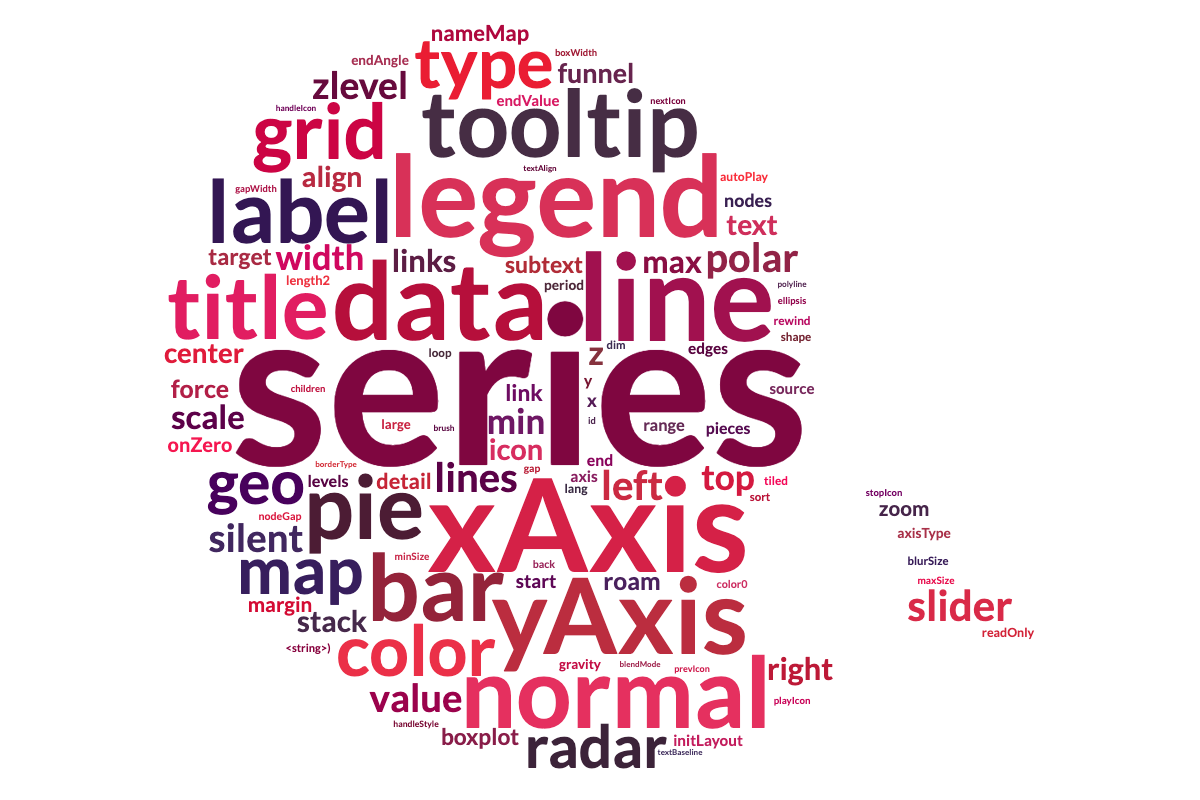
wordCloud 是一个自定义序列,用于 Apache ECharts (英语),通常用于显示文本数据,其中每个单词的大小表明其频率或重要性.
使用量
浏览器环境
对于浏览器的使用,使用自动注册版本,在加载时自动安装自定义序列:
<script src="./node_modules/echarts/dist/echarts.js"></script>
<script src="./node_modules/@echarts-x/custom-word-cloud/dist/word-cloud.auto.js"></script>
<script>
  // No need to call echarts.use(), automatically registered
  const chart = echarts.init(...);
  const option = {
    series: [{
      type: 'custom',
      renderItem: 'wordCloud',
      // ...
    }]
  }
  chart.setOption(option);
</script>
见 实例 更多细节.
UMD( 通用模块定义)
对于需要人工注册或使用AMD/CommonJS加载器的环境:
// CommonJS
const echarts = require('echarts');
const wordCloudInstaller = require('@echarts-x/custom-word-cloud');
echarts.use(wordCloudInstaller);
const chart = echarts.init(...);

const option = {
  series: [{
    type: 'custom',
    renderItem: 'wordCloud',
    // ...
  }]
}
chart.setOption(option);
见 实例 更多细节.
无害环境管理(ES模块)
对于现代模块捆绑器或本地ES模块环境:
npm install @echarts-x/custom-word-cloud
import * as echarts from 'echarts';
import wordCloudCustomSeriesInstaller from '@echarts-x/custom-word-cloud';

echarts.use(wordCloudCustomSeriesInstaller);
const chart = echarts.init(...);

const option = {
  series: [{
    type: 'custom',
    renderItem: 'wordCloud',
    // ...
  }]
}
chart.setOption(option);
见 实例 更多细节.
API 密码
序列.数据
该系列的数据是数组. 每个子阵列代表一个字及其重量.
const data = [
  ['Visual Studio Code', 1000],
  ['ECharts', 800],
  ['TypeScript', 600],
  // ...
];
序列。项目付费负荷
这个 itemPayload 是一个包含下列属性的对象:
| 财产 | 类型 | 默认 | 说明 |
|---|---|---|---|
left | number | string | 0 | 字云组件与容器左侧相距. |
top | number | string | 0 | 字云组件与容器上方的相距. |
right | number | string | 0 | 字云组件与容器右侧相距. |
bottom | number | string | 0 | 字云元件与容器下方相距. |
gridSize | number | 8 | 网格的大小,以像素表示画布的可用性。 网格大小越大,字相差越大. |
sizeRange | [number, number] | [12, 60] | 绘图文本大小的大小范围 . |
rotationRange | [number, number] | [-90, 90] | 文本旋转范围. |
rotationStep | number | 45 | 轮回的程度 步. |
maskImage | HTMLImageElement | HTMLCanvasElement | 取出"云"所取之形. 白像素会被忽略,而非白像素将被用作绘制文字的区域. | |
keepAspect | boolean | false | 是否保持宽比 maskImage 或者说 1:1 其他形状. |
shape | string | 'circle' | 取出"云"所取之形. 现有礼物是: circle (违约), cardioid, (中文(简体) ), diamond, (中文(简体) ), triangle-forward, (中文(简体) ), triangle, (中文(简体) ), pentagon,以及 star。 。 。 . |
shrinkToFit | boolean | false | 是否缩小文本以适应容器 . |
drawOutOfBound | boolean | false | 是否允许将文本从容器中抽出 . |