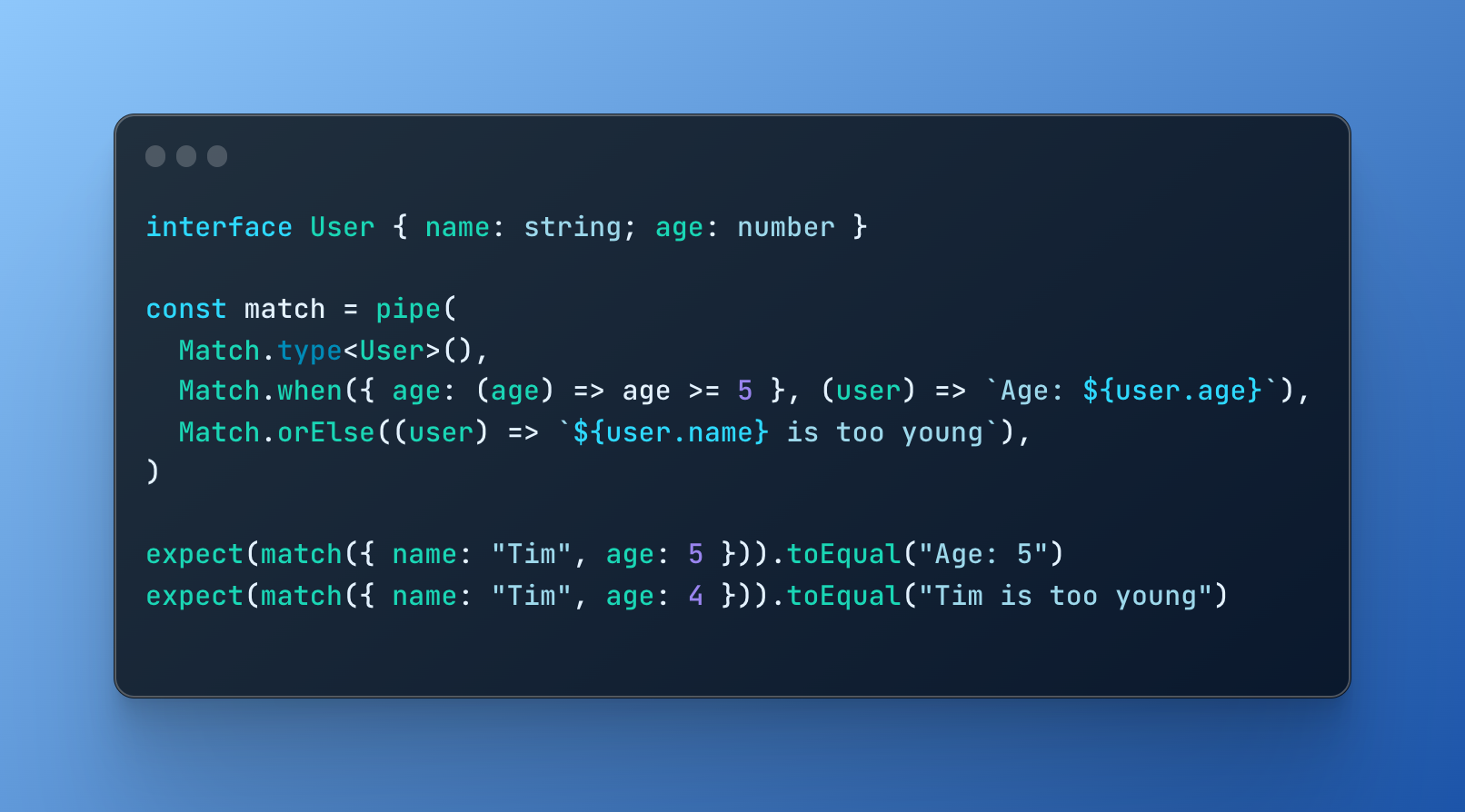
功能模式与Typescript的全部功率相匹配.
开始
从 npm 安装 :
npm install @effect/match
一旦安装了库,您可以从库中导入必要的类型和功能 @effect/match 模块.
import * as Match from "@effect/match"
定义匹配符
定义一个 Matcher 从给定类型,您可以使用 type 构造函数 .
然后,你可以使用 when, (中文(简体) ), not 打开 tag 组合符以指定匹配的模式.
例如:
import * as Match from "@effect/match"
import { pipe } from "@effect/data/Function"

const match = pipe(
  Match.type<{ a: number } | { b: string }>(),
  Match.when({ a: Match.number }, (_) => _.a),
  Match.when({ b: Match.string }, (_) => _.b),
  Match.exhaustive,
)

console.log(match({ a: 0 })) // 0
console.log(match({ b: "hello" })) // "hello"
您也可以创建 Matcher 从使用 value 构造函数 .
例如:
import * as Match from "@effect/match"
import { pipe } from "@effect/data/Function"

const result = pipe(
  Match.value({ name: "John", age: 30 }),
  Match.when(
    { name: "John" },
    (user) => `${user.name} is ${user.age} years old`,
  ),
  Match.orElse(() => "Oh, not John"),
)

console.log(result) // "John is 30 years old"
模式的类型
预测数
值可以通过任意函数测试.
import * as Match from "@effect/match"
import { pipe } from "@effect/data/Function"

const match = pipe(
  Match.type<{ age: number }>(),
  Match.when({ age: (age) => age >= 5 }, (user) => `Age: ${user.age}`),
  Match.orElse((user) => `${user.age} is too young`),
)

console.log(match({ age: 5 })) // "Age: 5"
console.log(match({ age: 4 })) // "4 is too young"
not 模式
not 让你在每件事物上都匹配,但有一个特定的值.
import * as Match from "@effect/match"
import { pipe } from "@effect/data/Function"

const match = pipe(
  Match.type<string | number>(),
  Match.not("hi", (_) => "a"),
  Match.orElse(() => "b"),
)

console.log(match("hello")) // "a"
console.log(match("hi")) // "b"
tag 模式
匹配标签在一个 歧视联盟
import * as Match from "@effect/match"
import * as E from "@effect/data/Either"
import { pipe } from "@effect/data/Function"

// type Either<L, R> = { _tag: "Right", right: R } | { _tag: "Left", left: L }
const match = pipe(
  Match.type<E.Either<string, number>>(),
  Match.tag("Right", (_) => _.right),
  Match.tag("Left", (_) => _.left),
  Match.exhaustive,
)

console.log(match(E.right(123))) // 123
评价a Matcher
option
一个匹配者 可能会 匹配一个值。 返回 a 选项。 。 。 .
import * as Match from "@effect/match"
import * as E from "@effect/data/Either"
import { pipe } from "@effect/data/Function"

// type Either<L, R> = { _tag: "Right", right: R } | { _tag: "Left", left: L }
// type Option<T> = { _tag: "Some", value: T } | { _tag: "None" }
const result = pipe(
  Match.value(E.right(0)),
  Match.when({ _tag: "Right" }, (_) => _.right),
  Match.option,
)

console.log(result) // { _tag: "Some", value: 0 }
exhaustive
一个标记匹配过程结束的匹配器, 如果所有可能的匹配都完成了的话, 请检查 。 返回匹配( 对于 Match.value)或评价职能(用于 Match.type) (中文(简体) ).
import * as Match from "@effect/match"
import * as E from "@effect/data/Either"
import { pipe } from "@effect/data/Function"

// type Either<L, R> = { _tag: "Right", right: R } | { _tag: "Left", left: L }
const result = pipe(
  Match.value(E.right(0)),
  Match.when({ _tag: "Right" }, (_) => _.right),
  Match.exhaustive, // TypeError! { _tag: "left", left: never } is not assignable to never
)
orElse
一个标出匹配者的尾端并允许在没有模式匹配的情况下提供倒数值的匹配者. 返回匹配( 对于 Match.value)或评价职能(用于 Match.type) (中文(简体) ).
import * as Match from "@effect/match"
import { pipe } from "@effect/data/Function"

const match = pipe(
  Match.type<string | number>(),
  Match.when("hi", (_) => "hello"),
  Match.orElse(() => "I literally do not understand"),
)

console.log(match("hello")) // "I literally do not understand"
console.log(match("hi")) // "hello"
either
一个匹配者 可能会 匹配一个值。 返回 a 无论是 形状 Either<NoMatchResult, MatchResult>。 。 。 .
import * as Match from "@effect/match"
import { pipe } from "@effect/data/Function"

const match = pipe(
  Match.type<string>(),
  Match.when("hi", (_) => "hello"),
  Match.either,
)

// type Either<L, R> = { _tag: "Right", right: R } | { _tag: "Left", left: L }
console.log(match("hi")) // { _tag: "Right", value: "hello" }
console.log(match("shigidigi")) // { _tag: "Left", value: "shigidigi" }
许可证
《麻省理工学院许可证》