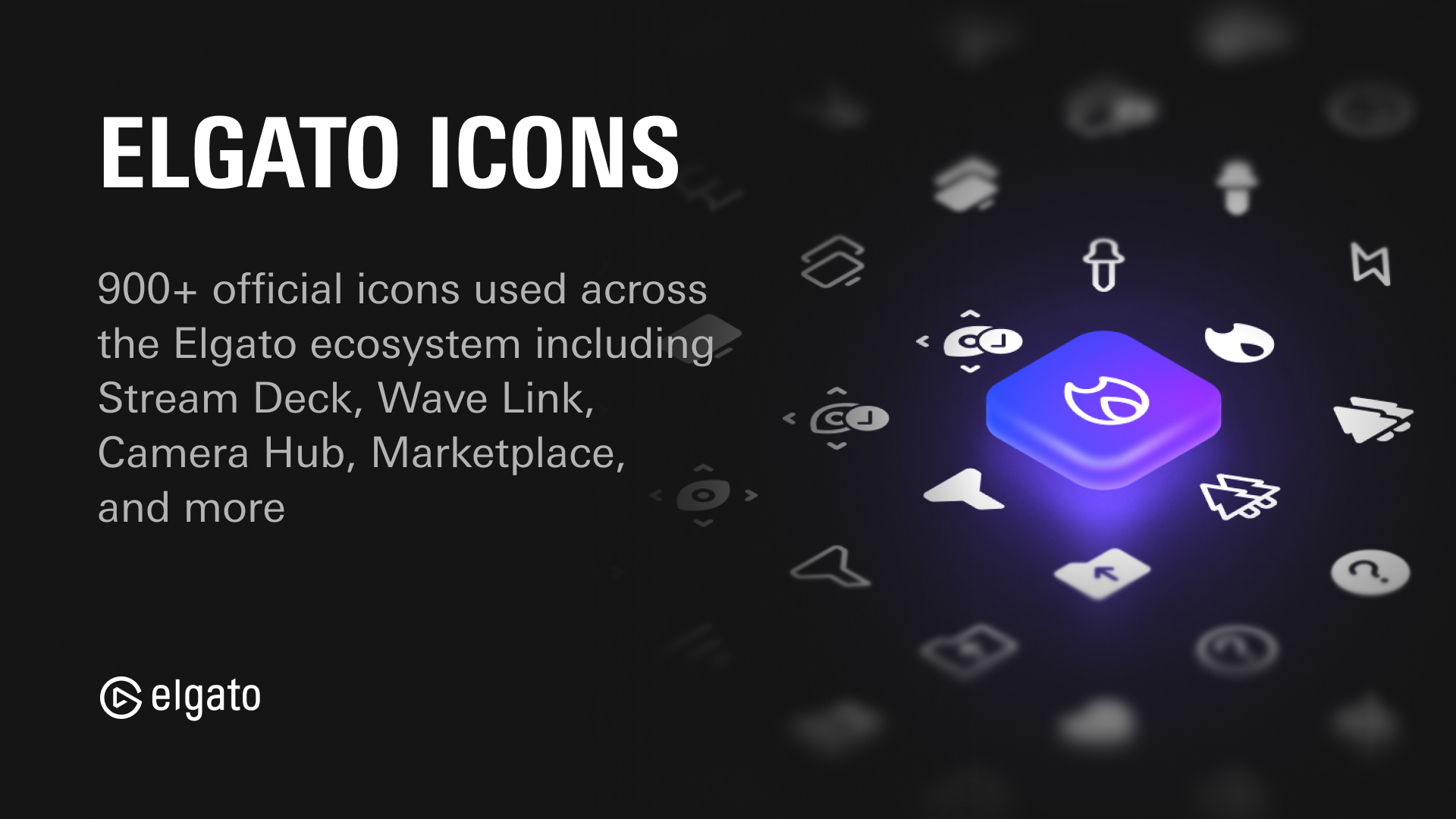
埃尔加多图标



整个埃尔加托生态系统使用的发现图标,常见于Stream Deck, Wave Link, Camera Hub, Captain,和Marketplace. 混合,匹配, 并管理自己的图标包 根据我们的设计语言.
使用量
npm install @elgato/icons
JavaScript 变量
图标可以作为 SVG 字符串导入 @elgato/icons/{s,m,l},例如:
import { iconLogoElgato } from "@elgato/icons/l";

iconLogoElgato; // SVG string of the Elgato logo, large (l) size.
图标最多可提供3个大小,小(s),中(m)和大(l).
@elgato/icons/s——优化为16×16px.@elgato/icons/m——优化为20×20px.@elgato/icons/l——优化为24×24px.
反应组件
图标可以作为 React 组件从 @elgato/icons/react,例如
import { IconLogoElgato } from "@elgato/icons/react";

export default function MyComponent() {
    return (
        <div className="icon-wrapper">
            <IconLogoElgato size="m" />
        </div>
    );
};
图标以小(s)、中(m)和大(l)三种尺寸提供,首选尺寸可使用 size 属性。 如果首选大小不存在,则会使用默认大小.
SVG 文件
所有原始的SVG文件都与此软件包一起分发,可以在 svg/ 目录.
.
├── svg/
|   └── l/
│   ├── m/
│   ├── s/
|   │   ├── ...
|   │   ├── warning.svg
|   │   ├── window--filled.svg
|   │   └── window.svg
└── ...
字体
图标字体在 font/ 目录,在TTF,WOFF,和WOFF2格式中,带有即用CSS样式表.
.
├── font/
│   ├── elgato-icons.css
│   ├── elgato-icons.ttf
│   ├── elgato-icons.woff
│   ├── elgato-icons.woff2
│   └── info.json
└── ...
从软件包中导入样式表并直接使用图标类名称 :
import "@elgato/icons/font";
或者通过 CDN 在 HTML 中直接引用它 :
<link rel="stylesheet" href="https://cdn.jsdelivr.net/npm/@elgato/icons/font/elgato-icons.css" />

<i class="elgato-icons-accessories-l"></i>
<i class="elgato-icons-camera-l"></i>
<i class="elgato-icons-settings-l"></i>
类名遵循图案 elgato-icons-{icon-name}-{size} 用于正则图标和 elgato-icons-{icon-name}--filled-{size} 用于填充的变体,其中 {size} 这是其中之一 l, (中文(简体) ), m,或 s。可以在下列网址中找到图标名称(包括已填充的变体)到 Unicode 代码点的完整映射: font/info.json。 。 。 .