@expokit/cli




The CLI for ExpoKit — animated UI components for Expo and React Native. It copies the component source into your app (like shadcn/ui), so you own the code.
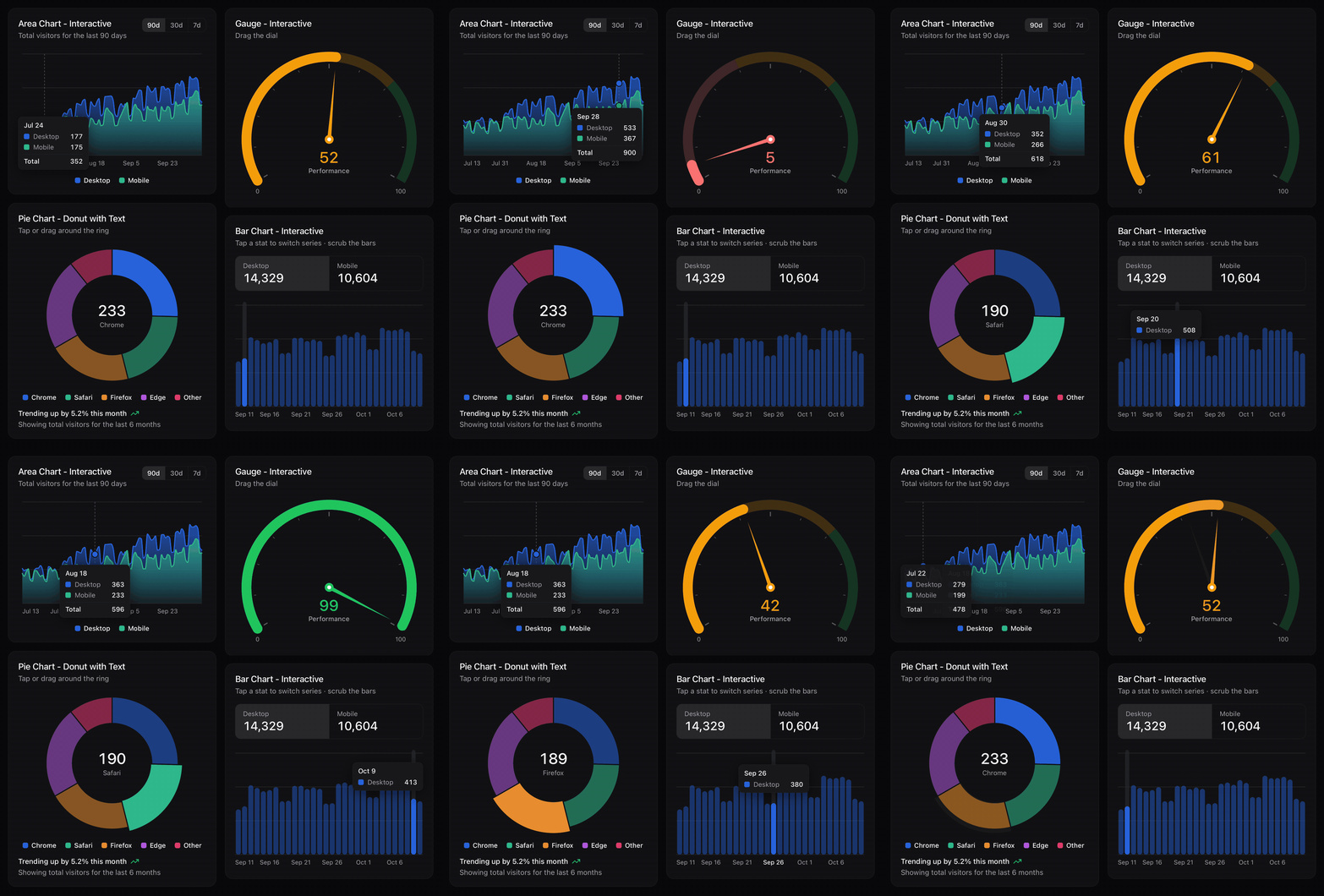
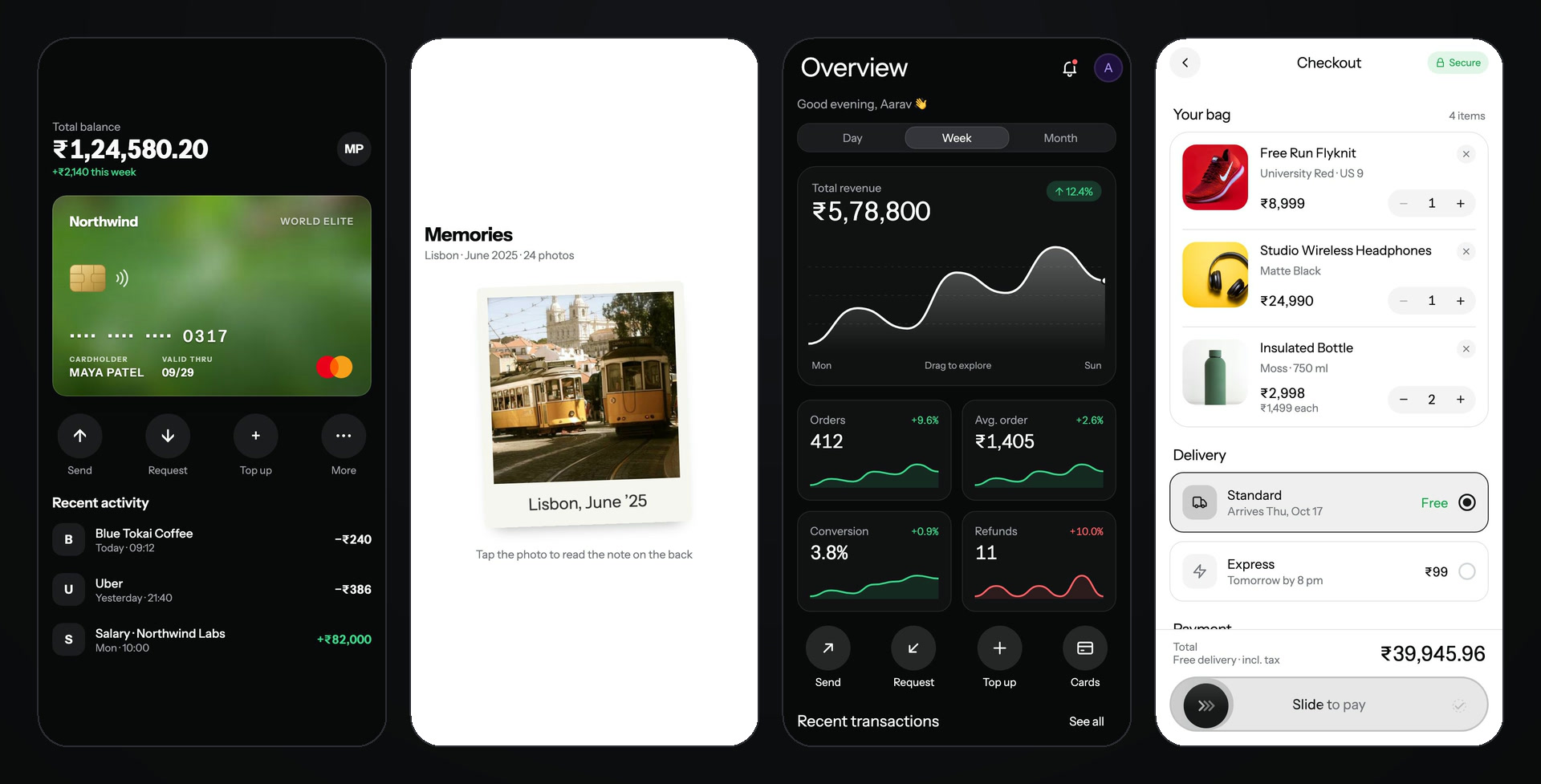
Payment card and flip card are free; the dashboard and checkout screens are Pro blocks.
- Buttons, inputs, cards, sheets, tabs, charts and full screens, all animated, with light and dark mode
- Built for touch: springs, drag gestures and haptics, on iOS, Android, web and in Expo Go
- You own the code: plain typed files in your app, with no runtime library to lock you in
Browse every component with live previews → · Try them on your phone in Expo Go →
Usage
In your Expo app's folder:
npx @expokit/cli@latest init
npx @expokit/cli@latest add button otp-input
import { Button } from '@/components/ui/button';

<Button onPress={save}>Save</Button>;
See every component: npx @expokit/cli@latest add --list
Already have a Skeleton.tsx (or any file the kit would clash with)? add skips that item, says why, and adds the
rest. Put the kit's copy next to yours with --dir:
npx @expokit/cli@latest add skeleton --dir src/components/kit # import from "@/components/kit/ui/skeleton"
init asks for your brand colour, font, radius and light / dark (or takes --brand, --font, --radius,
--scheme; --yes skips the questions) and writes lib/kit-theme.tsx, an <AppTheme> wrapper for your root layout.
Keeping up to date
components.json remembers a hash of every file add wrote. When a new CLI ships fixes:
npx @expokit/cli@latest diff toast      # your changes since install, and what changed upstream
npx @expokit/cli@latest update          # refresh every installed item
update refreshes the files nobody touched and stops on a file you patched, showing the diff, so your fix is never
silently replaced. update toast --force takes upstream anyway.
Docs
Everything else — live previews, props, installation, theming, Pro, AI / MCP setup and help — is on expokit.in.
Security
- No dependencies, no install scripts.
- Anonymous install counts only — after a successful
add, the CLI sends the item's name ({"items":["button"]}) to expokit.in so the site can show how often each component is installed. No token, files, paths or machine details; repeat adds count once a day. Turn it off withDO_NOT_TRACK=1orEXPO_KIT_TELEMETRY=0; it never runs in CI,--dry-runorupdate. - Writes only inside your app —
components.json, the@/*alias intsconfig.jsonand the component files.--dry-runshows every change first;addandupdatenever overwrite a file you changed unless you pass--force(the hashes incomponents.jsononly ever mark a file as untouched; their paths are never read or written), and never replaces one that differs only by case (Skeleton.tsxvsskeleton.tsx), a symlink or a folder, not even with--force.pathsincomponents.jsonthat point outside the app are refused, andaliasesmust be plain import aliases (they are written into the copied files' imports). A file that is a symlink is never written through; a symlinked folder inside the app is still followed, so a cloned repo that links a folder elsewhere can send writes there. - Free components need no network to install — they ship inside this package. Pro components are downloaded over HTTPS from
expokit.in; your token is stored readable only by you, sent only to that site and never through a redirect.
In scripts, pipe it to
loginor setEXPO_KIT_TOKEN(--tokenleaves it in your shell history). - Runs one command:
npx expo installfor the packages a component needs — withoutEXPO_KIT_TOKENin its environment, so install scripts never see your token.
Report a vulnerability privately: SECURITY.md.
License
MIT