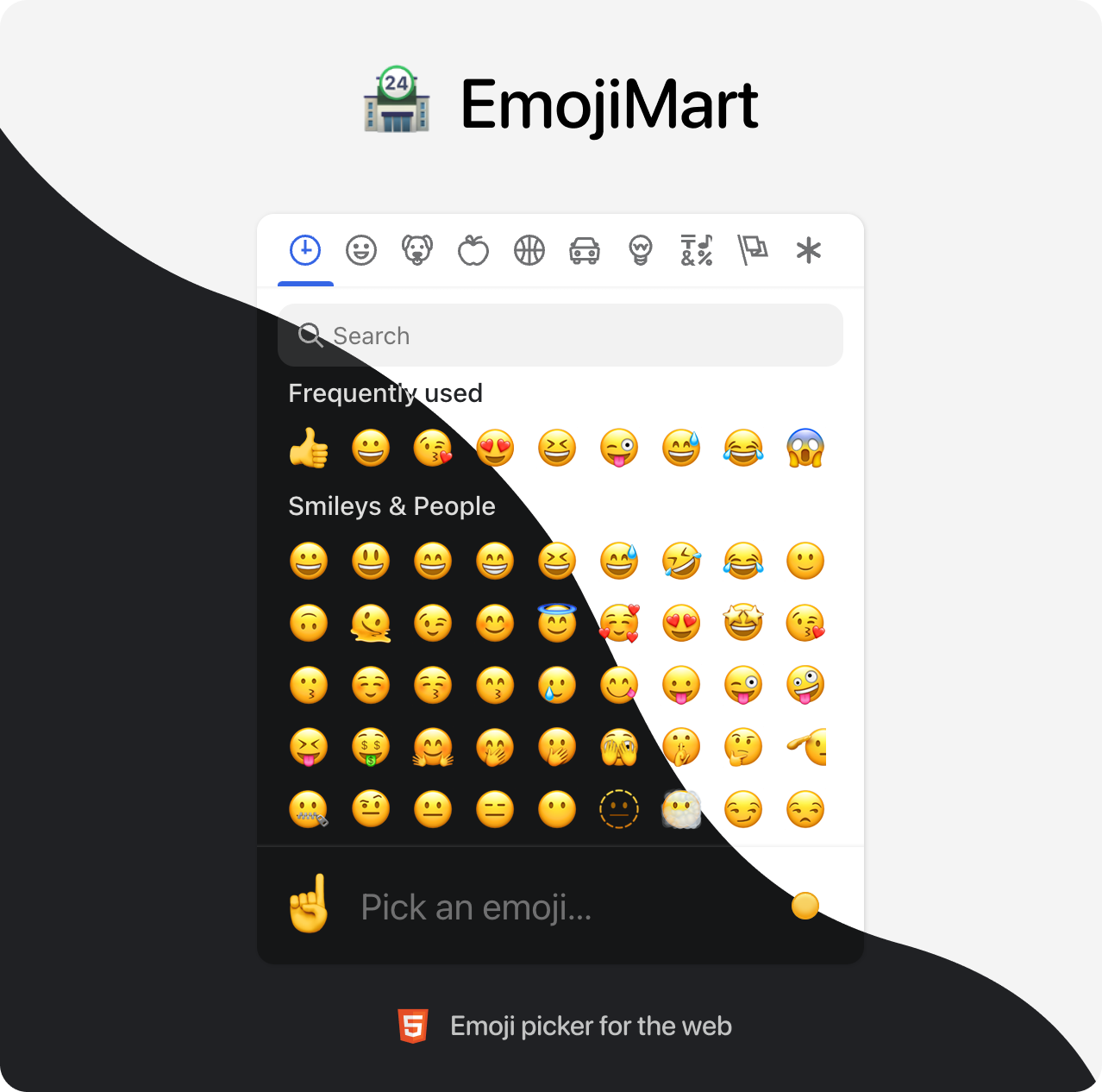
Emoji Mart is a customizable
emoji picker HTML component for the web
Demo

Brought to you by the Missive team
📖 Table of Contents
- 💾 Data
- 🏪 Picker
- 🙃 Emoji component
- 🕵️♀️ Headless search
- 🔬 Get emoji data from native
- 🗺 Internationalization
- 📚 Examples
- 🤓 Built for modern browsers
- 🛠 Development
💾 Data
Data required for the picker to work has been completely decoupled from the library. That gives developers the flexibility to better control their app bundle size and let them choose how and when this data is loaded. Data can be:
Bundled directly into your codebase
- Pros: Picker renders instantly, data is available offline
- Cons: Slower initial page load (bigger file to load)
yarn add @emoji-mart/data
import data from '@emoji-mart/data'
import { Picker } from 'emoji-mart'

new Picker({ data })
Fetched remotely
- Pros: Data fetched only when needed, does not affect your app bundle size
- Cons: Network latency, doesn’t work offline (unless you configure a ServiceWorker)
import { Picker } from 'emoji-mart'
new Picker({
  data: async () => {
    const response = await fetch(
      'https://cdn.jsdelivr.net/npm/@emoji-mart/data',
    )

    return response.json()
  }
})
In this example data is fetched from a content delivery network, but it could also be fetched from your own domain if you want to host the data.
🏪 Picker
React
npm install --save emoji-mart @emoji-mart/data @emoji-mart/react
import data from '@emoji-mart/data'
import Picker from '@emoji-mart/react'

function App() {
  return (
    <Picker data={data} onEmojiSelect={console.log} />
  )
}
Browser
<script src="https://cdn.jsdelivr.net/npm/emoji-mart@latest/dist/browser.js"></script>
<script>
  const pickerOptions = { onEmojiSelect: console.log }
  const picker = new EmojiMart.Picker(pickerOptions)

  document.body.appendChild(picker)
</script>
Options / Props
| Option | Default | Choices | Description |
|---|---|---|---|
| data | {} | Data to use for the picker | |
| i18n | {} | Localization data to use for the picker | |
| categories | [] | frequent, people, nature, foods, activity, places, objects, symbols, flags | Categories to show in the picker. Order is respected. |
| custom | [] | Custom emojis | |
| onEmojiSelect | null | Callback when an emoji is selected | |
| onClickOutside | null | Callback when a click outside of the picker happens | |
| onAddCustomEmoji | null | Callback when the Add custom emoji button is clicked. The button will only be displayed if this callback is provided. It is displayed when search returns no results. | |
| autoFocus | false | Whether the picker should automatically focus on the search input | |
| categoryIcons | {} | Custom category icons | |
| dynamicWidth | false | Whether the picker should calculate perLine dynamically based on the width of <em-emoji-picker>. When enabled, perLine is ignored | |
| emojiButtonColors | [] | i.e. #f00, pink, rgba(155,223,88,.7) | An array of color that affects the hover background color |
| emojiButtonRadius | 100% | i.e. 6px, 1em, 100% | The radius of the emoji buttons |
| emojiButtonSize | 36 | The size of the emoji buttons | |
| emojiSize | 24 | The size of the emojis (inside the buttons) | |
| emojiVersion | 14 | 1, 2, 3, 4, 5, 11, 12, 12.1, 13, 13.1, 14 | The version of the emoji data to use. Latest version supported in @emoji-mart/data is currently 14 |
| exceptEmojis | [] | List of emoji IDs that will be excluded from the picker | |
| icons | auto | auto, outline, solid | The type of icons to use for the picker. outline with light theme and solid with dark theme. |
| locale | en | en, ar, be, cs, de, es, fa, fi, fr, hi, it, ja, kr, nl, pl, pt, ru, sa, tr, uk, vi, zh | The locale to use for the picker |
| maxFrequentRows | 4 | The maximum number of frequent rows to show. 0 will disable frequent category | |
| navPosition | top | top, bottom, none | The position of the navigation bar |
| noCountryFlags | false | Whether to show country flags or not. If not provided, tbhis is handled automatically (Windows doesn’t support country flags) | |
| noResultsEmoji | cry | The id of the emoji to use for the no results emoji | |
| perLine | 9 | The number of emojis to show per line | |
| previewEmoji | point_up | The id of the emoji to use for the preview when not hovering any emoji. point_up when preview position is bottom and point_down when preview position is top. | |
| previewPosition | bottom | top, bottom, none | The position of the preview |
| searchPosition | sticky | sticky, static, none | The position of the search input |
| set | native | native, apple, facebook, google, twitter | The set of emojis to use for the picker. native being the most performant, others rely on spritesheets. |
| skin | 1 | 1, 2, 3, 4, 5, 6 | The emojis skin tone |
| skinTonePosition | preview | preview, search, none | The position of the skin tone selector |
| theme | auto | auto, light, dark | The color theme of the picker |
| getSpritesheetURL | null | A function that returns the URL of the spritesheet to use for the picker. It should be compatible with the data provided. |
Custom emojis
You can use custom emojis by providing an array of categories and their emojis. Emojis also support multiple skin tones and can be GIFs or SVGs.
import data from '@emoji-mart/data'
import Picker from '@emoji-mart/react'

const custom = [
  {
    id: 'github',
    name: 'GitHub',
    emojis: [
      {
        id: 'octocat',
        name: 'Octocat',
        keywords: ['github'],
        skins: [{ src: './octocat.png' }],
      },
      {
        id: 'shipit',
        name: 'Squirrel',
        keywords: ['github'],
        skins: [
          { src: './shipit-1.png' }, { src: './shipit-2.png' }, { src: './shipit-3.png' },
          { src: './shipit-4.png' }, { src: './shipit-5.png' }, { src: './shipit-6.png' },
        ],
      },
    ],
  },
  {
    id: 'gifs',
    name: 'GIFs',
    emojis: [
      {
        id: 'party_parrot',
        name: 'Party Parrot',
        keywords: ['dance', 'dancing'],
        skins: [{ src: './party_parrot.gif' }],
      },
    ],
  },
]

function App() {
  return (
    <Picker data={data} custom={custom} />
  )
}
Custom category icons
You can use custom category icons by providing an object with the category name as key and the icon as value. Currently supported formats are svg string and src. See example.
const customCategoryIcons = {
  categoryIcons: {
    activity: {
      svg: '<svg xmlns="http://www.w3.org/2000/svg" viewBox="0 0 640 512"><path d="M57.89 397.2c-6.262-8.616-16.02-13.19-25.92-13.19c-23.33 0-31.98 20.68-31.98 32.03c0 6.522 1.987 13.1 6.115 18.78l46.52 64C58.89 507.4 68.64 512 78.55 512c23.29 0 31.97-20.66 31.97-32.03c0-6.522-1.988-13.1-6.115-18.78L57.89 397.2zM496.1 352c-44.13 0-79.72 35.75-79.72 80s35.59 80 79.72 80s79.91-35.75 79.91-80S540.2 352 496.1 352zM640 99.38c0-13.61-4.133-27.34-12.72-39.2l-23.63-32.5c-13.44-18.5-33.77-27.68-54.12-27.68c-13.89 0-27.79 4.281-39.51 12.8L307.8 159.7C262.2 192.8 220.4 230.9 183.4 273.4c-24.22 27.88-59.18 63.99-103.5 99.63l56.34 77.52c53.79-35.39 99.15-55.3 127.1-67.27c51.88-22 101.3-49.87 146.9-82.1l202.3-146.7C630.5 140.4 640 120 640 99.38z"/></svg>',
    },
    people: {
      src: './people.png',
    },
  },
}
🙃 Emoji component
The emoji web component usage is the same no matter what library you use.
First, you need to make sure data has been initialized. You need to call this only once per page load. Note that if you call init like this, you don’t necessarily need to include data in your Picker props. It doesn’t hurt either, it will noop.
import data from '@emoji-mart/data'
import { init } from 'emoji-mart'

init({ data })
Then you can use the emoji component in your HTML / JSX.
<em-emoji id="+1" size="2em"></em-emoji>
<em-emoji id="+1" skin="2"></em-emoji>
<em-emoji shortcodes=":+1::skin-tone-1:"></em-emoji>
<em-emoji shortcodes=":+1::skin-tone-2:"></em-emoji>
Attributes / Props
| Attribute | Example | Description |
|---|---|---|
| id | +1 | An emoji ID |
| shortcodes | :+1::skin-tone-2: | An emoji shortcode |
| native | 👍 | A native emoji |
| size | 2em | The inline element size |
| fallback | :shrug: | A string to be rendered in case the emoji can’t be found |
| set | native | The emoji set: native, apple, facebook, google, twitter |
| skin | 1 | The emoji skin tone: 1, 2, 3, 4, 5, 6 |
🕵️♀️ Headless search
You can search without the Picker. Just like the emoji component, data needs to be initialized first in order to use the search index.
import data from '@emoji-mart/data'
import { init, SearchIndex } from 'emoji-mart'
init({ data })
async function search(value) {
const emojis = await SearchIndex.search(value)
const results = emojis.map((emoji) => {
return emoji.skins[0].native
})
console.log(results)
}
search('christmas') // => ['🎄', '🇨🇽', '🧑🎄', '🔔', '🤶', '🎁', '☃️', '❄️', '🎅', '⛄']
🔬 Get emoji data from native
You can get emoji data from a native emoji. This is useful if you want to get the emoji ID from a native emoji. Just like the emoji component, data needs to be initialized first in order to retrieve the emoji data.
import data from '@emoji-mart/data'
import { init, getEmojiDataFromNative } from 'emoji-mart'

init({ data })

getEmojiDataFromNative('🤞🏿').then(console.log)
/* {
  aliases: ['hand_with_index_and_middle_fingers_crossed'],
  id: 'crossed_fingers',
  keywords: ['hand', 'with', 'index', 'and', 'middle', 'good', 'lucky'],
  name: 'Crossed Fingers',
  native: '🤞🏿',
  shortcodes: ':crossed_fingers::skin-tone-6:',
  skin: 6,
  unified: '1f91e-1f3ff',
} */
🗺 Internationalization
EmojiMart UI supports multiple languages, feel free to open a PR if yours is missing.
import i18n from '@emoji-mart/data/i18n/fr.json'
i18n.search_no_results_1 = 'Aucun emoji'

new Picker({ i18n })
Given the small file size, English is built-in and doesn’t need to be provided.
📚 Examples
🤓 Built for modern browsers
EmojiMart relies on these APIs, you may need to include polyfills if you need to support older browsers:
🛠 Development
yarn install
yarn dev