@femessage/log-viewer

中文文档
1.5.0发布于 2020/11/11MITTypeScriptESM + CJS近 30 天下载 2492

💻 View terminal logs in browser

原始使用文档
文档目录12 节
  1. Table of Contents
  2. Features
  3. Install
  4. Usage
  5. Links
  6. Reference
  7. Performance
  8. Memory Usage
  9. Render timeline
  10. Contributing
  11. Contributors
  12. License

log-viewer

Build Status NPM Download NPM Version NPM License PRs Welcome Automated Release Notes by gren

log-viewer is a vue component which can display terminal log in browser with high performance.

new-log

中文文档

Table of Contents

Features

  • Process some special characters in the log stream
  • High performance, and process large amounts of data without jamming
  • Customize loading status
  • Auto scroll to the bottom

⬆ Back to Top

Install

yarn add @femessage/log-viewer

⬆ Back to Top

Usage

<log-viewer :log="log" :loading="isLoading" />

⬆ Back to Top

⬆ Back to Top

Reference

⬆ Back to Top

Performance

Virtual scrolling use the component:https://github.com/tangbc/vue-virtual-scroll-list

Achieve internal use 'item-mode' so that its performance is better than the 'vfor-mode'.

Memory Usage

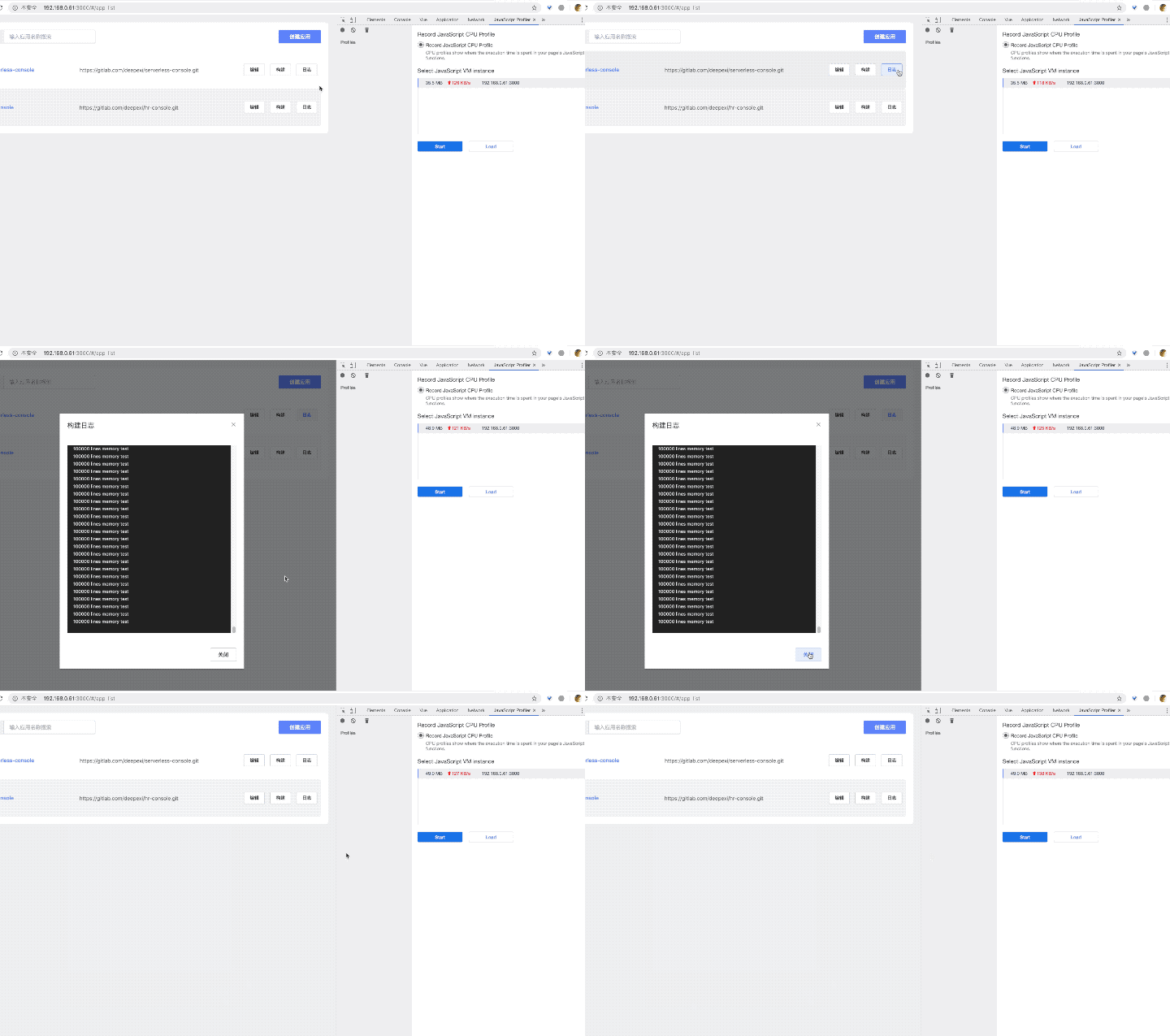
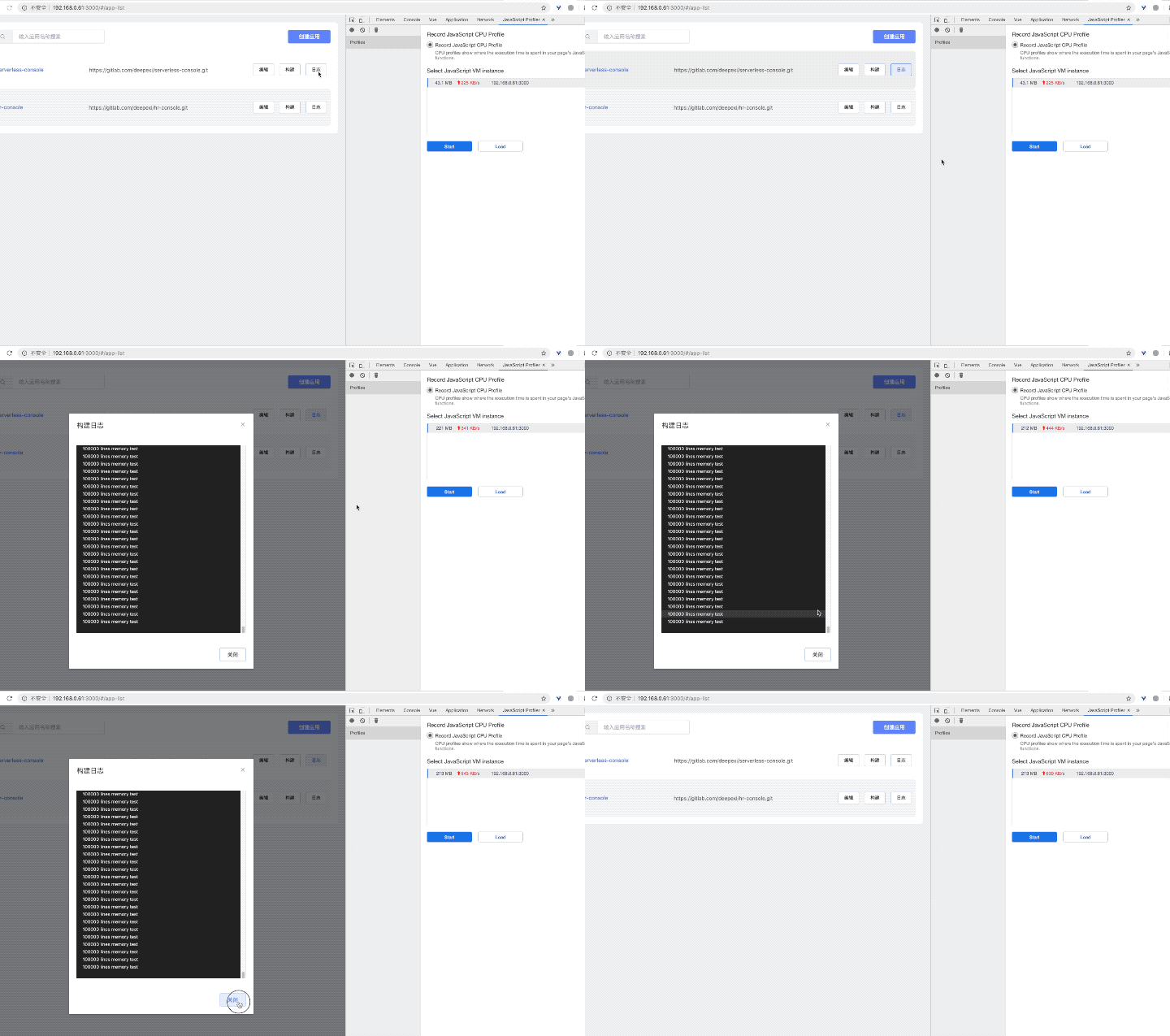
Use 100,000 lines to test.

item-mode

The Memory before the component mount: 36.5MB
The Memory after the component mounted: 48MB
Memory Usage: 11.5MB
图片.gif

vfor-mode

The Memory before the component mount: 43MB
The Memory after the component mounted: 221MB
Memory Usage: 178MB
item-10e4.gif

Render timeline

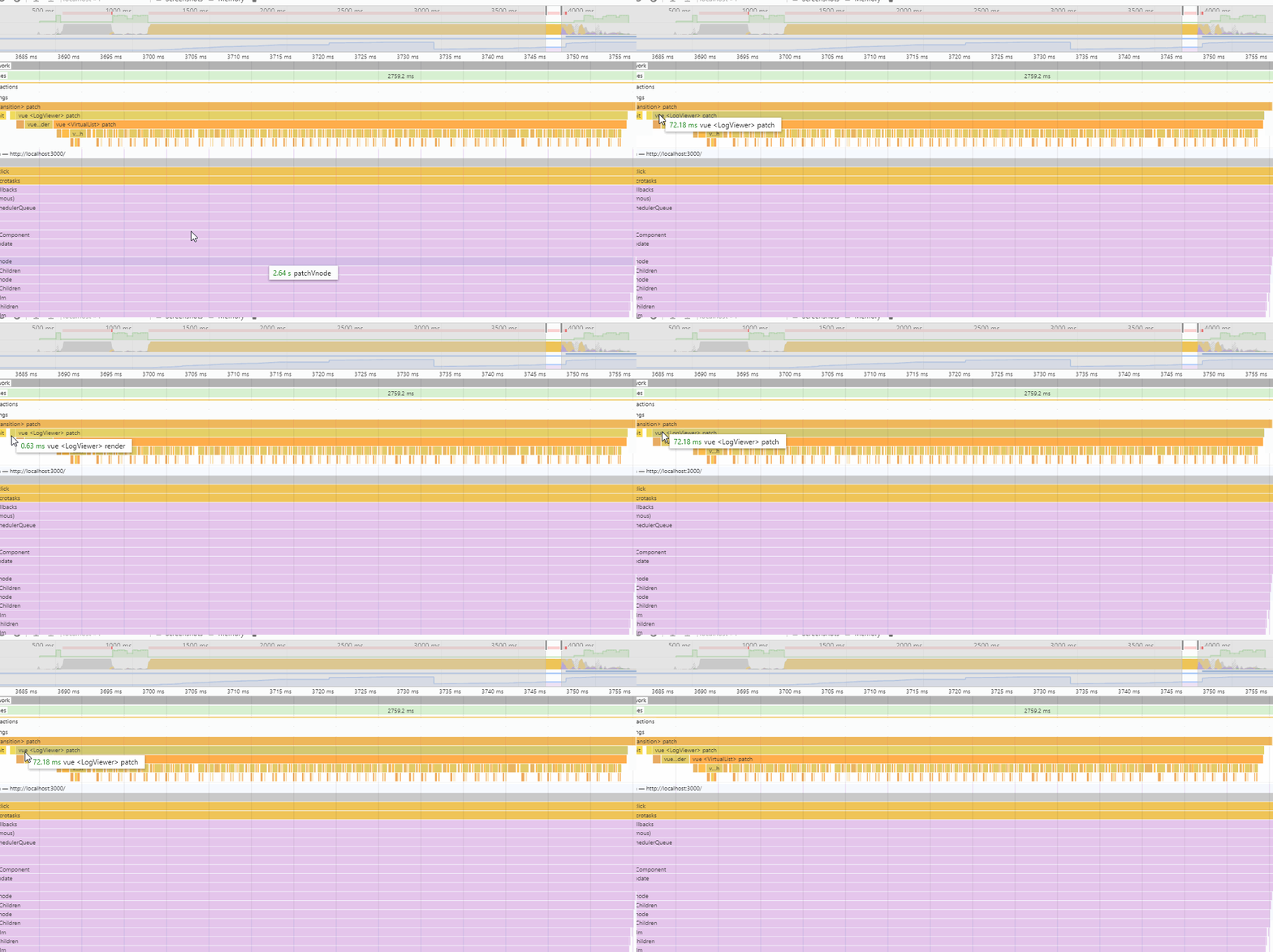
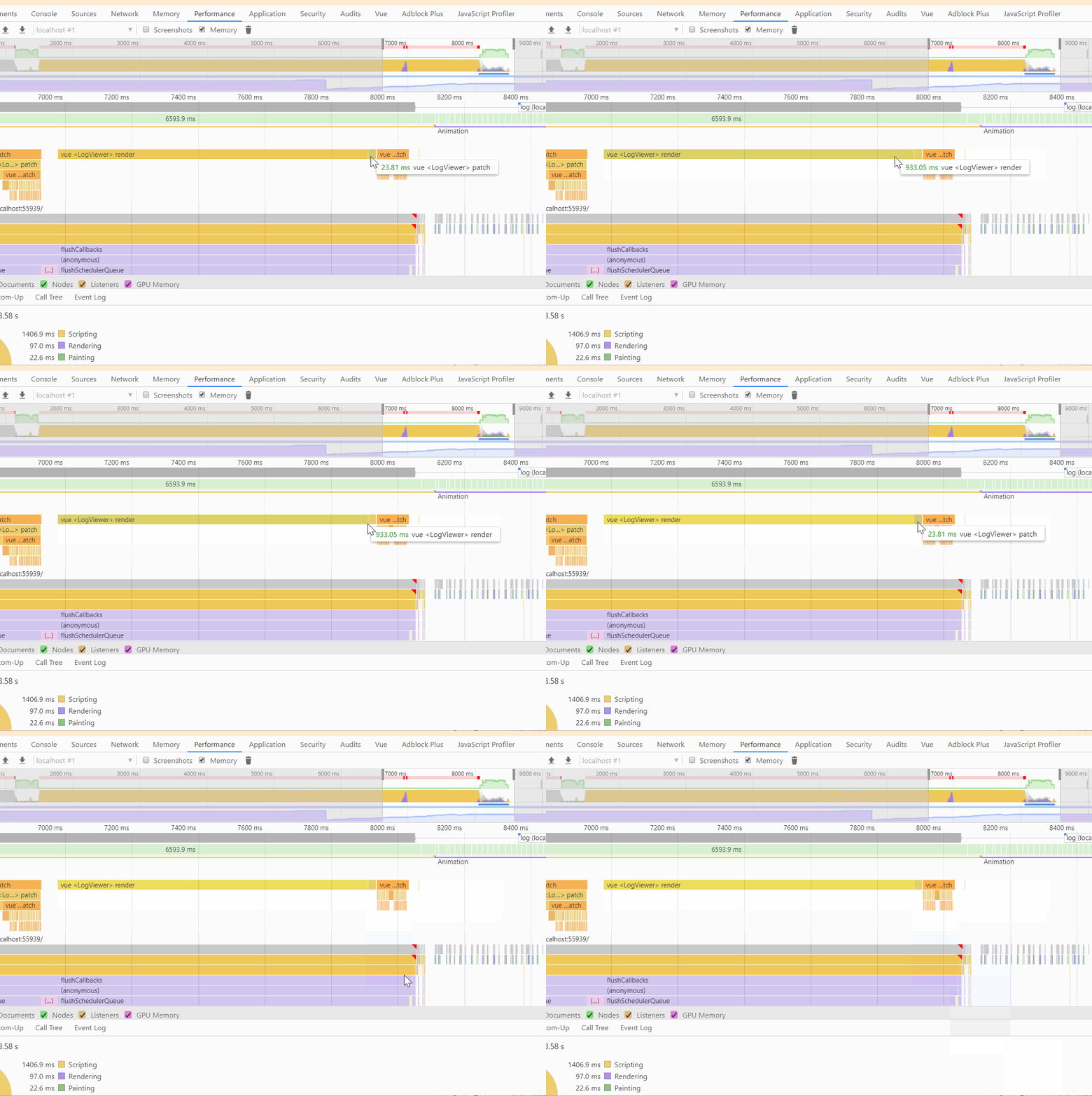
Also use 100,000 lines to test.

item-mode

Render time: 0.63ms
Patch time: 72.18ms
Total time: 72.85ms
item-1e5.gif

vfor-mode

Render time: 933.05ms
Patch time: 23.81ms
Total time: 956.86ms
v-for-1e5.gif

⬆ Back to Top

Contributing

For those who are interested in contributing to this project, such as:

  • report a bug
  • request new feature
  • fix a bug
  • implement a new feature

Please refer to our contributing guide.

⬆ Back to Top

Contributors

Thanks goes to these wonderful people (emoji key):

snowlocked
snowlocked

💻 📖 ⚠️
EVILLT
EVILLT

💻

This project follows the all-contributors specification. Contributions of any kind welcome!

⬆ Back to Top

License

MIT

⬆ Back to Top

版本与发布记录

@femessage/log-viewer 共发布 9 个版本,首次发布于 2019/07/29;过去 12 个月发布了 0 个版本。

版本发布日期距今
1.5.0latest2020/11/116 年前
1.4.22020/08/136 年前
1.4.12020/02/136 年前
1.4.02019/12/036 年前
1.3.02019/11/296 年前
1.2.32019/11/226 年前

关于 @femessage/log-viewer 的常见问题

@femessage/log-viewer 是什么?

💻 View terminal logs in browser

如何安装 @femessage/log-viewer?

在项目目录运行 npm install @femessage/log-viewer,或使用 pnpm add / yarn add / bun add。

@femessage/log-viewer 支持 TypeScript 吗?

支持。包内自带 TypeScript 类型声明(package.json 声明了 types 入口),安装后即可获得类型提示,无需再安装 @types 包。

@femessage/log-viewer 支持 ESM 还是 CommonJS?

同时提供 ES Module 与 CommonJS 入口,import 和 require() 都可以使用,打包工具会自动选择合适的版本。

@femessage/log-viewer 需要什么版本的 Node.js?

package.json 的 engines 字段要求 Node.js >= 4.0.0。版本不符时 npm 默认只给出警告,开启 engine-strict 后会拒绝安装。

@femessage/log-viewer 可以商用吗?

@femessage/log-viewer 使用 MIT 许可。宽松许可:允许商业使用、修改和再分发,通常只需在分发时保留原版权与许可声明。以上为概括,不构成法律意见,请以许可原文为准。

@femessage/log-viewer 的下载量有多少?

根据 npm 官方下载统计,@femessage/log-viewer 在 2026/10/15 – 2026/11/13 这 30 天内被下载 2,492 次,日均约 83 次。下载量会把 CI 构建、镜像同步和作为其他包依赖的安装一并计入,适合横向比较热度,不能直接等同于使用人数。

@femessage/log-viewer 还在维护吗?

最新版本 1.5.0 发布于 2020/11/11(6 年前);至今共发布 9 个版本,其中过去 12 个月发布了 0 个;首次发布于 2019/07/29。发布频率只是参考信号:功能稳定的工具可能很少需要更新,建议结合源码仓库的 issue 和提交记录判断。