Mantine Audio Component


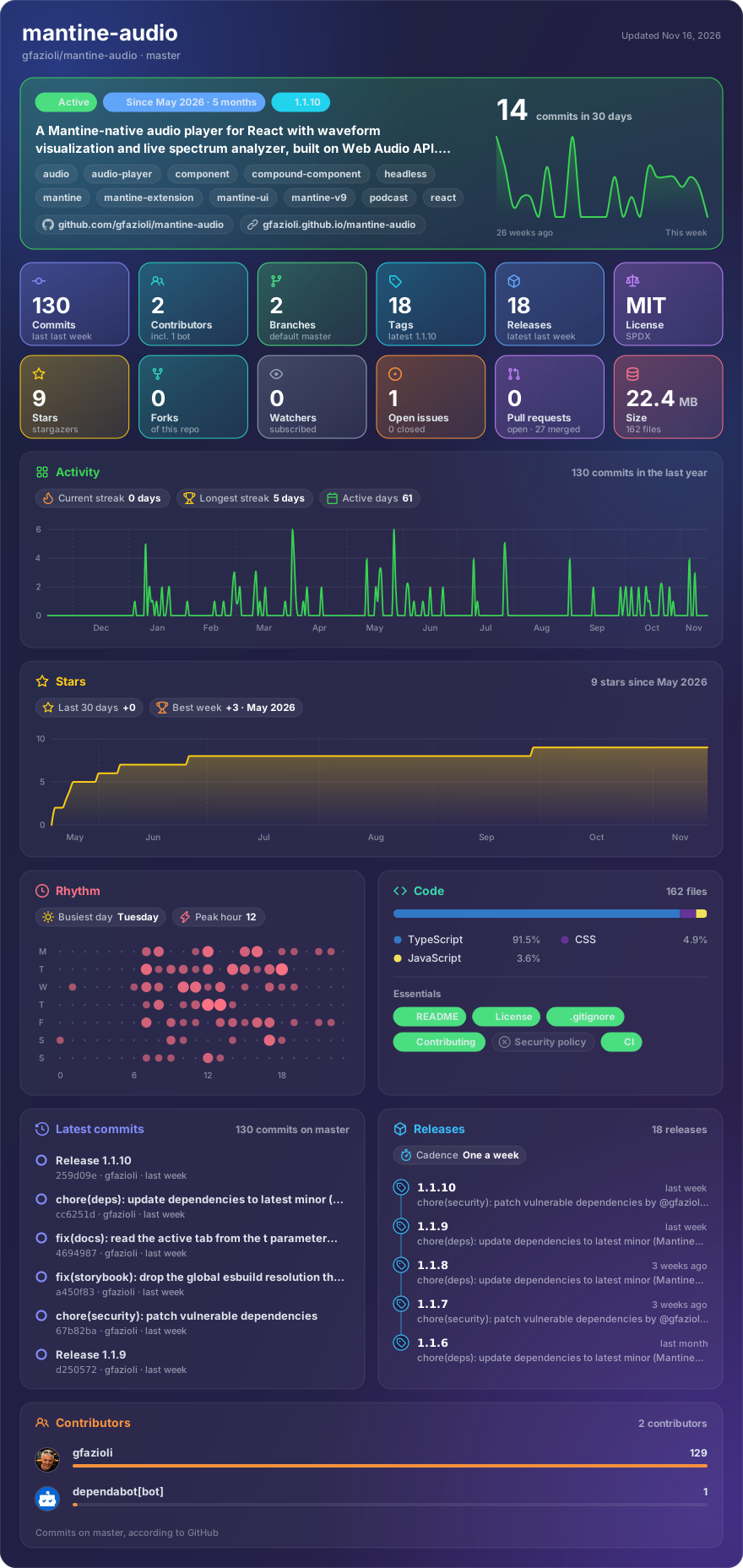
Made with glancecard · refreshed daily
Overview
This component is built on top of the Mantine library.
The Mantine Audio component is a Mantine-native audio player for React with waveform visualisation and a live spectrum analyser, built on the Web Audio API. It ships as three layers in a single package: a polished default <Audio /> with four variants, a fully composable compound API (ten sub-components you can reorder and restyle), and a fully headless useAudio hook to build 100% custom UIs.
Features
- 🎧 Drop-in player —
<Audio src="…" />and you have a styled, accessible audio player - 🧩 Compound API — 10 sub-components (
Audio.PlayButton,Audio.Timeline,Audio.Waveform,Audio.Spectrum,Audio.VolumeSlider,Audio.SpeedControl, …) reorderable and re-styleable - 🪝 Headless
useAudiohook — 16 state values + 12 actions for fully custom UIs - 🌊 Waveform visualisation — peaks decoded via Web Audio + click/drag to seek, 60fps playhead tracking via RAF
- 🎚️ Live spectrum analyser —
AnalyserNodedriven, solid or gradient bars, optional mirror - 🔀 Multiple
<source>support —sources={[…]}for codec / format / media-query fallbacks +fallbackSrcfor runtime errors - 🎛️ 5 sizes × 4 variants —
xs/sm/md/lg/xl×overlay/minimal/floating/bordered(all CSS-driven via data attributes) - 🌅
asBackgroundpreset — turn the same player into a hero / section ambient track in one line - 🎚️ Scrub-with-sound — optional
scrubSoundlets the user hear snippets while dragging (Audacity / iTunes style) - ⌨️ Keyboard shortcuts — Space, J/K/L, ←/→, ↑/↓, M, > / <
- 🎨 Full Styles API —
classNames,styles,vars,unstyled, theme-aware out of the box - 📦 TypeScript — strict types, every prop documented
[!note]
Installation
npm install @gfazioli/mantine-audio
or
yarn add @gfazioli/mantine-audio
After installation import package styles at the root of your application:
import '@gfazioli/mantine-audio/styles.css';
Usage
import { Audio } from '@gfazioli/mantine-audio';

function Demo() {
  return <Audio src="/track.mp3" />;
}
Compound layout with waveform on top and a custom skip button:
<Audio src="/track.mp3">
  <Audio.Waveform height={80} />
  <Audio.Controls>
    <Audio.SkipButton seconds={-15} />
    <Audio.PlayButton />
    <Audio.SkipButton seconds={15} />
    <Audio.Timeline />
    <Audio.TimeDisplay />
    <Audio.MuteButton />
    <Audio.VolumeSlider />
    <Audio.SpeedControl />
  </Audio.Controls>
</Audio>
Headless usage with the useAudio hook:
import { useAudio } from '@gfazioli/mantine-audio';

function MyPlayer() {
  const { playing, currentTime, duration, peaks, analyser, toggle, audioRef } = useAudio({
    src: '/track.mp3',
  });

  return (
    <div>
      <audio ref={audioRef} crossOrigin="anonymous" />
      <button onClick={toggle}>{playing ? 'Pause' : 'Play'}</button>
      <span>{currentTime.toFixed(1)} / {duration.toFixed(1)}</span>
    </div>
  );
}
Sponsor
Your support helps me:
- Keep the project actively maintained with timely bug fixes and security updates
- Add new features, improve performance, and refine the developer experience
- Expand test coverage and documentation for smoother adoption
- Ensure long‑term sustainability without relying on ad hoc free time
- Prioritize community requests and roadmap items that matter most
Open source thrives when those who benefit can give back—even a small monthly contribution makes a real difference. Sponsorships help cover maintenance time, infrastructure, and the countless invisible tasks that keep a project healthy.
Your help truly matters.
💚 Become a sponsor today and help me keep this project reliable, up‑to‑date, and growing for everyone.