Mantine Border Animate Component


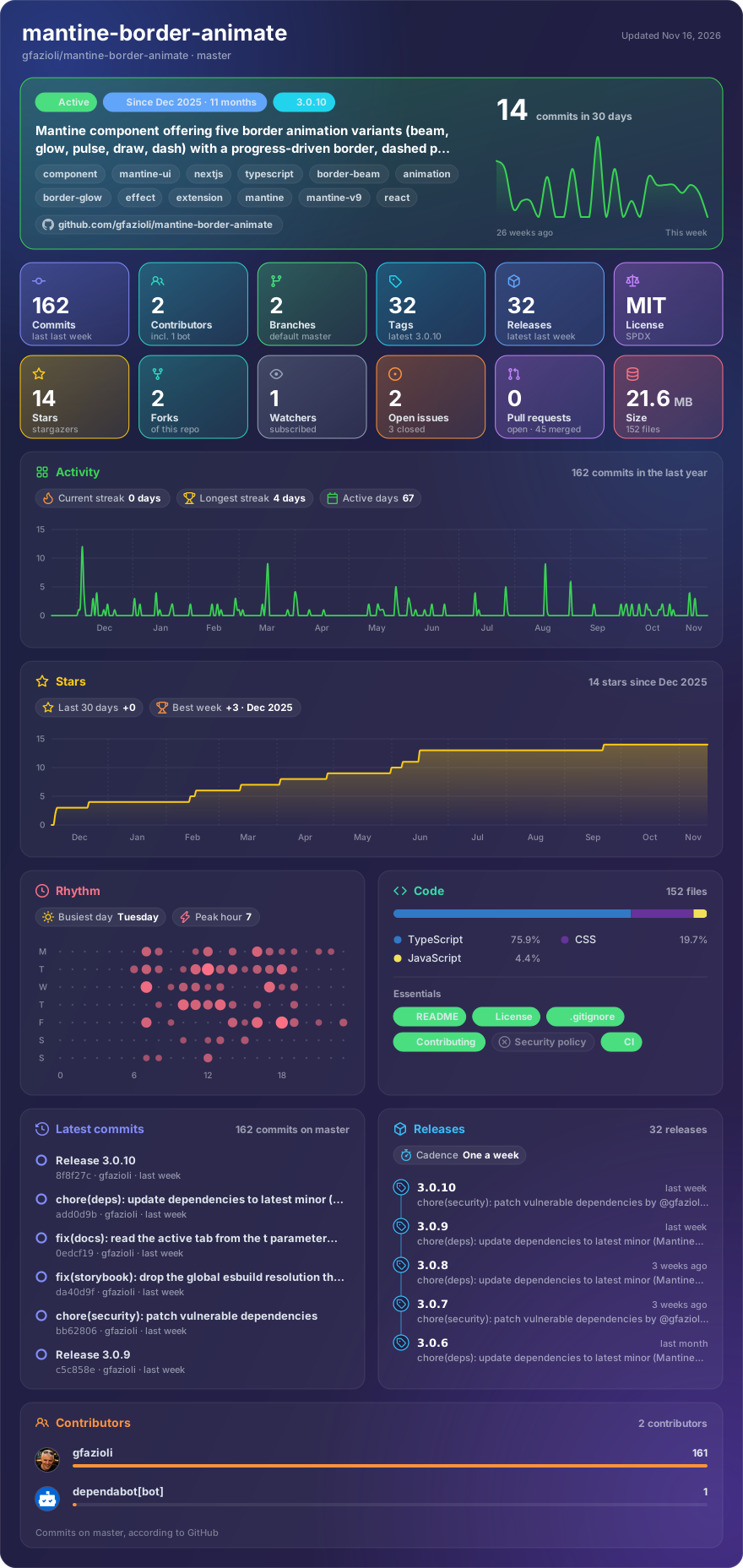
Made with glancecard · refreshed daily
Overview
This component is created on top of the Mantine library. It requires Mantine 9.x and React 19.
Mantine BorderAnimate provides a flexible wrapper that turns any Mantine or plain React element into a visually striking component with animated borders. Designed for both aesthetics and performance, it uses CSS animations to deliver smooth 60fps effects and exposes controls to tailor the look and behavior: you can show/hide the border, keep it static or continuously animated, and adjust parameters like size, radius, border width, blur, duration, and color transitions.
The component includes five distinct variants — beam (a traveling glow along the perimeter, with three rendering modes), glow (a rhythmic pulsation with tunable blur and opacity), pulse (a subtle expand-and-fade "breathing" effect), draw (a border that measures a value) and dash (a dashed border that marches around the perimeter).
Key features include:
- Three beam rendering modes —
dot(a radial-gradient dot traveling along the border via CSS offset-path, uniform at every position),wedge(a rotating conic-gradient with a spread you set in degrees) andcomet(a head with a fading tail, at constant speed on any shape) - A border that measures —
variant="draw"withprogress(0-100) draws exactly that share of the real perimeter, corners included, with an optional track underneath - Dashed borders —
variant="dash"withdashSize,dashGap,countanddashCap: marching ants, dots, or a fixed number of evenly spaced segments - Triggers —
triggerstarts the animation onhover, onfocus-within, or only while the component isinView - Detached rings —
offsetpushes the border away from the content and keeps it concentric - Custom color stops — multi-color gradients via
colorStops - Pause on hover —
pauseOnHoverprop to pause animations during user interaction - Custom timing functions —
timingFunctionprop for full control over animation easing - Accessible — honors
prefers-reduced-motionthrough the Mantine theme, and marks the decorative ringaria-hidden
Advanced visual setups are supported through masking and layering: withMask clips the effect to the border area, while disabling it and using zIndex allows soft background glows behind content. Integration is straightforward via provided stylesheet imports, and examples demonstrate wrapping common Mantine components like Paper, Cards, Buttons, Inputs, and Alerts.
[!note]
→ Demo and Documentation → Youtube Video → More Mantine Components
[!important]
Coming from v2? Version 3 renames four props —
angle→progress(0-100 instead of 0-360),delay→phase,size→spreadfor the rotating wedge, and the beam modespath/conic→dot/wedge— and fixes how the glow and pulse variants render, which changes some pixels. Passing a v2 prop logs a one-time warning in development.
Installation
npm install @gfazioli/mantine-border-animate
or
yarn add @gfazioli/mantine-border-animate
After installation import package styles at the root of your application:
import '@gfazioli/mantine-border-animate/styles.css';
Usage
import { Stack, Title } from '@mantine/core';
import { BorderAnimate } from '@gfazioli/mantine-border-animate';

function Demo() {
  return (
    <BorderAnimate w={300} p={32}>
      <Stack>
        <Title>This is a title</Title>
        <p>This is a paragraph inside the BorderAnimate component.</p>
      </Stack>
    </BorderAnimate>
  );
}
A border that measures a value, with the rest of the perimeter as a track:
<BorderAnimate variant="draw" progress={65} withTrack colorFrom="blue.5" colorTo="cyan.4">
  <Paper radius="md" p="md">
    Uploading assets…
  </Paper>
</BorderAnimate>
A border that waits for the interaction instead of looping. On a form field focus-within
follows the focus of the control inside it, so there is no state to wire up:
<Input.Wrapper label="Email">
  <BorderAnimate variant="draw" trigger="focus-within" radius="sm">
    <Input w="100%" placeholder="[email protected]" />
  </BorderAnimate>
</Input.Wrapper>
Wrap the control, not the whole field: a TextInput is an Input.Wrapper, so wrapping it would put the
border around the label too.
Sponsor
Your support helps me:
- Keep the project actively maintained with timely bug fixes and security updates
- Add new features, improve performance, and refine the developer experience
- Expand test coverage and documentation for smoother adoption
- Ensure long‑term sustainability without relying on ad hoc free time
- Prioritize community requests and roadmap items that matter most
Open source thrives when those who benefit can give back—even a small monthly contribution makes a real difference. Sponsorships help cover maintenance time, infrastructure, and the countless invisible tasks that keep a project healthy.
Your help truly matters.
💚 Become a sponsor today and help me keep this project reliable, up‑to‑date, and growing for everyone.