Mantine Compare Component


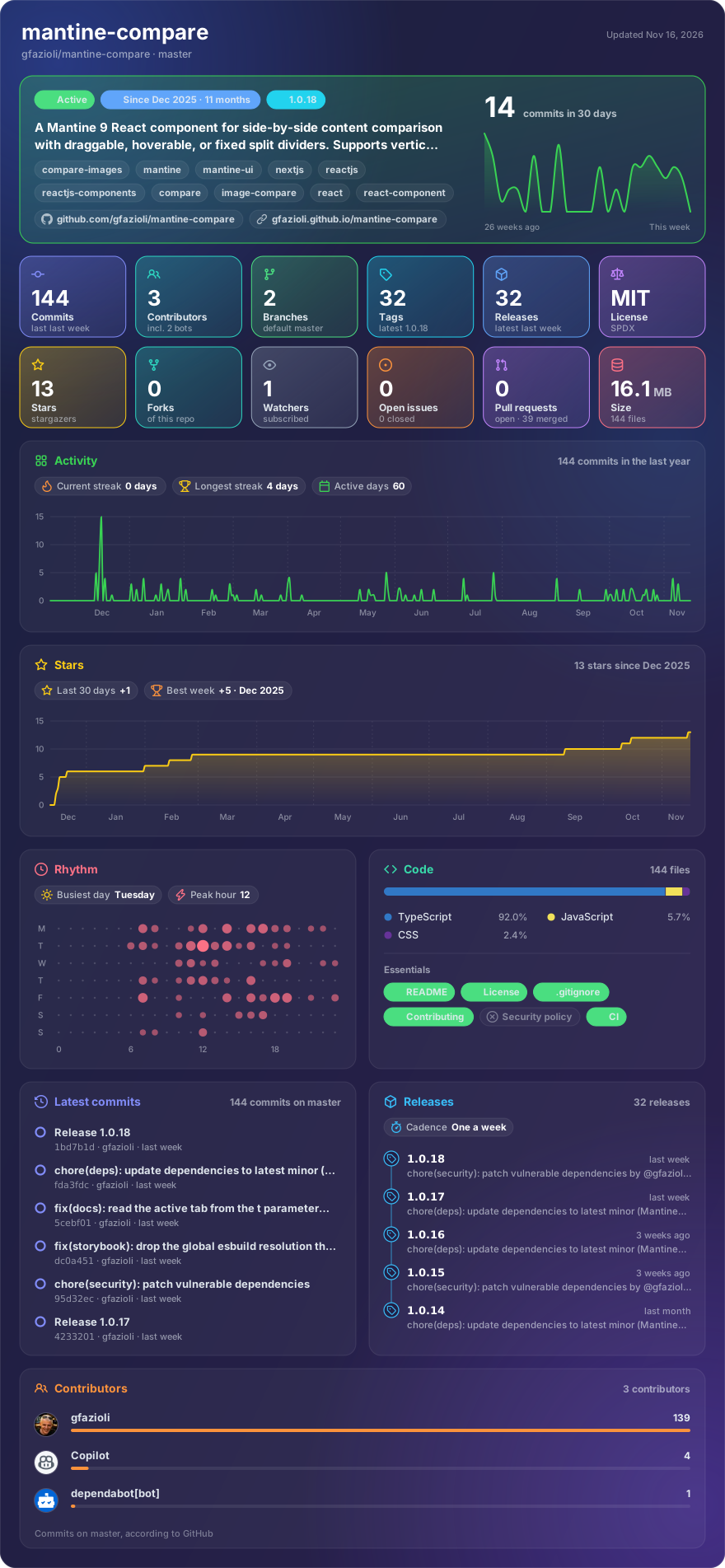
Made with glancecard · refreshed daily
Overview
This component is created on top of the Mantine library. It requires Mantine 9.x and React 19.
Mantine Compare provides an interactive before/after viewer for any React nodes or images, with a slider you can drag, reveal on hover, or lock to a position.
Features
- 🎨 Three interaction modes: Drag, hover, and fixed variants
- 📐 Flexible angle system: Vertical (0°), horizontal (90°), or any diagonal angle
- 🖼️ Any content: Compare images, code, text, or any React nodes
- 🏷️ Labels: Overlay "Before"/"After" labels on each section
- 🔒 Drag boundaries: Constrain the slider range with
minDragBound/maxDragBound - 🎯 Handle-only mode: Restrict drag to the handle button only
- 🎬 Auto-play: Continuous slider animation with configurable speed and easing (
linear,ease-in,ease-out,ease-in-out,spring) - 🚫 Disabled state: Block all interactions with
disabledprop - 🎛️ Controlled & uncontrolled:
positionprop for controlled mode,defaultPositionfor uncontrolled - ♿ Accessible: Keyboard navigation (arrow keys, Home/End, configurable step), ARIA slider role
- 🎨 Slider styling: Customizable divider color and width via
sliderColor/sliderWidth - 🎨 Styles API: Full Mantine Styles API support for custom styling
- 📱 Touch support: Drag works on touch devices
- 📦 TypeScript: Full type safety out of the box
[!note]
Installation
npm install @gfazioli/mantine-compare
or
yarn add @gfazioli/mantine-compare
After installation import package styles at the root of your application:
import '@gfazioli/mantine-compare/styles.css';
Usage
import { Compare } from '@gfazioli/mantine-compare';
import { Image } from '@mantine/core';

function Demo() {
  return (
    <Compare
      leftSection={
        <Image
          src="https://images.unsplash.com/photo-1506905925346-21bda4d32df4?w=800&auto=format&fit=crop"
          alt="Before"
          style={{ width: '100%', height: '100%', objectFit: 'cover' }}
        />
      }
      rightSection={
        <Image
          src="https://images.unsplash.com/photo-1519681393784-d120267933ba?w=800&auto=format&fit=crop"
          alt="After"
          style={{ width: '100%', height: '100%', objectFit: 'cover' }}
        />
      }
    />
  );
}
Sponsor
Your support helps me:
- Keep the project actively maintained with timely bug fixes and security updates
- Add new features, improve performance, and refine the developer experience
- Expand test coverage and documentation for smoother adoption
- Ensure long‑term sustainability without relying on ad hoc free time
- Prioritize community requests and roadmap items that matter most
Open source thrives when those who benefit can give back—even a small monthly contribution makes a real difference. Sponsorships help cover maintenance time, infrastructure, and the countless invisible tasks that keep a project healthy.
Your help truly matters.
💚 Become a sponsor today and help me keep this project reliable, up‑to‑date, and growing for everyone.