Jecode
Jecode is a coding agent for your terminal. Choose a model, describe a task, and let it read your project, edit files, run commands and check the result. Tool cards and diffs show the work as it happens.
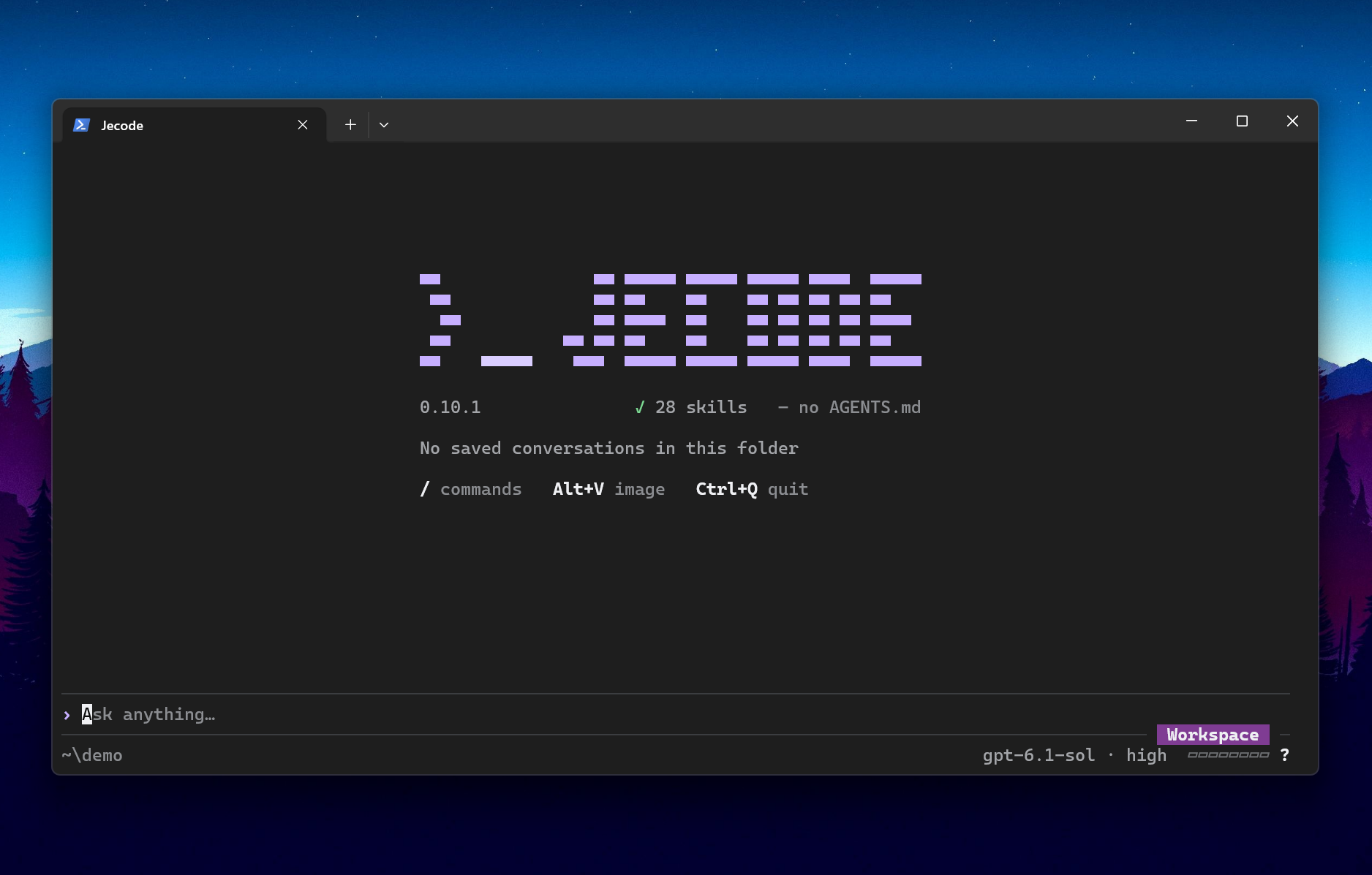
Jecode 0.10.1 in Windows Terminal, with GPT-6.1 Sol selected.
Install
Install with Node.js 22 or later and npm:
npm install -g @giovannijecha/jecode
jecode --version
The package includes native executables for Windows x64, Linux x64 and macOS on Apple silicon or Intel. Check system requirements for minimum OS versions, libraries and Node.js support. The launcher needs Node.js; a standalone build does not.
First task
Run jecode in your project, open /settings and choose Providers. Connect
an OpenRouter, OpenAI or Anthropic API key, or sign in with ChatGPT, then select
a model. A Claude subscription compatibility route is also available; read the
provider caveat.
API keys use API billing separately from subscription plans.
Type a task and press Enter. Esc stops a turn, Ctrl+Q quits, and jecode resume
continues saved work. /help or F1 lists commands and shortcuts. See the
terminal guide.
Type $ to choose a personal skill or @ to browse project files. References
appear as editable cards in the composer; Tab on a reference reopens its
selector. See Reference skills and files.
The default permission level is Workspace; see Permissions for command confinement, approvals and platform limits. Read Security for data sent to providers and local credential storage.
Update or remove
Read the release notes
before updating: this build resumes only conversations in its current format
and leaves unsupported files unchanged. jecode update --check reports whether
a newer release is published, jecode update updates the running installation
through npm or Volta, and jecode uninstall removes that installation while
keeping your settings and conversations. The
installation guide
covers updates, removal and existing standalone installations.
The project README and documentation index cover the full workflow and references.