@simba-dev/react-native-media-player
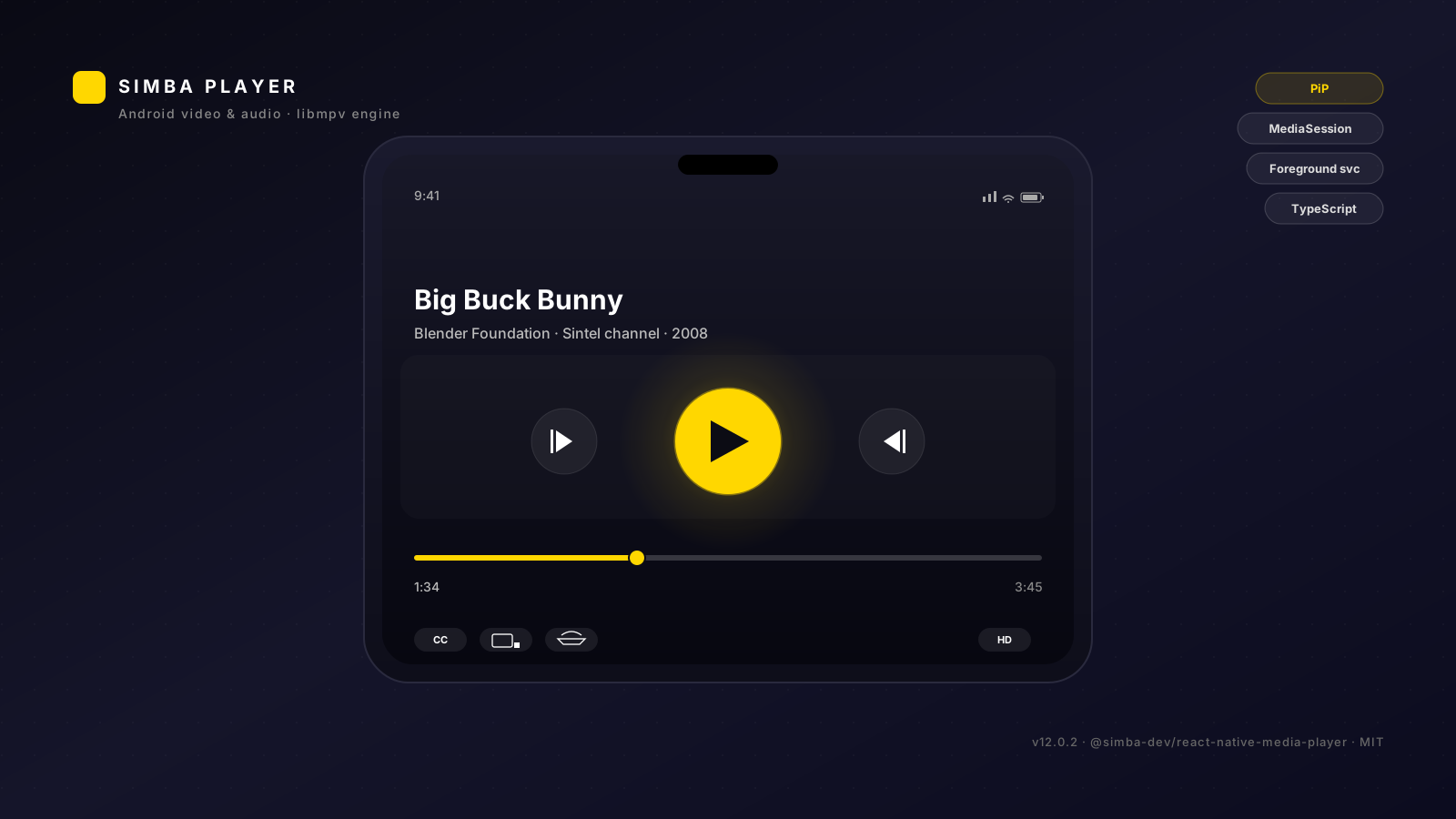
React Native video and audio playback for Android, backed by libmpv. One engine for both lanes: a MediaSession and a foreground service for audio, Picture-in-Picture for video.
The library renders the picture and exposes state and commands. It draws no controls of its own — your app supplies the chrome.








Releases · CHANGELOG · npm package · Tags
Contents
- What this is
- What this is not
- Requirements
- Installation
- Consumer setup
- Quick start
- Controls
- Configuration
- Picture-in-Picture
- Background audio
- Theming
- API reference
- Troubleshooting
- Limitations
- Contributing
- License
What this is
A playback engine for React Native on Android, backed by libmpv. One engine serves both audio and video, and the two lanes meet in the same bridge:
- One Activity. The library declares no Activity. Playback happens inside the launcher Activity
your app already has; the video picture is
<SimbaVideo />in your React tree. - One engine for audio and video. Audio files play through the same libmpv instance with no surface attached, so there is no second player to maintain.
- MediaSession and foreground service. Title, artist and album reach the lock screen and the media notification; play, pause, stop, next, previous and seek are advertised to the session, so headset buttons and Bluetooth controls work.
- Picture-in-Picture. Manual entry on demand, and OS-level auto-enter on leave from Android 12.
- Typed surface. Config, state, commands and hooks are all typed.
What this is not
- Not a drop-in replacement for
react-native-video,expo-avorreact-native-track-player. Those expose a component you hand asourceto. This one has a different shape: a provider, a<SimbaVideo />picture, andusePlayer()for state and commands. There is no<Video source={…} />here, and no adapter will make one. - Not a control surface. Since 2.0.0 the library ships no controls at all — see Controls.
- Not iOS.
react-native.config.jssetsios: null; there is no iOS implementation. - Not a legacy-bridge library. The native package is a
TurboReactPackage, so the New Architecture is required (newArchEnabled=true). - Not a "clone the repo and build it" package. The prebuilt libmpv binaries are downloaded at install time — see Installation.
Requirements
| React Native | >= 0.76.0 (peer dependency) |
| React | >= 18.0.0 (peer dependency) |
| Android | API 24+ (Android 7.0). PiP entry calls Activity.enterPictureInPictureMode(), which was added in API 24. compileSdk and targetSdk are inherited from your app's rootProject.ext — the library does not pin them. |
| JDK | 17. The library's Kotlin jvmTarget is 17. |
| New Architecture | Required. PlayerPackage extends TurboReactPackage. |
Installation
npm install @simba-dev/react-native-media-player
Autolinking handles the rest: the shipped react-native.config.js tells React Native's CLI where
the Android module lives, so com.simba.player.PlayerPackage is registered in your
MainApplication.kt on the next build.
The native binaries
The postinstall script (scripts/download-native.js) downloads the prebuilt native libraries
(libmpv and friends) from the matching GitHub release, verifies the archive's SHA-256 and extracts
it into android/src/main/jniLibs/<abi>/ inside the installed package. Four ABIs are published:
arm64-v8a, armeabi-v7a, x86, x86_64.
The script is idempotent — if the binaries are already in place it exits without a network call,
so re-running npm install is safe. Set SKIP_DOWNLOAD_NATIVE=1 to skip the download entirely
(this is what the release workflow does, because CI builds the binaries itself).
Consumer setup
The package's own manifest declares a foreground service and a PiP action receiver. It declares no Activity: playback happens in the Activity your app already has.
Picture-in-Picture
Your launcher Activity has to opt in:
<!-- android/app/src/main/AndroidManifest.xml -->
<activity
    android:name=".MainActivity"
    android:configChanges="orientation|screenSize|screenLayout|keyboardHidden|navigation"
    android:launchMode="singleTask"
    android:supportsPictureInPicture="true"
    android:resizeableActivity="true"
    android:theme="@style/AppTheme"
    android:exported="true">
    <intent-filter>
        <action android:name="android.intent.action.MAIN" />
        <category android:name="android.intent.category.LAUNCHER" />
    </intent-filter>
</activity>
resizeableActivity="true" is not optional. An Activity that is not resizeable cannot enter
Picture-in-Picture.
Background audio
<uses-permission android:name="android.permission.FOREGROUND_SERVICE" />
<uses-permission android:name="android.permission.FOREGROUND_SERVICE_MEDIA_PLAYBACK" />
<uses-permission android:name="android.permission.POST_NOTIFICATIONS" />
On Android 13+ (API 33) the app must hold POST_NOTIFICATIONS before the media notification is
shown. commands.requestNotificationPermission() asks for it; on older versions it does nothing.
Quick start
The integration is 1 import + 1 wrapper + at most 1 optional adapter.
// App.tsx
import React from 'react';
import {SimbaPlayer} from '@simba-dev/react-native-media-player';

export default function App() {
  return (
    <SimbaPlayer config={{audio: {backgroundPlayback: true}}}>
      <RootNavigator />
    </SimbaPlayer>
  );
}
<SimbaPlayer> composes PlayerProvider (config plus live player state) and
PlayerResumeProvider (the resume lookup). Its props are config, resumePolicy and
children.
Play something
import {usePlayerActivity} from '@simba-dev/react-native-media-player';

const {openPlayer} = usePlayerActivity();

await openPlayer({
  uri: 'https://example.com/movie.mkv',
  title: 'Movie',
  type: 'video',
});
type: 'audio' starts the foreground media service. type: 'video' loads into the mounted
<SimbaVideo /> and resolves false when no surface is mounted — check commands.isSurfaceMounted()
if you expected it to work and it did not.
Render the picture
import {SimbaVideo} from '@simba-dev/react-native-media-player';

<SimbaVideo style={{flex: 1}} resizeMode="contain" />;
resizeMode is 'contain' | 'cover' | 'stretch' and defaults to 'contain'.
Drive it
import {usePlayer, usePlayerProgress} from '@simba-dev/react-native-media-player';

function Controls() {
  const {state, commands} = usePlayer();
  const {positionMs, durationMs} = usePlayerProgress();

  return (
    <View>
      <Text>
        {Math.floor(positionMs / 1000)} / {Math.floor(durationMs / 1000)}
      </Text>
      <Button
        title={state.isPlaying ? 'Pause' : 'Play'}
        onPress={commands.togglePlayPause}
      />
    </View>
  );
}
usePlayer() returns {state, commands}. usePlayerProgress() returns the progress object
directly (positionMs, durationMs, isBuffering, isSeeking, seekable, cacheRanges,
cacheFill).
Optional adapter: resume positions
<SimbaPlayer resumePolicy={(id) => bookmarks.byId[id]?.positionMs}>
  <RootNavigator />
</SimbaPlayer>
resumePolicy receives the resumeId you pass to useOpenWithResume() and returns a saved
position in milliseconds, or undefined when there is none.
Controls
The library draws no controls. That has been the contract since 2.0.0.
<DefaultControls> — the default control bundle the package used to ship — was removed in
2.0.0. The export no longer exists, and <PlayerRoot> no longer falls back to it. If you were
using it, keep your own copy in your app or render your own controls; the library will not supply
them.
There are two ways to have chrome, and you can mix them:
- Render your own component wherever you want it, reading
usePlayer(),usePlayerProgress()anduseTheme(). Nothing else is needed. - Use the
renderControlsslot on<PlayerProvider>. The function returns the tree to draw over the picture, and<PlayerRoot>positions it in an absolutely positioned overlay:
<PlayerProvider config={config} renderControls={() => <MyControls />}>
  <PlayerRoot />
</PlayerProvider>
renderControls takes no arguments — read what you need from the hooks inside your component.
The slot is JS-only: it is never sent to the native side. useRenderControls() returns the slot,
or null when there is none.
<PlayerRoot> renders <PlayerSurface /> — a transparent flex: 1 layout placeholder — plus the
overlay. The picture itself is <SimbaVideo />; <PlayerSurface> is not the video surface.
Configuration
config is a PlayerConfig. Every field is optional and merged with the defaults by
resolvePlayerConfig.
| Section | Fields | Default |
|---|---|---|
theme | accent, background, text, textSecondary, surface, icon? | #FFD700, #121216, #FFFFFF, rgba(255,255,255,0.6), rgba(255,255,255,0.1) |
pip | enabled, autoEnterOnLeave | true, true |
hardwareDecoding | 'auto' | 'mediacodec' | 'no' | 'auto' |
notifications | enabled, channelId | true, 'simba_player_media' |
audio | backgroundPlayback, respectAudioFocus | true, true |
subtitle | preferredLanguages, fontSize | [], 16 |
debug | verboseLogging | false |
import {PlayerProvider} from '@simba-dev/react-native-media-player';

<PlayerProvider
  config={{
    theme: {accent: '#00FF88'},
    pip: {enabled: true, autoEnterOnLeave: true},
    audio: {backgroundPlayback: true, respectAudioFocus: true},
    hardwareDecoding: 'auto',
  }}>
  <App />
</PlayerProvider>;
The resolved config is pushed to the native bridge as JSON. The native side acts on the PiP
section (it drives the auto-enter switch); the remaining sections are values your app reads back
with usePlayerConfig() and applies itself. DEFAULT_PLAYER_CONFIG and DEFAULT_THEME are
exported if you would rather spread and patch.
Picture-in-Picture
Manual entry:
commands.enterPip();          // chapter title and progress are optional arguments
commands.exitPip();
commands.exitPipAndFinish();
enterPip() calls enterPictureInPictureMode() on the current Activity, so the Activity has to
declare android:supportsPictureInPicture="true" (see Consumer setup).
Auto-enter on leave is config.pip.autoEnterOnLeave (default true). It maps onto the
Android 12 / API 31 platform feature PictureInPictureParams.Builder.setAutoEnterEnabled: the
OS enters Picture-in-Picture for you when the user leaves the app. Below API 31 the platform
has no such feature — the OS cannot auto-enter Picture-in-Picture there, and entry stays manual
through commands.enterPip().
The two PiP flags combine: auto-enter needs pip.enabled and pip.autoEnterOnLeave to both be
true.
The Picture-in-Picture action row has three buttons: Play/Pause, Expand and Close.
They arrive in JS as the onPipPlayPause, onPipExpand and onPipClose events, next to
onPipModeChanged.
The media notification and lock screen are a separate surface. Its MediaSession advertises play, pause, play/pause, stop, skip-to-next, skip-to-previous and seek-to, with title, artist and album metadata.
Background audio
audio.backgroundPlayback defaults to true: audio keeps playing when the app is backgrounded,
through the foreground media service. Video is the Picture-in-Picture lane instead — it does not
keep playing in the background.
Theming
import {useTheme} from '@simba-dev/react-native-media-player';

const theme = useTheme();
// {accent, background, text, textSecondary, surface, icon?}
API reference
Components
| Export | Props | Notes |
|---|---|---|
<SimbaPlayer> | config?, resumePolicy?, children | The one-import integration point. Composes PlayerProvider + PlayerResumeProvider. resumePolicy: (itemId: string) => number | undefined. |
<PlayerProvider> | config?, renderControls?, children | Resolved config, live player state, and the controls slot. |
<PlayerRoot> | launchParams? | The surface placeholder plus the controls overlay. launchParams is a {uri, title, type, startPositionMs, requestId?} payload; it is loaded once per (uri, startPositionMs) pair. |
<SimbaVideo> | resizeMode? + standard view props | The picture. resizeMode: 'contain' | 'cover' | 'stretch', default 'contain'. |
<PlayerSurface> | backgroundColor? | A transparent flex: 1 layout placeholder. Not the video surface. |
Hooks
| Export | Returns |
|---|---|
usePlayer() | {state, commands} |
usePlayerProgress() | PlayerProgress — positionMs, durationMs, isBuffering, isSeeking, seekable, cacheRanges, cacheFill |
usePlayerConfig() | The resolved ResolvedPlayerConfig. Throws outside a <PlayerProvider>. |
useTheme() | The resolved PlayerTheme. |
useRenderControls() | The renderControls slot, or null. |
usePlayerActivity() | {openPlayer(opts)} → Promise<boolean> |
useOpenWithResume() | (opts & {resumeId?}) => Promise<boolean> — resolves the resume position through the nearest <SimbaPlayer>'s resumePolicy. |
usePlayItem() | ({id, uri, title}, {type}) => Promise<boolean> |
useOpenFromUrl() | (uri: string) => Promise<boolean> — accepts content:// and file:// URIs, derives a title, classifies the type and opens it. |
useOpenPlaylist() | {openPlaylist(entries, opts?)} → Promise<boolean> |
useLaunchPlayback() | (launchParams) — loads a payload once per (uri, startPositionMs) pair. |
useQueue() / useQueueLength() / useQueueItems() / useQueueItemsAs() | The queue store and convenience selectors. |
usePlaybackHistory() / usePlaybackHistoryAs() | The playback history. |
useQueueSelection() / useQueueSelectedIndices() | The selection store. |
openPlayer accepts {uri, title, type, startPositionMs?, artworkPath?, artist?, album?}. The
artwork, artist and album fields apply to the audio lane only.
The queue store's actions are addToQueue, prependToQueue, removeFromQueue,
removeFromQueueByIndex, reorderQueue, clearQueue, shuffleQueue, addToPlaybackHistory and
clearPlaybackHistory.
captureFrame(uri, positionMs, options?) returns a Promise<string | null> — a JPEG written for
that position in that file. The defaults are 640×360 at quality 80, exported as
DEFAULT_FRAME_WIDTH, DEFAULT_FRAME_HEIGHT and DEFAULT_FRAME_QUALITY.
Commands
commands is a stable object; every method resolves the bridge at call time.
| Group | Methods |
|---|---|
| Transport | play, pause, togglePlayPause, stop, stopPlayback, next, previous |
| Seeking | seek(positionMs), seekBy(deltaMs), skipForward(seconds), skipBackward(seconds), seekToChapter(index) |
| Volume and speed | setVolume(0..100), setMuted(boolean), toggleMute(), setSpeed(number), setLoopMode('none' | 'file' | 'playlist') |
| Playlist | loadFile(uri, title?), loadPlaylist(uris, startIndex?), playlistRemove(index), shuffle(), clear(), setShuffle(boolean) |
| Tracks | cycleTrack(type), setTrack(type, trackId) |
| Picture-in-Picture | enterPip(chapterTitle?, progressPct?), exitPip(), exitPipAndFinish() |
| Screen | setKeepScreenOn(boolean), setOrientation(mode), setImmersive(boolean), setScreenBrightness(0..1), getScreenBrightness() |
| Surface | setVideoBounds(x, y, width, height), fillVideoBounds(), setSurfaceVisible(boolean), isSurfaceMounted() |
| Filters | setAudioFilter(name, enabled), setVideoFilter(name, enabled) |
| Notifications | requestNotificationPermission() |
| mpv properties | getProperty(name), setProperty(name, value), observeProperty(name), unobserveProperty(name) |
| Content URIs | grantPersistablePermission(uri), verifyContentUri(uri) |
Bridge
getMpvPlayerModule() returns the native module, or a no-op stand-in when the native side is
not wired (Jest, web previews) so consumer code stays renderable.
subscribePlayerEvent(name, handler) subscribes to one of the 26 named events and returns an
unsubscribe function; removeAllListeners(), setDebugLogging() and
dumpObservedProperties() are also exported. The event names are typed as PlayerEventName.
State
state carries isPlaying, isLoading, title, artist, album, positionMs, durationMs,
isBuffering, isSeeking, seekable, volume, isMuted, speed, loopMode, playlist,
currentIndex, tracks, chapters, currentChapter, videoParams, error and shuffle.
Troubleshooting
openPlayer resolves false for a video. No surface is mounted. Render <SimbaVideo />
before launching, and check commands.isSurfaceMounted().
Picture-in-Picture does not start. The Activity is missing
android:supportsPictureInPicture="true" or android:resizeableActivity="true". Auto-enter on
leave additionally needs API 31+ — below that, enter PiP yourself with commands.enterPip().
Gradle fails with libmpv.so not found at android/src/main/jniLibs/…. The postinstall
download did not run. Re-run npm install in the app, or run the script by hand; SKIP_DOWNLOAD_NATIVE=1
is set somewhere in your environment or CI.
NativeModules.MpvPlayerModule is undefined at runtime. The New Architecture is required.
Check newArchEnabled=true in the app's android/gradle.properties, and that the app's React
Native Gradle plugin runs autolinkLibrariesWithApp() — the library's own build file applies
com.facebook.react for that pipeline.
No media notification on Android 13+. The app has not been granted POST_NOTIFICATIONS.
Call commands.requestNotificationPermission().
Limitations
- Android only. There is no iOS implementation.
- No controls. The library ships none; see Controls.
- Auto-enter Picture-in-Picture needs Android 12 (API 31) or newer. Below that the OS cannot do it and entry is manual.
- Most config sections are consumed in JavaScript. The native side receives the resolved
config as JSON and acts on the PiP auto-enter switch; the rest are values your app reads back
through
usePlayerConfig(). notifications.channelIdis not read natively. The foreground service creates its own notification channel,simba_player_media_playback.- The bundled native binaries carry their own licence. They are built by the mpv-android project and are subject to its terms (libmpv's default build is GPLv2+), so linking them into your app is a licensing decision you own. The library's own JavaScript and Kotlin code is MIT.
Contributing
From the repository root:
npm install        # postinstall downloads the native binaries
npm run typecheck  # tsc --noEmit
npm test           # jest
npm run build      # tsc
npm run lint       # placeholder — no linter is configured yet
There is an example/ app with npm run android, npm start and npm run typecheck. Its
sources still target the pre-2.0.0 API (they import the removed DefaultControls and demo
screens that no longer exist), so it does not currently typecheck — it is a work in progress, not
a reference implementation.
Releases are cut by the release.yml workflow: it builds the native libraries from the pinned
mpv-android release, attaches them to the GitHub Release, and publishes to npm. Do not publish by
hand.
License
MIT — see LICENSE. The prebuilt native binaries are third-party builds of mpv and carry their own licence terms; see Limitations.