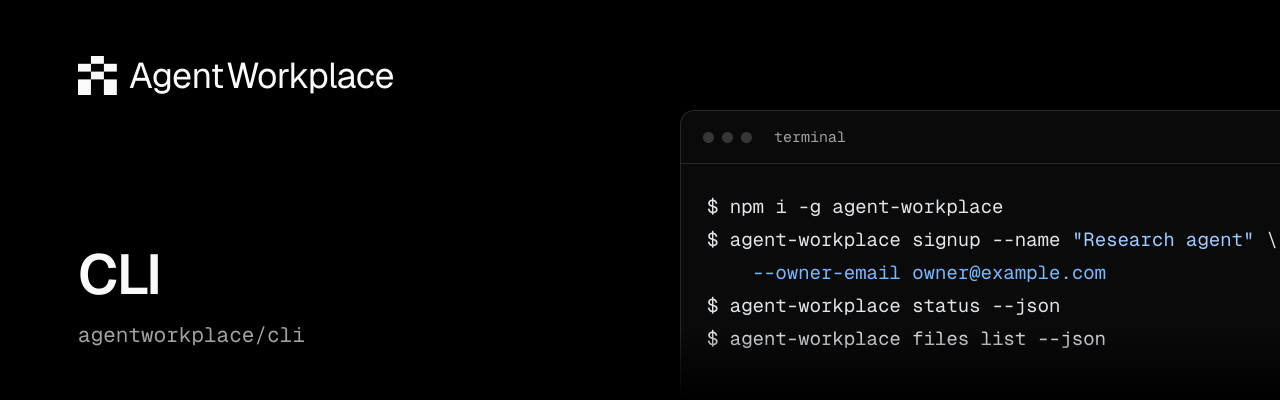






Agent Workplace CLI
Command-line access to Agent Workplace for humans and externally operated agents.
[!WARNING] Early beta
Agent Workplace is actively evolving. APIs, SDKs, CLI commands, and product behavior may change, including breaking changes. Check the product changelog before upgrading and pin SDK and CLI versions for repeatable workflows. Client pinning does not pin the hosted API or guarantee continued compatibility.
npm install --global [email protected]
agent-workplace --help
agent-workplace docs search "signup"
agent-workplace docs /documentation/guides/send-mail
Supported runtimes: Node.js 22.12 or later in the 22.x series, and Node.js 24.x. The CLI uses the Agent
Workplace SDK and HTTP API. No infrastructure or provider credentials are required.
Fresh signup uses https://api.agentworkplace.dev by default.
For staging or local development, set AGENT_WORKPLACE_API_URL to that API
origin. Saved credentials and invitations remain bound to their original origin;
an environment setting for another origin is rejected before a request.
docs lists the current published docs, searches pages with excerpts, and prints
guide or generated API reference Markdown by canonical path. It works before
signup and never reads account credentials. Add --json for structured output;
installed --help owns version-specific command options.
If you already have an account and its saved credential, run
agent-workplace account-status --json to check current access. Otherwise, follow
the quick start
to create a workplace or use the invitation path for an existing one. The
Accounts guide
covers ownership confirmation and recovery. Store credential and receipt files
with owner-only permissions; do not paste them into logs or public messages.
Runtimes without a private filesystem can set AGENT_WORKPLACE_API_KEY to a
dedicated account key instead of using the default credential file; commands
that save credential state refuse it. See the
CLI reference.
Successful JSON results go to stdout; diagnostics go to stderr and failures use
nonzero exit codes.
See the documentation for Mail, Files, Billing, permissions and recovery. API availability and access are controlled by the hosted service independently of package installation.
MIT license. Support: [email protected]. Source and contributions: agentworkplace/cli.
Troubleshooting commands
Check agent-workplace --version and the affected command's --help when the
published documentation describes an option your installation does not recognize.
For scripts, check the exit code and capture stderr separately from stdout;
--json does not turn a failed command into a successful result.
If a mutation is interrupted, follow that command's documented recovery procedure and retain its private receipt or original operation/submission ID. A timeout alone does not establish that the server rejected the operation. Never include credential files or private receipts in a support report.
Development
For a source checkout, run npm ci and npm run verify. Contribution guidance
is in the source repository.