
Nota Bene
A browser IDE over Claude Code and Codex, using the Claude Agent SDK or the native Codex app-server. It brings your chosen agent into a window made for reviewing and supervision flow: select any fragment of a reply or of a file, leave a note in the margin, and send all the notes to the agent as one batch. The window also has a file tree, viewers for code, images, video and audio, and a session picker.

Install
You need Node.js 22 or newer and your chosen agent installed and logged in: Claude Code, or Codex CLI 0.166.0 or newer. The first run downloads about 330 MB, most of it the Agent SDK's binaries (about 70 MB through the Codex plugin, which skips them).
As a Claude Code plugin (recommended). In Claude Code:
/plugin marketplace add iCubeDm/nota-bene-ide
/plugin install nota-bene@nota-bene
Then, in any project folder:
/nb
The first /nb installs the nota-bene-ide npm package into the plugin's data folder and opens the window in your browser. The plugin's skill is /nota-bene:nb; the bare /nb works as long as no other skill has that name.
Or from a terminal, with no plugin:
cd your-project
npx nota-bene-ide

# or install the command once
npm i -g nota-bene-ide
nota-bene
Codex / ChatGPT
Codex support uses the installed Codex CLI 0.166.0 or newer through its native
app-server. A ChatGPT account signed in with codex login is sufficient; Nota Bene
does not read authentication files or require a separate API key. Existing configured
API-key accounts also use the native runtime.
Open a provider-bound window with nota-bene . --agent codex --detach. The default
without --agent remains Claude. Each provider has independent windows and saved
settings; both may run in the same project. Models, skills and sessions in a Codex
window come from Codex. Do not continue the same conversation in another client
while the window owns it; fork when carrying a CLI/Desktop conversation over.
Install the Codex plugin from a terminal:
codex plugin marketplace add iCubeDm/nota-bene-ide --ref main
codex plugin add nota-bene@nota-bene
The plugin provides $nb, $nb new, and $nb fork. On first use it downloads
[email protected] (about 70 MB, without the Claude Code binary) through npm; later
launches reuse npm's cache. No global npm
install or manual skill copying is needed. Node.js, npm, and a signed-in Codex CLI
must already be available. This is a repository marketplace for local Codex clients,
not a listing in the public ChatGPT plugin directory.
Alternatively, install the launcher with npm i -g [email protected], then ask
Codex to install just the skill. If you only use Codex, add --omit=optional to skip
the Claude Code binary; a Claude window then cannot start from that install.
$skill-installer Install the nb skill from https://github.com/iCubeDm/nota-bene-ide/tree/main/codex/skills/nb
For source development, link codex/skills/nb into ~/.agents/skills/nb only if
that destination does not already exist. A standalone copied skill uses the launcher
bundled in its npm package or the installed nota-bene on PATH.
Reload skills or
restart Codex, then invoke $nb, $nb new, or $nb fork (or select nb in the
Desktop skill picker). Desktop uses supervised detached lifetime: finishing a chat
turn does not stop the window. Use Stop in the window to shut it down. CLI can keep
an owned background process. fork needs the actual invoking host's thread id;
without it the helper fails clearly. An already open window is brought forward,
without applying a requested new/fork to its conversation.
See Codex support and limitations for supported behavior and API limitations. The existing Claude adapter and nb skill are unchanged. ACP remains a future backend behind the same AgentBackend interface.
Supported
| Status | |
|---|---|
| Agents | Claude Code (default), Codex CLI / local Desktop |
| macOS | tested |
| Linux | unit tests pass in CI; not used day to day |
| Windows | not supported (the /nb skill is a bash script) |
Quick start
- Run
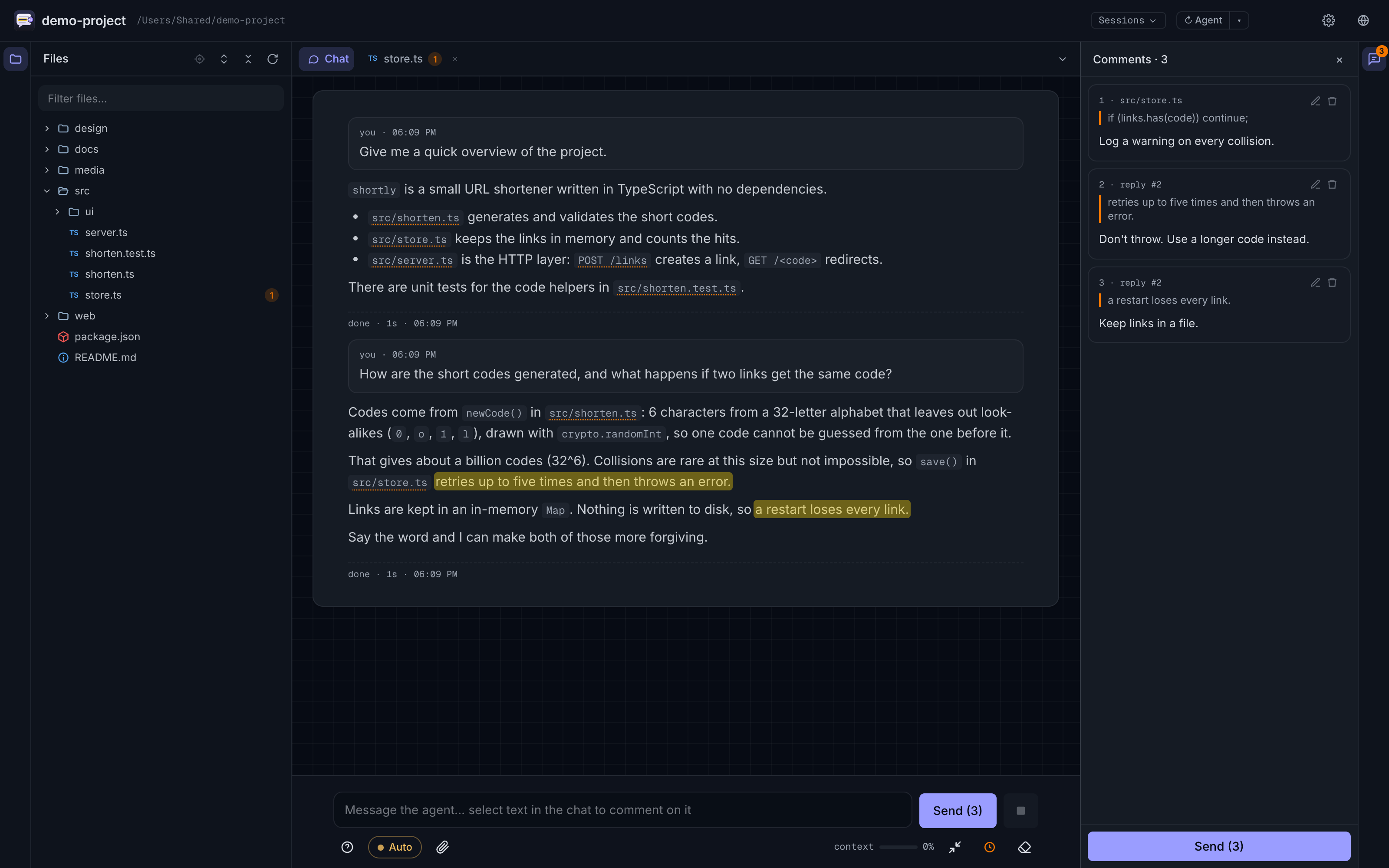
/nb(ornota-bene) in a project folder. The window opens already logged in. - Ask the agent something. When the reply arrives, select a sentence in it and press Comment. Type the note and press Cmd/Ctrl+Enter to add it.
- Open a file from the Files panel, select a line of code, and comment on that too. Comments from every reply and file collect in the Comments panel.
- Press Send (2). The agent receives one message that lists each fragment with your note on it.
The same works on code:

on images, where you draw on the picture and the marked picture goes to the agent:

and on single frames of a video:

Features
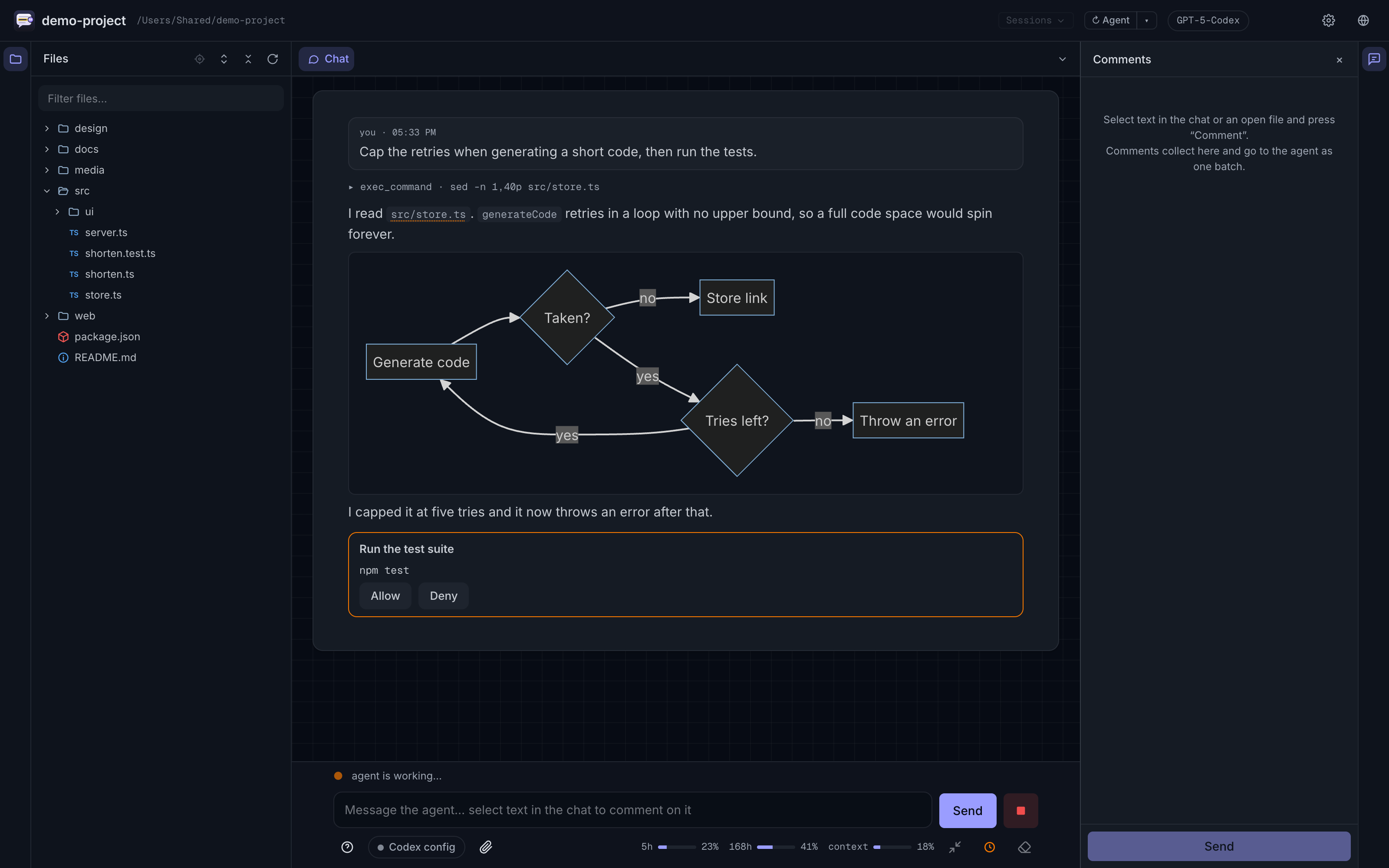
- Chat with Claude Code or Codex. A message sent while the agent works is injected into the running turn; Cmd/Ctrl+Enter interrupts the agent and sends.
- Margin comments on any reply, on your own messages and on any open file, sent as one batch. Eleven one-click labels (Looks good, Clarify this, Verify this, and others).
- Markup on images and video frames with a rectangle, ellipse, pen or arrow, and a comment on the marked frame.
- File tree and viewers: Markdown, highlighted code, images, video and audio with seeking. Mermaid and SVG diagrams render in the chat.
- Edit a text file by hand, without overwriting a change made on disk meanwhile.
- Git in the header: a branch picker over other worktrees and branches, a Changes view and the Git log, all read-only.
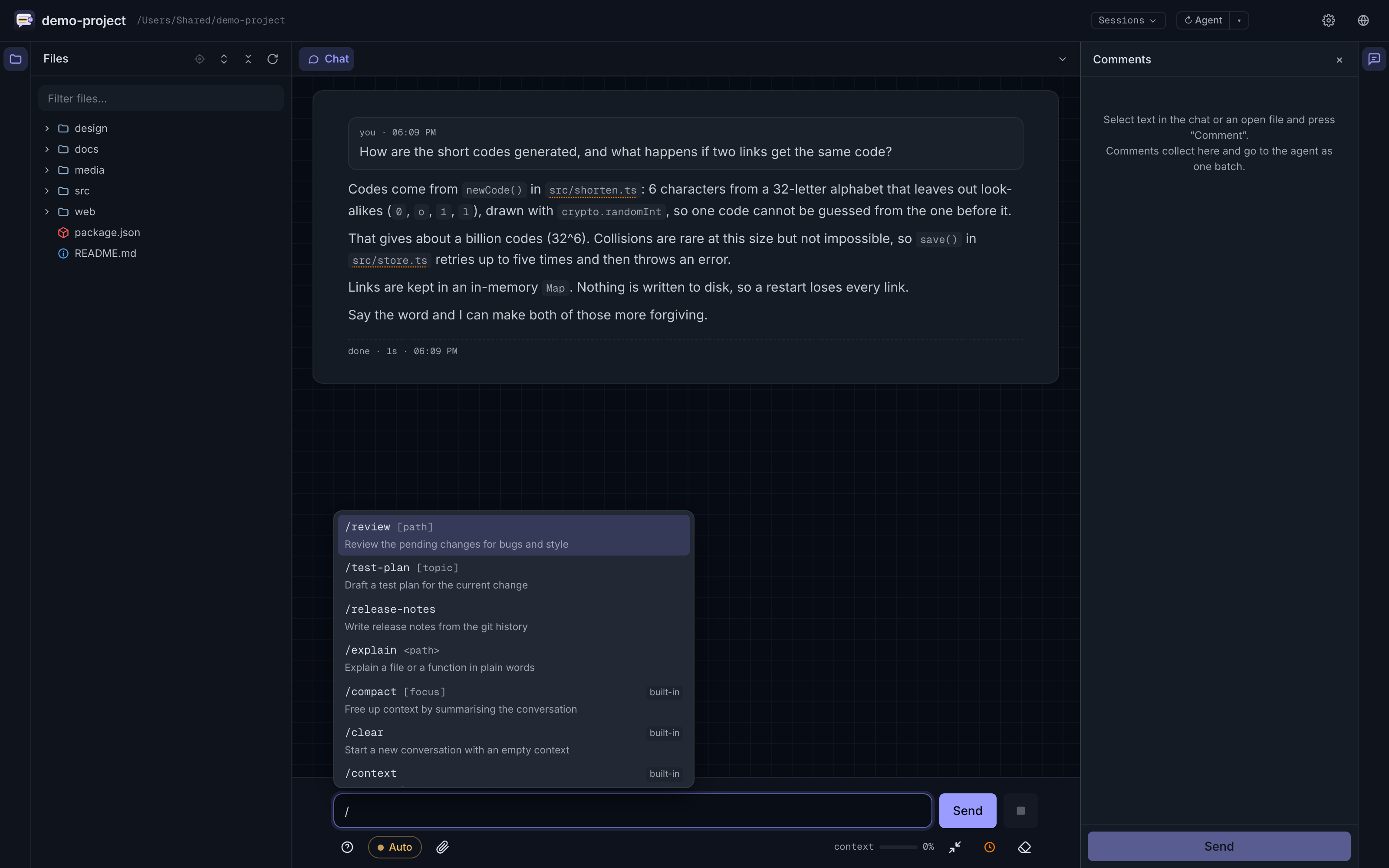
@mentions a file,/opens the agent's commands and skills,!runs a shell command in the project folder.- Subagent conversations in their own tabs, and a drawer for background tasks.
- Sessions from any folder, branches of a conversation, the history from before each compaction.
- Agent permission modes, model and effort, context and plan-limit meters.
- A Usage tab: tokens across every project and both agents, limit hits and what was spent before them, extra usage.
- An audit log of each window's system events (never what anyone wrote), for working out later why a turn stopped.
- Interface in English, Russian, Simplified Chinese, Spanish, Brazilian Portuguese and German.
Updating to 1.4.0
For the terminal install, run npm i -g [email protected]. For the Claude plugin,
update the marketplace and installed plugin through Claude Code. Close old windows
and launch again to use the new package. Existing Claude state stays in place; Codex
uses its own state directory. See release notes.
Guide
Starting options, every feature with an example, the security model, where state is kept and troubleshooting: the guide. How it is built: architecture.
Licence
Apache-2.0. See LICENSE and THIRD-PARTY-NOTICES.md.