@aparte/plugin-cards
Rich cards for aparté: a tool's result drawn as a card instead of a row — weather, products, places, figures, orders, quotes, plans, scores, media, links — in variants, from your tool's own fields. Each card has its own entry, so an app ships only the cards it imports.
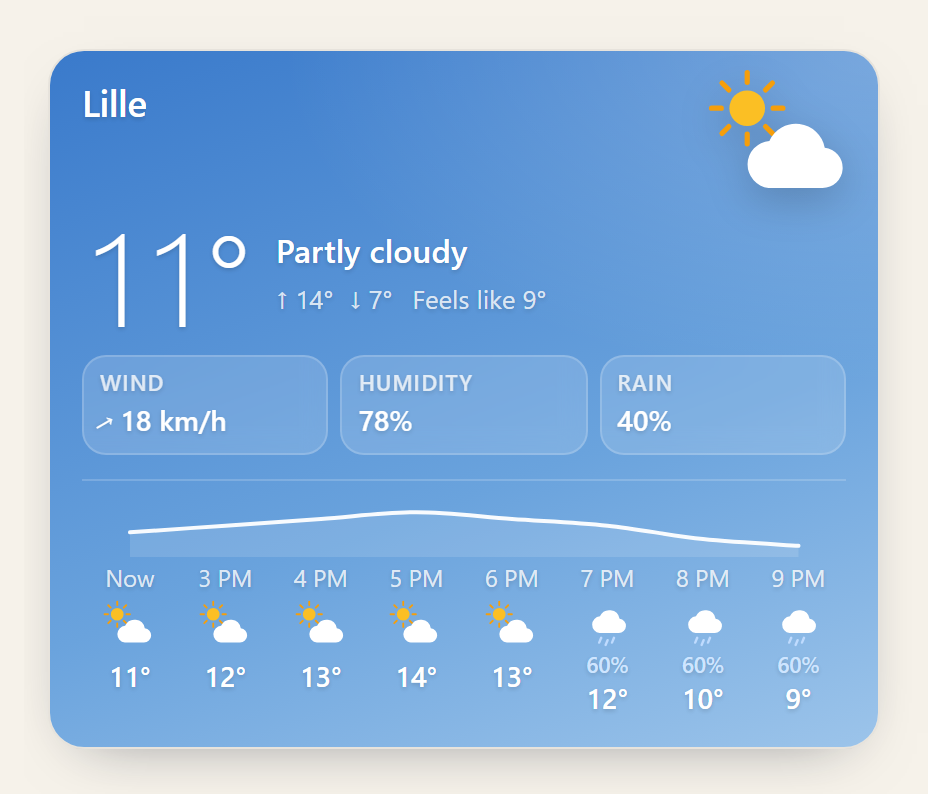
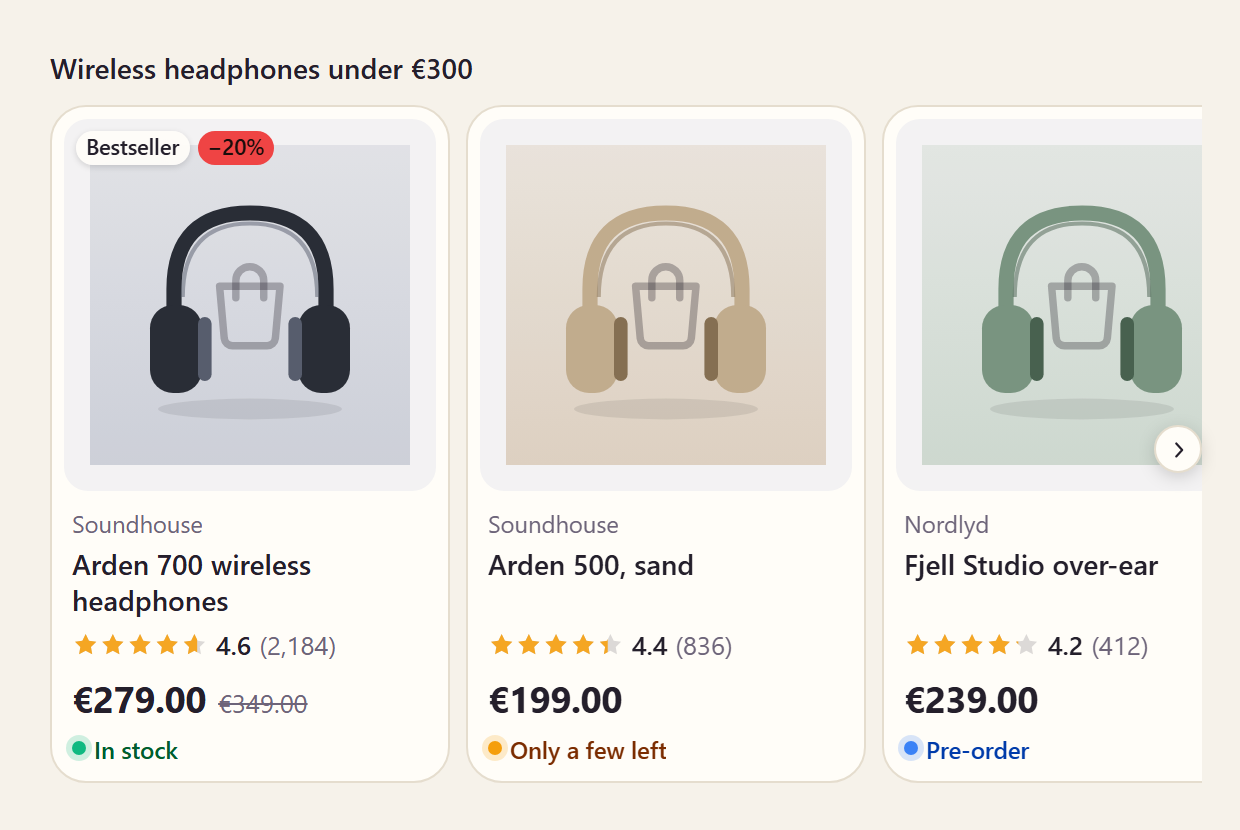
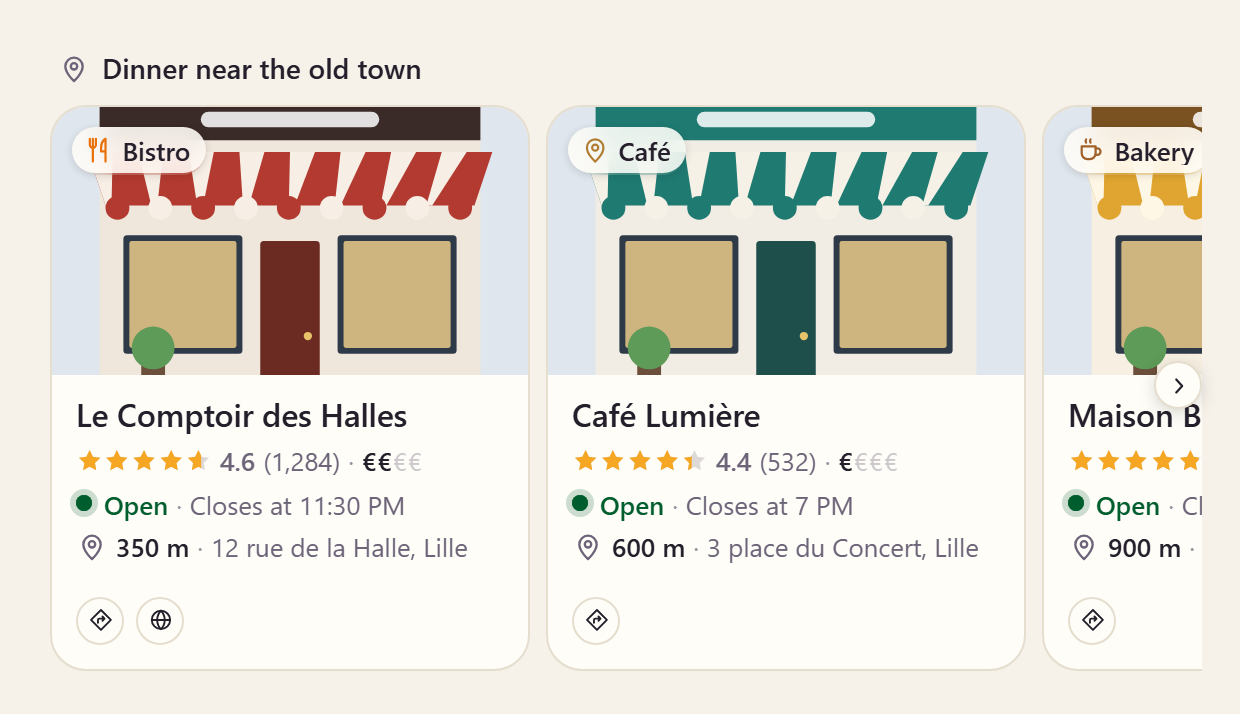
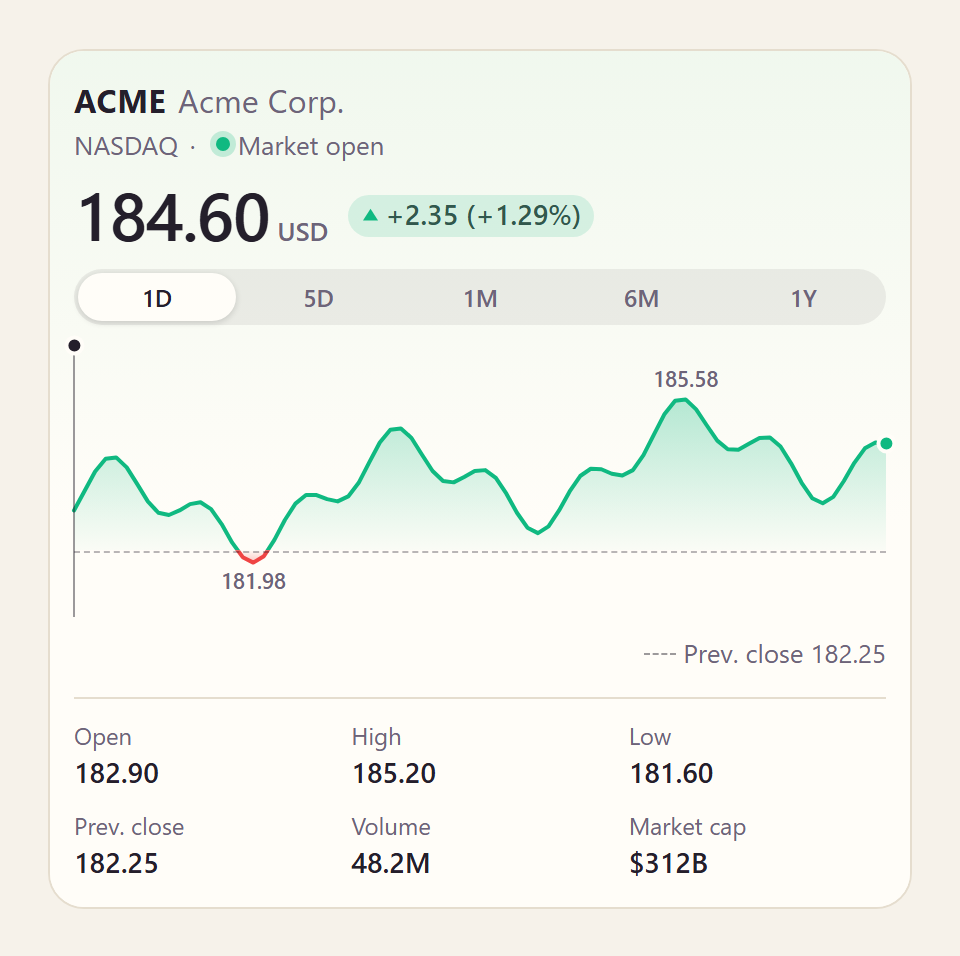
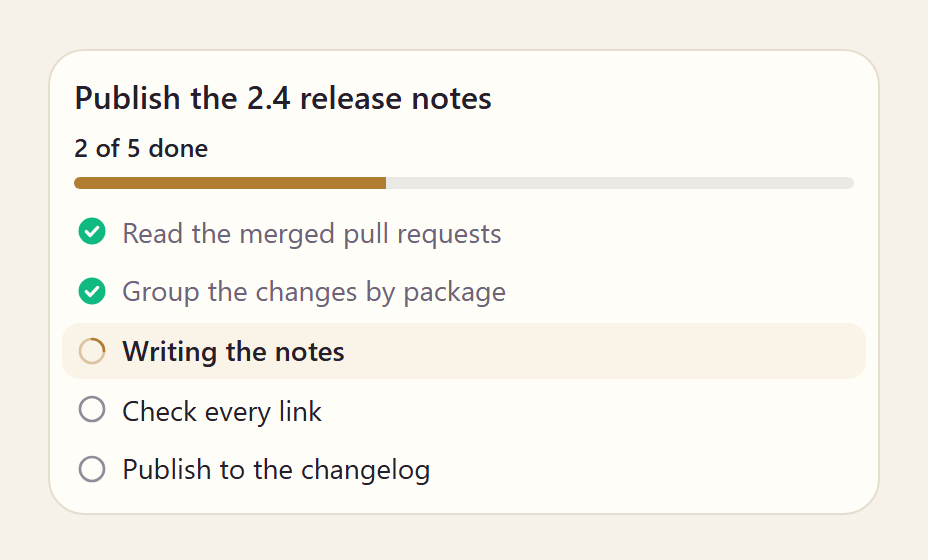
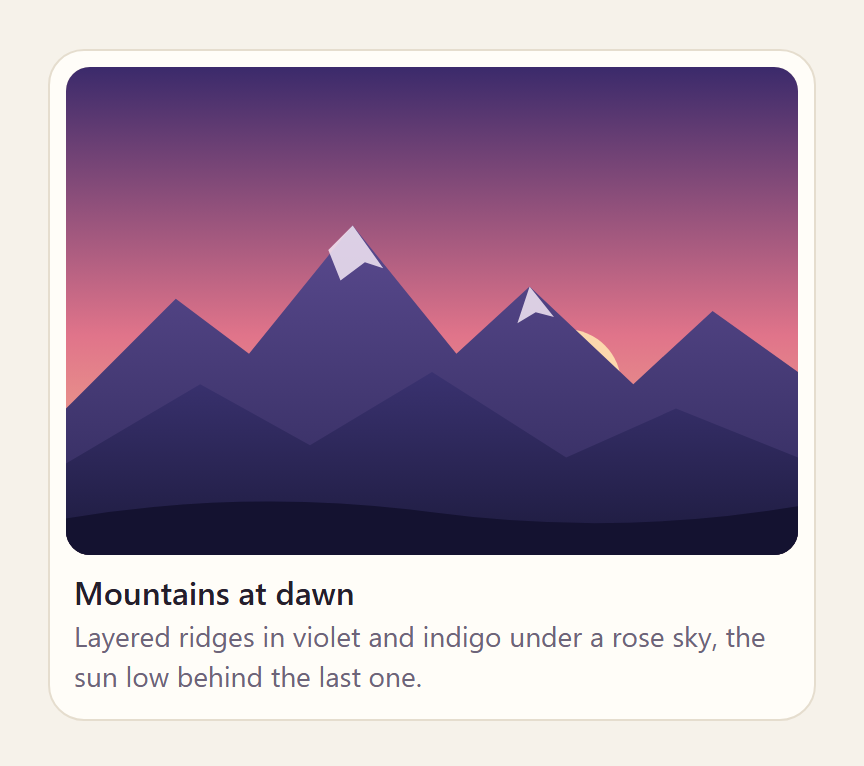
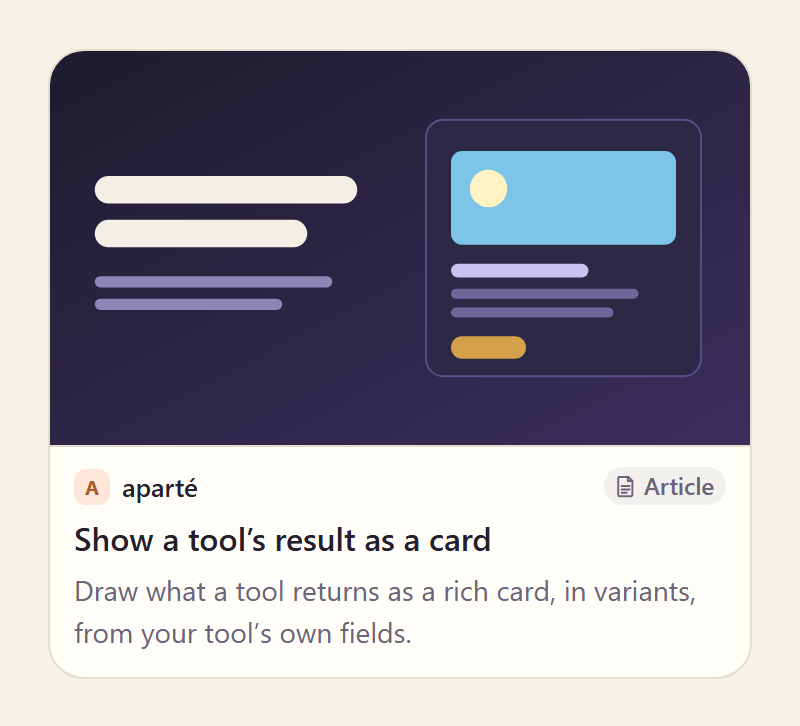
Each picture links to its card's page, where it runs live.
npm install @aparte/plugin-cards @aparte/core
import { setupWeatherCard } from '@aparte/plugin-cards/weather';

setupWeatherCard({
  tool: 'get_weather',
  map: (result) => ({ location: result.city, temperature: result.temp_c, condition: result.sky }),
  variant: 'hero', // or 'compact', 'forecast', or a function of the data
});
The full guide: apartejs.dev/guides/cards.
Pictures
A card's pictures come from a tool's data, so they follow the chat's image policy: a picture from a host your app has not allowed waits behind one "Show images" button on the card. Allow your own sources:
import { aparteGlobalConfig } from '@aparte/core';

aparteGlobalConfig.setImagePolicy(['self', 'https://cdn.example.com']);
Pictures and the image policy gives the whole rule.
The weather card — @aparte/plugin-cards/weather
setupWeatherCard(options)plugs the card in and returns the function that unplugs it.options:tool,map,mapInput,variant,actions,onChange,config.weatherCardis the card itself:weatherCard.setup(options), andweatherCard.segment(data)for acardsegment with its fallback sentence.readWeather(raw)is the card's reading of its fields;fromOpenMeteo(response, { location })reads an Open-Meteo forecast response.conditionFromWmo,conditionFromOpenWeatherandconditionFromTextturn the usual APIs' codes into one ofWEATHER_CONDITIONS.- Types:
WeatherInput,WeatherData,WeatherHour,WeatherDay,WeatherCondition,WeatherVariant,WindUnit.
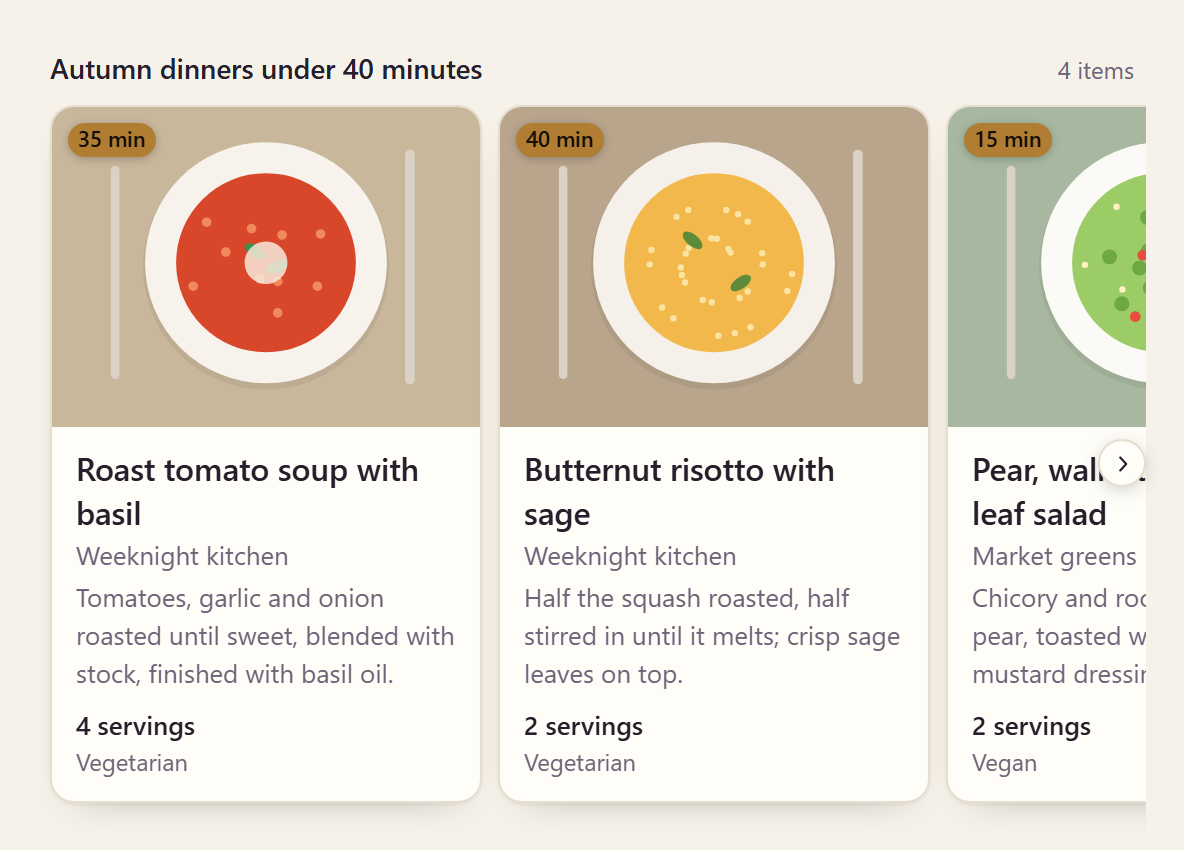
The generic card — @aparte/plugin-cards/items
Articles, search results, anything with a title and a picture: carousel (default), list, grid.
setupItemsCard(options),itemsCard(.setup,.segment),readItems(raw),ITEMS_MAX(10).- Types:
ItemsInput,ItemInput,ItemImage,Item,ItemsData,ItemsVariant.
The product card — @aparte/plugin-cards/product
Prices, discount, rating, stock, merchant, options: card (default), compact, detail. Its reader takes
schema.org, Shopify, Google Shopping and Fake Store shapes, and prices written as text.
setupProductCard(options),productCard(.setup,.segment),readProducts(raw),discountOf(product).- Types:
ProductsInput,ProductInput,Product,ProductData,ProductAvailability,ProductVariant.
The place card — @aparte/plugin-cards/place
Rating, price level, open now (computed from the hours, across midnight), distance, and Directions /
Call / Website buttons: card (default), compact, detail (with the week's hours). Its reader
takes both generations of Google Places and Yelp.
setupPlaceCard(options)(addscurrencySymbol,nowandbuiltIns),placeCard(.setup,.segment),readPlaces(raw),readHours(raw),readTime(raw),placeStatus(hours, date),isOpenAt(hours, date),directionsUrl(place),phoneUrl(phone).- Types:
PlaceInput,Place,PlaceData,PlaceHoursInput,PlaceHoursRange,PlacePrice,PlaceStatus,PlaceKind,PlaceVariant,PlaceCardOptions.
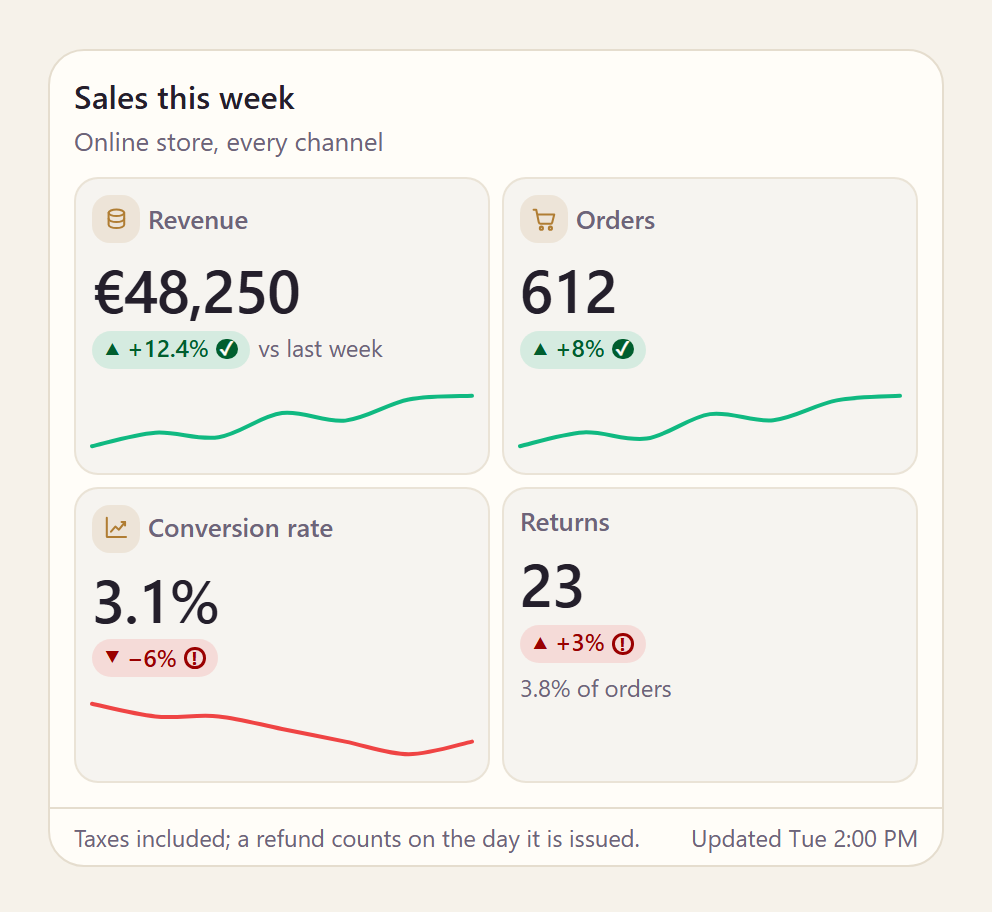
The key-figures card — @aparte/plugin-cards/stats
KPIs with their change and a sparkline: tiles (default), list, hero. A plain record
({ Revenue: 12000 }) is read as label → value pairs.
setupStatsCard(options),statsCard(.setup,.segment),readStats(raw),statValue(config, stat),statChange(config, stat),humanizeKey(key).- Types:
StatsInput,StatInput,Stat,StatsData,StatFormat,StatIcon,StatsVariant.
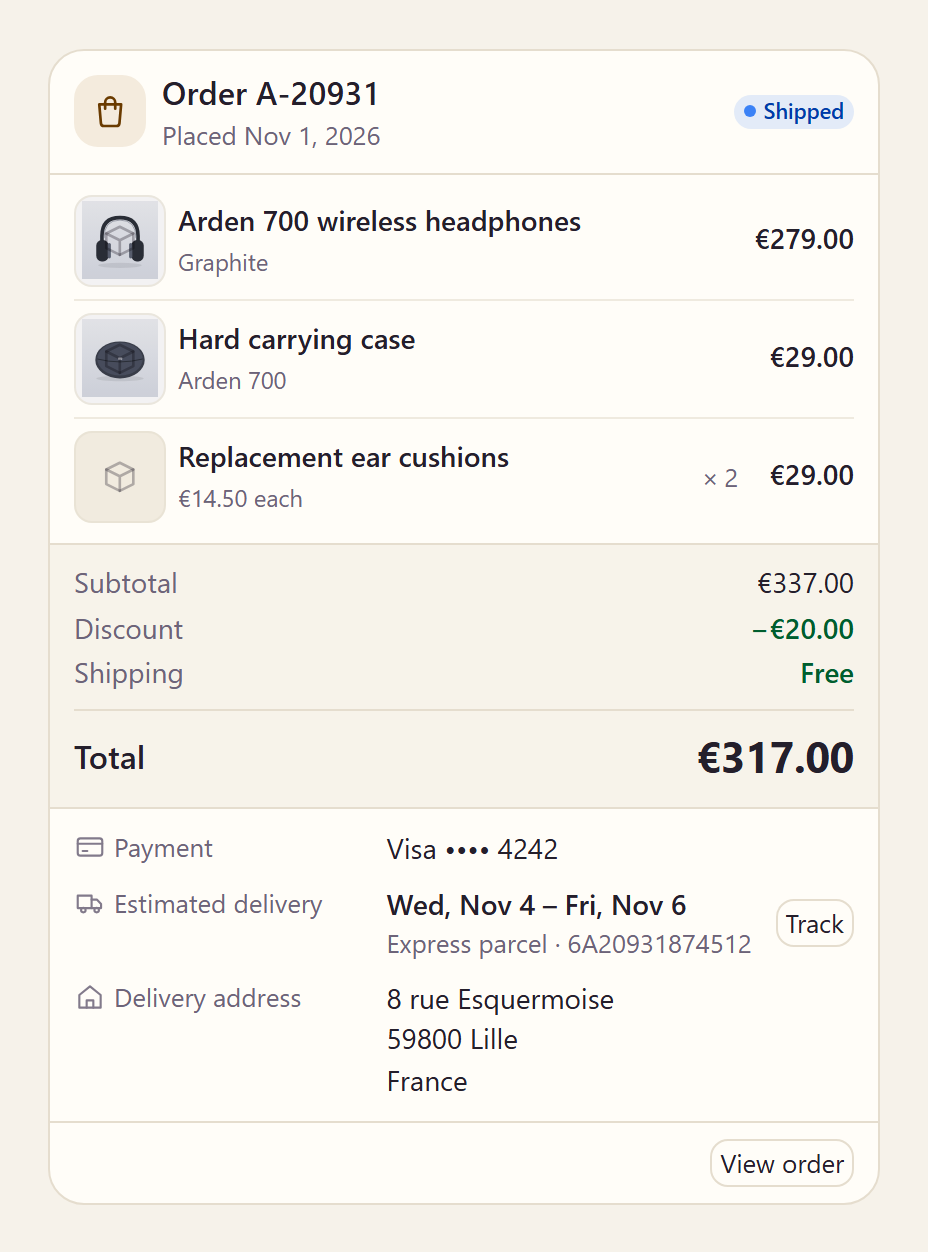
The order card — @aparte/plugin-cards/order
An order or a booking as its receipt: receipt (default), compact, confirmation. Its reader
takes Shopify, WooCommerce and Stripe Checkout (minorUnits: true for amounts in cents).
setupOrderCard(options),orderCard(.setup,.segment),readOrder(raw),readWhen(value),nightsOf(from, to).- Types:
OrderInput,OrderLineInput,OrderDateInput,OrderData,OrderLine,OrderFact,OrderWhen,OrderKind,OrderStatus,OrderVariant.
The stock card — @aparte/plugin-cards/stock
A quote with its chart: chart (default), compact, ticker, candles. Range buttons over the
chart when the quote lists ranges and the card has an onChange. Its reader takes Yahoo Finance,
Alpha Vantage, Finnhub, CoinGecko and Binance.
setupStockCard(options),stockCard(.setup,.segment),readQuotes(raw),directionOf(quote),baselineOf(quote),digitsOf(quote).- Types:
QuotesInput,QuoteInput,Quote,StockData,ChartPoint,Candle,MarketState,StockRange,StockVariant.
The plan card — @aparte/plugin-cards/plan
An agent's plan or task list, updated in place as it works: checklist (default), timeline,
compact. Its reader takes Markdown checklists and the todo lists agents already write.
setupPlanCard(options),planCard(.setup,.segment),readPlan(raw),readStatus(value),planProgress(data),durationText(config, seconds),PLAN_STEPS_SHOWN(50).- Types:
PlanInput,PlanStepInput,PlanStep,PlanData,PlanProgress,PlanStatus,PlanVariant.
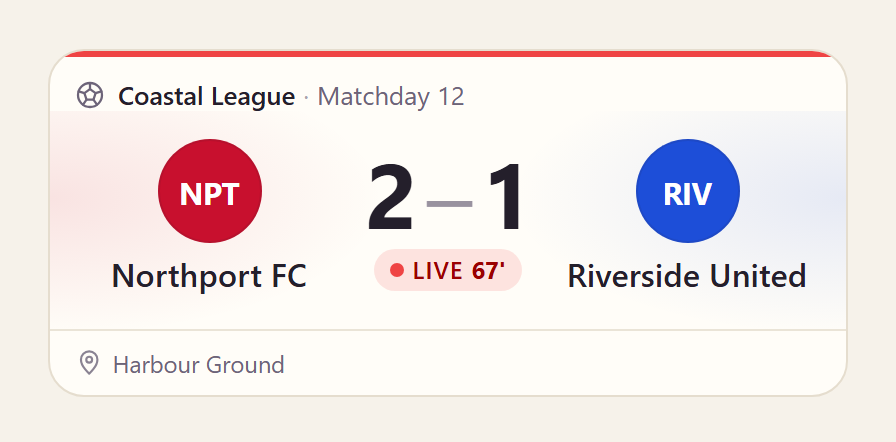
The score card — @aparte/plugin-cards/score
A match or a scoreboard, any sport: card (default), compact, detail. Its reader takes
API-Football, football-data.org, ESPN and TheSportsDB.
setupScoreCard(options)(addsnow),scoreCard(.setup,.segment),readMatches(raw),teamColor(value),monogram(team),inkOn(hex).- Types:
ScoreInput,MatchInput,TeamInput,MatchPeriodInput,MatchEventInput,ScoreData,Match,Team,MatchPeriod,MatchEvent,MatchStatus,MatchSide,MatchEventType,Sport,ScoreVariant,ScoreCardOptions.
The media card — @aparte/plugin-cards/media
Pictures, videos and sounds, with a lightbox: single (default), gallery, strip. Native
<video> and <audio>; a YouTube or Vimeo page is a poster that links to it.
setupMediaCard(options),mediaCard(.setup,.segment),readMedia(raw),readDuration(value),formatDuration(config, seconds).- Types:
MediumInput,Medium,MediaData,MediaKind,MediaVariant,MediaCardOptions.
The link card — @aparte/plugin-cards/link
A web page, previewed: card (default), compact, quote. Its reader takes Open Graph, Twitter
keys and the usual search APIs; the card fetches nothing.
setupLinkCard(options),linkCard(.setup,.segment),readLinks(raw).- Types:
LinkInput,Link,LinkData,LinkType,LinkVariant,LinkCardOptions.
The kit — @aparte/plugin-cards
What every card is made with, for a card of your own that behaves like ours (three sources, states, variants, language switch, buttons):
setupCardFences(options)(CardFenceOptions,CARD_FENCE_PREFIX): draws a```card-weatherblock of JSON in an answer as its card, for backends that send only text;loadfetches each card the first time a block names it.defineCard(definition)andCARD_SEGMENT_TYPE; typesCardDefinition,CardSetupOptions,CardContext,CardAction,CardActionEventDetail,CardActionsContext,CardOrigin,CardChangeEventDetail,AparteCardSegment.- Controls, drawn only when the card has an
onChange:segmented(SegmentedOptions),toggle(ToggleOptions),slider(SliderOptions). A press firesaparte-card-change, and whatonChangereturns is drawn in place. - Drawing:
el,glyph,carousel(CarouselOptions),rating(RatingOptions),sparklineandsparklinePath(SparklineOptions). - Reading:
safeUrl,webUrl,num,str,toDate,currencyCode. - Writing:
formatNumber,formatPercent,formatPrice,formatUnit,formatDay,formatHour,formatWhen;word,languageOf,intlTag, withCardWordandCardLanguage.
A card's words come in the ten languages of @aparte/locales, picked by the locale's tag; a key
of your locale wins (aparteGlobalConfig.extendLocale({ cardsWeatherWind: 'Gusts' })).
ESM-only. Part of the aparté monorepo. MIT.