
Bryntum 调度器 Pro Thin( 审判)
Bryntum Scheduler Pro是一个全能的资源调度器,支持广泛的功能. 它与React,Vue,Angular,或平地香草JS顺利融合.
关于所有特性的更多信息,请访问 Bryntum 调度器Pro站点。 。 。 .

什么是"瘦"套装?
这个 细包 仅包含产品特定代码和样式,使其理想于:
- 结合多种Bryntum产品 在单一申请中
- 减少捆绑大小 - 使用多种产品时不重复代码
- 避免运行时间冲突 - 防止重复的类别登记
细度对正则软件包
| 软件包类型 | 包含 | 最佳服务 |
|---|---|---|
经常 (单位:千美元)@bryntum/schedulerpro(中文(简体) ) | 产品 + 所有依赖性 (例如,调度器包括网格+核心) | 单一产品应用程序 |
细 (单位:千美元)@bryntum/schedulerpro-thin(中文(简体) ) | 仅针对产品的代码 | 多个产品应用或优化单一产品应用 |
何时使用瘦套件 ?
使用 如果 :
- 将多个Bryntum产品(如:Grid + 调度器 + Gantt)组合起来
- 使用薄框架包装( E)
@bryntum/schedulerpro-react-thin(中文(简体) ) - 要最小的捆绑大小
- 使用现代建设工具(Webpack 5+、Vite、Rollup)建造
使用正则 :
- 建立具有标准设置的单一产品应用程序
- 直接使用
<script>标签包含 - 倾向于简化扶养管理
要点
- 专业人员 排程引擎 在节点.js的浏览器或服务器侧运行,用于基于复杂约束的调度
- 自动抚养管理 通过任务网络进行串联更新
- 资源直方图 可视化分配峰值和突出超载资源
- 以技能为基础的任务 以所需能力匹配任务和资源
- 嵌入事件支持 父子关系和复杂工作流程
- 旅行时间会计 实际规划地点间通勤的因素
- 解决冲突 检测时间安排与智能解析建议相冲突
- 了解日历的时间安排 工作时间、假日和轮班限制
- 约束处理 执行 " 不提前启动 " 和其他项目规则
- 自定义任务编辑器 为事件、资源和依赖性设置标签
- 加热可视化 在树摘要中显示资源利用率
- 反应, (中文(简体) ), 阴道,以及 角质 带有本地框架图案的包装
软件包内容
| 路径 | 说明 |
|---|---|
schedulerpro.module.js, (中文(简体) ), schedulerpro.umd.js | JavaScript 捆绑( ES 模块和 UMD 格式) |
schedulerpro.css | 结构CSS(需要) |
*.d.ts | 类型脚本类型定义 |
*.css | 主题样式表 |
说明: 试件包不包含精密的捆绑或源地图.
支持的版本
- 节点JS数字 :
>= 20.0.0 - 类型脚本数字 :
>= 3.6.0 - 角质数字 :
>= 9.0.0 - 反应数字 :
>= 16.0.0 - 阴道数字 :
>= 3.0.0 - 维特数字 :
>= 4.0.0 - 网络软件包数字 :
>= 4.0.0
尝试 Bryntum 在线演示
探索我们综合收集的演示文稿:
安装
这是一个 试验包 功能有限.
为什么用npm异形?
试验包使用 npm 化名安装 @bryntum/schedulerpro-thin-trial 下划线 @bryntum/schedulerpro-thin 名称。 这个
方法提供了一个无缝升级路径 - 当您购买许可证时, 您只需要更新其中的别名
package.json 不更改任何应用程序代码.
使用 npm数字 :
npm install @bryntum/schedulerpro-thin@npm:@bryntum/schedulerpro-thin-trial@latest
或者说用 yarn数字 :
yarn add @bryntum/schedulerpro-thin@npm:@bryntum/schedulerpro-thin-trial@latest
或者,添加到 package.json 依赖性 :
"dependencies": {
  "@bryntum/schedulerpro-thin": "npm:@bryntum/schedulerpro-thin-trial@latest"
}
拜访我们 npm 仓库指南 学习更多关于安装和迁移的 尝试到许可的软件包.
多产品组合
在结合多个Bryntum产品时,安装所有需要的薄包并用别名:
# Example: Using Grid and Scheduler together
npm install @bryntum/grid-thin@npm:@bryntum/grid-thin-trial@latest
npm install @bryntum/scheduler-thin@npm:@bryntum/scheduler-thin-trial@latest
npm install @bryntum/scheduler-react-thin@latest
所需依赖
薄包只包含产品特定代码和 不自动安装依赖关系。您必须手动操作 为基础产品安装所有所需的API包.
API 软件包( 需要)
{
  "dependencies": {
    "@bryntum/core-thin": "latest",
    "@bryntum/engine-thin": "latest",
    "@bryntum/grid-thin": "latest",
    "@bryntum/scheduler-thin": "latest",
    "@bryntum/schedulerpro-thin": "latest"
  }
}
依赖链概览
下表显示每个Bryntum产品需要哪些薄API包:
| 产品 | 核心 | 发动机 | 网格 | 调度器 | 调度器Pro | 产品包 |
|---|---|---|---|---|---|---|
| 网格 | ✓ | ✓ | @bryntum/grid-thin | |||
| 调度器 | ✓ | ✓ | ✓ | ✓ | @bryntum/scheduler-thin | |
| 调度器Pro | ✓ | ✓ | ✓ | ✓ | ✓ | @bryntum/schedulerpro-thin |
| 甘特语 | ✓ | ✓ | ✓ | ✓ | ✓ | @bryntum/gantt-thin |
| 日历 | ✓ | ✓ | ✓ | ✓ | @bryntum/calendar-thin | |
| 任务栏 | ✓ | ✓ | @bryntum/taskboard-thin |
重要说明
关于核心框架包装符 :
@bryntum/core-[framework]-thin 软件包(例如, @bryntum/core-react-thin已经 选项 并且只有在使用时需要
您的应用程序中直接有Bryntum Core UI 部件, 例如 :
BryntumButtonBryntumComboBryntumTextField- 其他核心部件
如果只使用主要产品组件(Grid,Scheller等),则不需要Core框架包装.
快速启动
import { SchedulerPro } from '@bryntum/schedulerpro-thin';
import './style.css';

const schedulerPro = new SchedulerPro({
    appendTo  : 'app',
    startDate : new Date(2022, 0, 1),
    endDate   : new Date(2022, 0, 10),
    columns   : [
        { text : 'Name', field : 'name', width : 160 }
    ],
    project : {

        resources : [
            { id : 1, name : 'Dan Stevenson' },
            { id : 2, name : 'Talisha Babin' }
        ],

        events : [
            { id : 1, startDate : '2022-01-01', duration : 3, durationUnit : 'd', name : 'Event 1' },
            { id : 2, duration : 4, durationUnit : 'd', name : 'Event 2' }
        ],

        assignments : [
            { event : 1, resource : 1 },
            { event : 2, resource : 2 }
        ],

        dependencies : [
            { fromEvent : 1, toEvent : 2 }
        ]
    }
});
主题
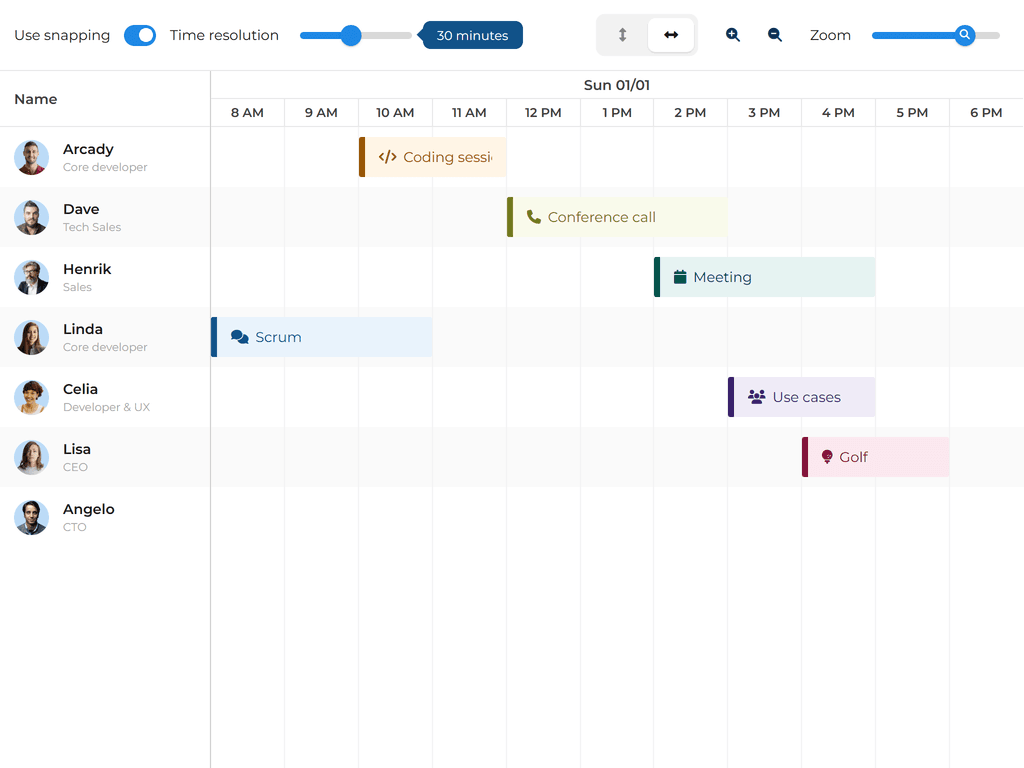
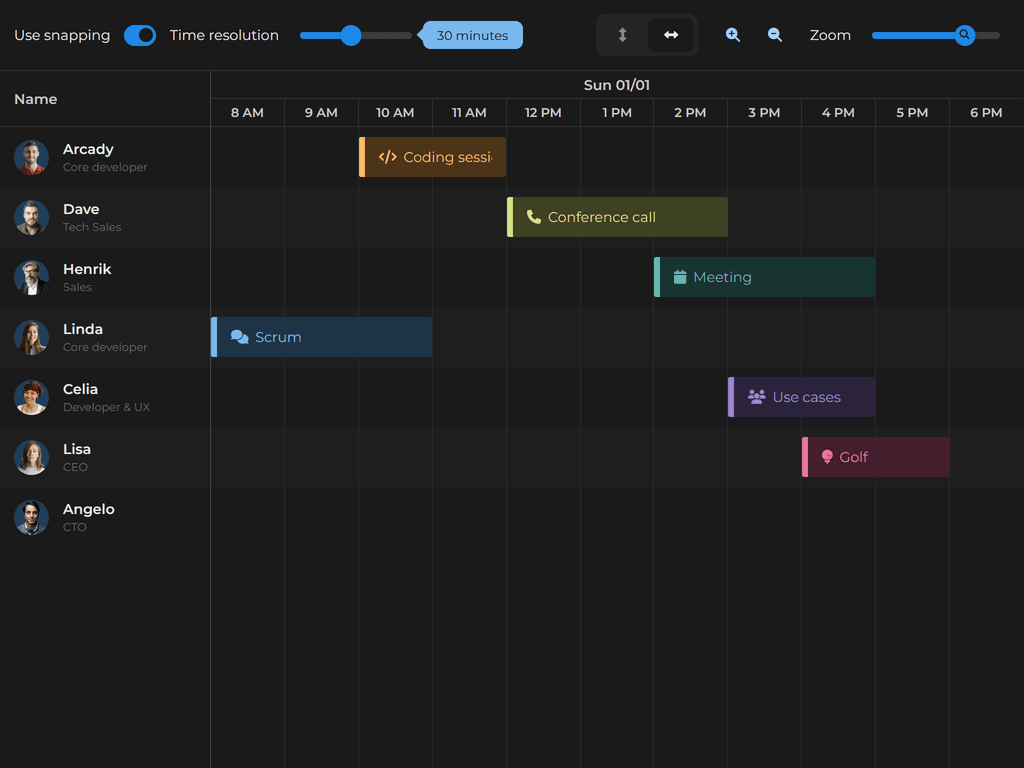
Svalbad( 默认)
| 光线 | 阴暗 |
|---|---|
 |  |
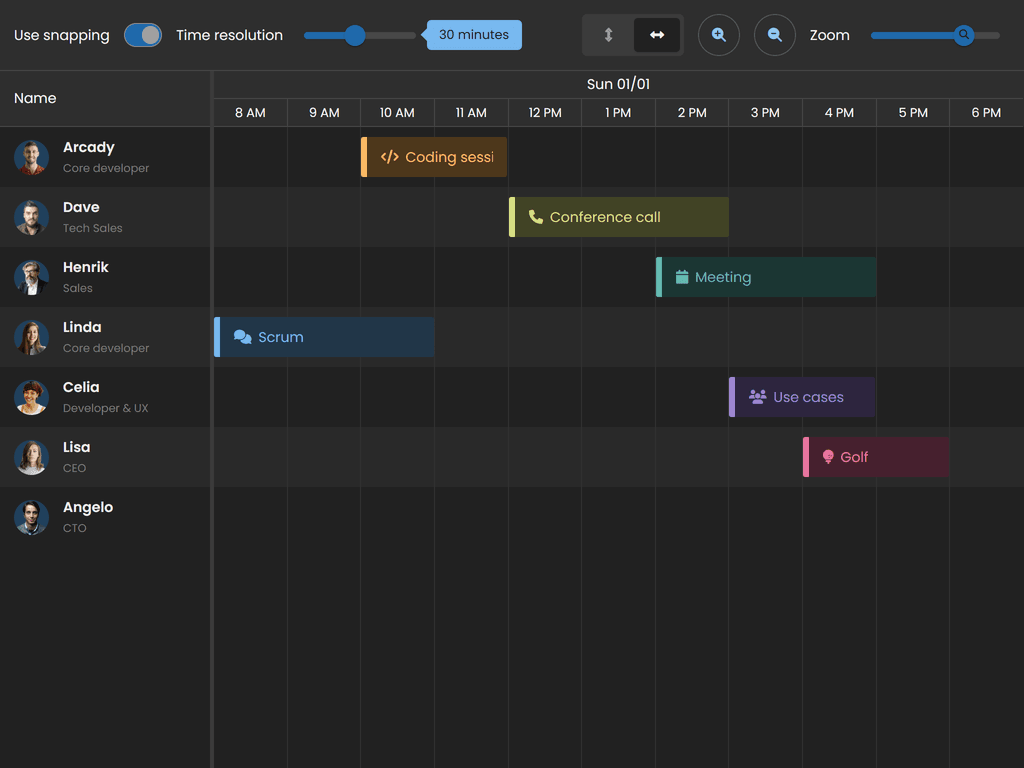
斯德哥尔摩
| 光线 | 阴暗 |
|---|---|
 |  |
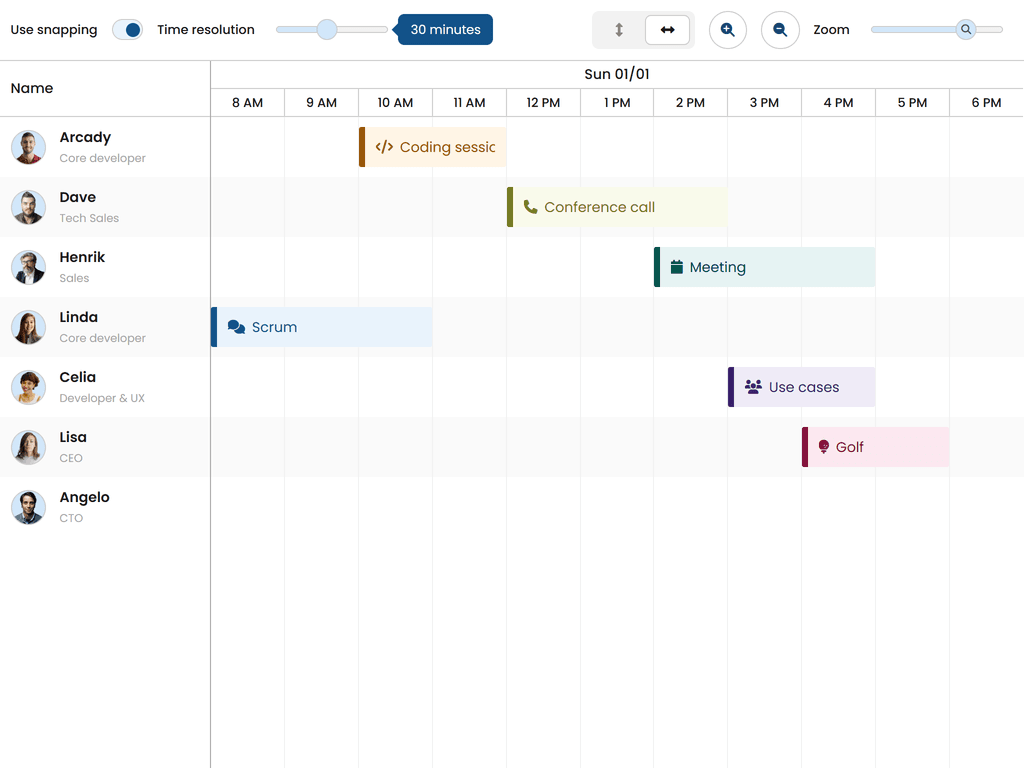
维斯比
| 光线 | 阴暗 |
|---|---|
 | 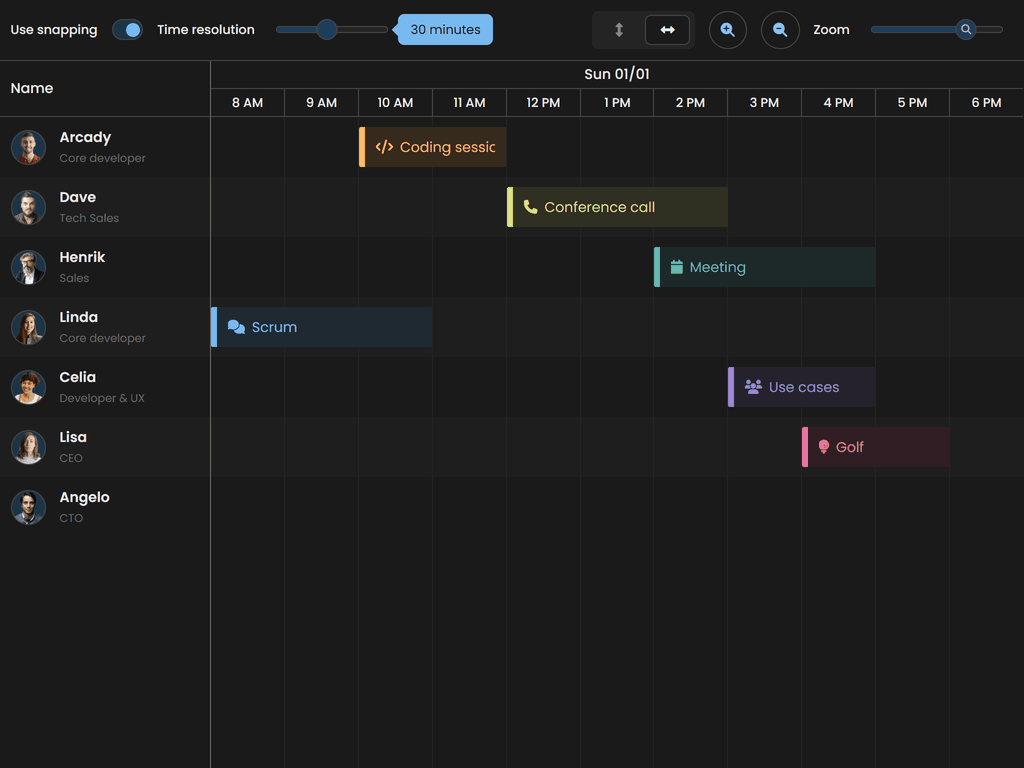 |
材料3
| 光线 | 阴暗 |
|---|---|
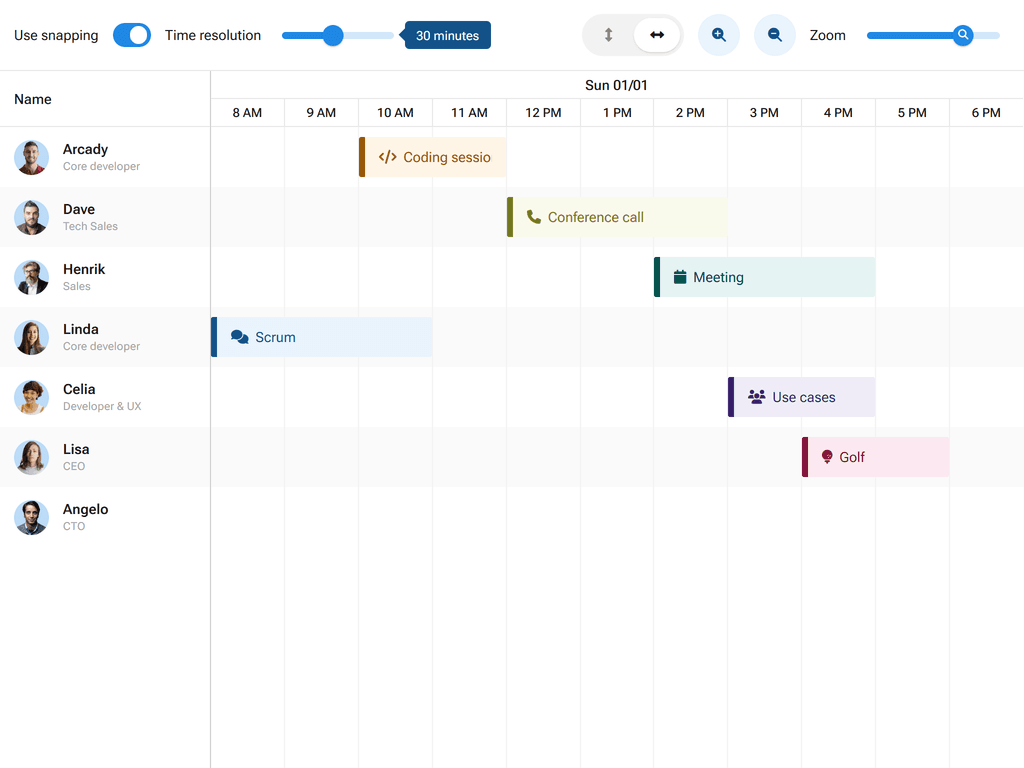 | 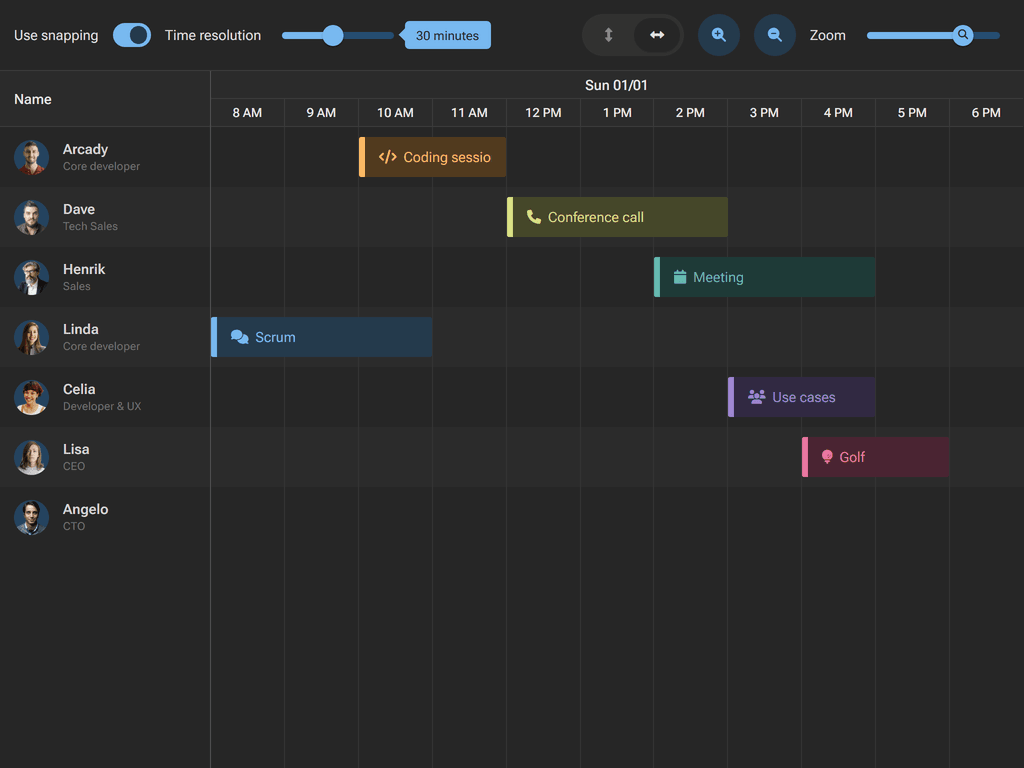 |
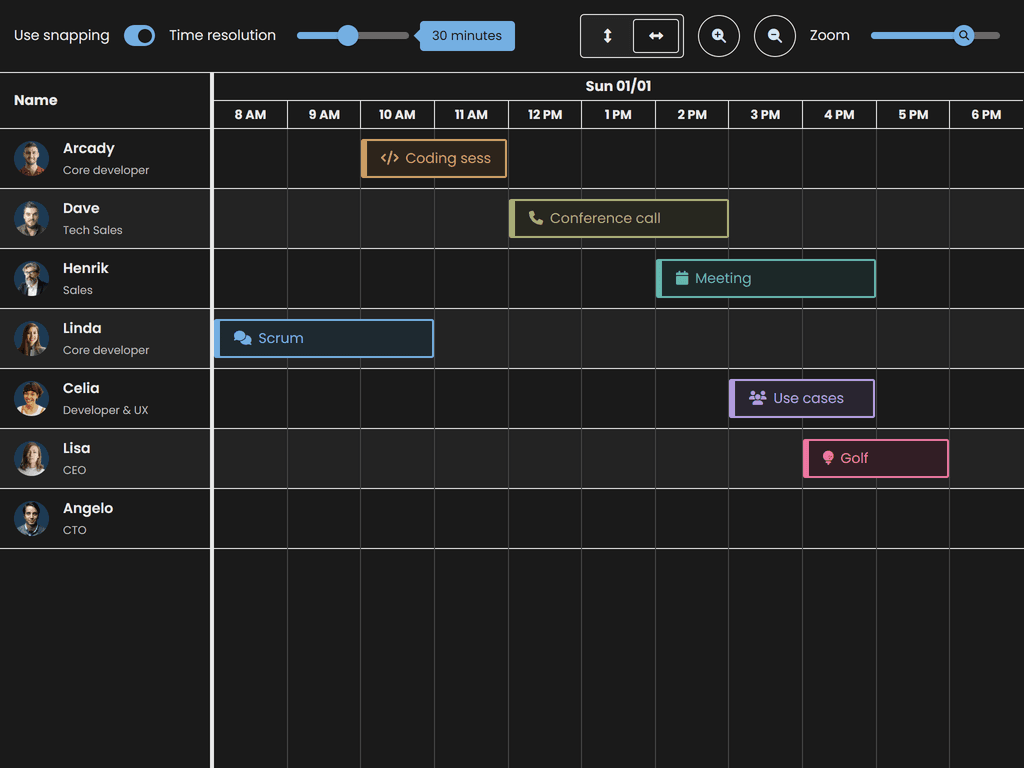
高对比度
| 光线 | 阴暗 |
|---|---|
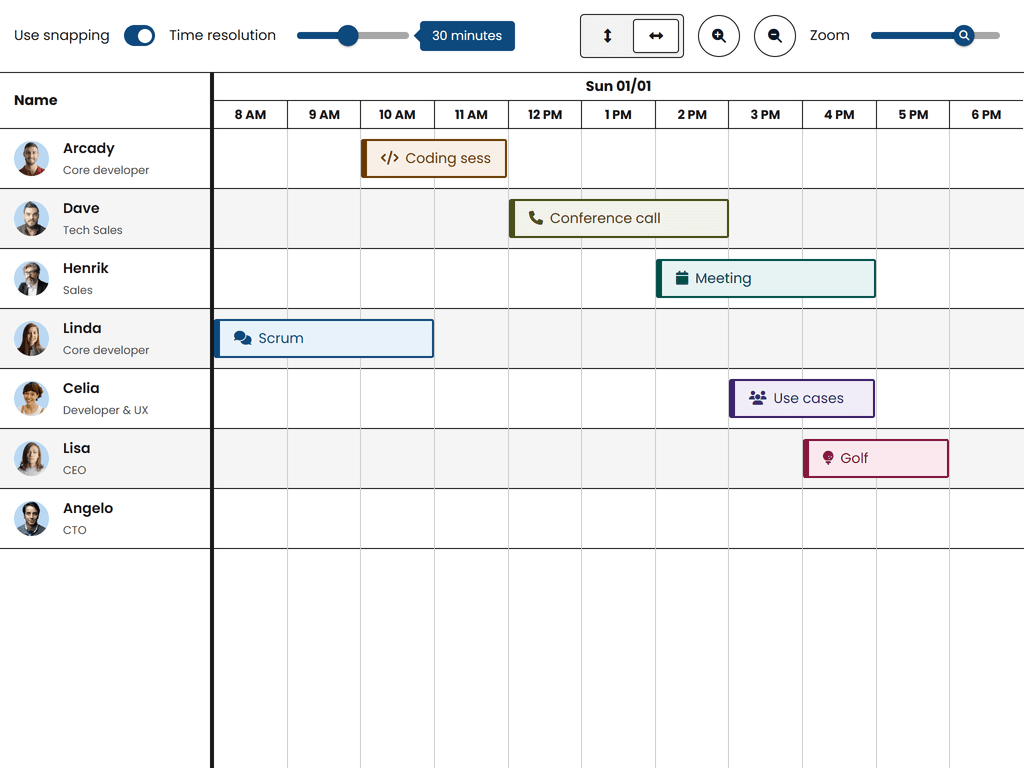 |  |
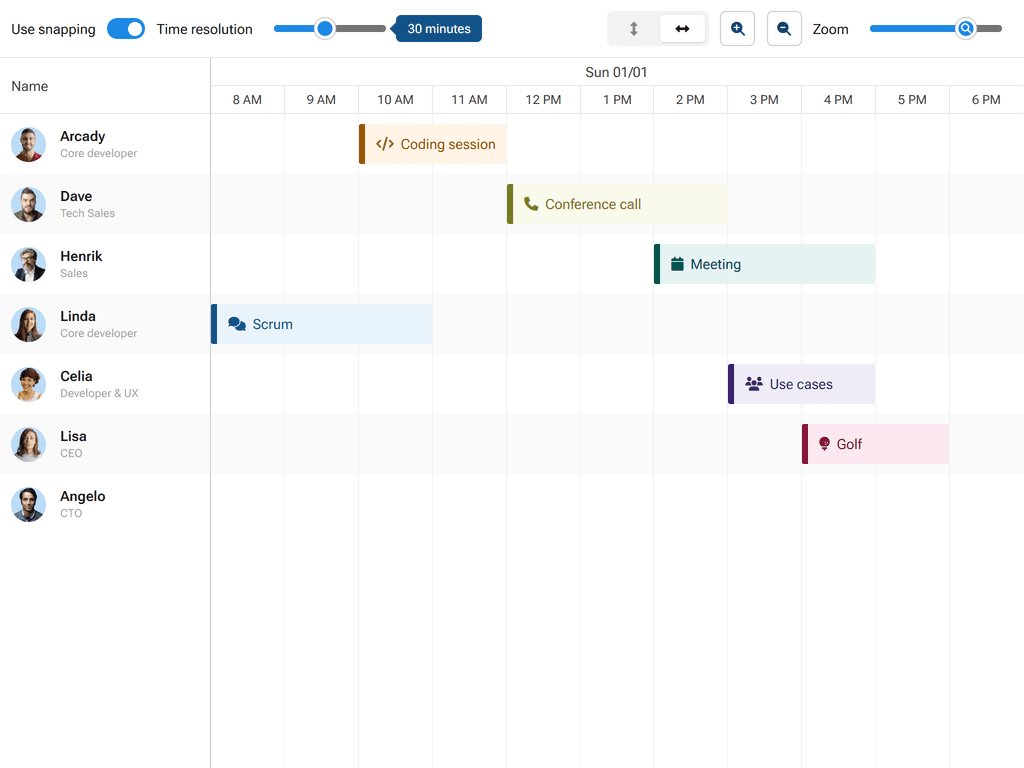
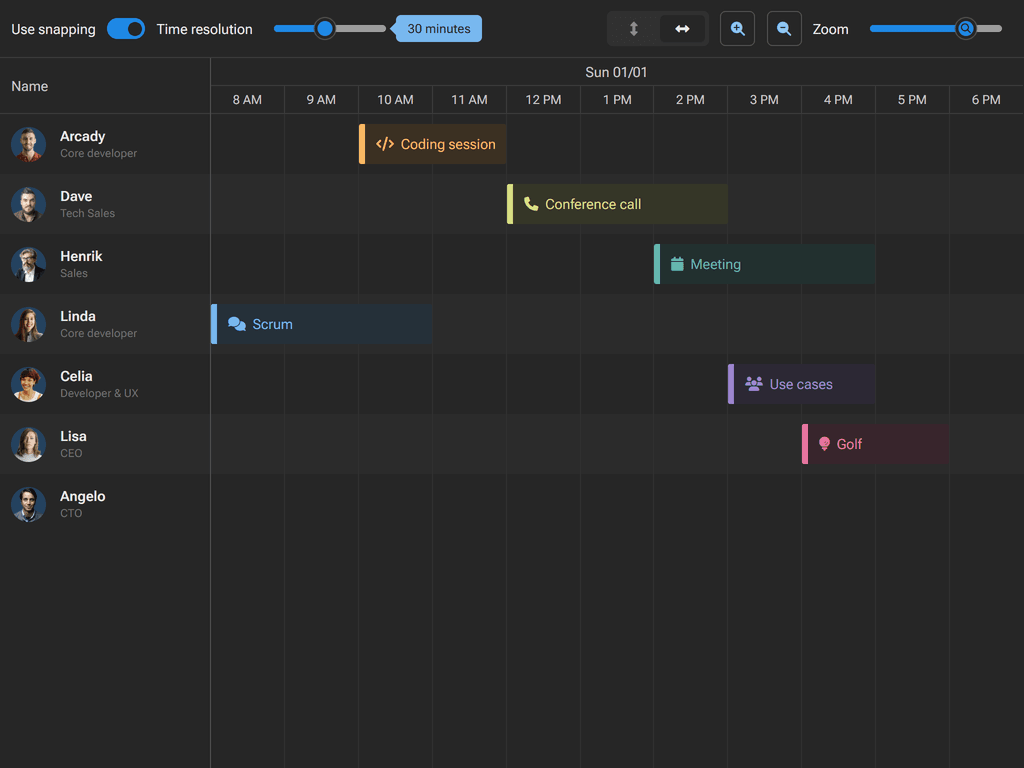
流利的 2
| 光线 | 阴暗 |
|---|---|
 |  |
关于自定义主题的更多信息,请参见: 样式指南。 。 。 .
框架整合
薄薄包采用薄薄框架包装. 每次包装都遵循本土框架模式和生命周期管理.
说明: 框架包装是公开的,可以正常安装. 它们需要薄的核心软件包(安装) 上面还有别名).
反应
npm install @bryntum/schedulerpro-react-thin@latest
详情见 反应多产品。 。 。 .
角质
npm install @bryntum/schedulerpro-angular-thin@latest
详情见 角质多产品。 。 。 .
第3组
npm install @bryntum/schedulerpro-vue-3-thin@latest
详情见 Vue 多种产品。 。 。 .
探索所有Bryntum 产品
- Bryntum 网格 - 高性能数据网
- Bryntum 调度器 - 资源调度部分
- Bryntum 调度器 Pro - 有依赖关系的高级排程
- 布林图姆·甘特 - 项目规划和管理
- 布林图姆日历 - 完整的日历组件
- Bryntum 任务板 - 坎班式任务管理
探索我们综合收集的演示文稿:


在线参考资料
许可证和版权
Bryntum Scheduler Pro是商业软件,需要付费许可证. 请访问 Bryntum 调度器 Pro 终端用户许可证 执照的全文.
版权所有:2009-2026年,Bryntum 版权所有.