
Bryntum Scheduler Pro Thin (Trial)
Bryntum Scheduler Pro is a full-featured resource scheduler supporting a wide range of functionality.. It integrates smoothly with React, Vue, Angular, or plain vanilla JS.
For more information about all features, visit the Bryntum Scheduler Pro site.

What is the Thin Package?
The Thin package contains only product-specific code and styling, making it ideal for:
- Combining multiple Bryntum products in a single application
- Reducing bundle size - no duplicated code when using multiple products
- Avoiding runtime conflicts - prevents duplicate class registrations
Thin vs Regular Package
| Package Type | Contains | Best For |
|---|---|---|
Regular (@bryntum/schedulerpro) | Product + all dependencies (e.g., Scheduler includes Grid + Core) | Single product apps |
Thin (@bryntum/schedulerpro-thin) | Product-specific code only | Multiple product apps or optimized single product apps |
When to Use Thin Package?
Use Thin if:
- Combining multiple Bryntum products (e.g., Grid + Scheduler + Gantt)
- Using thin framework wrappers (
@bryntum/schedulerpro-react-thin) - Want smallest possible bundle size
- Building with modern build tools (Webpack 5+, Vite, Rollup)
Use Regular if:
- Building a single product application with standard setup
- Using direct
<script>tag inclusion - Prefer simpler dependency management
Highlights
- Professional scheduling engine runs in browser or server-side on Node.js for complex constraint-based scheduling
- Automatic dependency management with cascading updates through task networks
- Resource histogram visualizes allocation peaks and highlights overloaded resources
- Skill-based assignments match tasks to resources by required capabilities
- Nested event support for parent-child relationships and complex workflows
- Travel time accounting factors in commute between locations for realistic planning
- Conflict resolution detects scheduling conflicts with smart resolution suggestions
- Calendar-aware scheduling with work hours, holidays, and shift constraints
- Constraint handling enforces start-no-earlier-than and other project rules
- Customizable task editor with tabs for events, resources, and dependencies
- Heatmap visualization shows resource utilization intensity in tree summaries
- React, Vue, and Angular wrappers with native framework patterns
Package Contents
| Path | Description |
|---|---|
schedulerpro.module.js, schedulerpro.umd.js | JavaScript bundles (ES module and UMD formats) |
schedulerpro.css | Structural CSS (required) |
*.d.ts | TypeScript type definitions |
*.css | Theme stylesheets |
Note: Trial packages do not include minified bundles or source maps.
Supported Versions
- NodeJS:
>= 20.0.0 - TypeScript:
>= 3.6.0 - Angular:
>= 9.0.0 - React:
>= 16.0.0 - Vue:
>= 3.0.0 - Vite:
>= 4.0.0 - Webpack:
>= 4.0.0
Try Bryntum Online Demos
Explore our comprehensive collection of demos:
Installation
This is a trial package with limited functionality.
Why Use npm Aliasing?
Trial packages use npm aliasing to install @bryntum/schedulerpro-thin-trial under the @bryntum/schedulerpro-thin name. This
approach provides a seamless upgrade path - when you purchase a license, you only need to update the alias in
package.json without changing any application code.
Install using npm:
npm install @bryntum/schedulerpro-thin@npm:@bryntum/schedulerpro-thin-trial@latest
Or using yarn:
yarn add @bryntum/schedulerpro-thin@npm:@bryntum/schedulerpro-thin-trial@latest
Alternatively, add to package.json dependencies:
"dependencies": {
  "@bryntum/schedulerpro-thin": "npm:@bryntum/schedulerpro-thin-trial@latest"
}
Visit our npm repository guide to learn more about installation and migrating from trial to licensed packages.
Combining Multiple Products
When combining multiple Bryntum products, install all needed thin packages with aliasing:
# Example: Using Grid and Scheduler together
npm install @bryntum/grid-thin@npm:@bryntum/grid-thin-trial@latest
npm install @bryntum/scheduler-thin@npm:@bryntum/scheduler-thin-trial@latest
npm install @bryntum/scheduler-react-thin@latest
Required Dependencies
Thin packages contain only product-specific code and do not automatically install dependencies. You must manually install all required API packages for the underlying products.
API Packages (Required)
{
  "dependencies": {
    "@bryntum/core-thin": "latest",
    "@bryntum/engine-thin": "latest",
    "@bryntum/grid-thin": "latest",
    "@bryntum/scheduler-thin": "latest",
    "@bryntum/schedulerpro-thin": "latest"
  }
}
Dependency Chain Overview
The following table shows which thin API packages are required for each Bryntum product:
| Product | Core | Engine | Grid | Scheduler | Scheduler Pro | Product Package |
|---|---|---|---|---|---|---|
| Grid | ✓ | ✓ | @bryntum/grid-thin | |||
| Scheduler | ✓ | ✓ | ✓ | ✓ | @bryntum/scheduler-thin | |
| Scheduler Pro | ✓ | ✓ | ✓ | ✓ | ✓ | @bryntum/schedulerpro-thin |
| Gantt | ✓ | ✓ | ✓ | ✓ | ✓ | @bryntum/gantt-thin |
| Calendar | ✓ | ✓ | ✓ | ✓ | @bryntum/calendar-thin | |
| TaskBoard | ✓ | ✓ | @bryntum/taskboard-thin |
Important Notes
About Core Framework Wrappers:
@bryntum/core-[framework]-thin packages (e.g., @bryntum/core-react-thin) are optional and only needed if you use
Bryntum Core UI widgets directly in your app, such as:
BryntumButtonBryntumComboBryntumTextField- Other Core widgets
If you only use the main product component (Grid, Scheduler, etc.), you don't need the Core framework wrapper.
Quick Start
import { SchedulerPro } from '@bryntum/schedulerpro-thin';
import './style.css';

const schedulerPro = new SchedulerPro({
    appendTo  : 'app',
    startDate : new Date(2022, 0, 1),
    endDate   : new Date(2022, 0, 10),
    columns   : [
        { text : 'Name', field : 'name', width : 160 }
    ],
    project : {

        resources : [
            { id : 1, name : 'Dan Stevenson' },
            { id : 2, name : 'Talisha Babin' }
        ],

        events : [
            { id : 1, startDate : '2022-01-01', duration : 3, durationUnit : 'd', name : 'Event 1' },
            { id : 2, duration : 4, durationUnit : 'd', name : 'Event 2' }
        ],

        assignments : [
            { event : 1, resource : 1 },
            { event : 2, resource : 2 }
        ],

        dependencies : [
            { fromEvent : 1, toEvent : 2 }
        ]
    }
});
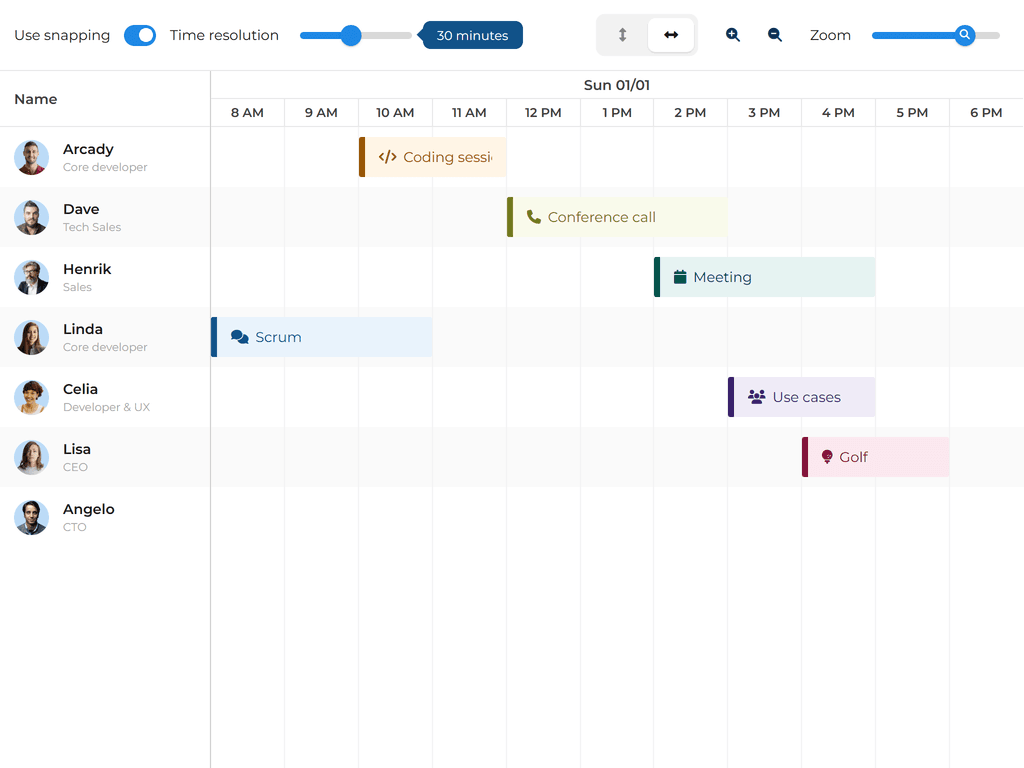
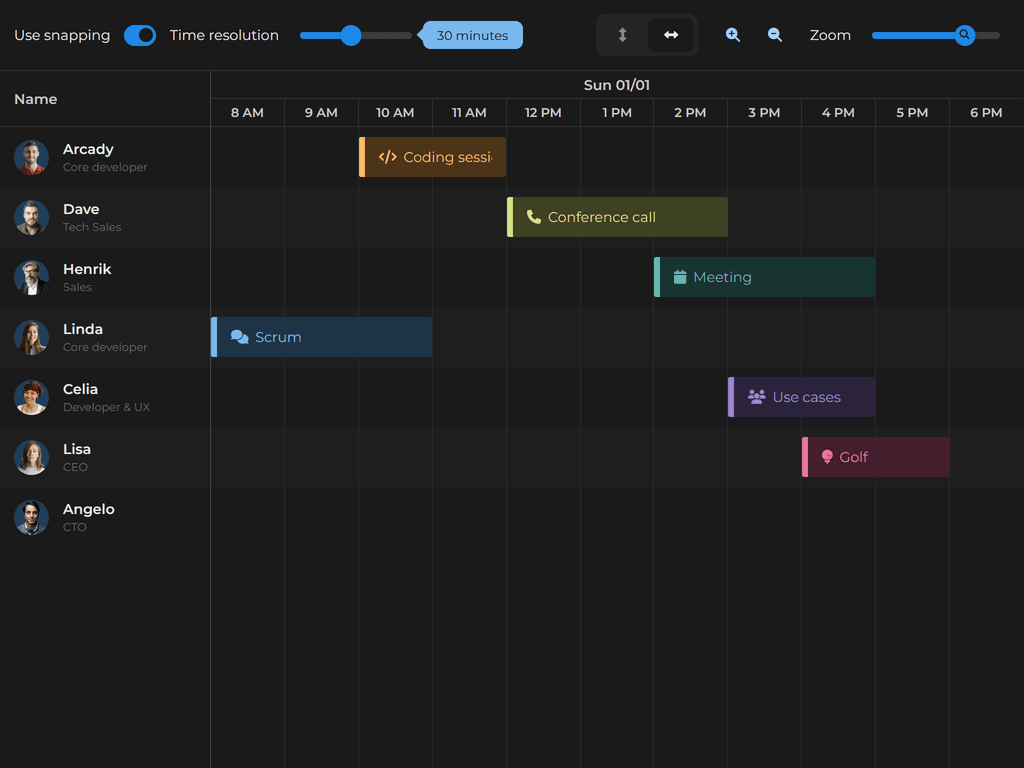
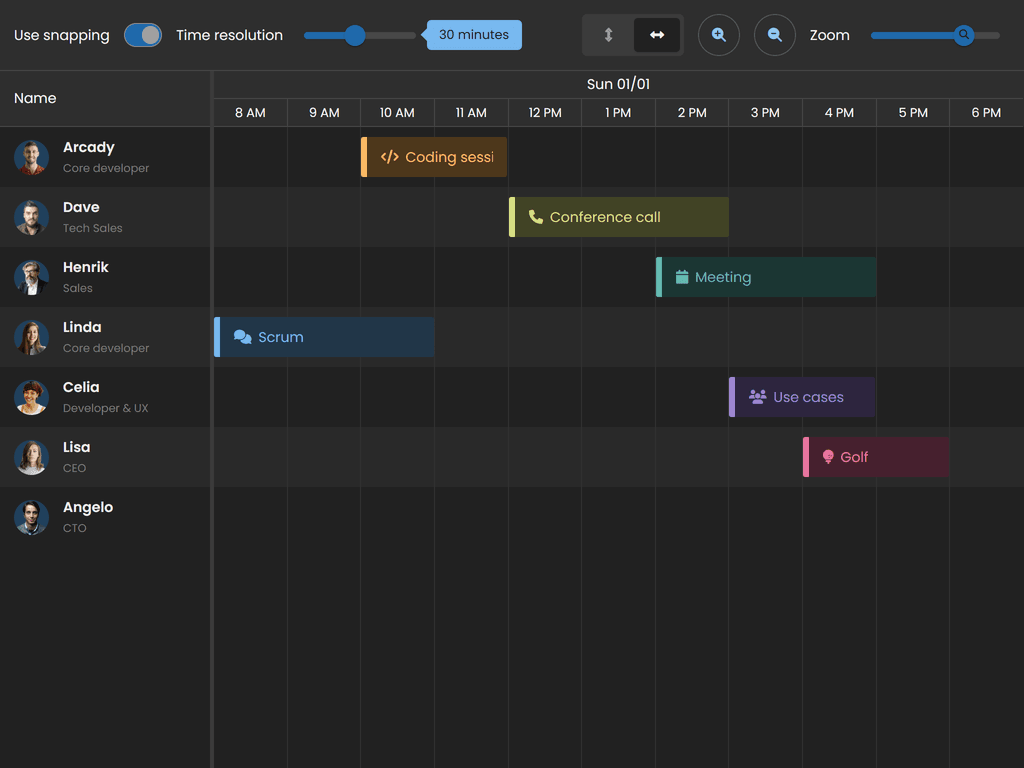
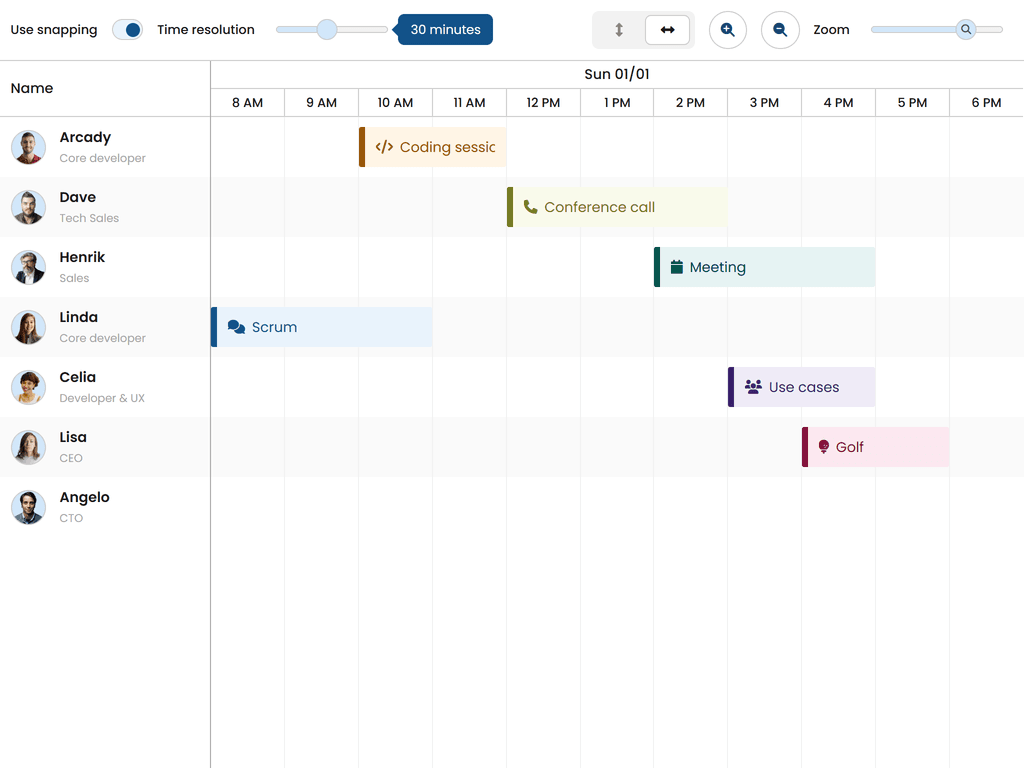
Themes
Svalbard (default)
| Light | Dark |
|---|---|
 |  |
Stockholm
| Light | Dark |
|---|---|
 |  |
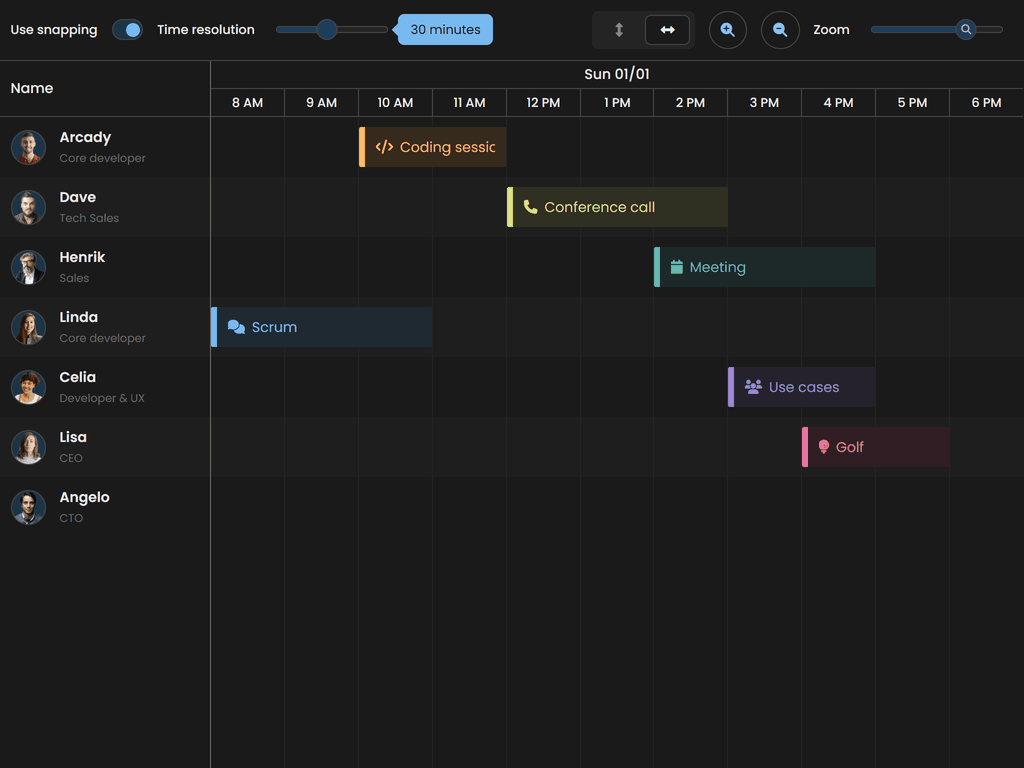
Visby
| Light | Dark |
|---|---|
 |  |
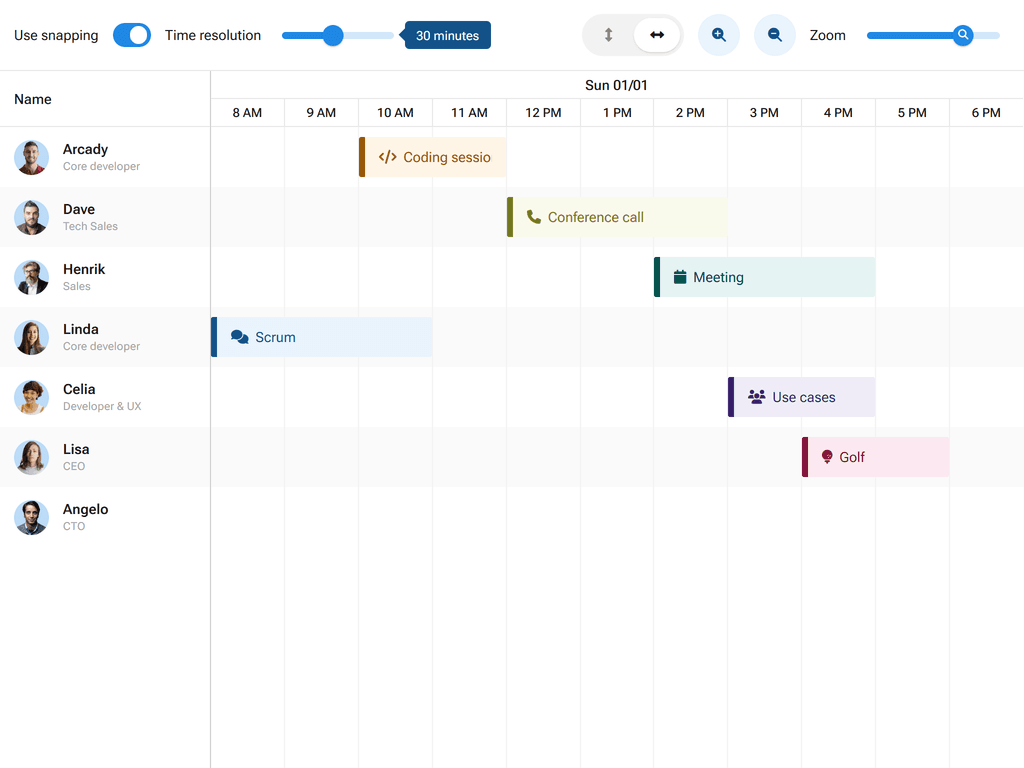
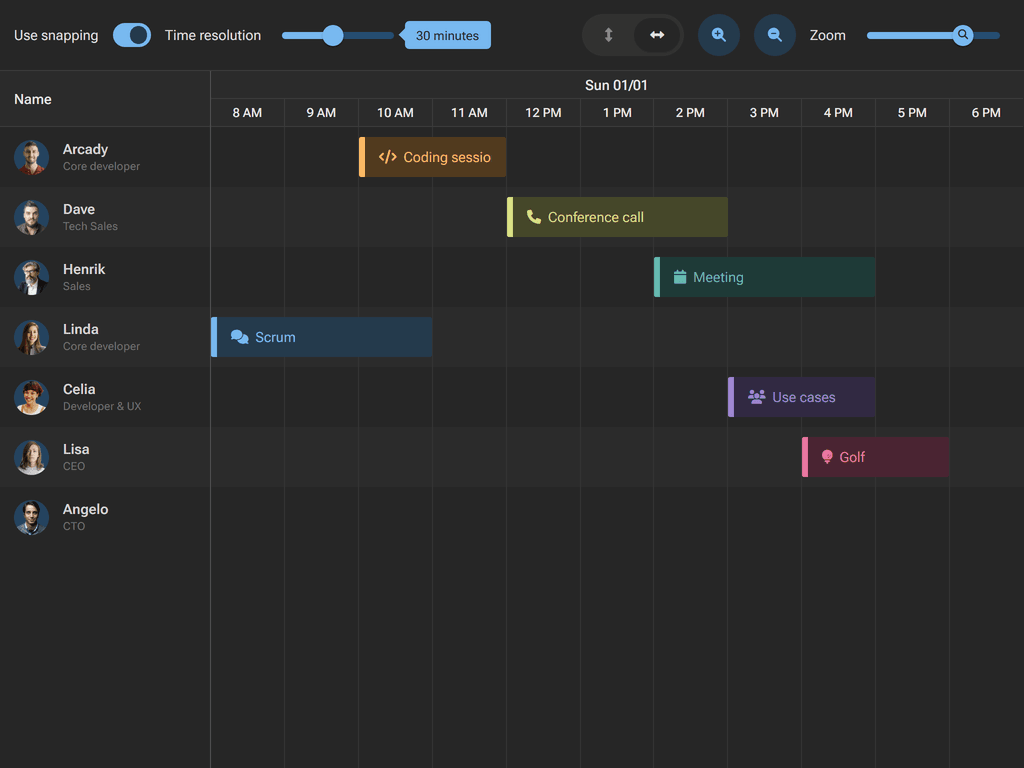
Material 3
| Light | Dark |
|---|---|
 |  |
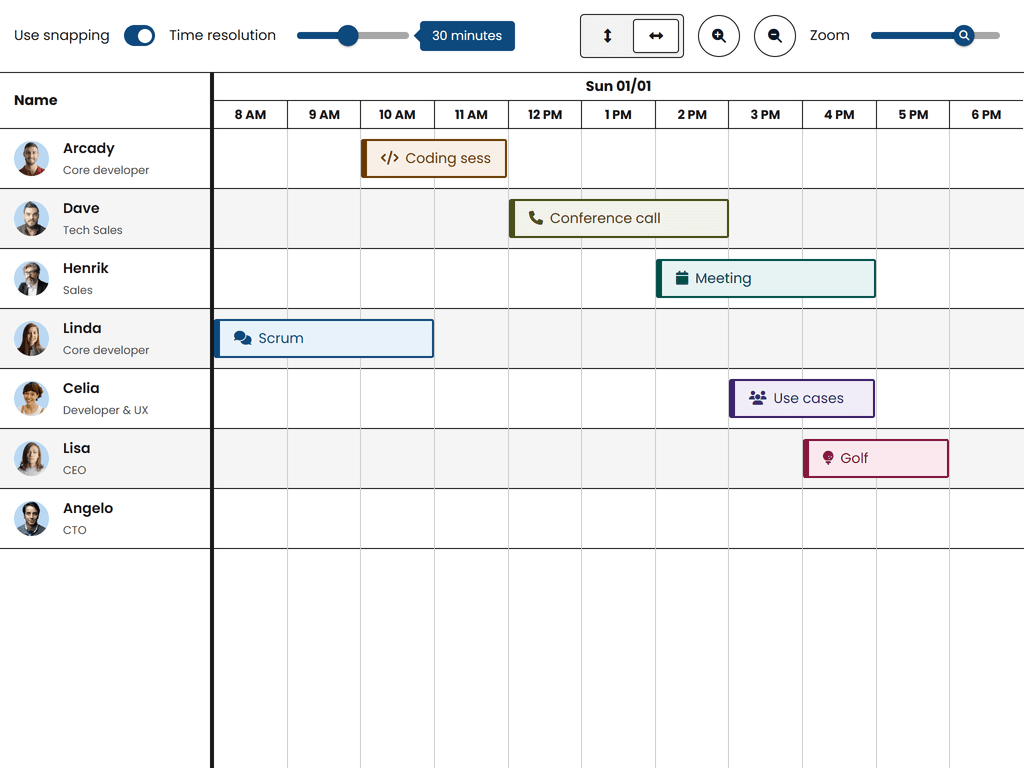
High Contrast
| Light | Dark |
|---|---|
 | 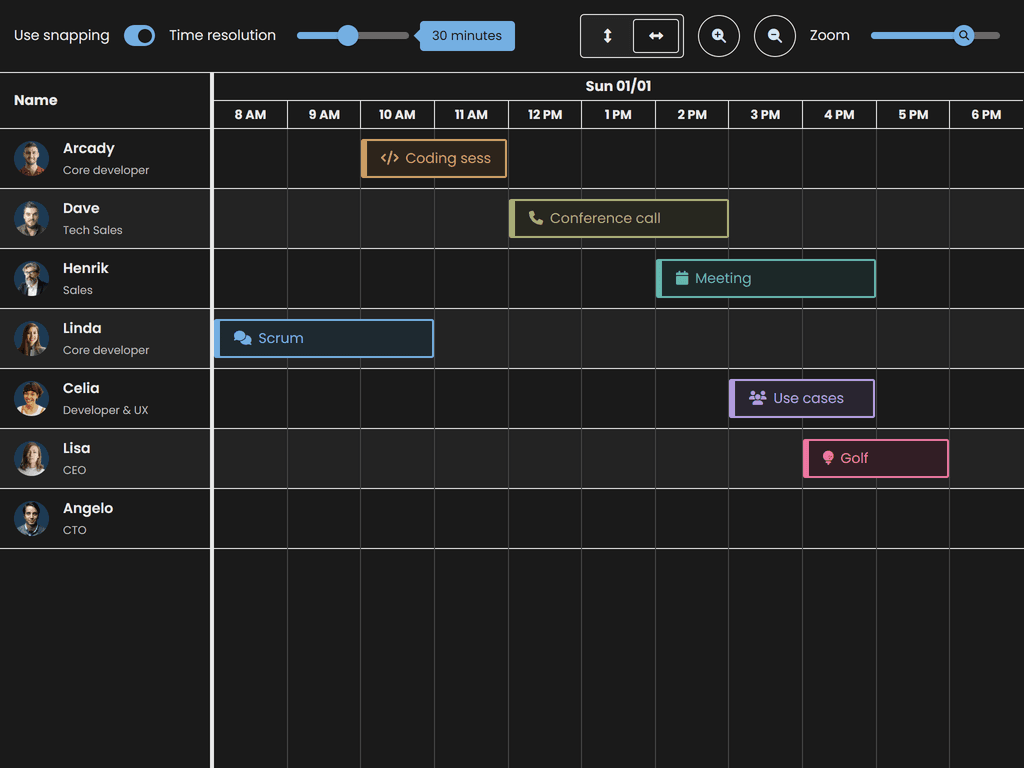 |
Fluent 2
| Light | Dark |
|---|---|
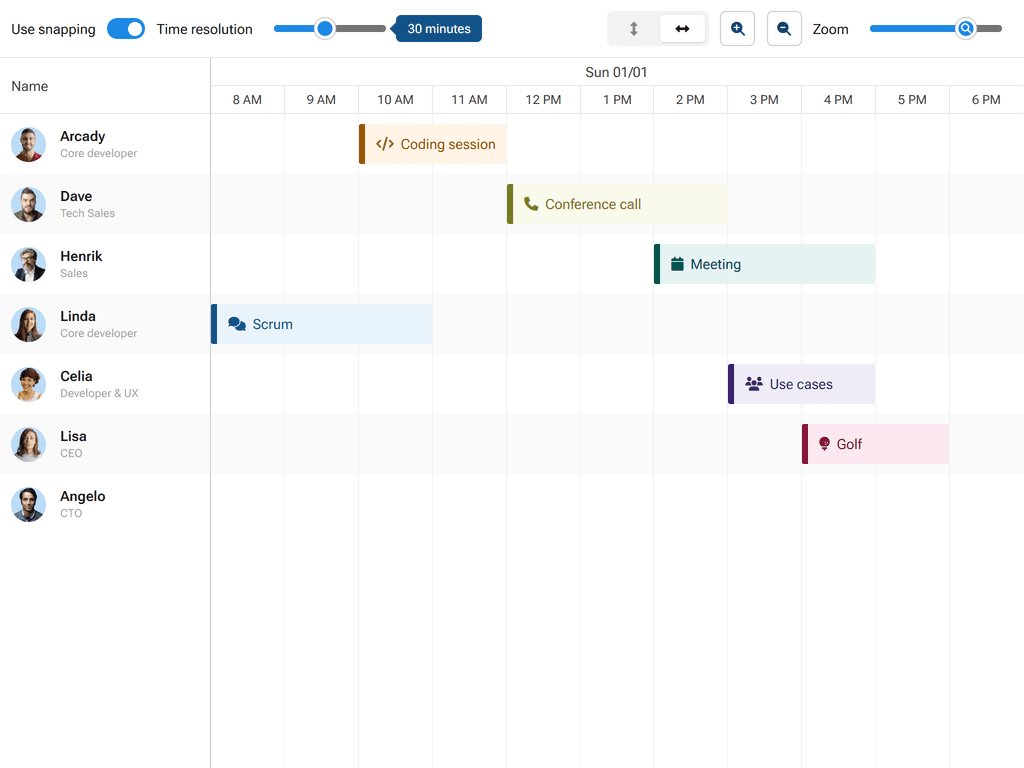 | 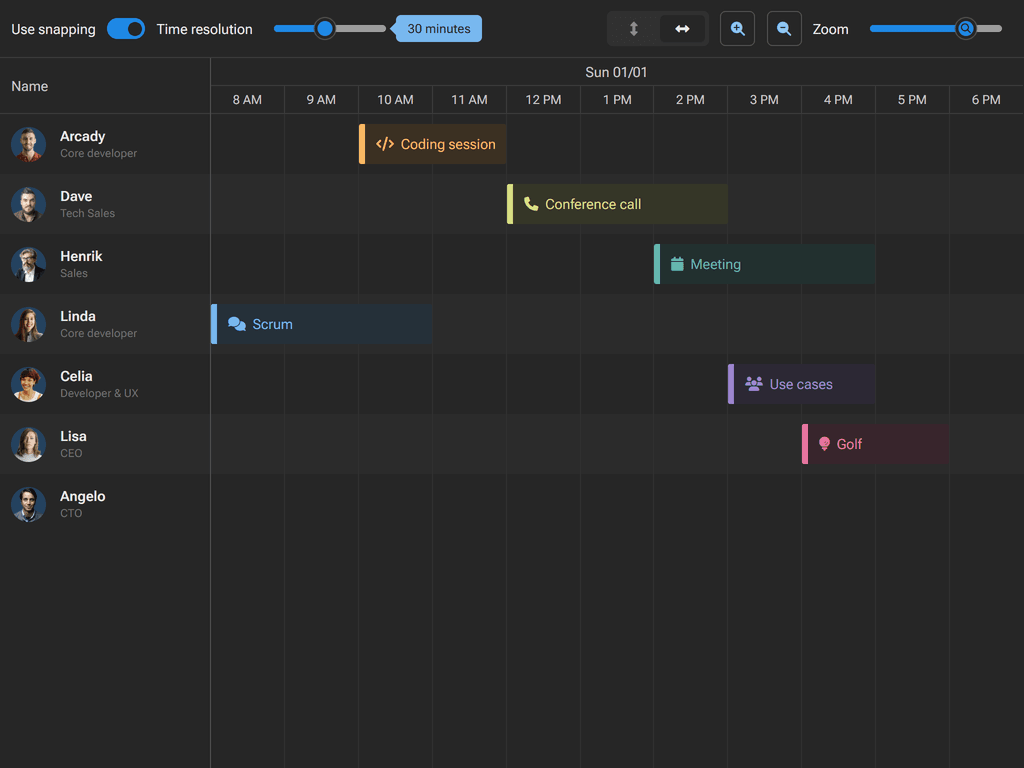 |
For more information on customizing themes, see the Styling guide.
Framework Integrations
Thin packages use thin framework wrappers. Each wrapper follows native framework patterns and lifecycle management.
Note: The framework wrappers are public and can be installed normally. They require the thin core package (installed above with aliasing) to be present.
React
npm install @bryntum/schedulerpro-react-thin@latest
For details, see React Multiple Products.
Angular
npm install @bryntum/schedulerpro-angular-thin@latest
For details, see Angular Multiple Products.
Vue 3
npm install @bryntum/schedulerpro-vue-3-thin@latest
For details, see Vue Multiple Products.
Explore All Bryntum Products
- Bryntum Grid - High-performance data grid
- Bryntum Scheduler - Resource scheduling component
- Bryntum Scheduler Pro - Advanced scheduling with dependencies
- Bryntum Gantt - Project planning and management
- Bryntum Calendar - Full-featured calendar component
- Bryntum TaskBoard - Kanban-style task management
Explore our comprehensive collection of demos:


Online references
License and copyright
Bryntum Scheduler Pro is commercial software and requires a paid license. Please visit the Bryntum Scheduler Pro End User License for the full text of the license.
Copyright © 2009-2026, Bryntum All rights reserved.