CanopyX
Interactive views of your own records, written in C#: tree grids, data grids, pivots, boards, calendars, plans, status matrices, change reviews and guided flows. Save a report that opens from disk, serve the view from your app, or render it as a script-free table for email and print.
Live demos · Documentation · Getting started · GitHub
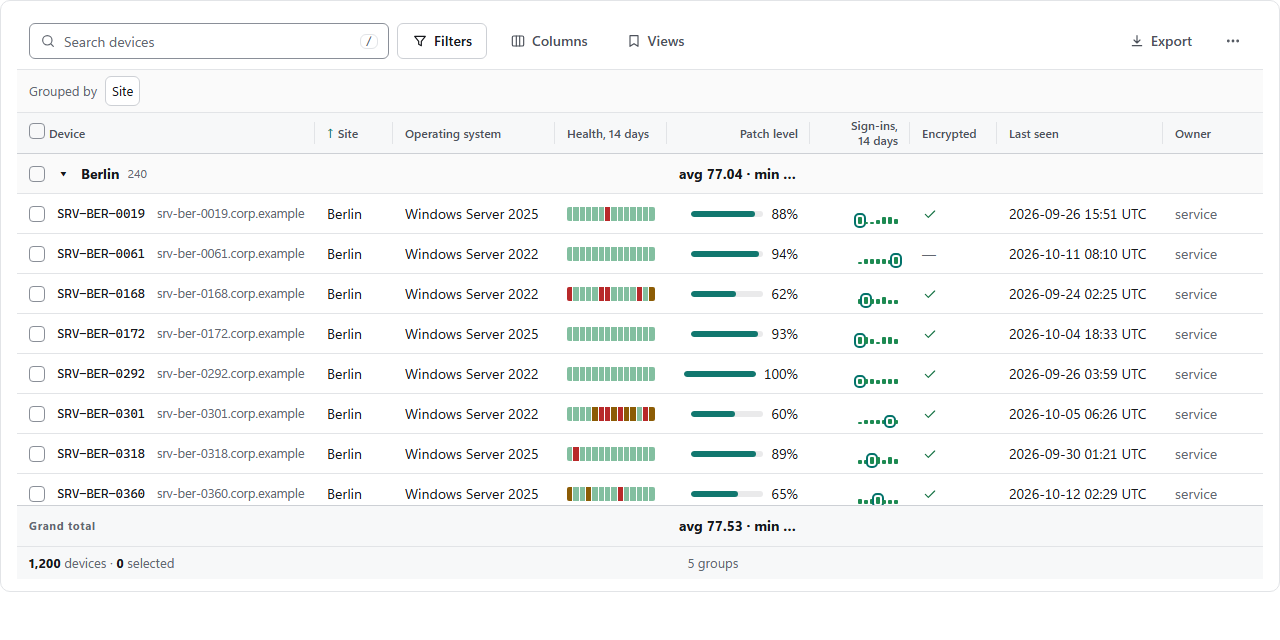
Pick a view
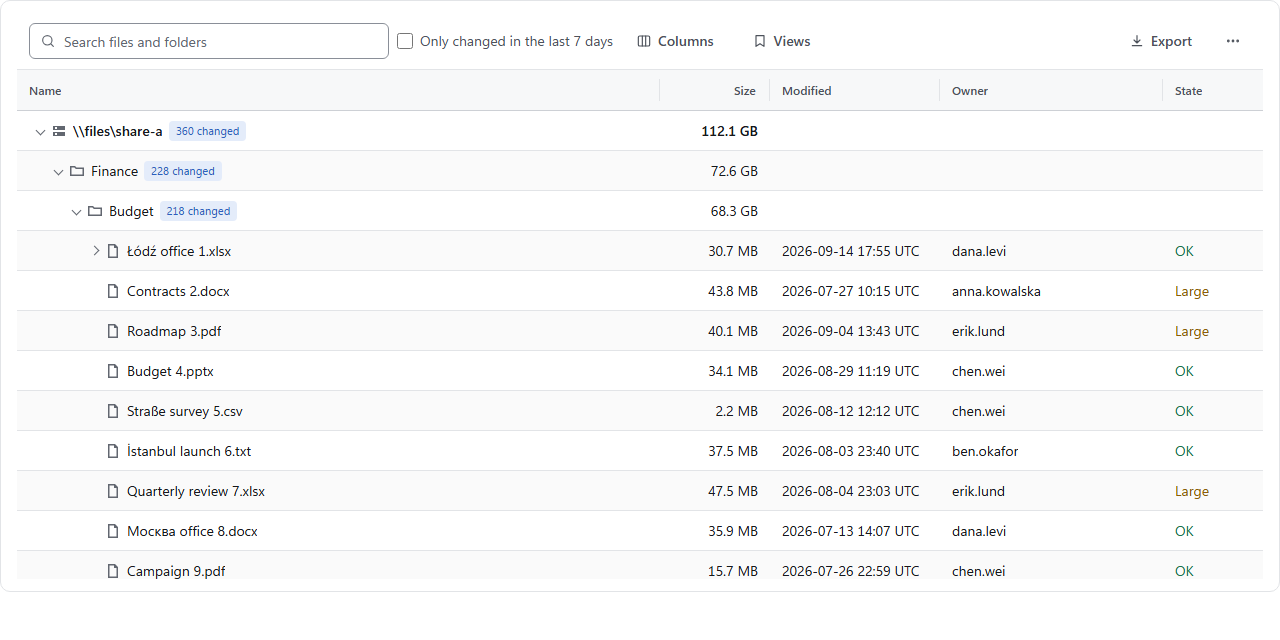 Tree grid CanopyTreeView | Data grid CanopyDataGridView | 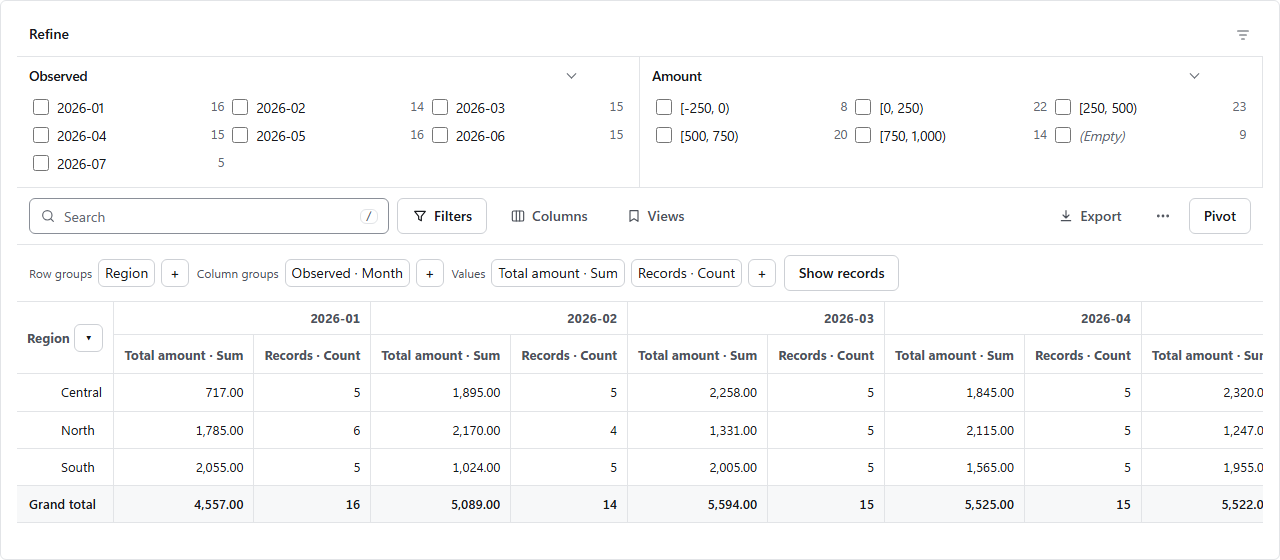 Pivot CanopyGridPivot |
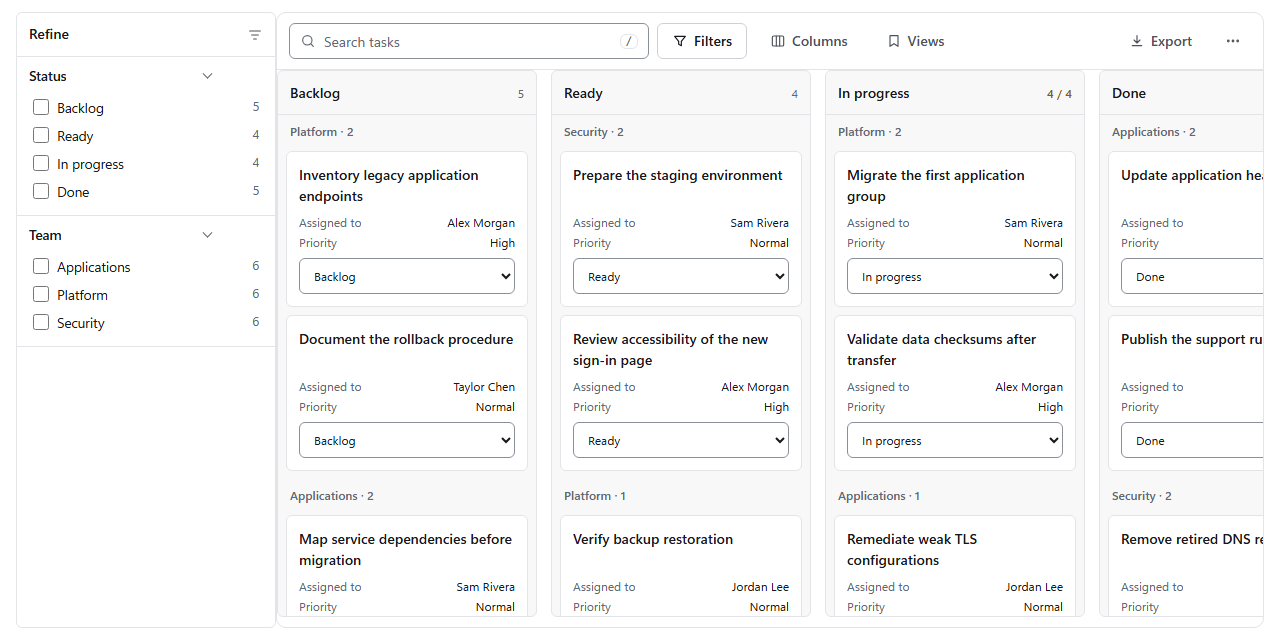 Board CanopyBoard | 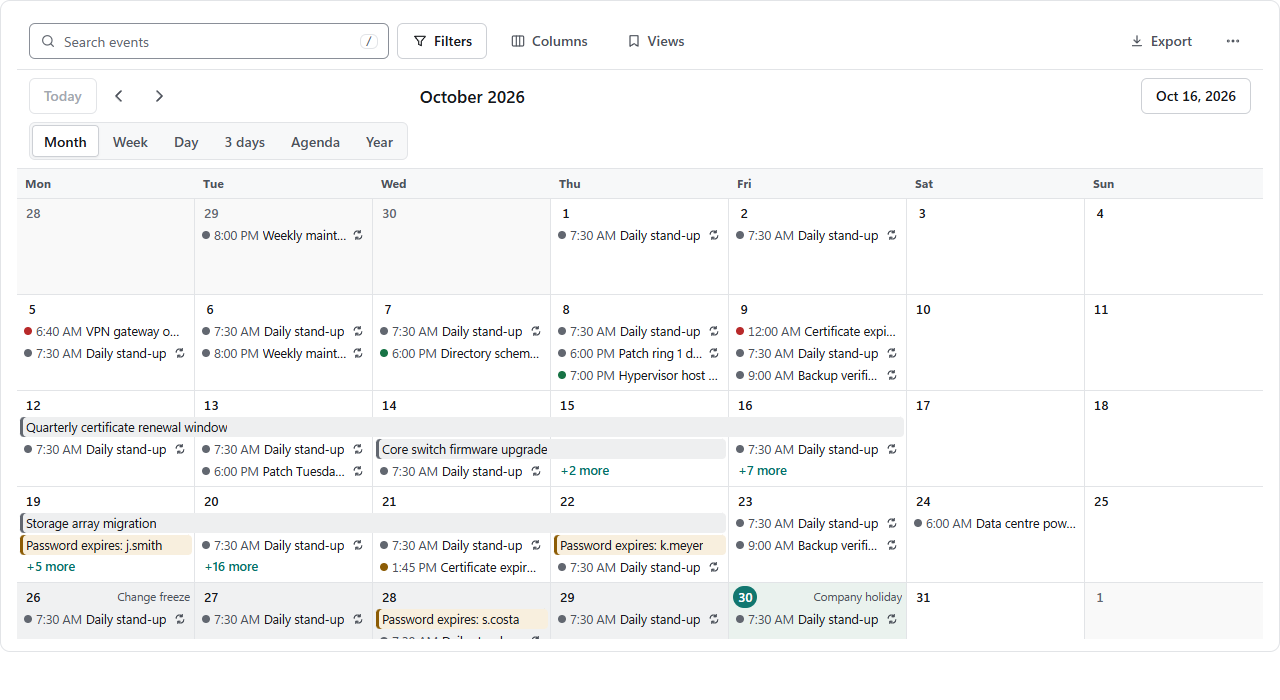 Calendar CanopyCalendar | 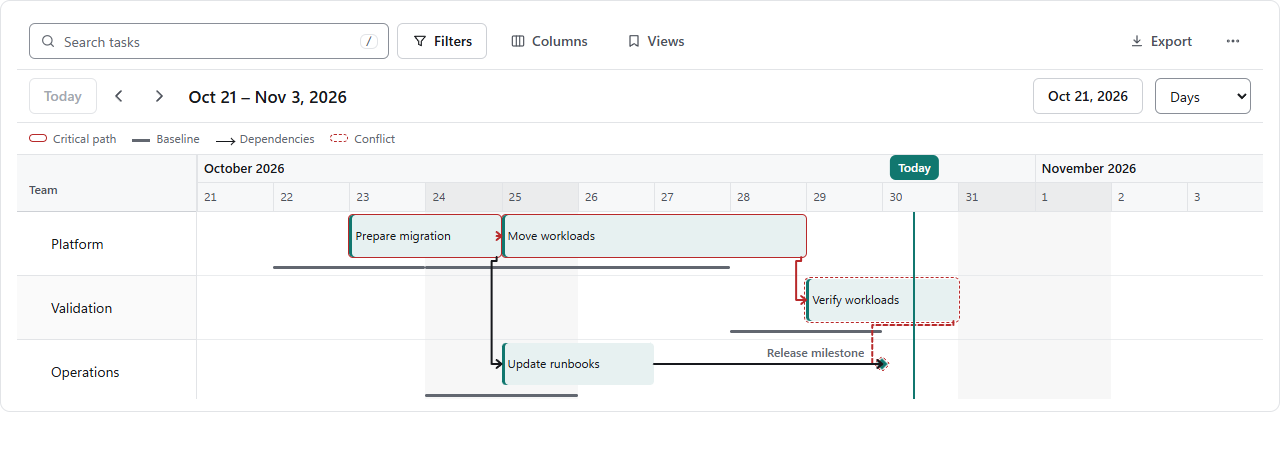 Plan CanopyPlan |
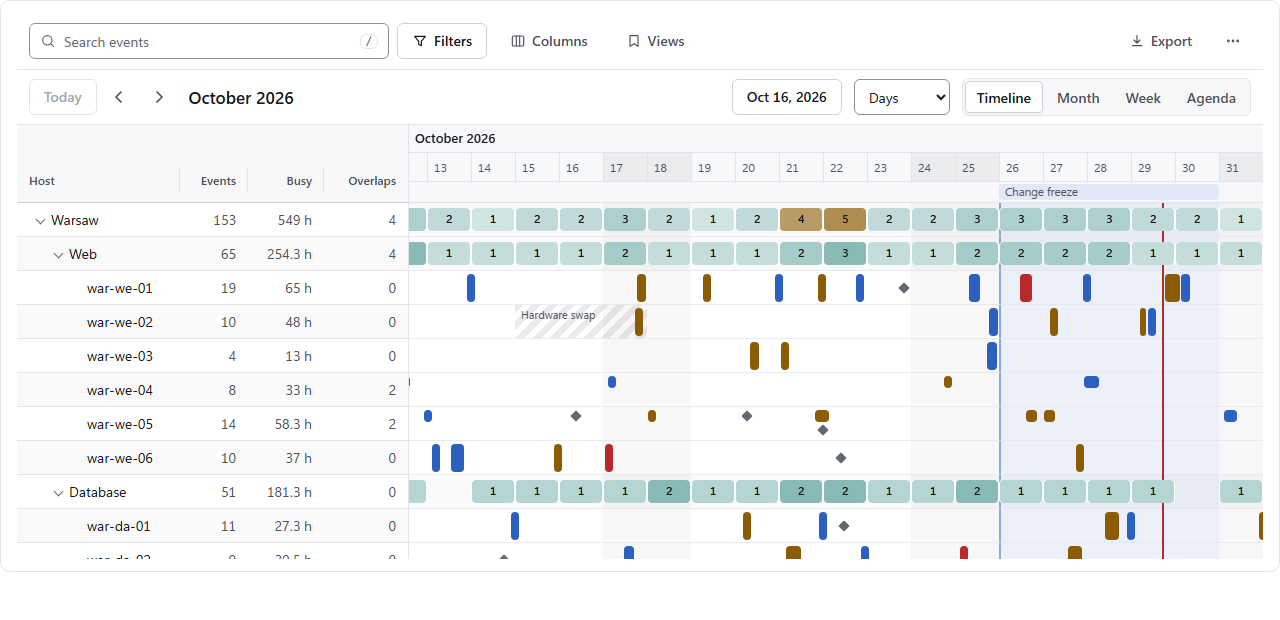 Resource timeline CanopyCalendarResources | 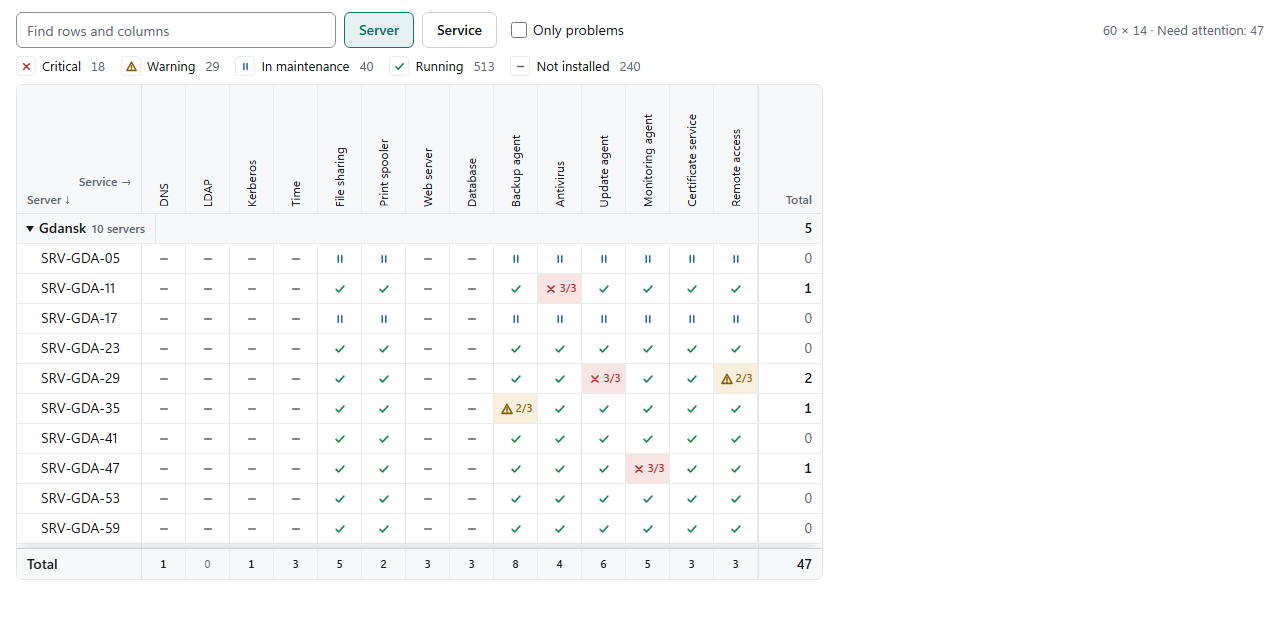 Status matrix CanopyMatrix | 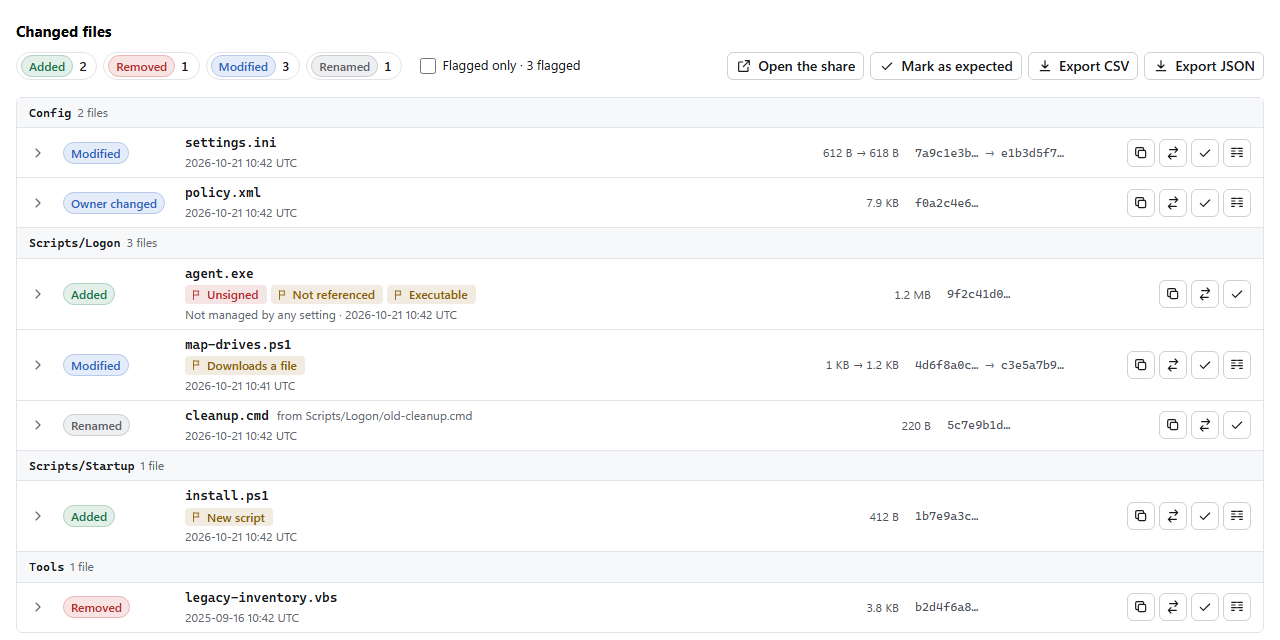 Change review CanopyChangeList, CanopyTextDiff |
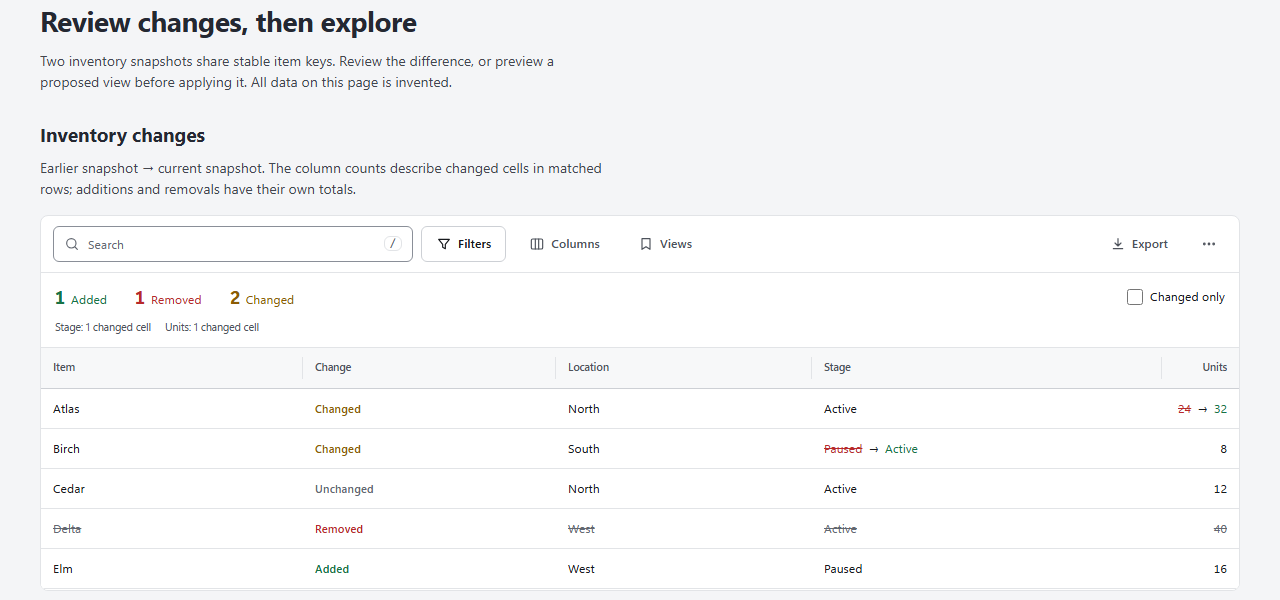 Dataset compare CanopyDatasetComparer | 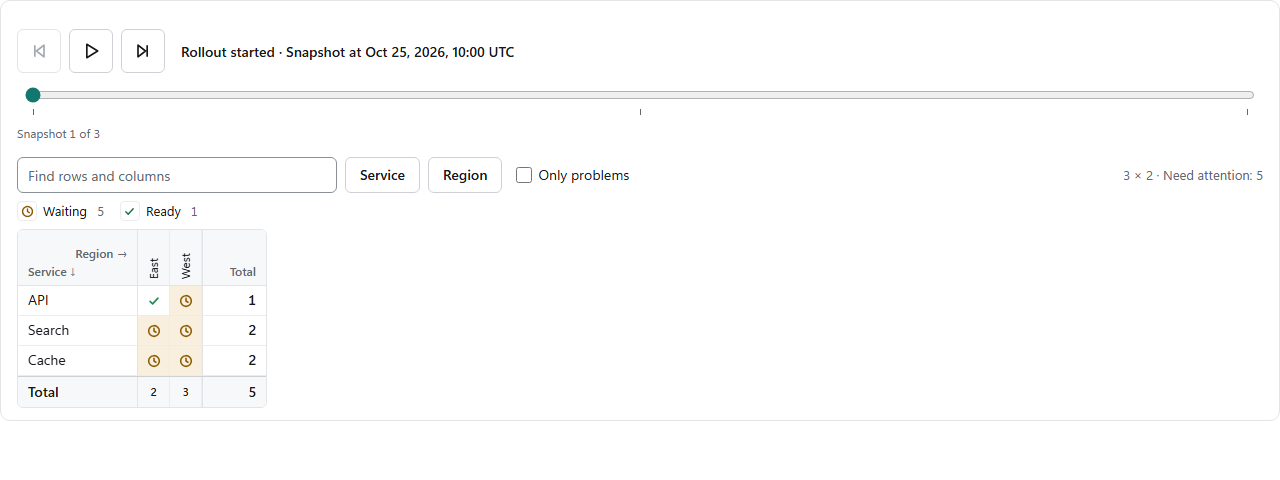 Time slider CanopyTimeSlider | 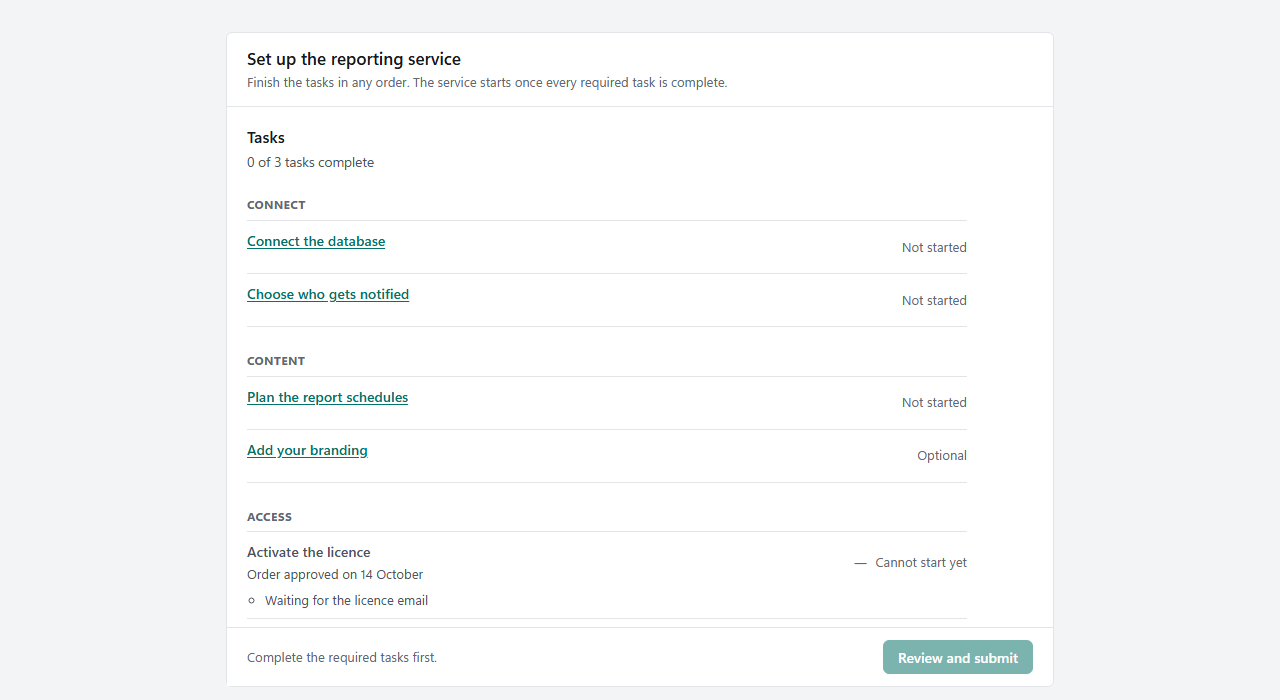 Guided flow CanopyFlow |
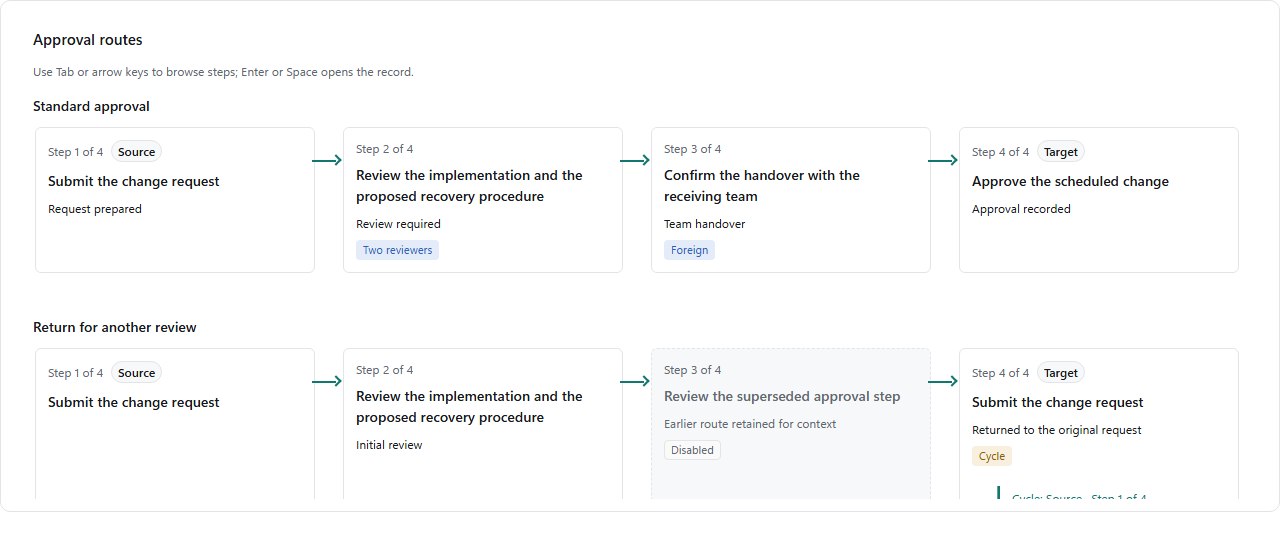 Approval path CanopyPath | 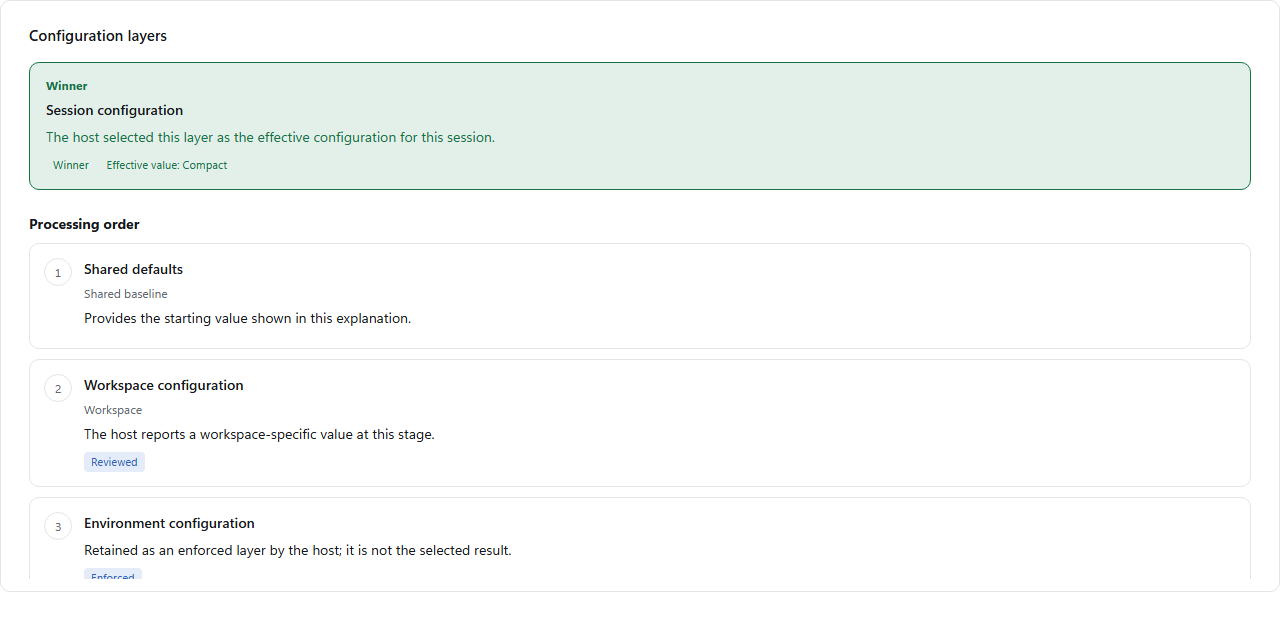 Layer stack CanopyStack | 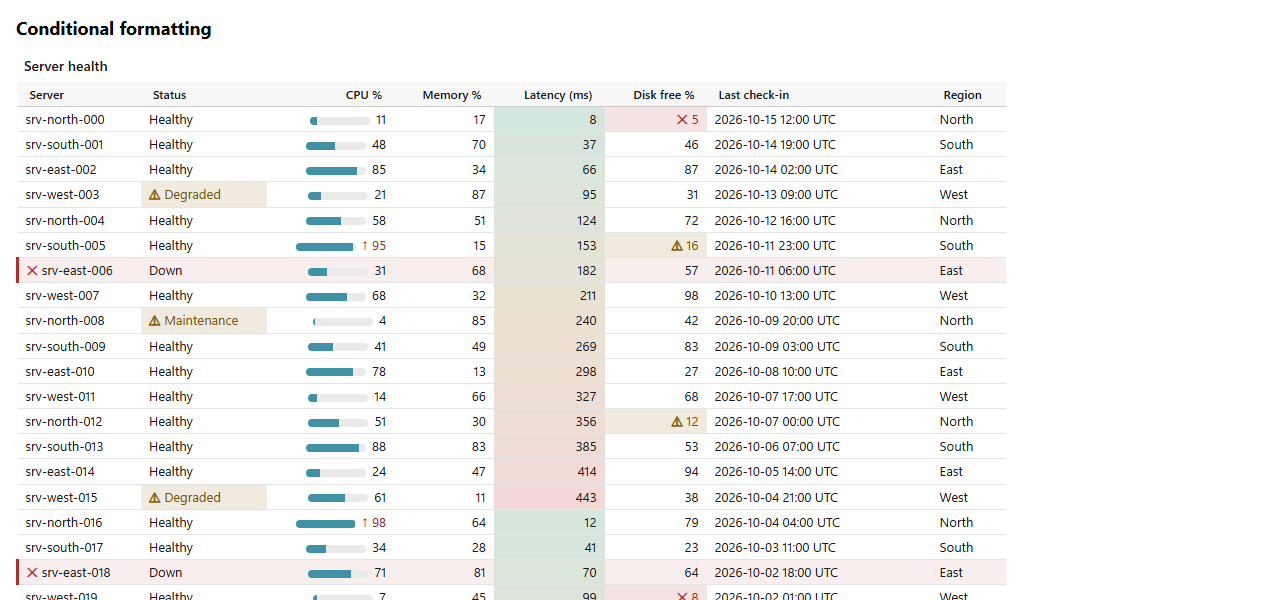 Script-free table CanopyStaticHtml |
Get started
dotnet add package CanopyX.Html
CanopyX.Html brings in CanopyX and the browser assets. Install CanopyX alone when you only need the model, the bundle writer or the script-free renderer.
A report that opens from disk
using CanopyX;
using CanopyX.Html;

var items = new[] { new Item("Archive", 2048, DateTime.UtcNow), new Item("Documents", 512, DateTime.UtcNow) };
CanopyDataGridView.From(items, x => x.Name).SaveHtmlPage("inventory.html");

record Item(string Name, long Size, DateTime Modified);
Every public property becomes a typed column: Size sorts as a number and Modified as a date. [CanopyColumn(Title = "…", Format = "N0")], [CanopyIgnore] and [CanopyKey] adjust them, and From also takes a DataTable or dictionary rows. To choose the columns yourself, name each one from its member, so a renamed property fails the build:
var inventory = new CanopyDataGridView<Item>("inventory", "Inventory", x => x.Name);
inventory.Column(x => x.Name, configure: column => column.Sortable = true);
inventory.Column(x => x.Size, cell: bytes => new CanopyCell(bytes) { Text = $"{bytes:N0} bytes" });
inventory.AddRows(items).SaveHtmlPage("inventory.html");
Open inventory.html in any browser. It carries its own runtime and data, so you can attach it to a ticket or put it on a file share. Numeric values drive sorting; Text is what the reader sees.
A file explorer
var files = new CanopyTreeView("files", "Project files") { Search = new CanopySearchOptions() };
files.Columns.Add(new CanopyColumn("name", "Name") { Sortable = true });
files.Columns.Add(new CanopyColumn("size", "Size") { Kind = CanopyColumnKind.Number, Sortable = true });

var projects = new CanopyNode("projects", "Projects");
var report = new CanopyNode("quarterly-report", "Quarterly report.pdf");
report.Cells["size"] = new CanopyCell(2048L) { Text = "2 KiB" };
projects.Children.Add(report);
files.Roots.Add(projects);

files.SaveHtmlPage("files.html");     // one file
files.SaveHtmlBundle("file-report");  // or a folder that loads branches on demand
A table for email and print
using CanopyX.Rendering;

string table = inventory.ToStaticHtml();
The result is an HTML table with inline styles and no scripts, ready for a mail body, a print layout or Word.
Choose a delivery
| You want | Write | What you get |
|---|---|---|
| One file to attach or archive | view.SaveHtmlPage("report.html") | Data and runtime in a single page |
| A big tree or grid on a file share | view.SaveHtmlBundle("report") | A folder whose branches and rows load as the reader scrolls |
| Millions of database rows | CanopyX.Data + CanopyX.AspNetCore | Paging, filters, summaries, export and edits answered by your server |
| A table in an email | view.ToStaticHtml() | A script-free table that survives mail clients |
Guides
- Getting started: a file explorer and an inventory table, step by step.
- Reporting grids: grouping, filters, aggregates, presenters and export.
- Email and print and delivery modes.
- Server-side data for .NET:
CanopyX.DataandCanopyX.AspNetCore. - Calendar, board, plan, matrix, change views and guided flows.
- Editing, conditional formatting, label packs and security.
Requirements
| Target | Support |
|---|---|
| .NET 8 and .NET 10 | Windows, Linux and macOS |
| .NET Standard 2.0 | Compatible .NET applications |
| .NET Framework 4.7.2 | Windows |
The packages add no third-party runtime dependencies, and generating a report needs no Node.js, npm or build step.
Community and license
CanopyX is an Evotec project, licensed under MIT. Questions and feedback are welcome in the Evotec community on Discord. More Evotec projects are at evotec.xyz.