Mantine Video Component


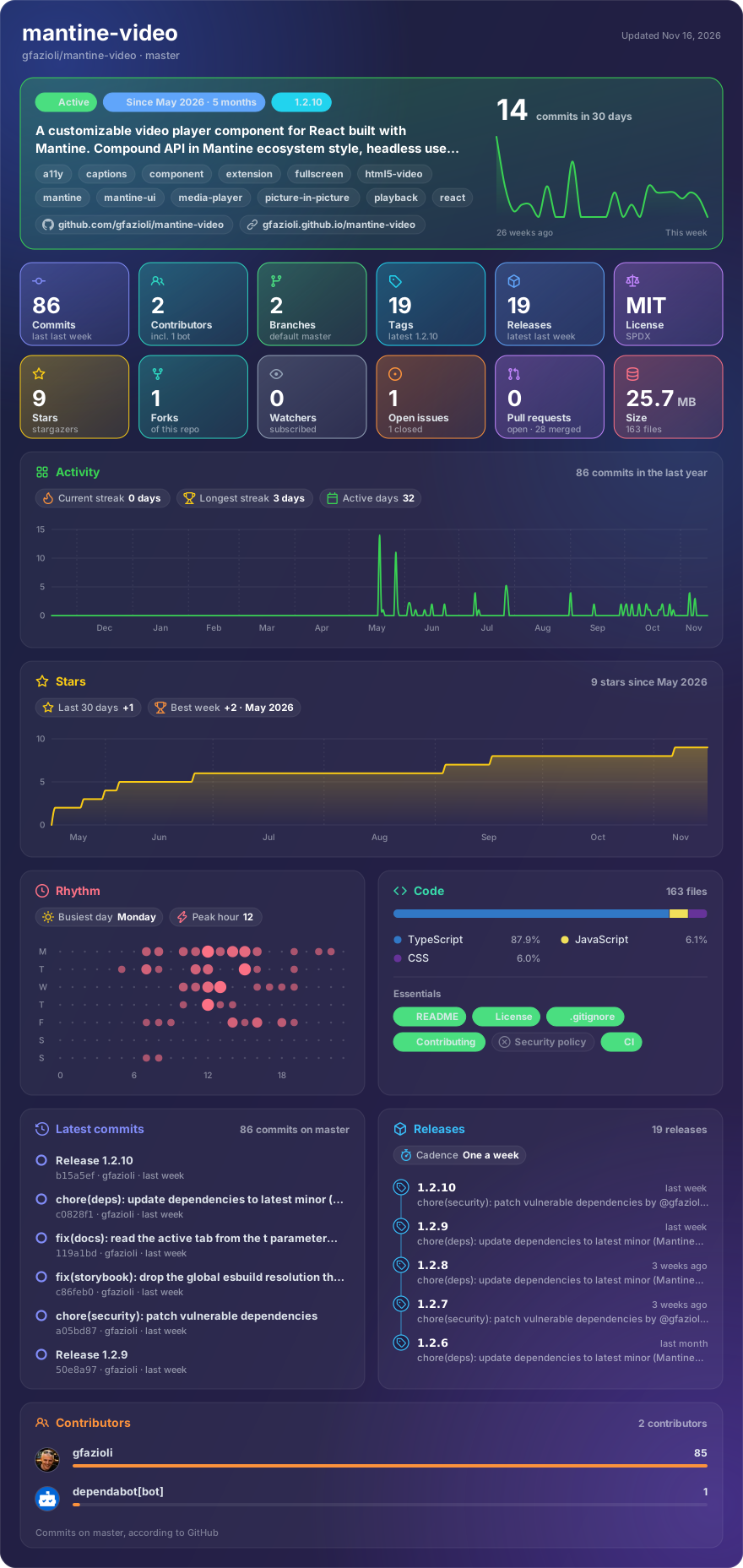
Made with glancecard · refreshed daily
Overview
This component is created on top of the Mantine library. It requires Mantine 9.x and React 19.
Mantine Video is a Mantine‑native video player built on top of the standard HTML <video> element. It pairs a polymorphic root component with a complete compound API (Video.Controls, Video.PlayButton, Video.Timeline, Video.MuteButton, Video.CaptionsButton, Video.PiPButton, Video.FullscreenButton, Video.SkipButton, Video.TimeDisplay) and a fully headless useVideo hook so you can either use the batteries‑included control bar, compose your own with Mantine sub‑components, or build a 100% custom UI on top of the underlying state. Every part is theme‑aware (color scheme, theme colors, radii, sizes), accessible (ARIA labels, keyboard shortcuts, focus management), and customizable through the full Mantine Styles API (classNames, styles, vars, unstyled). Four built‑in variants — overlay, minimal, floating, bordered — cover the most common layouts out of the box. Fullscreen and Picture‑in‑Picture are wired in for browsers that support the standard APIs, with capability‑aware sub‑components that self‑hide when not supported (so you never see a broken button on Firefox).
Features
- 🎬 Compound API —
Video.Controls,Video.PlayButton,Video.SkipButton,Video.Timeline,Video.TimeDisplay,Video.MuteButton,Video.CaptionsButton,Video.PiPButton,Video.FullscreenButton - 🪝 Headless
useVideohook — full state (playing,currentTime,duration,buffered,volume,muted,playbackRate,fullscreen,pip,canPlay,canFullscreen,canPiP,isLoading,error) and actions (play,pause,toggle,seek,seekBy,setVolume,toggleMute,setPlaybackRate,toggleFullscreen,togglePiP) - 🎭 Four variants —
overlay(default, YouTube‑style),minimal,floating,bordered - 🎨 Mantine theme integration —
color,radius,sizeprops plus full color‑scheme awareness - 🎨 Styles API —
classNames,styles,vars,unstyledon every part - ⌨️ Keyboard shortcuts — Space / K (play/pause), J / L (±10s), ←/→ (±5s), ↑/↓ (volume), M (mute), F (fullscreen), P (PiP)
- 🖥️ Fullscreen + Picture‑in‑Picture out of the box, capability‑aware
- 🗣️ Captions / subtitles via native
<track>— toggle button auto‑hides when no tracks present - 🔀 Multiple sources — pass a
sourcesarray to ship several formats/codecs and let the browser pick the first it can play (each entry supportstypeandmedia), withfallbackSrcloaded if every source fails at runtime - 🎛️ Controlled + uncontrolled for
playing,currentTime,volume,playbackRate - ♿ Accessibility — ARIA labels,
aria-pressedtoggles, focus‑visible outlines - 📦 TypeScript — full type safety, every prop documented
[!note]
→ Demo and Documentation → Youtube Video → More Mantine Components
Installation
npm install @gfazioli/mantine-video
or
yarn add @gfazioli/mantine-video
After installation import package styles at the root of your application:
import '@gfazioli/mantine-video/styles.css';
Or use the layered version inside @layer mantine-video:
import '@gfazioli/mantine-video/styles.layer.css';
Usage
The simplest usage — pass src, optionally poster and aspectRatio, and you get a fully themed player with play / pause, seekable timeline, time display, volume, captions, picture‑in‑picture and fullscreen out of the box:
import { Video } from '@gfazioli/mantine-video';

function Demo() {
  return (
    <Video
      src="https://example.com/video.mp4"
      poster="https://example.com/poster.jpg"
      aspectRatio={16 / 9}
    />
  );
}
Custom controls
The default control bar is just a sensible composition of compound sub‑components. Pass controls={false} and provide your own <Video.Controls> children to fully customize the layout — reorder, drop, add or theme any part:
import { Video } from '@gfazioli/mantine-video';

function Demo() {
  return (
    <Video src="https://example.com/video.mp4" aspectRatio={16 / 9} controls={false}>
      <Video.Controls>
        <Video.PlayButton />
        <Video.SkipButton seconds={-10} />
        <Video.SkipButton seconds={10} />
        <Video.Timeline />
        <Video.TimeDisplay format="current/-remaining" />
        <Video.MuteButton />
        <Video.CaptionsButton />
        <Video.PiPButton />
        <Video.FullscreenButton />
      </Video.Controls>
    </Video>
  );
}
Headless with useVideo
If you need a completely custom UI, skip <Video> and use the useVideo hook directly. It returns the video state and a full set of actions; just bind the videoRef to a native <video> element:
import { ActionIcon, Slider } from '@mantine/core';
import { IconPlayerPauseFilled, IconPlayerPlayFilled } from '@tabler/icons-react';
import { useVideo } from '@gfazioli/mantine-video';

function Demo() {
  const video = useVideo();

  return (
    <div>
      <video ref={video.videoRef} src="https://example.com/video.mp4" />
      <ActionIcon onClick={video.toggle}>
        {video.playing ? <IconPlayerPauseFilled /> : <IconPlayerPlayFilled />}
      </ActionIcon>
      <Slider value={video.currentTime} max={video.duration} onChange={video.seek} />
    </div>
  );
}
Picture-in-Picture lifecycle
Hook into the user popping the video in and out — for example to dim a sidebar or show a "playing in PiP" indicator elsewhere on the page:
<Video
  src="..."
  onEnterPictureInPicture={() => console.log('entered PiP')}
  onLeavePictureInPicture={() => console.log('left PiP')}
/>
Variants
| Variant | Description |
|---|---|
overlay (default) | Controls float over the bottom of the video with a gradient backdrop, fade in on hover, auto‑hide while playing |
minimal | Controls placed below the video in the page flow, no overlay |
floating | Like overlay but the bar is a rounded floating card with a blurred backdrop |
bordered | Bordered container wraps both video and controls below, ideal for cards / lists |
Sponsor
Your support helps me:
- Keep the project actively maintained with timely bug fixes and security updates
- Add new features, improve performance, and refine the developer experience
- Expand test coverage and documentation for smoother adoption
- Ensure long‑term sustainability without relying on ad hoc free time
- Prioritize community requests and roadmap items that matter most
Open source thrives when those who benefit can give back—even a small monthly contribution makes a real difference. Sponsorships help cover maintenance time, infrastructure, and the countless invisible tasks that keep a project healthy.
Your help truly matters.
💚 Become a sponsor today and help me keep this project reliable, up‑to‑date, and growing for everyone.