3d- 平地- 梯子- 3dg- 插件


3D 梯子高斯平板 · WebGPU · WebGL2 · GIS / ECEF
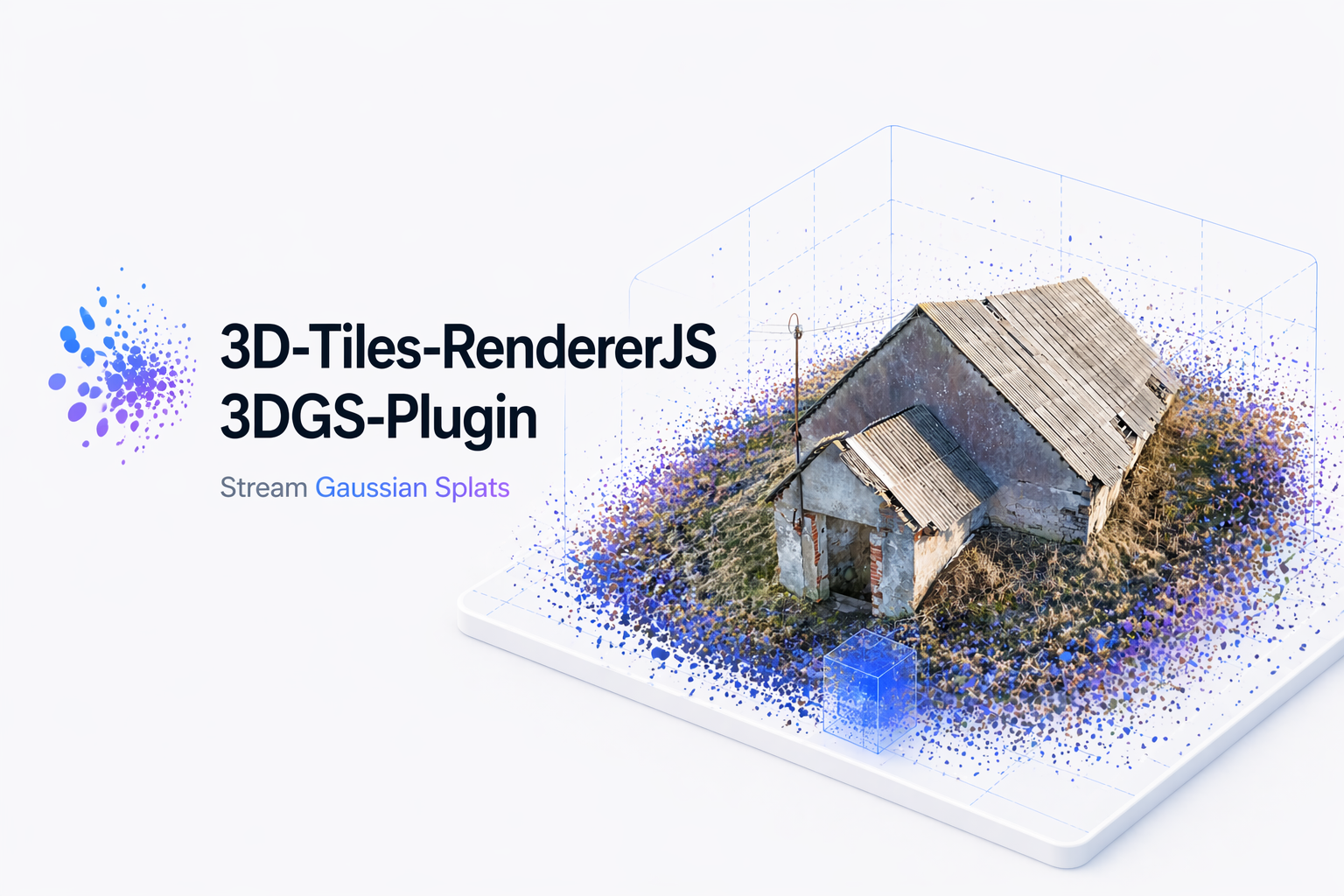
将3D高斯平板板板铺入3.j
3d-tiles-renderer 财务报告和审定财务报表
Gaussian Splat Lite。 。 。 .
WebGPU和WebGL2通过高斯克平板液1.6支持.
插件加载标准未压缩和SPZ压缩的高斯平板
glTF/GLB格式的平板砖。 它支持明示和暗示的 三维平板,平板
处置和内存核算、大型地理信息系统/欧洲经委会坐标
TilesFadePlugin 过渡.
[大 升级到0.3级? 更新高斯平板字为
^1.6.0和三.js (中文(简体) ) 改为>=0.187.0。审查 0.2.x至0.3.x 移徙指南。 。 。 . 对于仍在0.1.x上的应用程序,请遵循 Spark-to-GSL 迁移指南 先说.
渲染后端
| 渲染器 | 后端 | 平板排序 |
|---|---|---|
WebGPURenderer | 原生网络GPU | 绘图前的 GPU 排序 |
WebGPURenderer 与 forceWebGL,或自动后退 | 网络GL2 | 同步工作/ WASM 排序 |
WebGLRenderer | 网络GL2 | 同步工作/ WASM 排序 |
一样 GaussianSplatPlugin 设能通通三道. 渲染器
选择、排序和绘画由高斯克普特利特处理;插件
处理瓦片装载、变换、淡出和处置.
所需资源
three@>=0.187.03d-tiles-renderer@^0.5.0gaussian-splat-lite@^1.6.0- 带有 WebAssembly, Web Workers, ES 模块以及 WebGPU 或 WebGL2 的浏览器
- 本地 WebGPU 需要兼容的浏览器/ GPU 和安全上下文 (HTTPS或本地主机)
安装
npm install 3d-tiles-rendererjs-3dgs-plugin@^0.3.1 gaussian-splat-lite@^1.6.0 three@^0.187.0 3d-tiles-renderer@^0.5.0
快开始
网络GPU
import { Scene, PerspectiveCamera, Vector2 } from 'three';
import { WebGPURenderer } from 'three/webgpu';
import { TilesRenderer } from '3d-tiles-renderer';
import { TilesFadePlugin } from '3d-tiles-renderer/plugins';
import { GaussianSplatRenderer } from 'gaussian-splat-lite';
import { GaussianSplatPlugin } from '3d-tiles-rendererjs-3dgs-plugin';

const renderer = new WebGPURenderer({ antialias: false });
await renderer.init(); // Initialize before creating GaussianSplatRenderer.
renderer.setPixelRatio(window.devicePixelRatio);
renderer.setSize(window.innerWidth, window.innerHeight);
document.body.appendChild(renderer.domElement);

const scene = new Scene();
const camera = new PerspectiveCamera(
  60,
  window.innerWidth / window.innerHeight,
  0.1,
  10000,
);
camera.position.set(0, 0, 3); // Adjust the camera to your tileset's coordinates.

const tiles = new TilesRenderer('https://example.com/tileset.json');
tiles.setCamera(camera);
const size = new Vector2();
tiles.setResolution(camera, renderer.getSize(size));

// The application owns one scene-level Gaussian renderer.
const splatRenderer = new GaussianSplatRenderer({ renderer });
scene.add(splatRenderer);
tiles.registerPlugin(new TilesFadePlugin());
tiles.registerPlugin(new GaussianSplatPlugin());

scene.add(tiles.group);

renderer.setAnimationLoop(() => {
  tiles.update();
  renderer.render(scene, camera);
});

window.addEventListener('resize', () => {
  camera.aspect = window.innerWidth / window.innerHeight;
  camera.updateProjectionMatrix();
  renderer.setSize(window.innerWidth, window.innerHeight);
  tiles.setResolution(camera, renderer.getSize(size));
});
WebGPURenderer 当WebGPU不可用时,自动返回WebGL2.
该示例使用 setResolution(camera, renderer.getSize(size)) 也一样
类型检查 [email protected],其 setResolutionFromRenderer
声明只接受 WebGLRenderer。 。 。 .
网络GL2
强制使用 WebGL2 后端 WebGPURenderer,更改其构造器:
const renderer = new WebGPURenderer({ antialias: false, forceWebGL: true });
await renderer.init();
对于经典的WebGL渲染器,替换WebGPU导入,构建器,以及 初始化为:
import { WebGLRenderer } from 'three';

const renderer = new WebGLRenderer({ antialias: false });
留下剩下的场景,瓷砖,和 GaussianSplatRenderer 设置不变.
网络XR / VR
高斯平板制造器是WebXR-aware,当 renderer.xr.isPresenting。 。 。 .
WebXR 应用程序必须切换 TilesRenderer 在正常相机和
3个J的XR ArrayCamera 作为会话的开始和结束。 见
WebXR / VR 整合指南 完全设置.
高斯克特立特渲染器
GaussianSplatPlugin 不创建、配置或处置
GaussianSplatRenderer创建、保留其参考文献并直接添加
在渲染前到达现场:
const gaussianSplatRenderer = new GaussianSplatRenderer({
  renderer,
  renderDepth: true,
});
scene.add(gaussianSplatRenderer);

tiles.registerPlugin(new GaussianSplatPlugin());
插件不验证渲染器是否存在 。 没有一块,瓷砖
SplatMesh 实例仍在装入,但没有绘制。 通过渲染设置, 如
blurAmount, (中文(简体) ), focalAdjustment, (中文(简体) ), depthTest,以及 renderDepth 直接转到
Gaussian Splate Lite, 不在此插件上 .
renderDepth 添加一个相伴的 Splat 深度绘图来分隔几何
稍后被调走 GSL 1.0还提供可选 stochastic, (中文(简体) ), autoStochastic, (中文(简体) ),
财务报告和审定财务报表 StochasticResolvePass 翻译。 这些是渲染器的特性和作品
与WebGPU和WebGL2上所创建的平板板一起.
对于完整的选项列表, 默认值, 运行时属性, 以及点名
渲染设置,见
GaussianSplatRenderer 设置页面。 。 。 .
支持的内容
标准不压缩和SPZ压缩的高斯克平板砖得到支持 glTF/GLB格式。 两者都采用相同的插件设置.
未压缩的瓦片目前需要sRGB颜色. 其他压缩格式 不支持.
API 密码
new GaussianSplatPlugin({
  minRaycastOpacity: 0.15,
});
| 选项 | 默认 | 说明 |
|---|---|---|
minRaycastOpacity | 高斯克特立特默认值( N)0.15 (单位:百分数1.0) | 每平板内核-阿尔法阈值可以剪接射线广播命中区. 设定一个明确的值,以在整个GSL升级中保持这一阈值. |
公共出口:
import {
  GaussianSplatPlugin,
  type GaussianSplatPluginOptions,
} from '3d-tiles-rendererjs-3dgs-plugin';
实例与发展
这个 examples/ WebGL2 演示包括明示和默示样本
瓷砖,一个地球, 瓷砖交换,和LOD控制。 发展需要
节点.js 22.12.0或更新.
样本数据 data/ 由 PLY 格式 3D 高斯文转换
将文件复制到
3DGS-PLY-3DTiles-Converter。 。 。 .
npm install
npm start               # Run the demo with Vite
npm run check           # Type-check the package
npm run build           # Build the npm package
npm run build-examples  # Build the static demo
许可证
阿帕奇 - 2.0