3d-tiles-rendererjs-3dgs-plugin


3D Tiles Gaussian Splatting · WebGPU · WebGL2 · GIS / ECEF
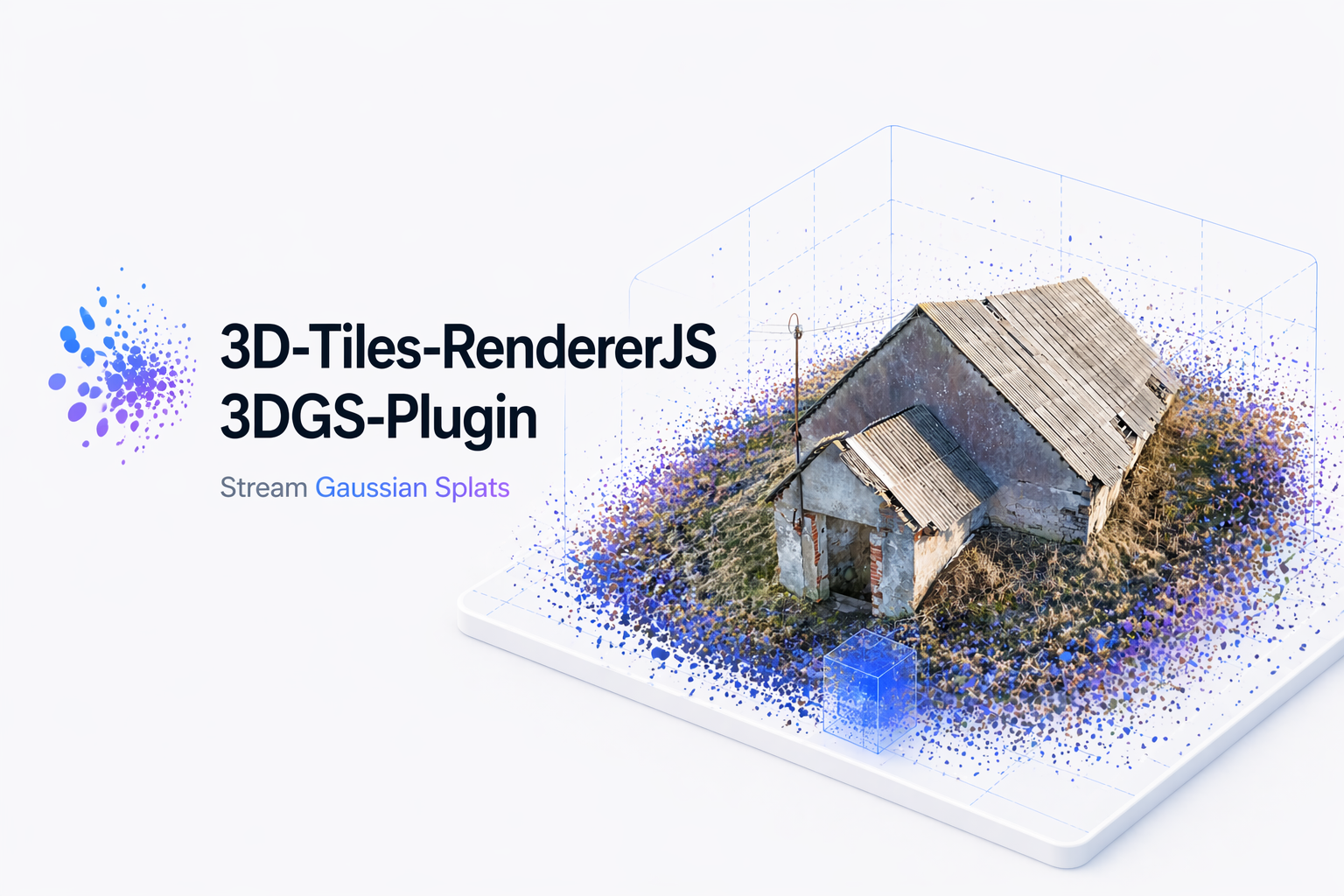
Stream 3D Gaussian Splatting tiles into Three.js with
3d-tiles-renderer and
Gaussian Splat Lite.
WebGPU and WebGL2 are supported through Gaussian Splat Lite 1.6.
The plugin loads standard uncompressed and SPZ-compressed Gaussian splat
tiles in glTF/GLB format. It supports explicit and implicit 3D Tiles, tile
disposal and memory accounting, large GIS/ECEF coordinates, and
TilesFadePlugin transitions.
[!IMPORTANT] Upgrading to 0.3? Update Gaussian Splat Lite to
^1.6.0and Three.js to>=0.187.0. Review the renderer and raycast default changes in the 0.2.x to 0.3.x migration guide. For applications still on 0.1.x, follow the Spark-to-GSL migration guide first.
Rendering backends
| Renderer | Backend | Splat sorting |
|---|---|---|
WebGPURenderer | Native WebGPU | GPU sorting before drawing |
WebGPURenderer with forceWebGL, or automatic fallback | WebGL2 | Asynchronous Worker/WASM sorting |
WebGLRenderer | WebGL2 | Asynchronous Worker/WASM sorting |
The same GaussianSplatPlugin setup works with all three paths. Renderer
selection, sorting, and drawing are handled by Gaussian Splat Lite; the plugin
handles tile loading, transforms, fading, and disposal.
Requirements
three@>=0.187.03d-tiles-renderer@^0.5.0gaussian-splat-lite@^1.6.0- A browser with WebAssembly, Web Workers, ES modules, and WebGPU or WebGL2
- Native WebGPU requires a compatible browser/GPU and a secure context (HTTPS or localhost)
Installation
npm install 3d-tiles-rendererjs-3dgs-plugin@^0.3.1 gaussian-splat-lite@^1.6.0 three@^0.187.0 3d-tiles-renderer@^0.5.0
Quick start
WebGPU
import { Scene, PerspectiveCamera, Vector2 } from 'three';
import { WebGPURenderer } from 'three/webgpu';
import { TilesRenderer } from '3d-tiles-renderer';
import { TilesFadePlugin } from '3d-tiles-renderer/plugins';
import { GaussianSplatRenderer } from 'gaussian-splat-lite';
import { GaussianSplatPlugin } from '3d-tiles-rendererjs-3dgs-plugin';

const renderer = new WebGPURenderer({ antialias: false });
await renderer.init(); // Initialize before creating GaussianSplatRenderer.
renderer.setPixelRatio(window.devicePixelRatio);
renderer.setSize(window.innerWidth, window.innerHeight);
document.body.appendChild(renderer.domElement);

const scene = new Scene();
const camera = new PerspectiveCamera(
  60,
  window.innerWidth / window.innerHeight,
  0.1,
  10000,
);
camera.position.set(0, 0, 3); // Adjust the camera to your tileset's coordinates.

const tiles = new TilesRenderer('https://example.com/tileset.json');
tiles.setCamera(camera);
const size = new Vector2();
tiles.setResolution(camera, renderer.getSize(size));

// The application owns one scene-level Gaussian renderer.
const splatRenderer = new GaussianSplatRenderer({ renderer });
scene.add(splatRenderer);
tiles.registerPlugin(new TilesFadePlugin());
tiles.registerPlugin(new GaussianSplatPlugin());

scene.add(tiles.group);

renderer.setAnimationLoop(() => {
  tiles.update();
  renderer.render(scene, camera);
});

window.addEventListener('resize', () => {
  camera.aspect = window.innerWidth / window.innerHeight;
  camera.updateProjectionMatrix();
  renderer.setSize(window.innerWidth, window.innerHeight);
  tiles.setResolution(camera, renderer.getSize(size));
});
WebGPURenderer automatically falls back to WebGL2 when WebGPU is unavailable.
The example uses setResolution(camera, renderer.getSize(size)) so it also
type-checks with [email protected], whose setResolutionFromRenderer
declaration accepts only WebGLRenderer.
WebGL2
To force the WebGL2 backend of WebGPURenderer, change its constructor:
const renderer = new WebGPURenderer({ antialias: false, forceWebGL: true });
await renderer.init();
For the classic WebGL renderer, replace the WebGPU import, constructor, and initialization with:
import { WebGLRenderer } from 'three';

const renderer = new WebGLRenderer({ antialias: false });
Keep the remaining scene, tile, and GaussianSplatRenderer setup unchanged.
WebXR / VR
The Gaussian splat renderer is WebXR-aware when renderer.xr.isPresenting.
WebXR applications must switch TilesRenderer between the normal camera and
Three.js' XR ArrayCamera as sessions start and end. See the
WebXR / VR integration guide for the complete setup.
Gaussian Splat Lite renderer
GaussianSplatPlugin does not create, configure, or dispose a
GaussianSplatRenderer. Create one, retain its reference, and add it directly
to the scene before rendering:
const gaussianSplatRenderer = new GaussianSplatRenderer({
  renderer,
  renderDepth: true,
});
scene.add(gaussianSplatRenderer);

tiles.registerPlugin(new GaussianSplatPlugin());
The plugin does not validate that the renderer exists. Without one, tile
SplatMesh instances still load but are not drawn. Pass render settings such as
blurAmount, focalAdjustment, depthTest, and renderDepth directly to
Gaussian Splat Lite, not to this plugin.
renderDepth adds a companion Splat depth draw for occlusion of geometry
rendered later. GSL 1.0 also provides optional stochastic, autoStochastic,
and StochasticResolvePass rendering. These are renderer features and work
with the tile-created Splats on WebGPU and WebGL2.
For the complete list of options, defaults, runtime properties, and on-demand
rendering setup, see the
GaussianSplatRenderer settings page.
Supported content
Standard uncompressed and SPZ-compressed Gaussian splat tiles are supported in glTF/GLB format. Both work with the same plugin setup.
Uncompressed tiles currently require sRGB colors. Other compression formats are not supported.
API
new GaussianSplatPlugin({
  minRaycastOpacity: 0.15,
});
| Option | Default | Description |
|---|---|---|
minRaycastOpacity | Gaussian Splat Lite default (0.15 in GSL 1.0) | Per-splat kernel-alpha threshold that clips the raycast hit area. Set an explicit value to preserve this threshold across GSL upgrades. |
Public exports:
import {
  GaussianSplatPlugin,
  type GaussianSplatPluginOptions,
} from '3d-tiles-rendererjs-3dgs-plugin';
Example and development
The examples/ WebGL2 demo includes explicit and implicit sample
tilesets, a globe, tileset switching, and LOD controls. Development requires
Node.js 22.12.0 or newer.
The sample data in data/ was converted from PLY-format 3D Gaussian
Splatting files with
3DGS-PLY-3DTiles-Converter.
npm install
npm start               # Run the demo with Vite
npm run check           # Type-check the package
npm run build           # Build the npm package
npm run build-examples  # Build the static demo
License
Apache-2.0